

Security News
Deno Goes the Way of the Dinosaur
Cloudflare is acquiring Deno’s team, which will provide another year of bug fixes and security updates before ending support for the runtime.
By Sarah Gooding - Oct 16, 2026
mcp-retriever
Advanced tools
One MCP server for web search, page extraction, and cited research. Use your own providers, combine their results, and keep API keys out of client configs.
web_search_fused.Supports Tavily, Brave, Exa, You.com, SearXNG, GitHub, Linkup, Firecrawl, and Context.dev. Configure only what you use.
Requires Node.js 22+ and a provider key, or your own SearXNG instance.
npx -y mcp-retriever setup
Choose providers, save keys privately, and connect your MCP client. The wizard writes Claude Desktop and Cursor entries, or shows the command/configuration for Claude Code and Codex. Billable key checks require consent.
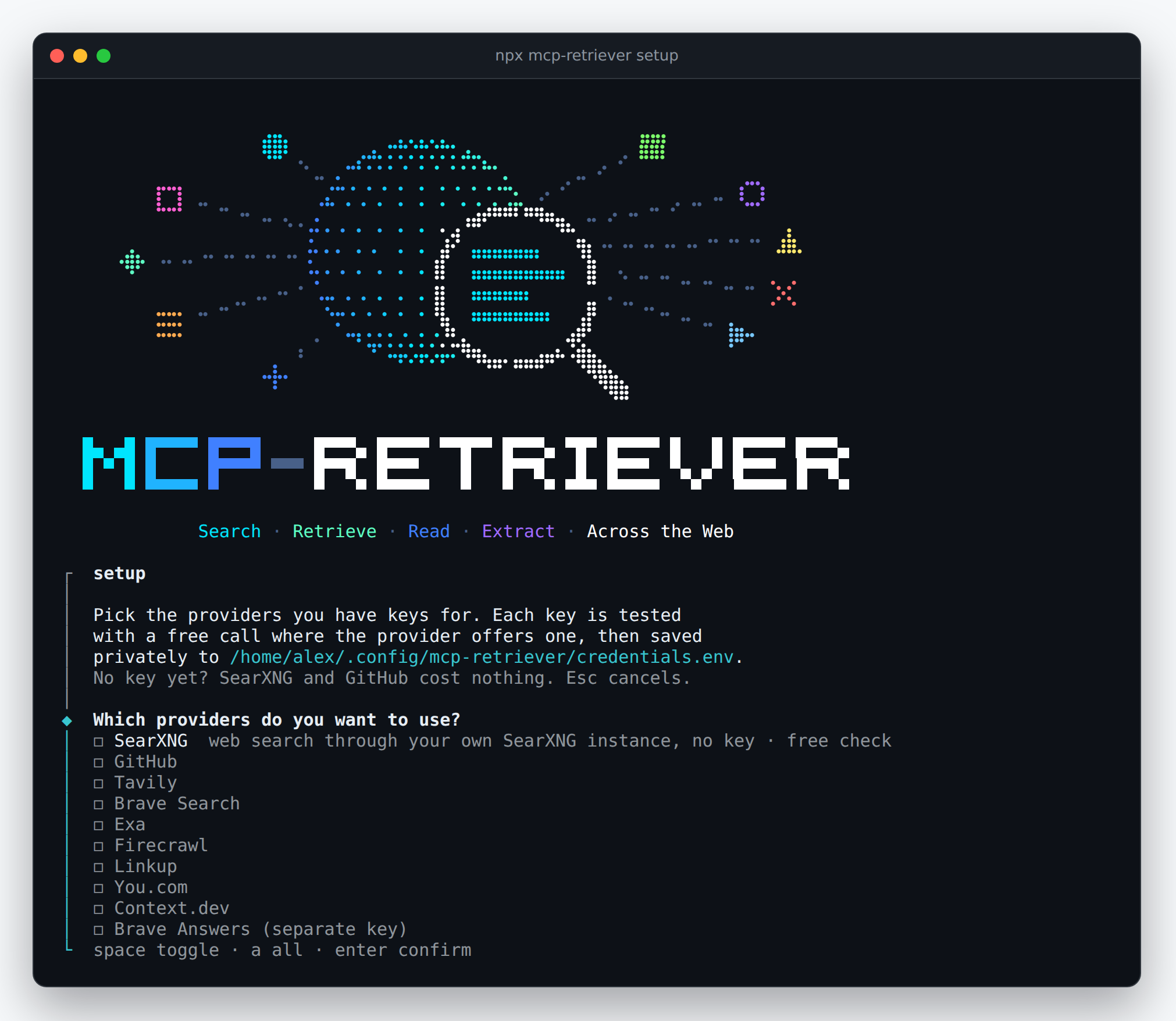
Keys are stored in ~/.config/mcp-retriever/credentials.env, not in
client configs. Restart your client after setup.
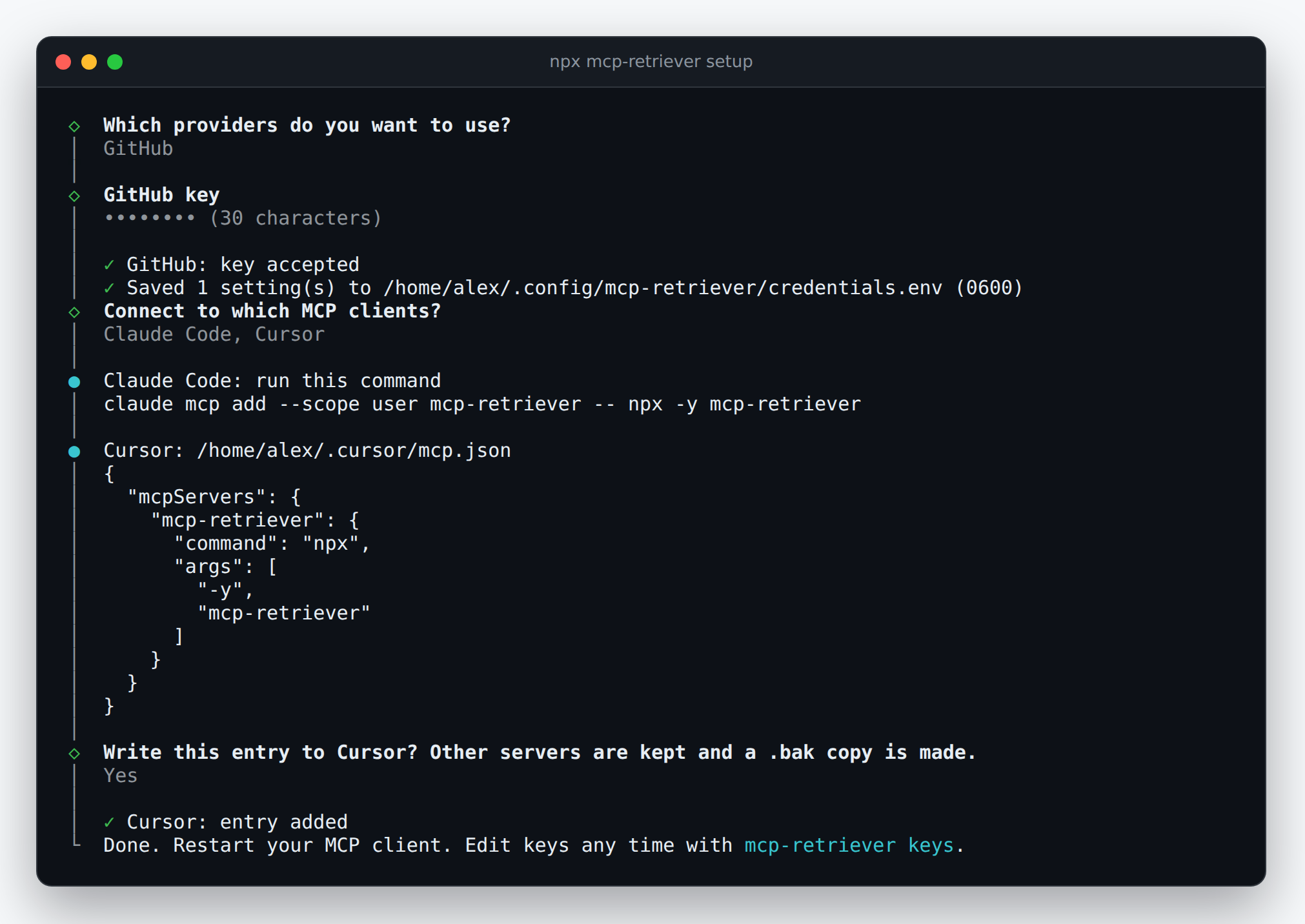
Add, test, or remove keys:
npx mcp-retriever keys
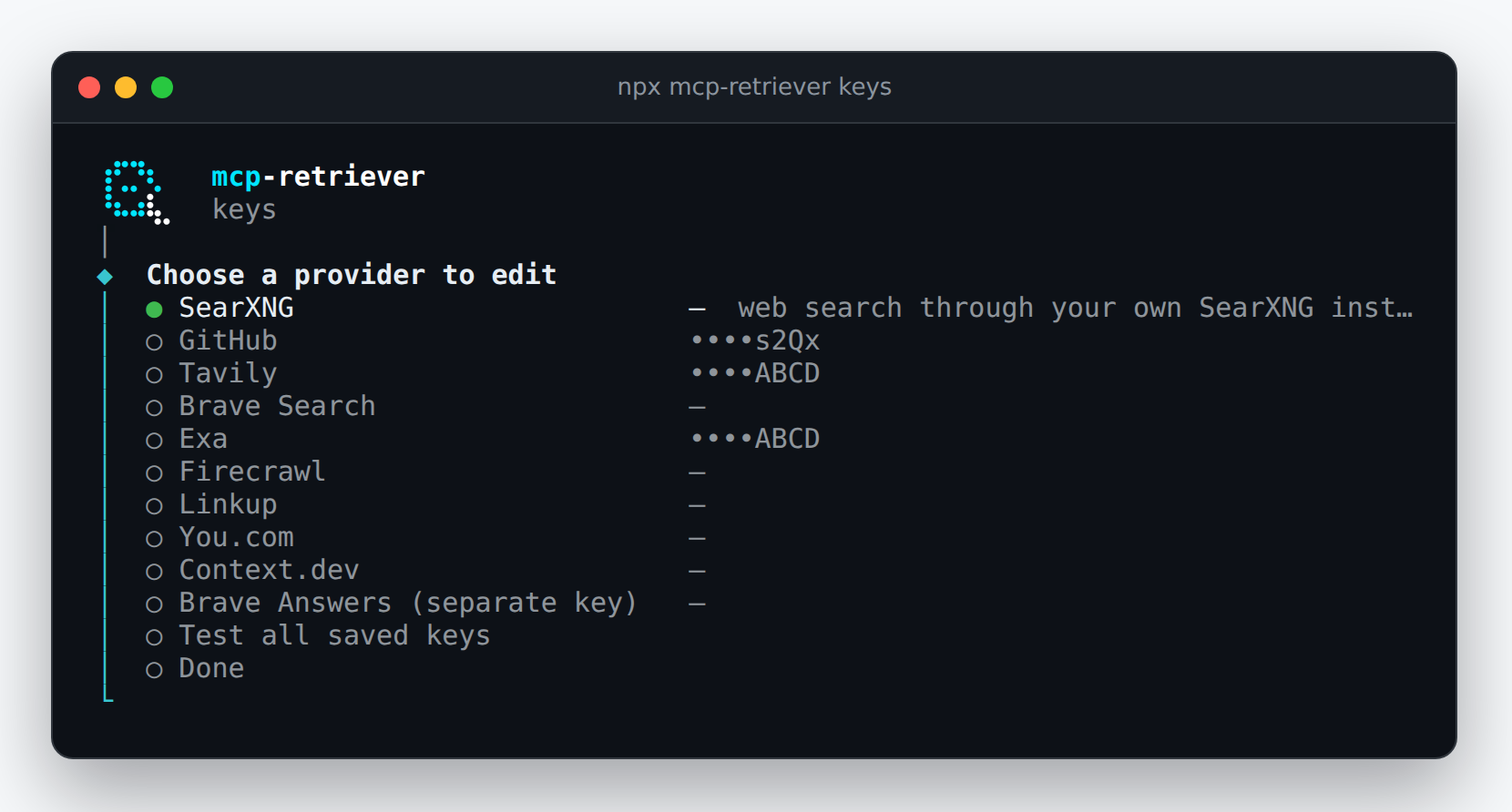
Screenshots show a demo session with fixture credentials and a mocked key-check response, not a live provider validation.
Call web_search_fused with two configured search providers:
{
	"query": "reciprocal rank fusion hybrid search",
	"providers": ["brave", "exa"],
	"limit": 3
}
Results include source providers and merged rankings. If a provider fails, available results are returned with per-provider status.
Each server instance shares one trust boundary. Do not use its result store for mutually untrusted clients. Spending caps depend on provider-reported usage, not estimated costs.
MIT.
Formerly named mcp-omnisearch; a maintained fork of Scott Spence's
mcp-omnisearch. When
upgrading this fork, rename OMNISEARCH_* settings to RETRIEVER_*,
omnisearch:// resources to retriever://, and _meta.omnisearch to
_meta.retriever. Preserve the old result store and spending ledger
when moving to ~/.cache/mcp-retriever/results; Docker/MCPO clients
must also change /omnisearch to /retriever.
FAQs
MCP server for multi-provider web search and content retrieval
The npm package mcp-retriever receives a total of 0 weekly downloads. As such, mcp-retriever popularity was classified as not popular.
We found that mcp-retriever demonstrated a healthy version release cadence and project activity because the last version was released less than a year ago. It has 1 open source maintainer collaborating on the project.
Security News
Cloudflare is acquiring Deno’s team, which will provide another year of bug fixes and security updates before ending support for the runtime.

Security News
Anthropic’s free OSS Scanner uses Mythos and other Claude models to find open source vulnerabilities and send maintainers reports with proposed fixes.

Security News
On Front Lines’ Early Adopters: CISO podcast, Andrew Becherer shares lessons from Datadog, weighs the long-term costs of AI-built tools, and explains how founders can actually gain a CISO’s trust.