bpmn-js-properties-panel

A properties panel extension for bpmn-js that adds the ability to edit technical properties (generic and Camunda).
Features
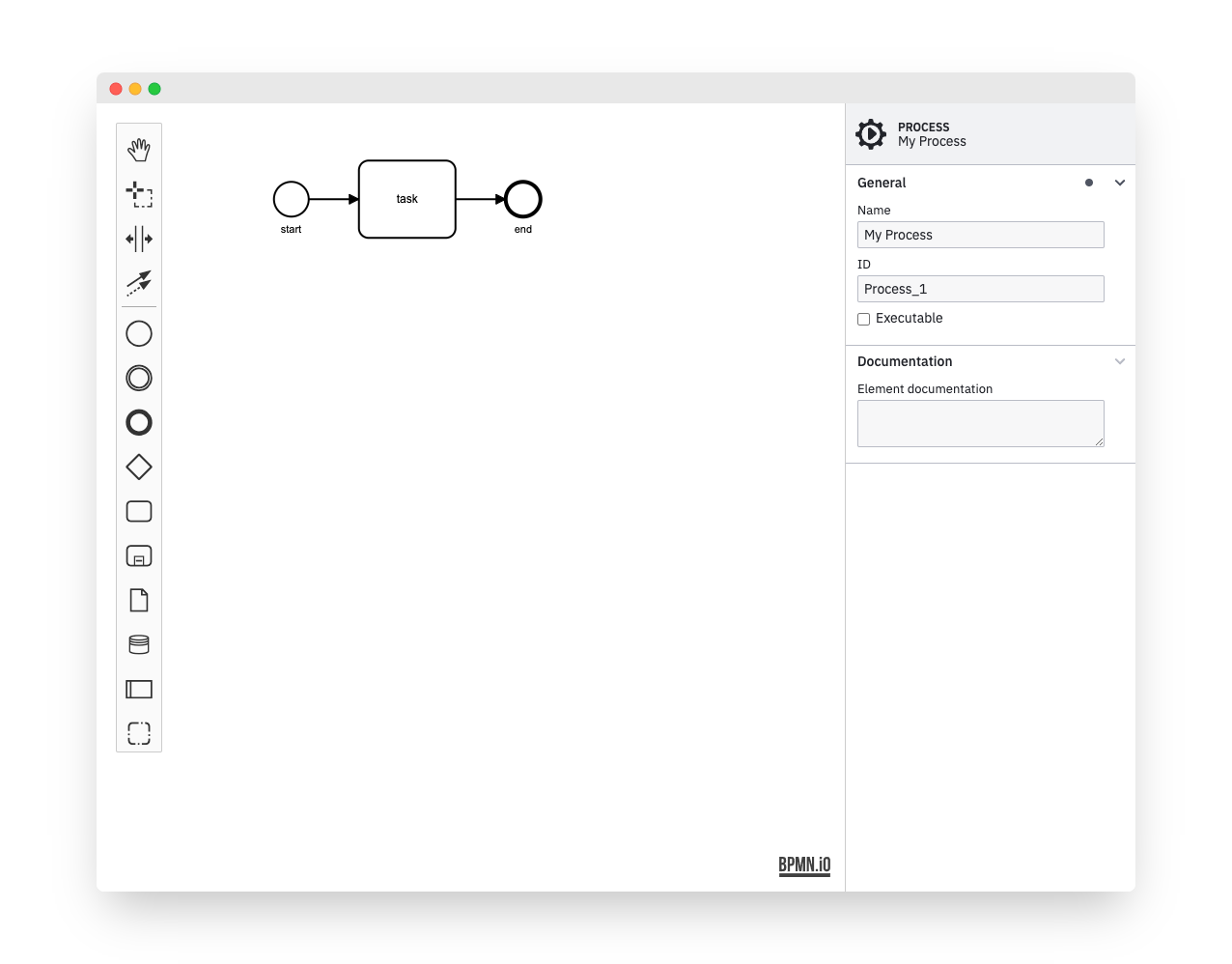
The properties panel allows users to edit invisible BPMN properties in a convenient way.
Some of the features are:
- Edit element ids, multi-instance details and more
- Edit execution related Camunda properties
- Redo and undo (plugs into the bpmn-js editing cycle)
Usage
Provide two HTML elements, one for the properties panel and one for the BPMN diagram:
<div class="modeler">
<div id="canvas"></div>
<div id="properties"></div>
</div>
Bootstrap bpmn-js with the properties panel and a properties provider:
var BpmnJS = require('bpmn-js/lib/Modeler'),
    propertiesPanelModule = require('bpmn-js-properties-panel'),
    propertiesProviderModule = require('bpmn-js-properties-panel/lib/provider/bpmn');

var bpmnJS = new BpmnJS({
  additionalModules: [
    propertiesPanelModule,
    propertiesProviderModule
  ],
  container: '#canvas',
  propertiesPanel: {
    parent: '#properties'
  }
});
Dynamic Attach/Detach
You may attach or detach the properties panel dynamically to any element on the page, too:
var propertiesPanel = bpmnJS.get('propertiesPanel');
propertiesPanel.detach();
propertiesPanel.attachTo('#other-properties');
Use with Camunda properties
In order to be able to edit Camunda related properties, use the camunda properties provider.
In addition, you need to define the camunda namespace via camunda-bpmn-moddle.
var BpmnJS = require('bpmn-js/lib/Modeler'),
propertiesPanelModule = require('bpmn-js-properties-panel'),
propertiesProviderModule = require('bpmn-js-properties-panel/lib/provider/camunda');
var camundaModdleDescriptor = require('camunda-bpmn-moddle/resources/camunda');
var bpmnJS = new BpmnJS({
additionalModules: [
propertiesPanelModule,
propertiesProviderModule
],
container: '#canvas',
propertiesPanel: {
parent: '#properties'
},
moddleExtensions: {
camunda: camundaModdleDescriptor
}
});
...
Additional Resources
Development
Running the tests
npm install

export TEST_BROWSERS=Chrome
npm run all
License
MIT




