pi-token-burden


See where your system prompt tokens go.
A pi extension that parses the assembled
system prompt and shows a token-budget breakdown by section. Run /token-burden
to see how much of your context window is consumed by the base prompt, context
files (AGENTS.md / CLAUDE.md), skills, SYSTEM.md overrides, and metadata.
Install
pi install npm:pi-token-burden
Or from git:
pi install git:github.com/Whamp/pi-token-burden
To try it for a single session without installing, use pi -e npm:pi-token-burden.
Requirements
Usage
Type /token-burden in any pi session. An overlay appears with a stacked bar
and a drill-down table:
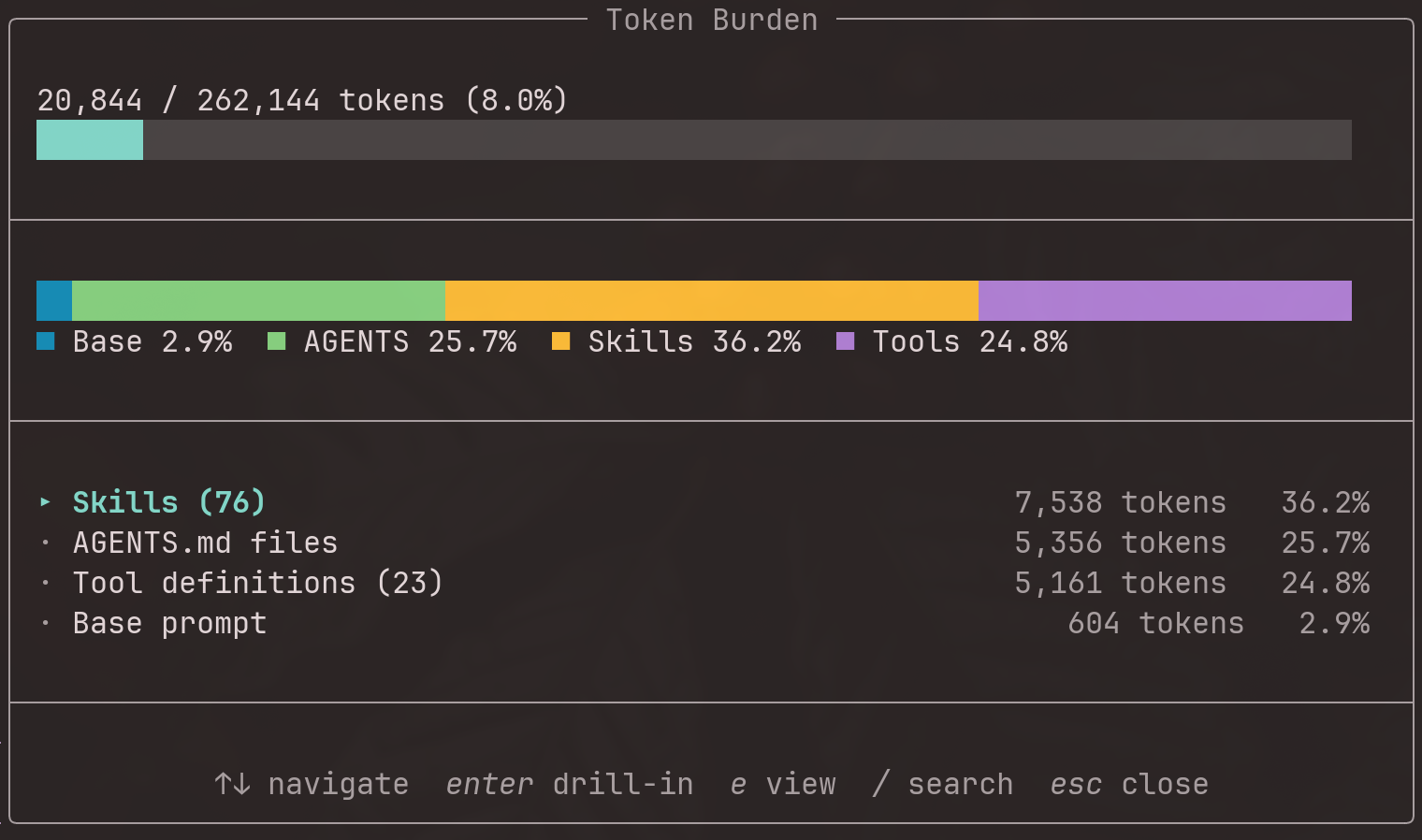
The table is sorted by token count (descending). Use arrow keys to navigate,
Enter to drill down into children (e.g., individual skills or context files),
and / to fuzzy-search items.
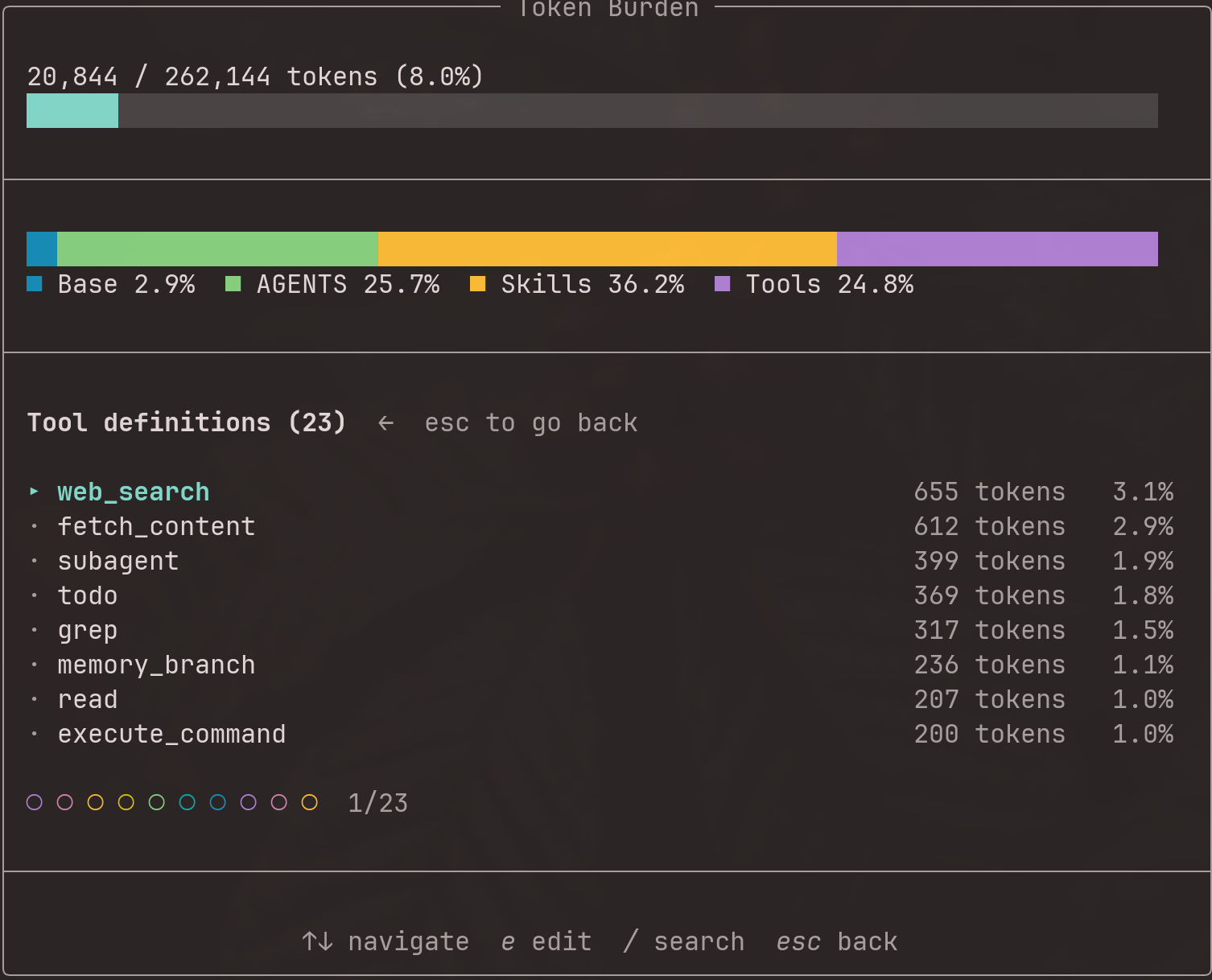
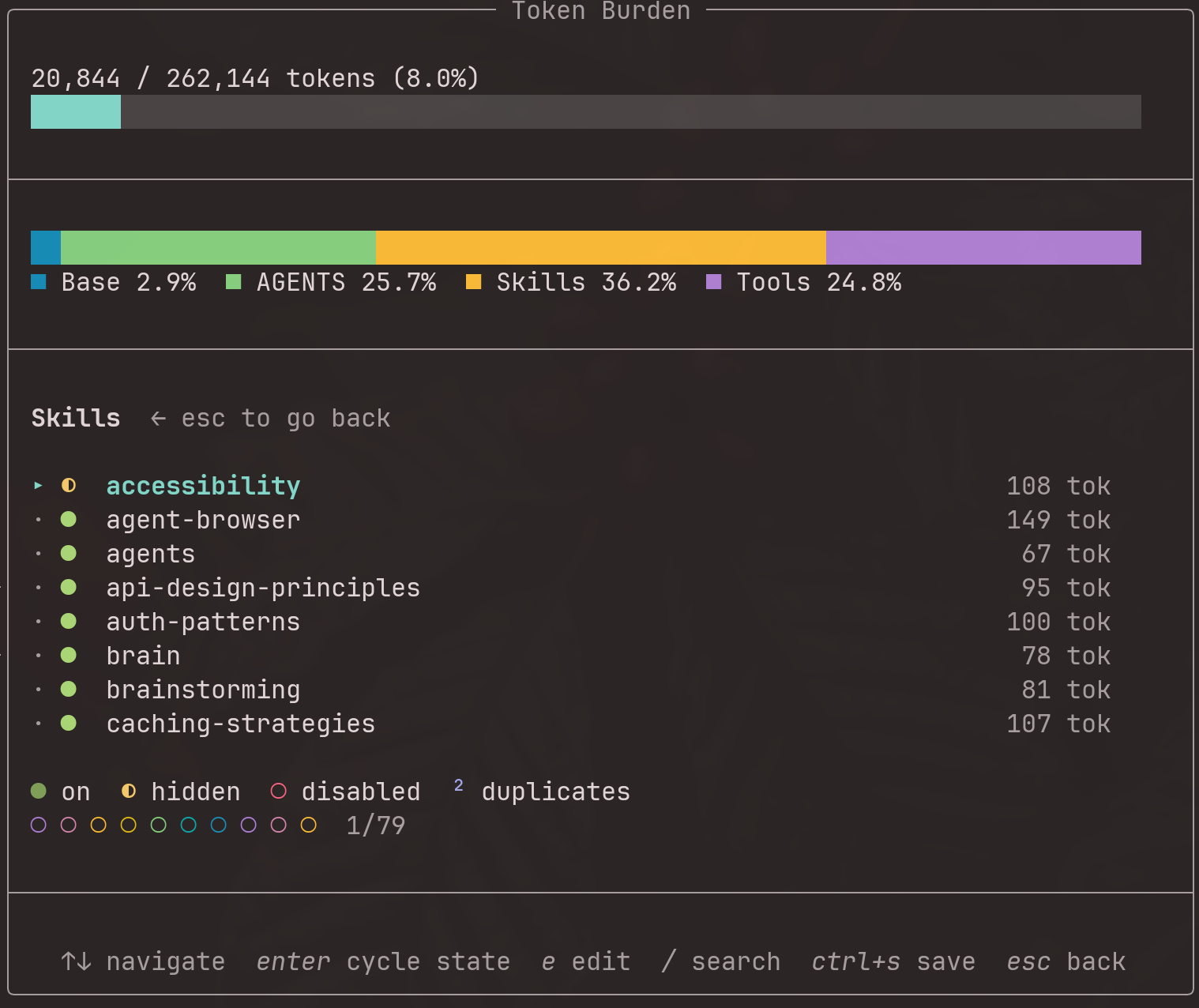
Drill-down views:
AGENTS.md and CLAUDE.md context files with per-file token counts
Tool definitions with per-tool JSON schemas and envelope overhead
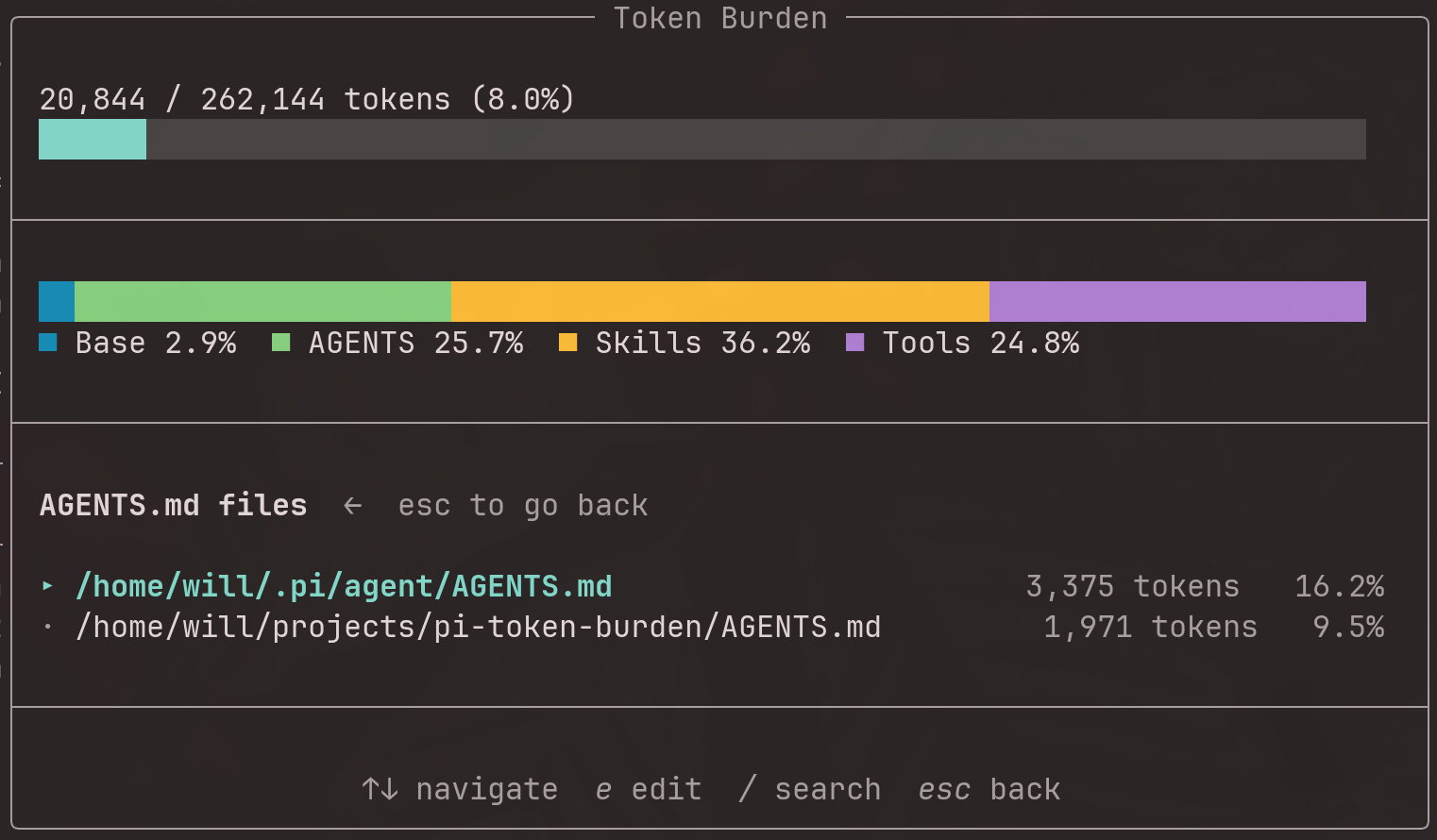
Base prompt source attribution (press t on Base prompt)
Keyboard shortcuts
↑ / ↓ | All modes | Navigate rows |
Enter | Sections | Drill into children or enter skill-toggle |
/ | Sections/skills | Fuzzy search |
e | Sections | Open the selected section in $EDITOR |
e | Context drilldown | Open the context file in $EDITOR |
Enter | Tools view | Expand/collapse the Inactive group |
e | Tools view | Open tool JSON definition in $EDITOR |
t | Sections | Trace Base prompt sources (attribution view) |
s | Sections | Enter skill-toggle mode |
Enter | Skill-toggle | Cycle skill state (on → hidden → disabled) |
Ctrl+S | Skill-toggle | Save pending skill changes |
Enter | Trace view | Drill into bucket (line-level evidence) |
r | Trace view | Refresh trace |
Esc | Any | Go back / close overlay |
Base prompt source tracing
Press t when the cursor is on the Base prompt row to run an on-demand
attribution trace. This analyzes extension tool registrations and matches their
prompt snippets and guidelines against the lines in the Base prompt, showing:
- Built-in/core — tools and guidelines hardcoded in pi
- Extension buckets — lines contributed by specific extensions
- Shared — lines registered by multiple extensions
- Unattributed — lines that couldn't be matched to any source
Press Enter on any bucket to see line-level evidence with per-line token counts.
Tool definitions
Tool definitions are the function schemas sent to the LLM alongside the system prompt. They are not part of the system prompt text, but they still consume context window tokens through the tool-calling API. Counts use the active model API's tool envelope when Pi exposes it, excluding Pi-internal metadata and pretty-printing used only for display.
/token-burden compares Pi's full registered tool catalog with the current active tool set:
- The top-level Tool definitions row counts only active tool schemas and shows active/total inventory, for example
Tool definitions (4 active, 11 total).
- Selecting Tool definitions opens a dedicated read-only Tools view.
Active is expanded by default. Active rows show plain token costs such as 182 tok, sorted by token cost descending.Inactive is collapsed by default. Inactive tools remain visible as counterfactual costs such as +182 tok if enabled, but they do not affect the stacked bar, section totals, or percentages.- Press
e on any tool row to see its full JSON definition in your editor.
Tool-related guideline text remains accounted under Base prompt. The Tool definitions section is limited to schema payload.
What each section measures
| Base prompt | pi's built-in instructions, tool descriptions, guidelines |
| SYSTEM.md / APPEND_SYSTEM.md | Your custom system prompt overrides |
| Context files | Each AGENTS.md / CLAUDE.md file, listed individually |
| Skills | The <available_skills> block, with per-skill breakdown |
| Tool definitions | Active LLM function schemas; inactive schemas shown as counterfactual if enabled costs |
| Metadata | The Current date and time / Current working directory footer |
Token estimation
Tokens are counted using gpt-tokenizer
with the o200k_base encoding (used by GPT-4o, o1, o3, and other modern models).
Treat counts as o200k_base estimates when using Claude, Gemini, Mistral, or other
models with different tokenizers. They are still exact BPE counts for this encoding,
not character-based approximations.
Development
git clone https://github.com/Whamp/pi-token-burden.git
cd pi-token-burden
pnpm install
pnpm run test
pnpm run test:e2e
pnpm run check
Test locally: pi -e ./src/index.ts, then type /token-burden.
Contributing
Contributions are welcome. Please open an issue before starting work on
larger changes.
Changelog
See CHANGELOG.md for release history.
License
MIT




