Projectlens CLI
Local lint, type-check & AI security dashboard for JS/TS projects (Next.js, SvelteKit, Vue, plain Node).
Run one command inside any project and Projectlens runs your real ESLint and
TypeScript toolchain, audits your dependencies, runs an AI security review over
your source, and opens a live dashboard at localhost:4321.
projectlens
projectlens --no-ai
projectlens --ci
projectlens --json
projectlens --min-score 80
What the dashboard shows
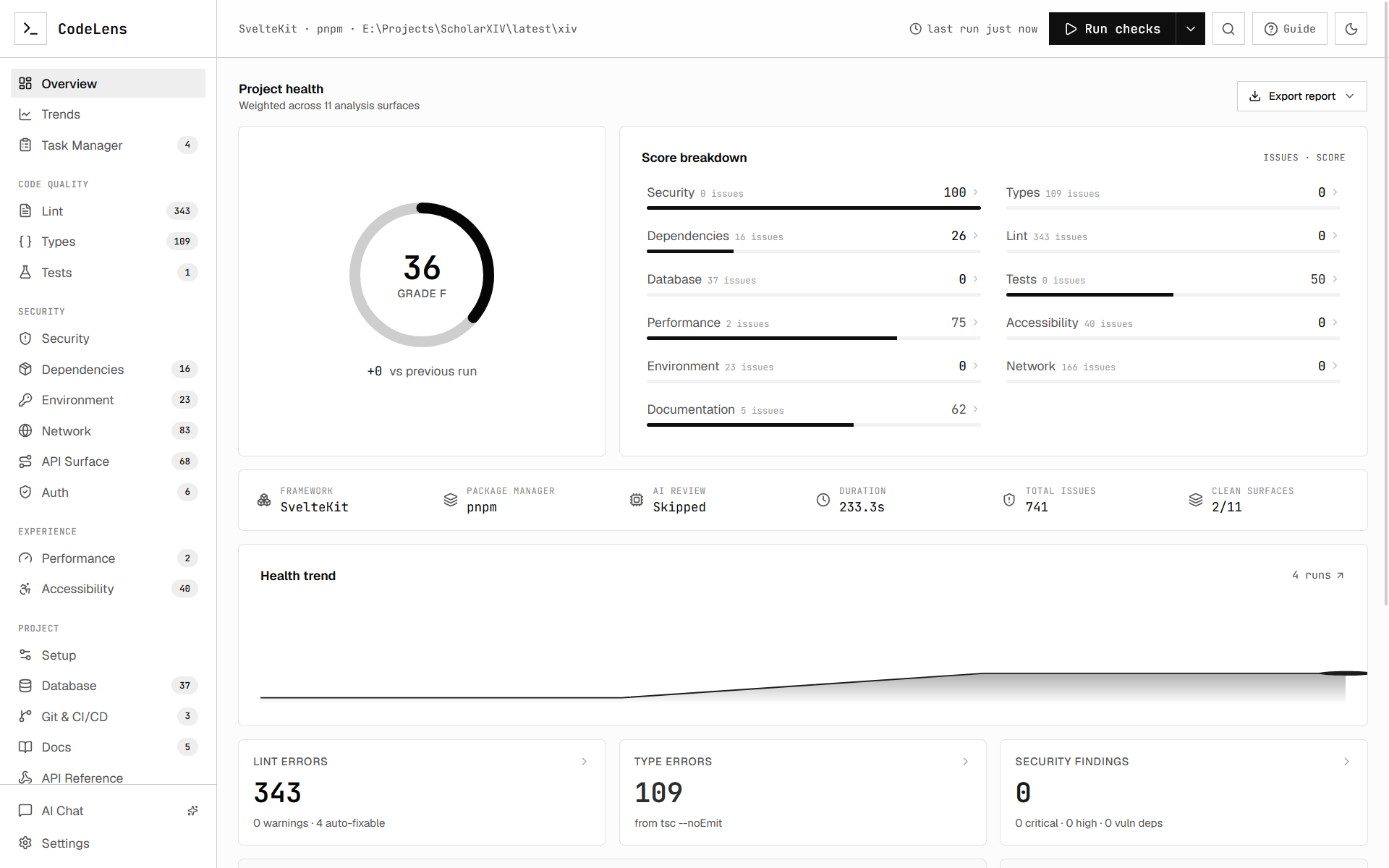
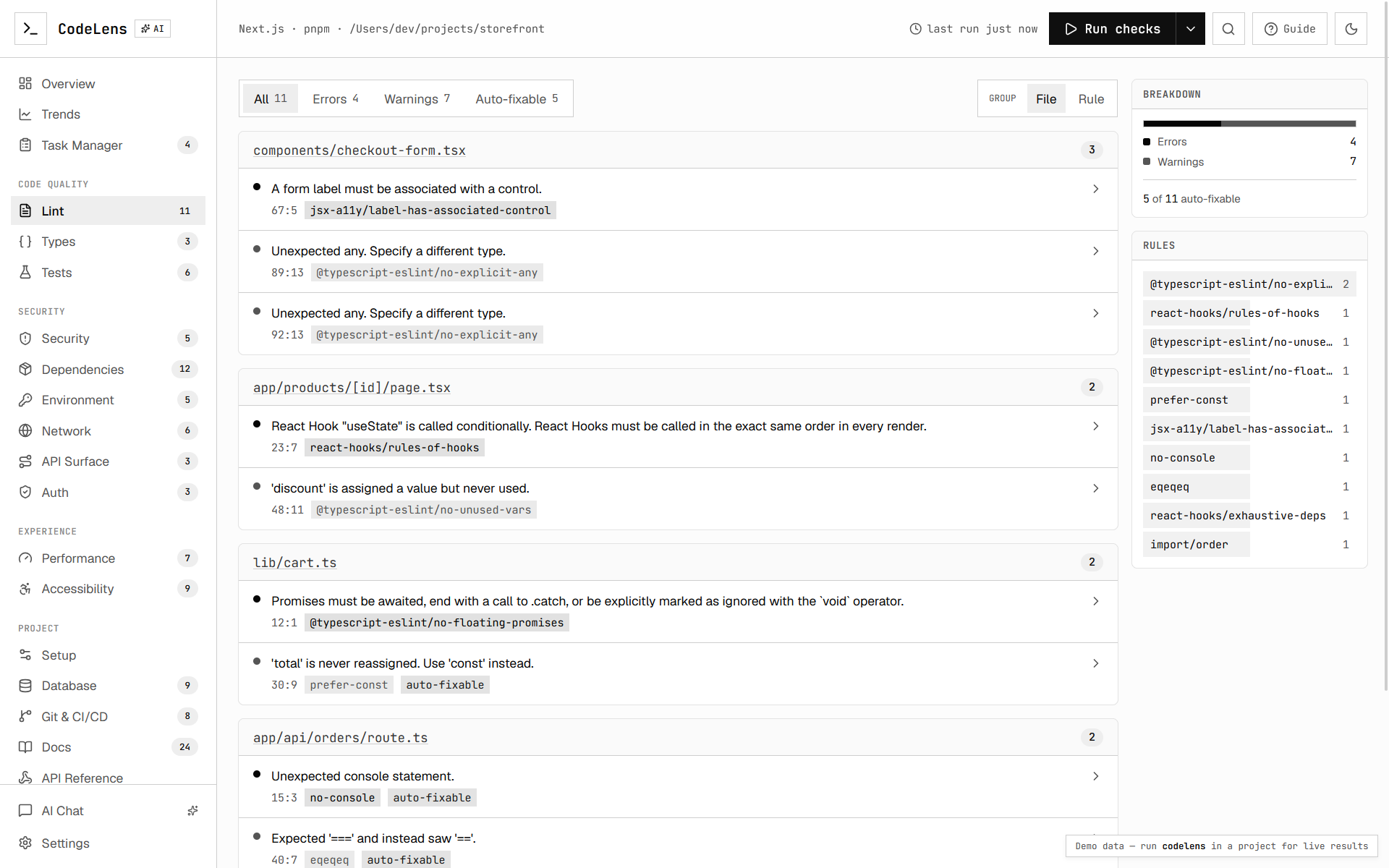
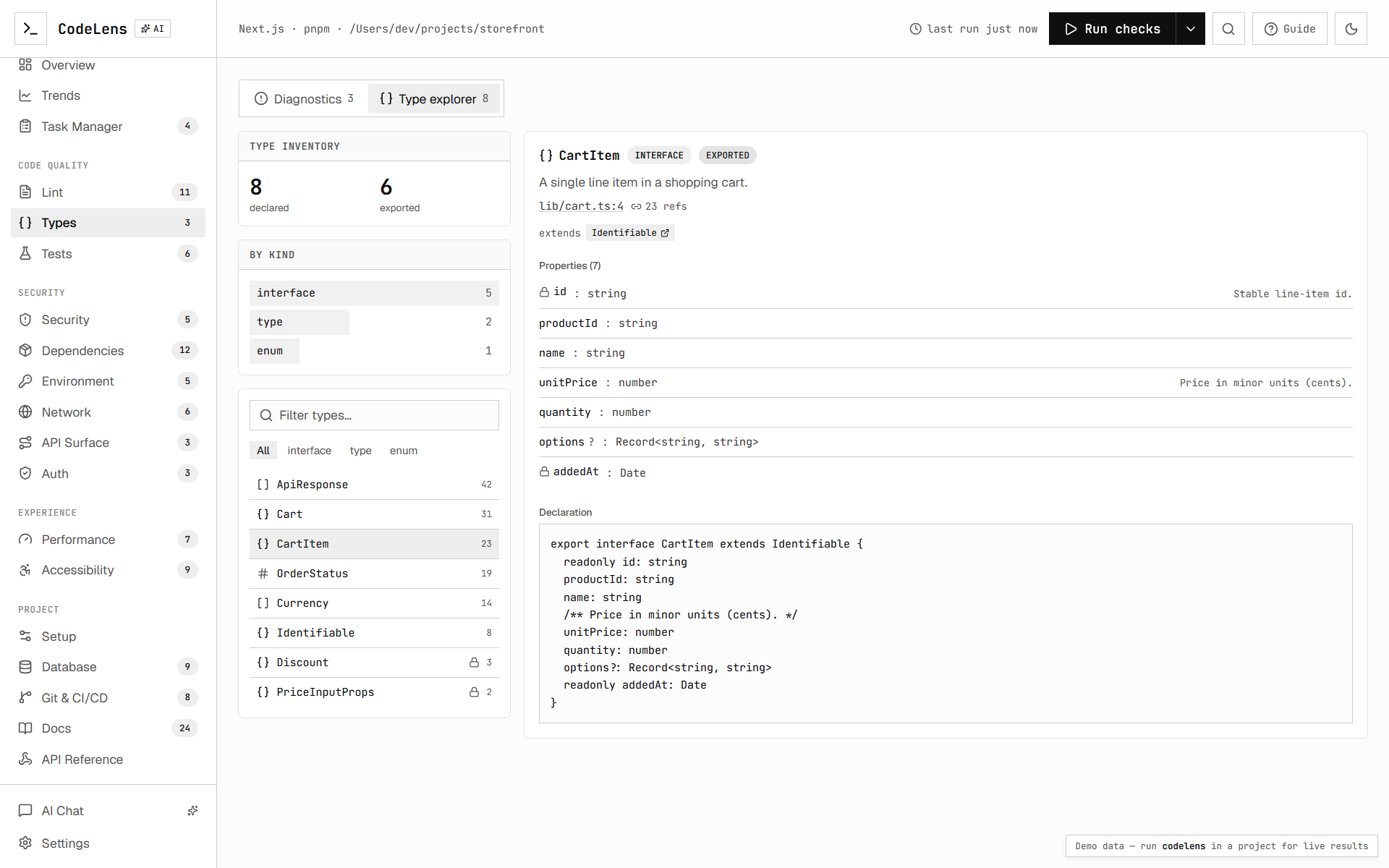
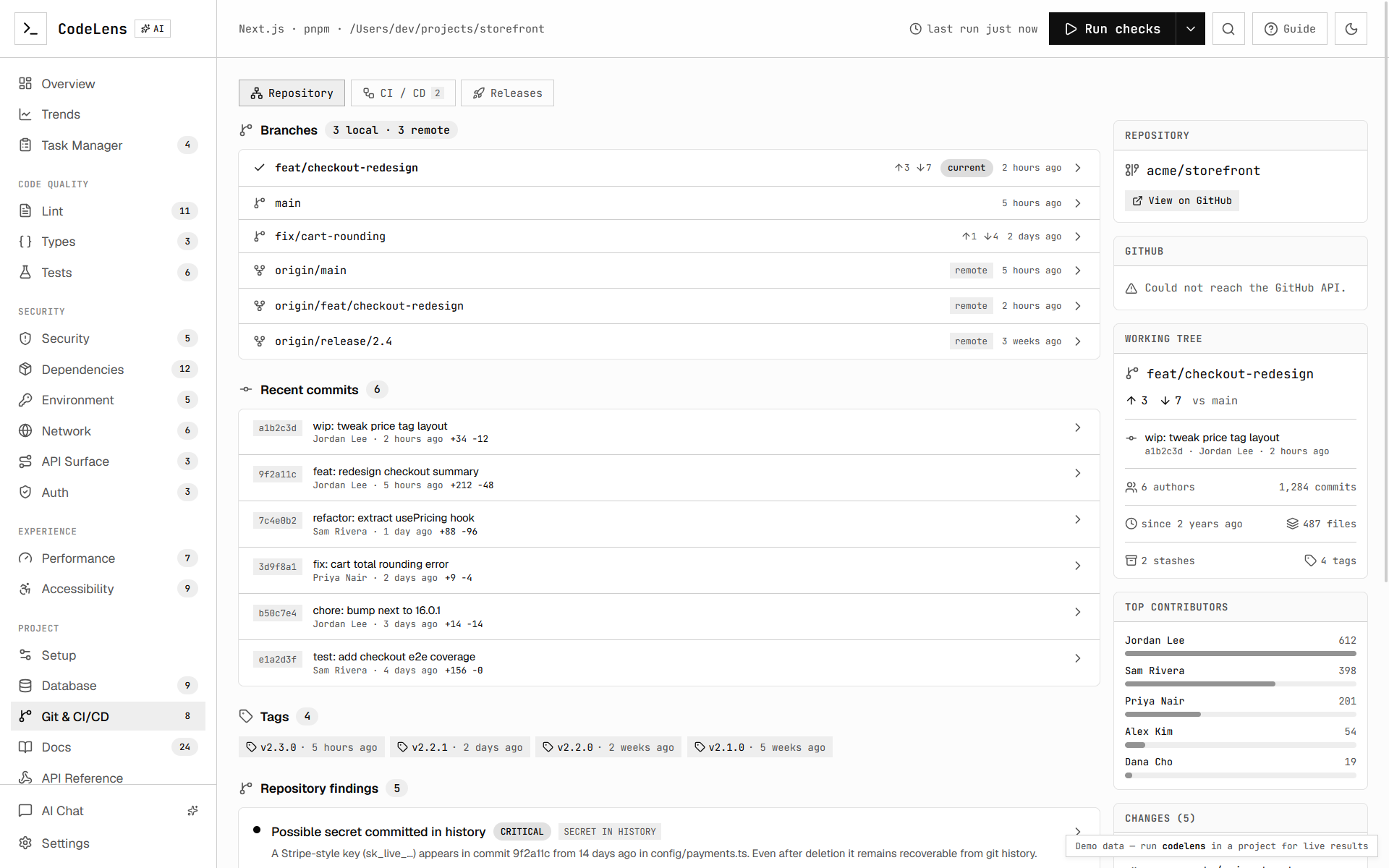
The dashboard turns one run into a navigable workspace:
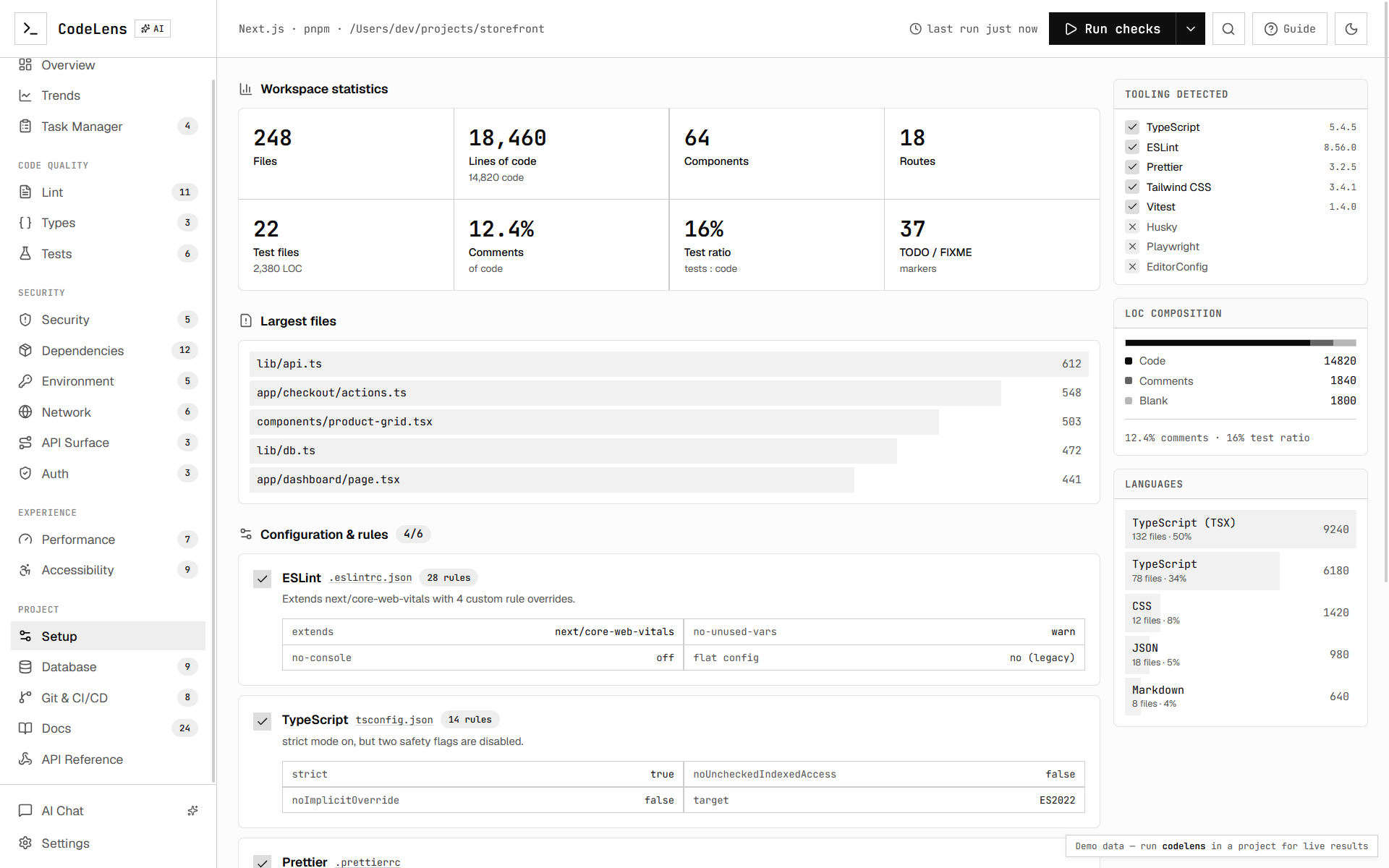
- Overview — composite health score, severity breakdown, and per-category summaries.
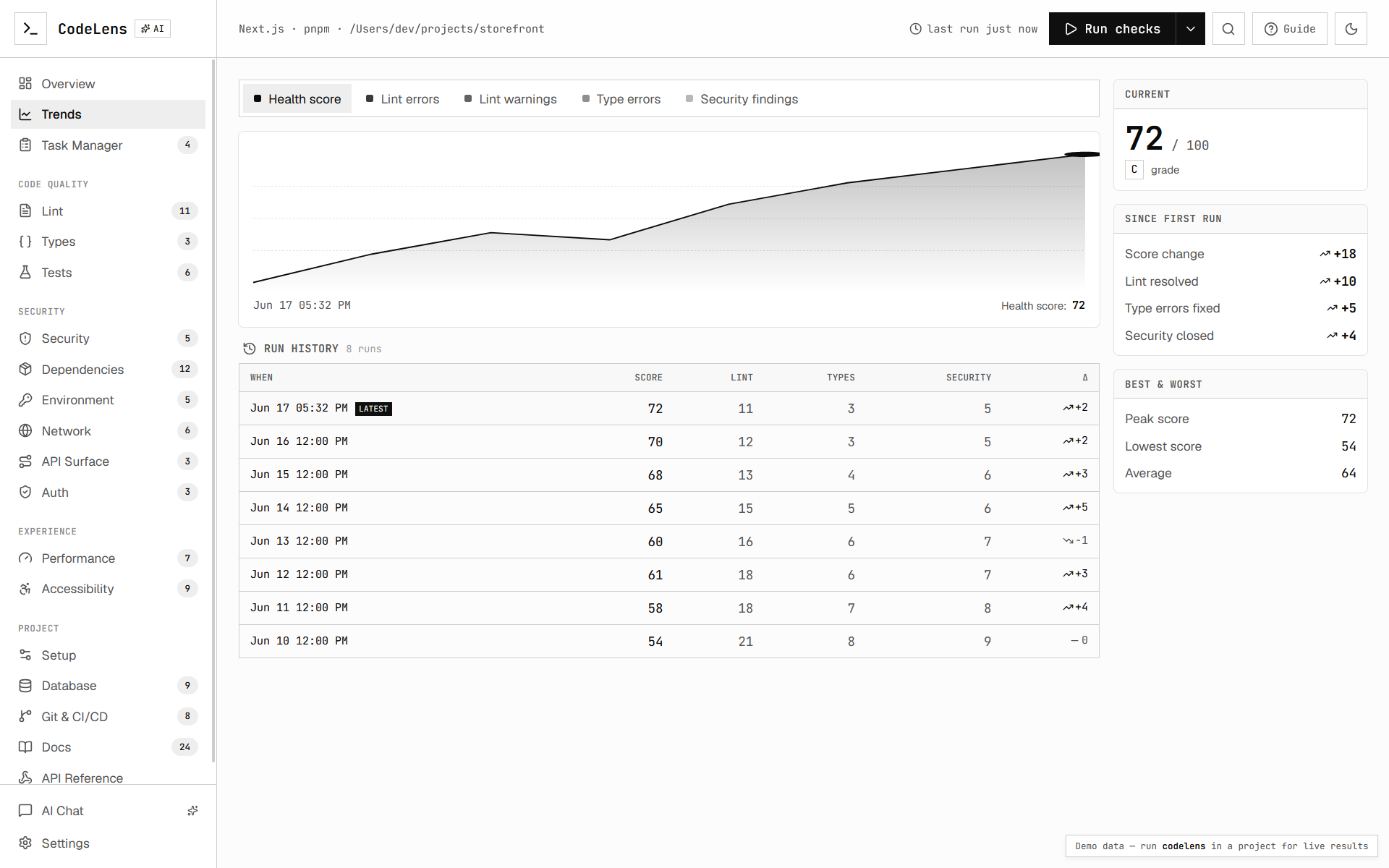
- Trends — an interactive multi-metric chart and per-run history table built from
the local
.projectlens/ run history (deltas, peak/low/avg).
- Code quality — Lint, Types, and Tests findings from your real toolchain.
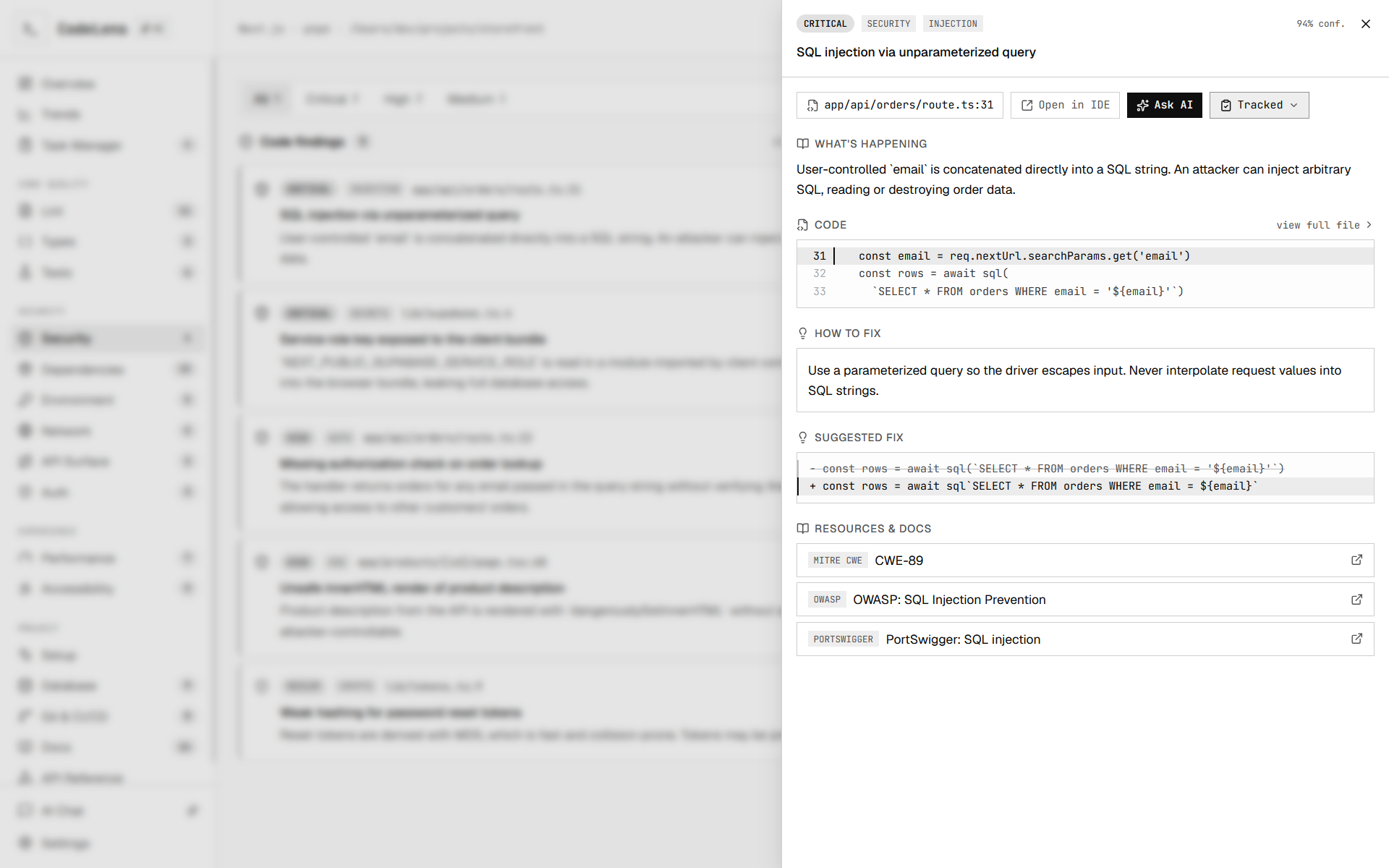
- Security — AI security review with severity sub-tabs (Critical → Info).
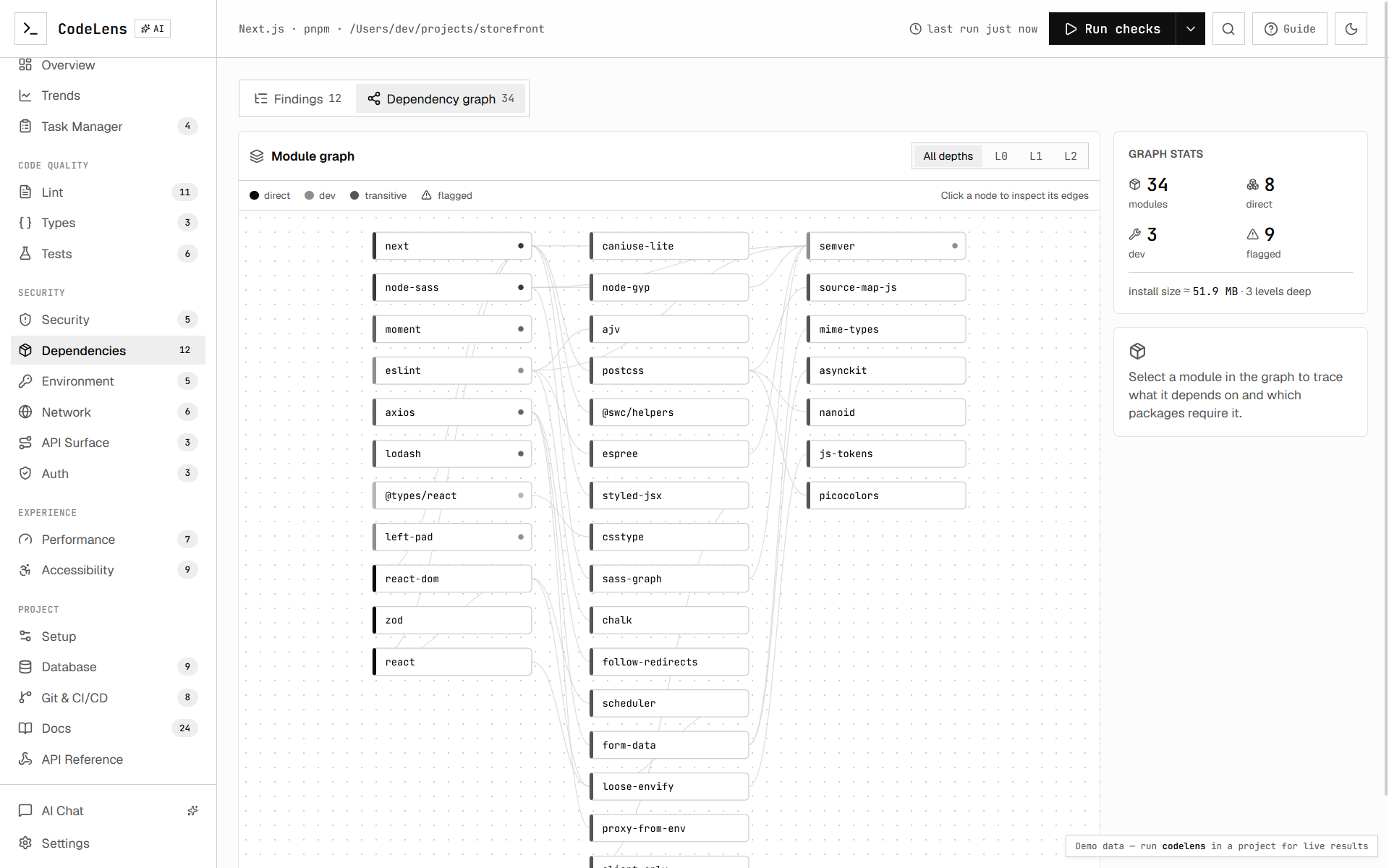
- Dependencies — real CVE advisories with fix-version guidance.
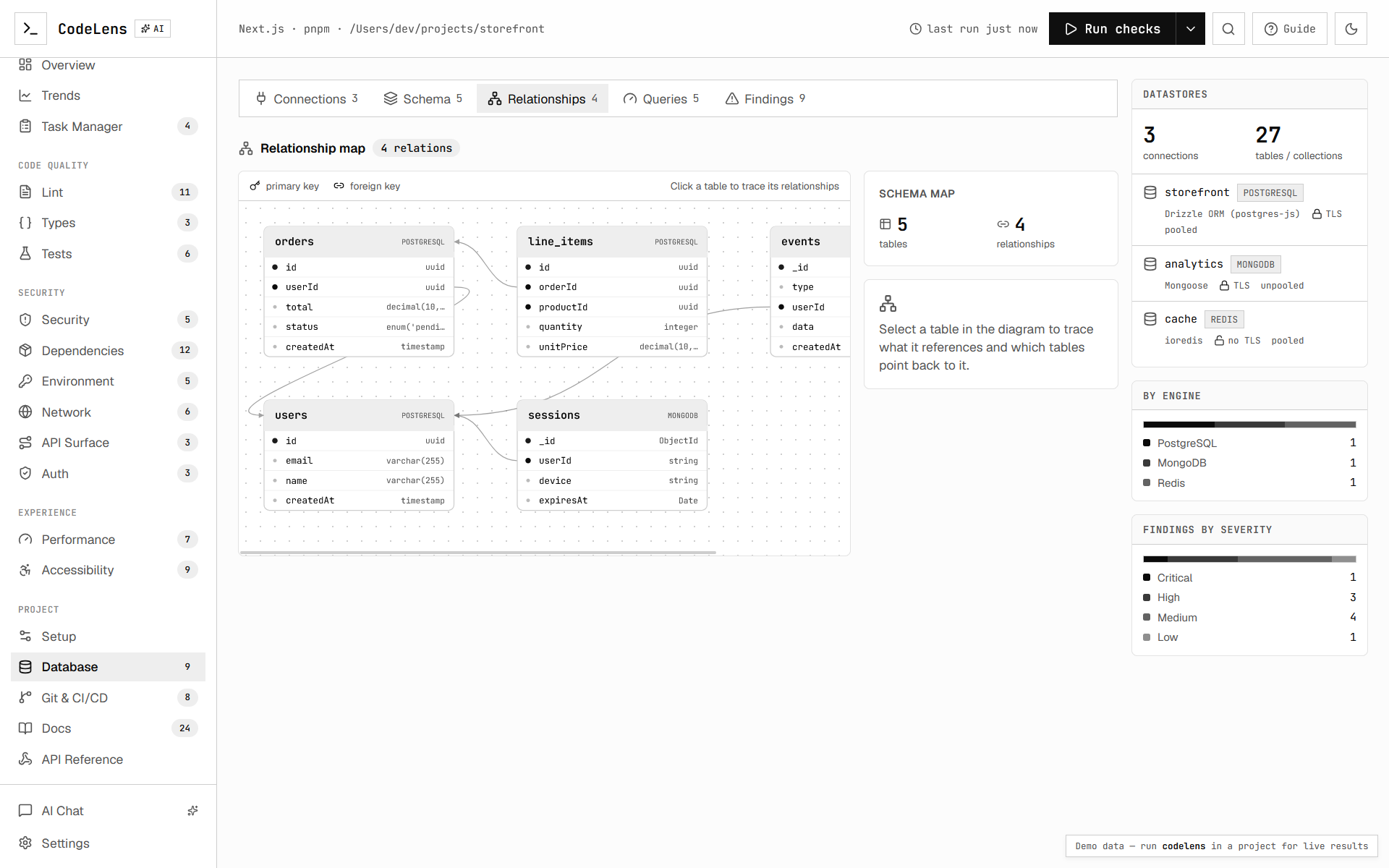
- Database — schema inspection plus a foreign-key relationship graph.
- API surface — a map of detected routes (Next, Express, Hono, Fastify, SvelteKit,
Nuxt) with method, auth, and validation coverage.
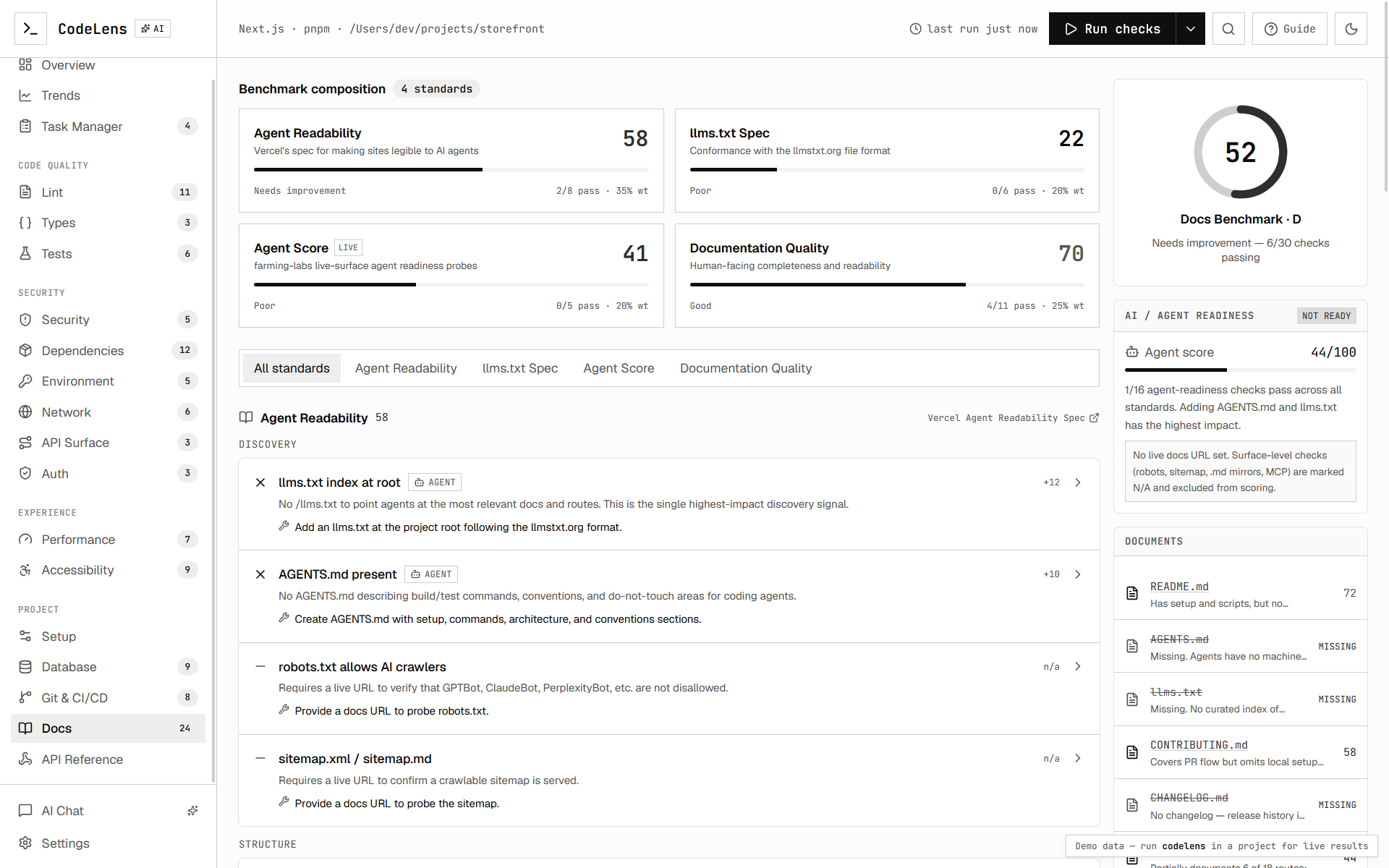
- Auth, Environment, Network, Git/CI, Docs — focused panels for each area.
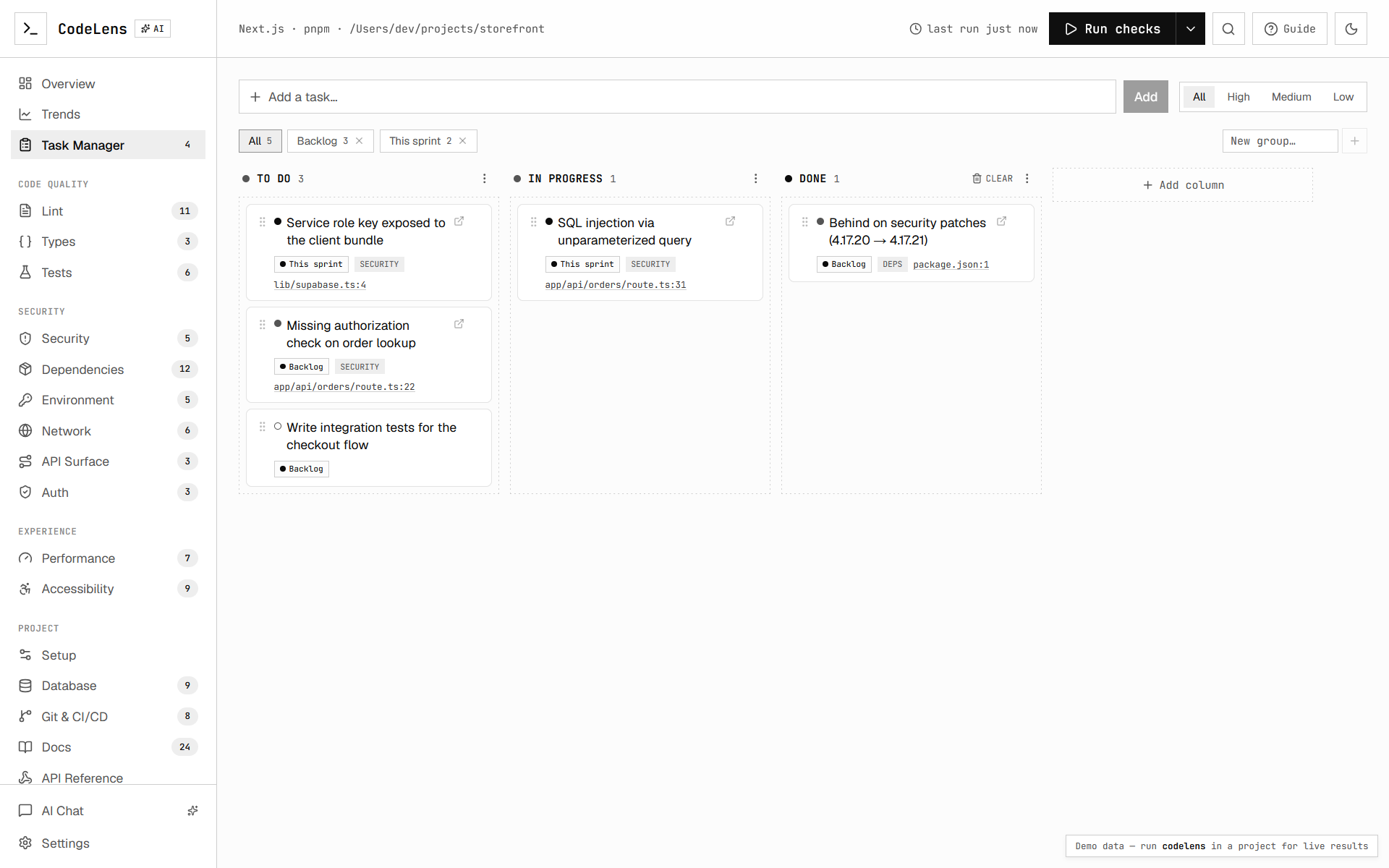
- Task Manager — a built-in kanban board (see below).
Task Manager (dashboard-only)
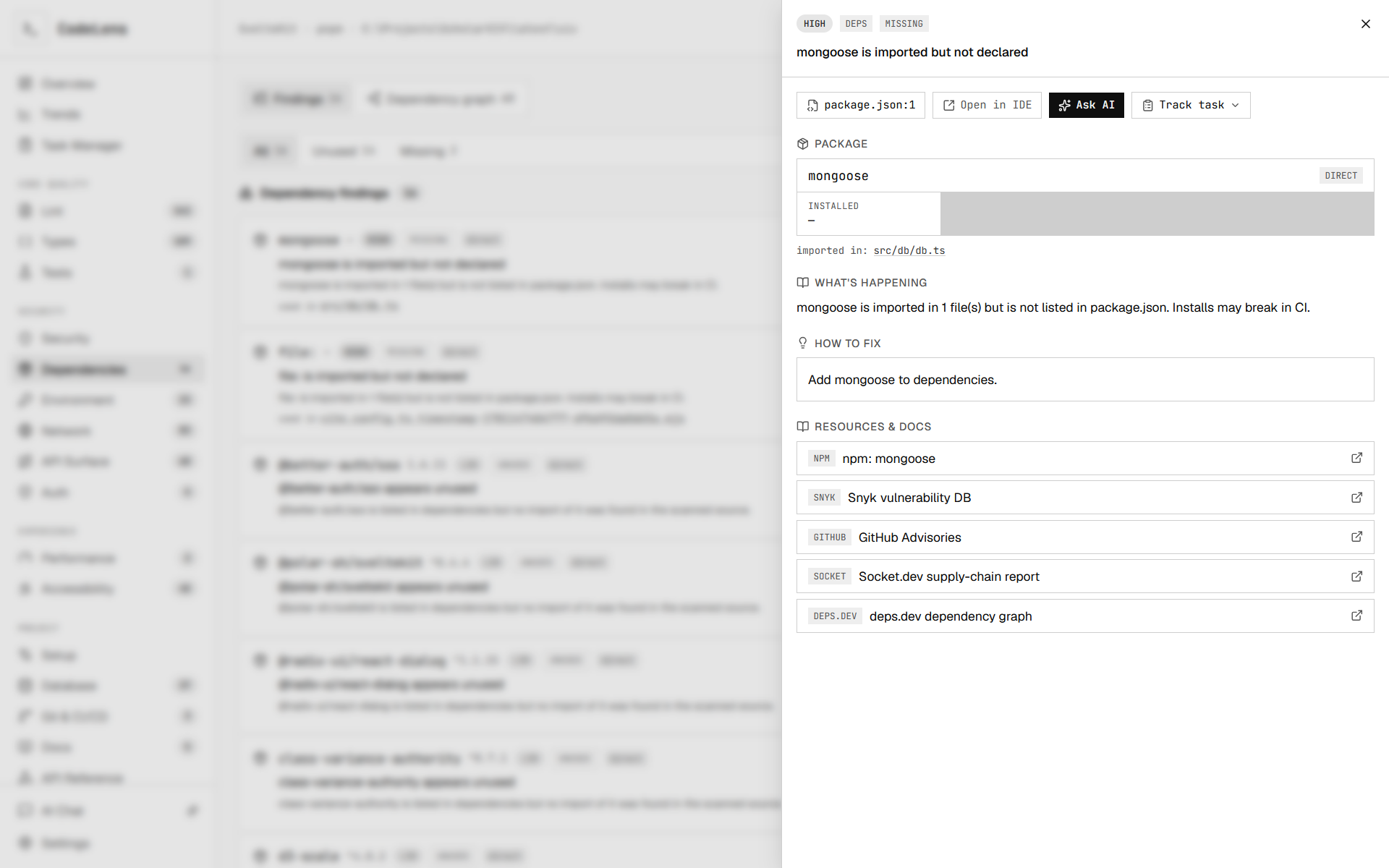
Every finding has a Track task action — in its detail sheet and inline on each
list row. Tracking adds it to a kanban board and marks the row so you can see what's
already on your worklist at a glance.
- Custom columns — rename/delete the defaults (To do / In progress / Done) and add
your own; drag cards between columns to change status.
- Groups/tags — file tasks under labels like "This sprint" or "Tech debt" and filter
by them; create a group inline while tracking.
- Detail — click a tracked finding to reopen its full analysis; click a free-form task
to edit its column, priority, group, and notes.
The board is stored only in your browser (localStorage) — it never leaves your machine or
reaches the CLI. Manage or reset it from Settings → Task board.
Screenshots
How it works
cli.ts            entry point + flag parsing (commander)
run.ts            orchestrates the pipeline, emits streaming events
detect.ts         reads package.json → framework + package manager
runners/eslint.ts spawns your local eslint, parses --format json
runners/tsc.ts    spawns tsc --pretty false, parses the diagnostic chain
runners/audit.ts  npm/pnpm/yarn audit --json → real CVE advisories
ai/audit.ts       AI SDK security review (code) + dependency prioritization
report.ts         weighted composite health score
store.ts          local run history in .projectlens/ (powers trends)
server.ts         local HTTP + WebSocket server that serves the dashboard
The dashboard (the Next.js app one level up) is prebuilt into cli/public and
served statically, so the installed tool has no runtime build step.
Building
pnpm install
pnpm build
pnpm build runs two steps:
build:dashboard — static-exports the Next.js dashboard (with
PROJECTLENS_EXPORT=1) and copies it into cli/public.tsup — bundles src/ into dist/.
Installing it into your own projects
Local link (best while iterating on the tool):
cd cli
pnpm build
pnpm link --global

cd ~/your-project
projectlens
Run directly by path (no linking):
node ~/path/to/cli/dist/cli.js
Publish (optional, for npx projectlens):
cd cli
npm publish
AI security audit
The AI pass needs a model key. Projectlens uses the Vercel AI Gateway, so set one of:
export AI_GATEWAY_API_KEY=...
export OPENAI_API_KEY=...
By default the audit runs on a free OpenRouter text model
(meta-llama/llama-3.3-70b-instruct:free) and automatically falls back to
google/gemini-2.5-flash if the primary model errors or is rate-limited, so the
review keeps working out of the box. Override either via env or .projectlensrc:
export PROJECTLENS_MODEL=openai/gpt-5-mini
export PROJECTLENS_FALLBACK_MODEL=anthropic/claude-haiku-4
Without a key, lint + type-check + dependency advisories still run; only the AI
code review and prioritization are skipped (--no-ai silences the warning).
Only the selected security-relevant source files are sent to the model.