


React.js wrapper for ApexCharts to build interactive visualizations in react.
Download and Installation
Installing via npm
npm install react-apexcharts apexcharts
Usage
import Chart from 'react-apexcharts'
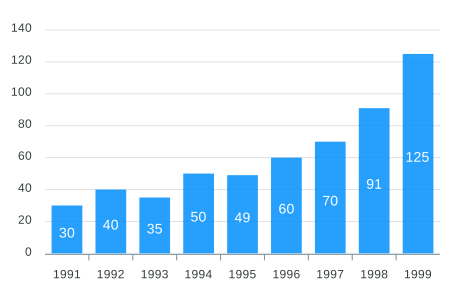
To create a basic bar chart with minimal configuration, write as follows:
class App extends Component {
  constructor(props) {
    super(props);

    this.state = {
      options: {
        chart: {
          id: 'apexchart-example'
        },
        xaxis: {
          categories: [1991, 1992, 1993, 1994, 1995, 1996, 1997, 1998, 1999]
        }
      },
      series: [{
        name: 'series-1',
        data: [30, 40, 35, 50, 49, 60, 70, 91, 125]
      }]
    }
  }
  render() {
    return (
      <Chart options={this.state.options} series={this.state.series} type="bar" width={500} height={320} />
    )
  }
}
This will render the following chart
How do I update the chart?
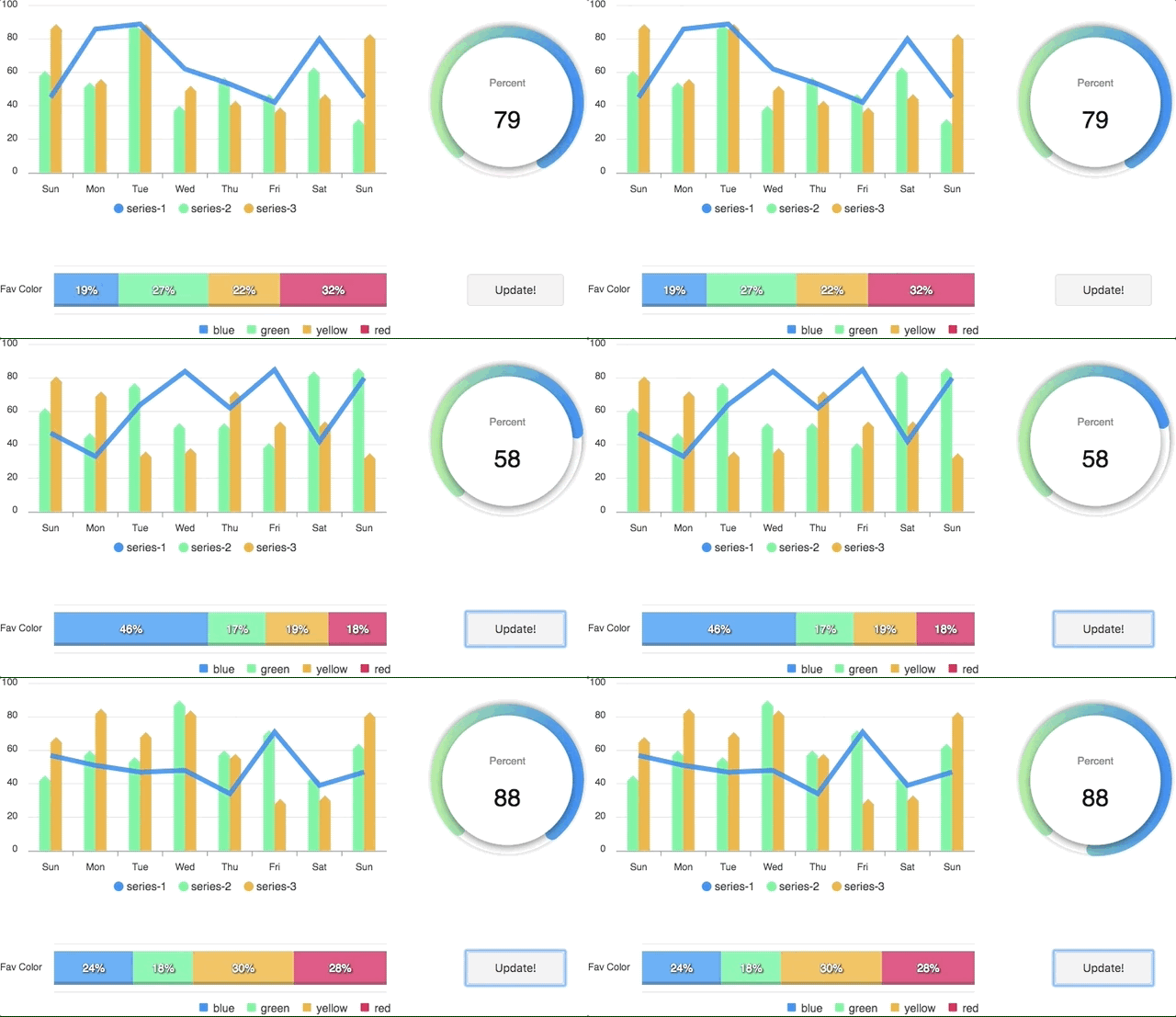
Simple! Just change the series or any option and it will automatically re-render the chart.
View this example on codesandbox
Important: While updating the options, make sure to update the outermost property even when you need to update the nested property.
✅ Do this
this.setState({
  options: {
    ...this.state.options,
    xaxis: {
      ...this.state.options.xaxis,
      categories: ['X1', 'X2', 'X3']
    }
  }
})
❌ Not this
this.setState({
  options.xaxis.categories: ['X1', 'X2', 'X3']
})
Props
| series | Array | The series is a set of data. To know more about the format of the data, checkout Series docs on the website. |
| type | String | line, area, bar, pie, donut, scatter, bubble, heatmap, radialBar |
| width | Number or String | Possible values for width can be 100%, 400px or 400 (by default is 100%) |
| height | Number or String | Possible values for height can be 100%, 300px or 300 (by default is auto) |
| options | Object | The configuration object, see options on API (Reference) |
How to call methods of ApexCharts programmatically?
Sometimes, you may want to call other methods of the core ApexCharts library, and you can do so on ApexCharts global variable directly
Example
ApexCharts.exec('reactchart-example', 'updateSeries', [{
  data: [40, 55, 65, 11, 23, 44, 54, 33]
}])
More info on the .exec() method can be found here
All other methods of ApexCharts can be called this way
What's included
The repository includes the following files and directories.
react-apexcharts/
├── dist/
│   ├── react-apexcharts.min.js
│   └── react-apexcharts.js
└── example/
│   ├── src/
│   ├── public/
│   ├── package.json
│   └── README.md
└── src/
    └── react-apexcharts.jsx
Development
Install dependencies
npm install
Running the example
Basic example including update is included to show how to get started using ApexCharts with React easily.
To run the examples,
cd example
npm install
npm run start
Bundling
To build for Development
npm run dev-build
To build for Production
npm run build
License
ApexCharts is offered under a dual-license model to support individuals, startups, and commercial products of all sizes.
Read full license agreements here: https://apexcharts.com/license





