react-beautiful-color
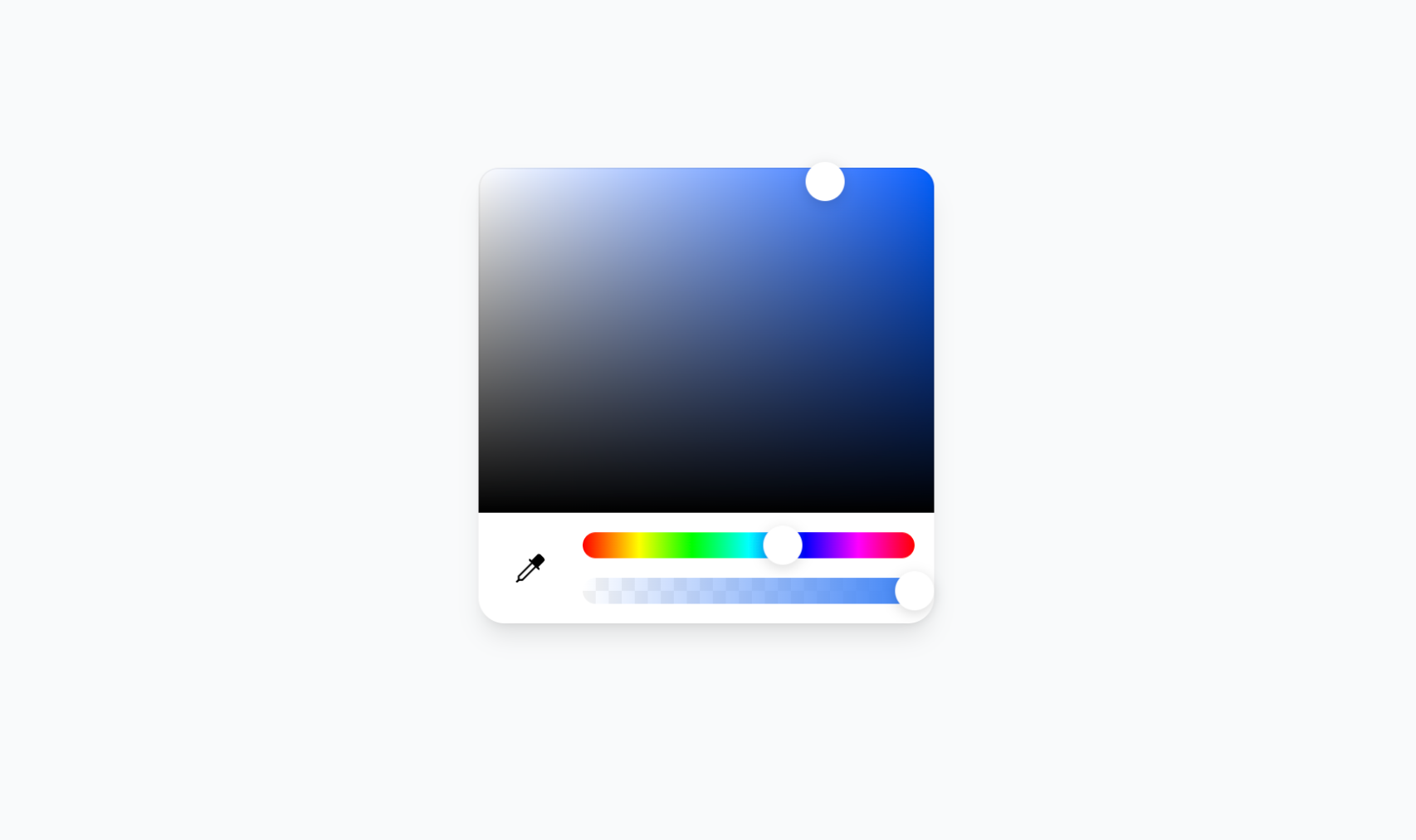
The most flexible and beautiful color picker for React. Built with compound components for maximum customization.
Why Choose This Over Others?
- 🧩 Compound Components - Compose your own layout, unlike rigid alternatives
- 🎨 Beautiful Design - Clean, modern UI that fits any design system
- ⚡ Smart Hook -
useColorState preserves your input format while providing all color formats instantly
- 🛡️ Type-Safe API - Full TypeScript support with comprehensive type definitions
- 👁️ Eye Dropper Support - Built-in screen color picker (where browser supports it)
- 🎯 Format Preservation - Maintains your original color format throughout interactions
- 🌈 Universal Format Support - Hex, RGB/RGBA, HSL/HSLA, HSV/HSVA with alpha channel
- 🪶 Lightweight - Pure Tailwind CSS, no external dependencies
- 🛠️ Fully Customizable - Style and arrange components however you want
- 🔧 Rich Utilities - Comprehensive color conversion and manipulation utilities
Installation
bun add react-beautiful-color
📖 View Full Documentation →
Quick Start
1. Add CSS to your layout file:
import 'react-beautiful-color/dist/react-beautiful-color.css';
2. Use the component:
import { ColorPicker, useColorState } from 'react-beautiful-color';
import { Pipette } from 'lucide-react';

function App() {
  const [{ colorInput, colorState }, setColor] = useColorState({ type: 'hex', value: '#3b82f6' });

  return (
    <ColorPicker color={colorInput} onChange={setColor}>
      <ColorPicker.Saturation className="flex-1 mb-3" />

      <div className="flex items-center gap-3 p-3 pt-0">
        <ColorPicker.EyeDropper>
          <Pipette />
        </ColorPicker.EyeDropper>

        <div className="flex-1 flex flex-col gap-3">
          <ColorPicker.Hue className="h-4" />
          <ColorPicker.Alpha className="h-4" />
        </div>
      </div>
    </ColorPicker>
  );
}
Components
🎨 ColorPicker
Compose your own layout with these sub-components:
ColorPicker.Saturation - Saturation and brightness selection areaColorPicker.Hue - Hue selection sliderColorPicker.Alpha - Alpha/transparency sliderColorPicker.EyeDropper - Eye dropper tool (browser-dependent)
📖 Learn more about ColorPicker →
⚡ useColorState Hook
Intelligent state management with format preservation:
const [{ colorInput, colorState }, setColor] = useColorState({
type: 'hsva',
h: 334, s: 100, v: 100, a: 0.5
});
console.log(colorInput);
console.log(colorState.hex);
console.log(colorState.rgb);
console.log(colorState.hsl);
console.log(colorState.alpha);
📖 Learn more about useColorState →
Utilities
Powerful color conversion and manipulation utilities:
import { hexToRgb, rgbToHex, hexToHsl, hslToHex } from 'react-beautiful-color';
const rgb = hexToRgb('#ff6b9d');
const hex = rgbToHex(255, 107, 157);
const hsl = hexToHsl('#ff6b9d');
📖 View all utility functions →
Advanced Usage
Multiple Format Support
Set colors in any format with complete type safety:
setColor({ type: 'hex', value: '#ff0000' });
setColor({ type: 'rgb', r: 255, g: 0, b: 0 });
setColor({ type: 'hsl', h: 0, s: 100, l: 50 });
setColor({ type: 'rgba', r: 255, g: 0, b: 0, a: 0.5 });
setColor({ type: 'hsla', h: 0, s: 100, l: 50, a: 0.8 });
setColor({ type: 'hsva', h: 0, s: 100, v: 100, a: 0.9 });
Alternative without Hook
Use the Color class directly for more control:
import { useState } from 'react';
import { ColorPicker, Color } from 'react-beautiful-color';
function App() {
const [color, setColor] = useState(new Color({ type: 'hex', value: '#3b82f6' }));
const rgba = color.getRgba();
const hex = color.getHex();
const hsl = color.getHsl();
return (
<ColorPicker color={color} onChange={setColor}>
<ColorPicker.Saturation className="flex-1 mb-3" />
<div className="flex items-center gap-3 p-3 pt-0">
<ColorPicker.EyeDropper />
<div className="flex-1 flex flex-col gap-3">
<ColorPicker.Hue className="h-4" />
<ColorPicker.Alpha className="h-4" />
</div>
</div>
</ColorPicker>
);
}
Documentation
📖 View Full Documentation →
Support





