🔄 save-my-session


Transfer coding sessions between AI agents — Claude Code, Gemini CLI, and Codex.
繁體中文
When you juggle multiple AI coding agents (Claude Code, Gemini CLI, Codex), the painful part isn't running out of quota — it's rebuilding context from scratch every time you switch. save-my-session converts your session file in one agent directly into another agent's native format. The next agent opens the file, sees the full conversation history, and keeps going. No briefing required.
⚠️ Platform support: macOS / Linux only. Windows is not supported yet (the Claude Code project-slug algorithm needs a Windows-path-aware rewrite).
Features
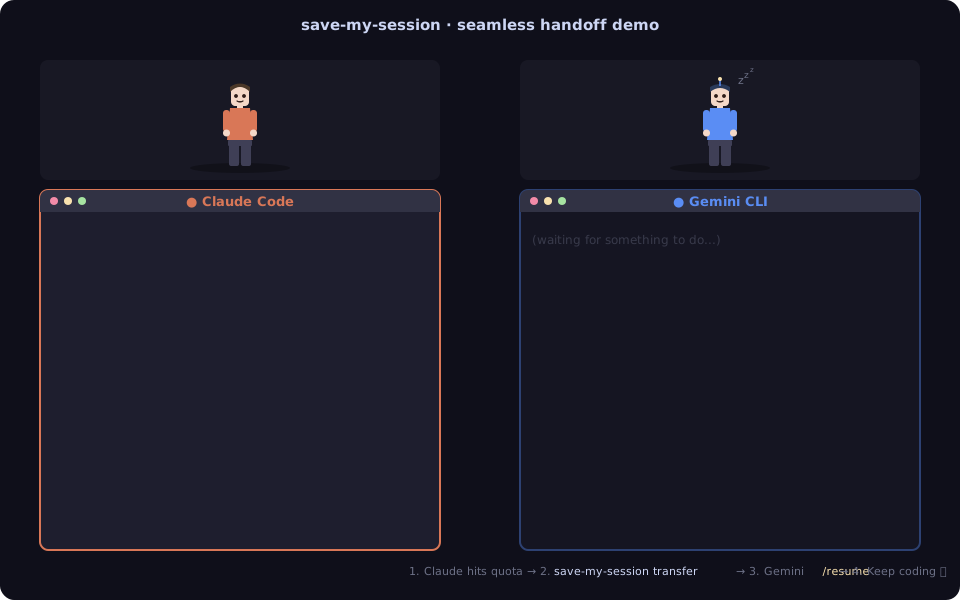
transfer — convert a Claude / Gemini / Codex session file into another agent's native format, written straight into the target agent's session directory.install — inject a handoff prompt into each agent's global system prompt (~/.claude/CLAUDE.md, ~/.gemini/GEMINI.md, ~/.codex/AGENTS.md) so each agent can monitor quota and suggest a handoff on its own.append — merge messages from another agent back into an existing session, ideal for round-trip handoffs. Dedup is by content (role + text), so rerunning is safe.list — list all sessions for the current project with last user message, counts, and time range.
Install
npm install -g save-my-session
Then (optional):
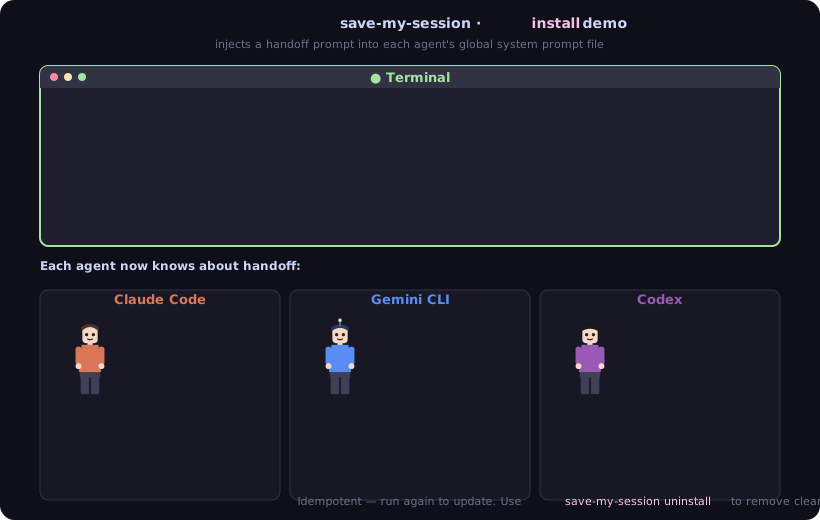
save-my-session install
This appends a block into ~/.claude/CLAUDE.md, ~/.gemini/GEMINI.md, ~/.codex/AGENTS.md (wrapped in <!-- save-my-session:start --> markers so you can uninstall cleanly). Each agent now knows the handoff flow and how to write a summary when you ask to switch.
Usage
All commands use cwd to identify the project. Run them from your project root, or pass --cwd <path> explicitly.
List sessions for the current project
save-my-session list --from claude
📋 Claude Code sessions for: /path/to/project

  #1 (latest)
     "fix append dedup bug and refactor writers"
     42 user / 118 assistant messages
     4/18 10:24 → 4/18 14:52
     /Users/you/.claude/projects/-path-to-project/<uuid>.jsonl
  ...
Transfer a session
Latest Claude session → Gemini:
save-my-session transfer --from claude --to gemini
Specify a session file:
save-my-session transfer --from gemini --to codex --session <path>
Picking up the transferred session
The transfer writes a native session file into the target agent's directory, but the target CLI does not auto-load the newest session on start. The standard flow is:
- Run
save-my-session transfer ...
- Open the target CLI (
claude, gemini, or codex)
- Inside the CLI, run
/resume (or the equivalent history picker) and pick the freshly written session
- You're now continuing from where the previous agent left off
👉 If the target CLI is already running, close and reopen so it rescans the session directory.
Round-trip: append new progress back into the original session
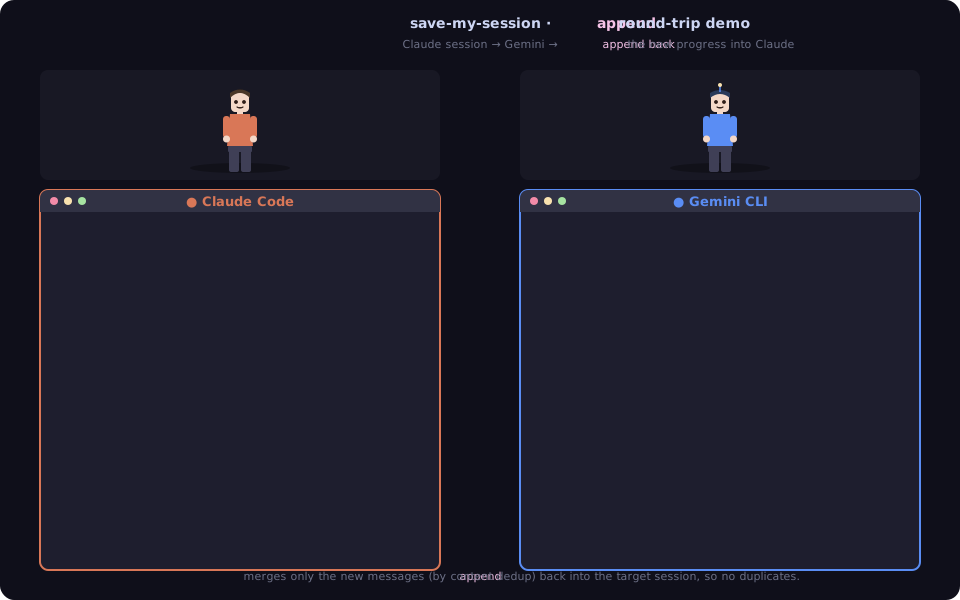
Scenario: you started in Claude → transferred to Gemini → did more work there → want to continue in the original Claude session rather than a brand-new one:
save-my-session append --from gemini --to claude --target <target-hash-or-path>
--target is the session you want to write into; pass its hash from save-my-session list --from <to> (or the full path). The source session defaults to the latest --from session — use --session <hash> to pick a specific one.
Messages are deduped by content (role + text) against the target, so it is safe to rerun — a second invocation appends 0. Add --force to bypass dedup and append every source message verbatim.
The old transfer --append <hash> form still works but prints a deprecation warning.
Remove the injected prompts
Run uninstall before removing the package so the injected prompts are cleaned up. npm uninstall will attempt to run this automatically via preuninstall, but it is not guaranteed on all platforms — running it manually first is safer.
save-my-session uninstall
npm uninstall -g save-my-session
Where each agent stores sessions
| Claude Code | ~/.claude/projects/<path-with-dashes>/<uuid>.jsonl |
| Gemini CLI | ~/.gemini/tmp/<slug>/chats/session-<ts>-<uuid>.jsonl (slug from ~/.gemini/projects.json; session metadata includes projectHash = sha256(cwd)) |
| Codex | ~/.codex/sessions/YYYY/MM/DD/rollout-<ts>-<uuid>.jsonl (cwd inside session_meta). Codex also tracks sessions in ~/.codex/state_5.sqlite (threads table); /resume reads from there, so transfers register the session in both places. |
Transferred files carry a _transferred_by_save_my_session marker. list skips a transferred session only if it has not been touched since the transfer — if you kept chatting in it, it shows up as a normal source again.
Architecture
- TypeScript (ESM)
- CLI via Commander.js
- Vitest for unit tests
- Each agent has its own parser + writer; the middle layer is a
UnifiedSession object.
Limits
- Only
user and assistant text messages are transferred. tool_use, thinking blocks, and similar are skipped (the formats differ too much across agents for lossless conversion).
- Agents do not auto-load the newest session on startup — always use
/resume (or the history picker) to pick the transferred file.
append dedup compares message content exactly (after trimming whitespace). Messages that were edited between transfers will appear as new.
License
MIT




