slide-cli






A TypeScript CLI to create beautiful slide cards from JSON data + HTML templates.
Supports 9:16 (Stories/Reels), 16:9 (presentations/YouTube), and 1:1 (feed) aspect ratios.
slide create --data ./templates/minimal/sample.json --template minimal --out ./output
slide list [--verbose]
slide add-template <path> [--force]
Installation
From npm (end users)
npm install -g slide-cli
slide --help
Requires: Node.js ≥ 18 · Chrome/Chromium (bundled via Puppeteer)
From source (contributors)
git clone https://github.com/doum1004/slide-cli.git
cd slide-cli
bun install
bun run build
npm link
slide --help
Requires: Bun ≥ 1.0 (build + test only) · Node.js ≥ 18 (runtime)
Why both Bun and Node?
The published dist/ runs on Node — so any end user with Node can install and use slide via npm without touching Bun. Bun is only needed locally to build (bun build) and run tests (bun test). This avoids the Windows issue where npm link detected Bun and generated a .ps1 wrapper that caused Puppeteer to hang silently.
Quick start (from source)
bun install
bun run build
slide list --verbose
slide create --data ./templates/minimal/sample.json --template minimal
Commands
slide create
slide create --data ./templates/minimal/sample.json --template minimal --out ./output
-d, --data <file> | (required) | Path to data JSON |
-t, --template <id> | (required) | Template id or name |
-o, --out <dir> | ./output | Output directory |
-f, --format <png|jpg> | jpg | Screenshot format |
--no-images | off | Skip screenshots (HTML only) |
--allow-missing-images | off | Render slides without unresolvable image slots instead of aborting |
Output:
output/
├── slide-1.html   slide-1.jpg
├── slide-2.html   slide-2.jpg
│   …
├── index.html     ← presentation viewer
├── data.json      ← copy of your input
└── manifest.json  ← machine-readable index (slideIndex, htmlPath, imagePath)
Backends and agents should read manifest.json to get the ordered image paths:
const manifest = JSON.parse(fs.readFileSync(`${outDir}/manifest.json`, "utf-8"));
const images = manifest.slides
  .filter(s => s.imagePath)
  .map(s => path.join(outDir, s.imagePath));
slide list
slide list
slide list --verbose
slide add-template
slide add-template ./my-template/
slide add-template ./my-template/ --force
Data JSON format
{
  "title": "My Presentation",
  "slides": [
    {
      "layout": "minimal",
      "heading": "Less is more",
      "body": "Simplicity is the ultimate sophistication.",
      "label": "Chapter 01",
      "accent": "#c8b89a",
      "bg": "#0f0e0c"
    }
  ]
}
Built-in templates
minimal | 9:16 | heading | Clean typographic slide, Fraunces serif | 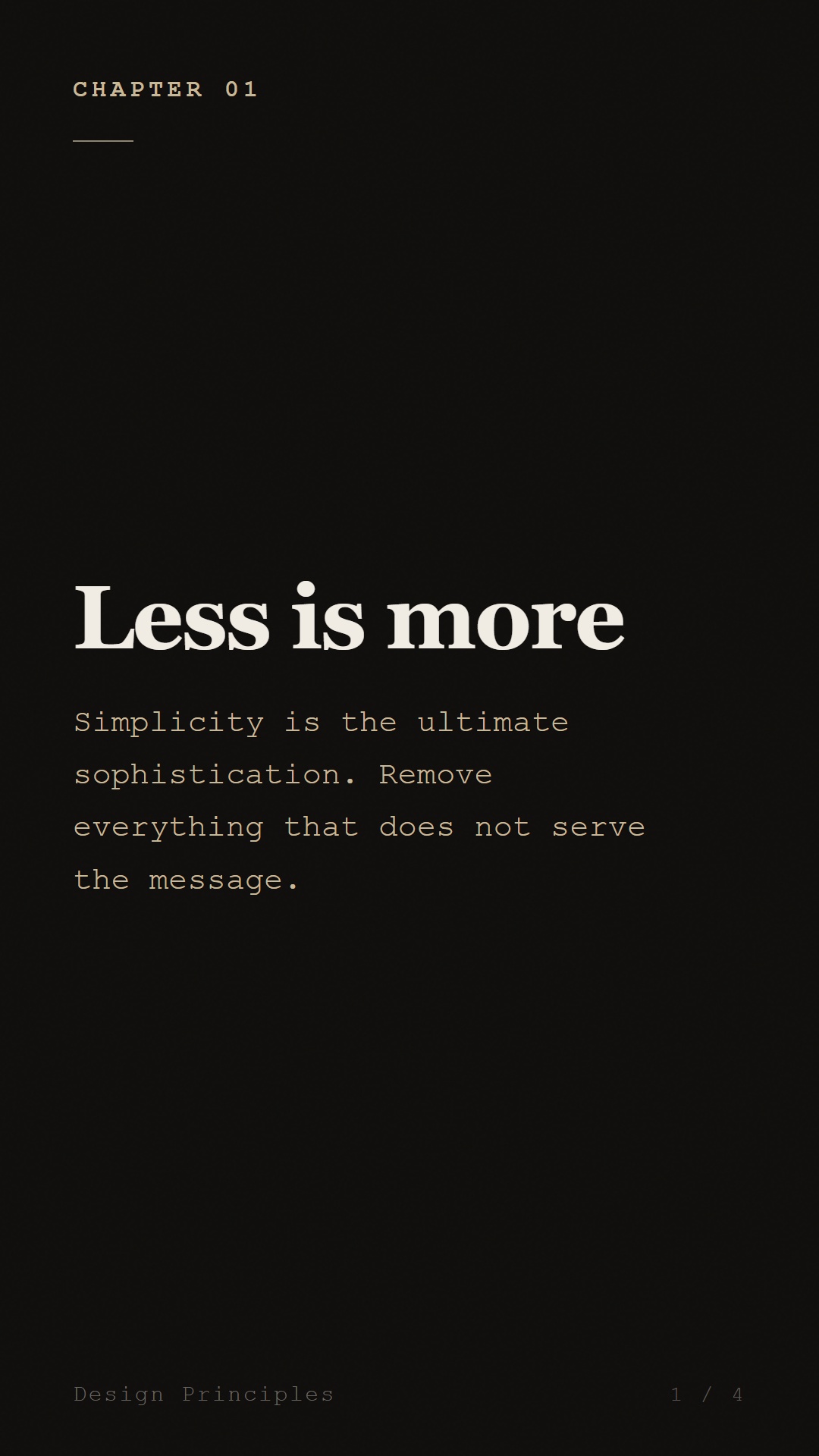 |
minimal-wide | 16:9 | heading | Clean typographic two-column layout | 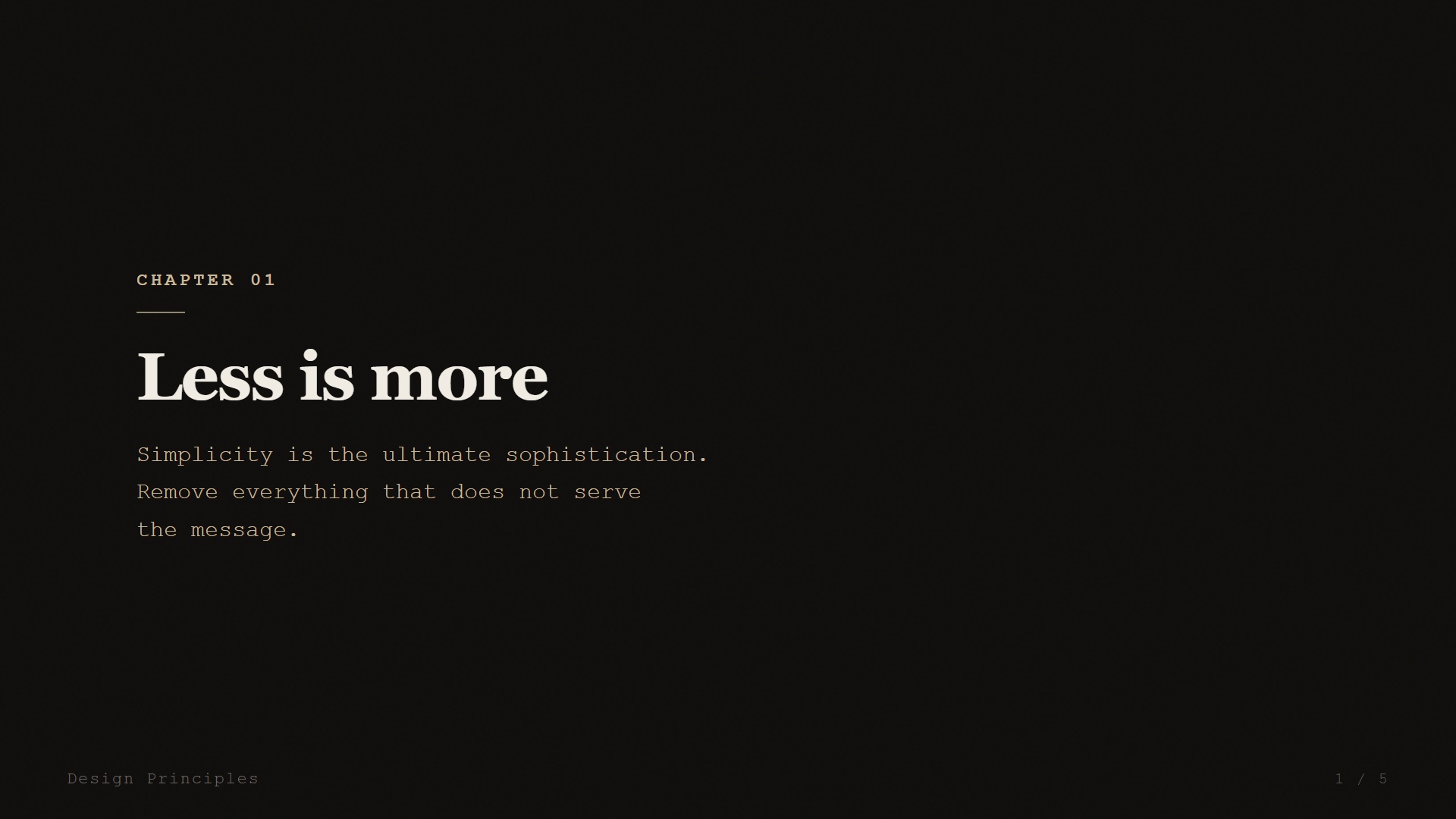 |
bold-title | 9:16 | title | High-contrast editorial, gradient background |  |
bold-title-wide | 16:9 | title | High-contrast editorial, widescreen |  |
quote-card | 9:16 | quote | Elegant pull-quote card with attribution | 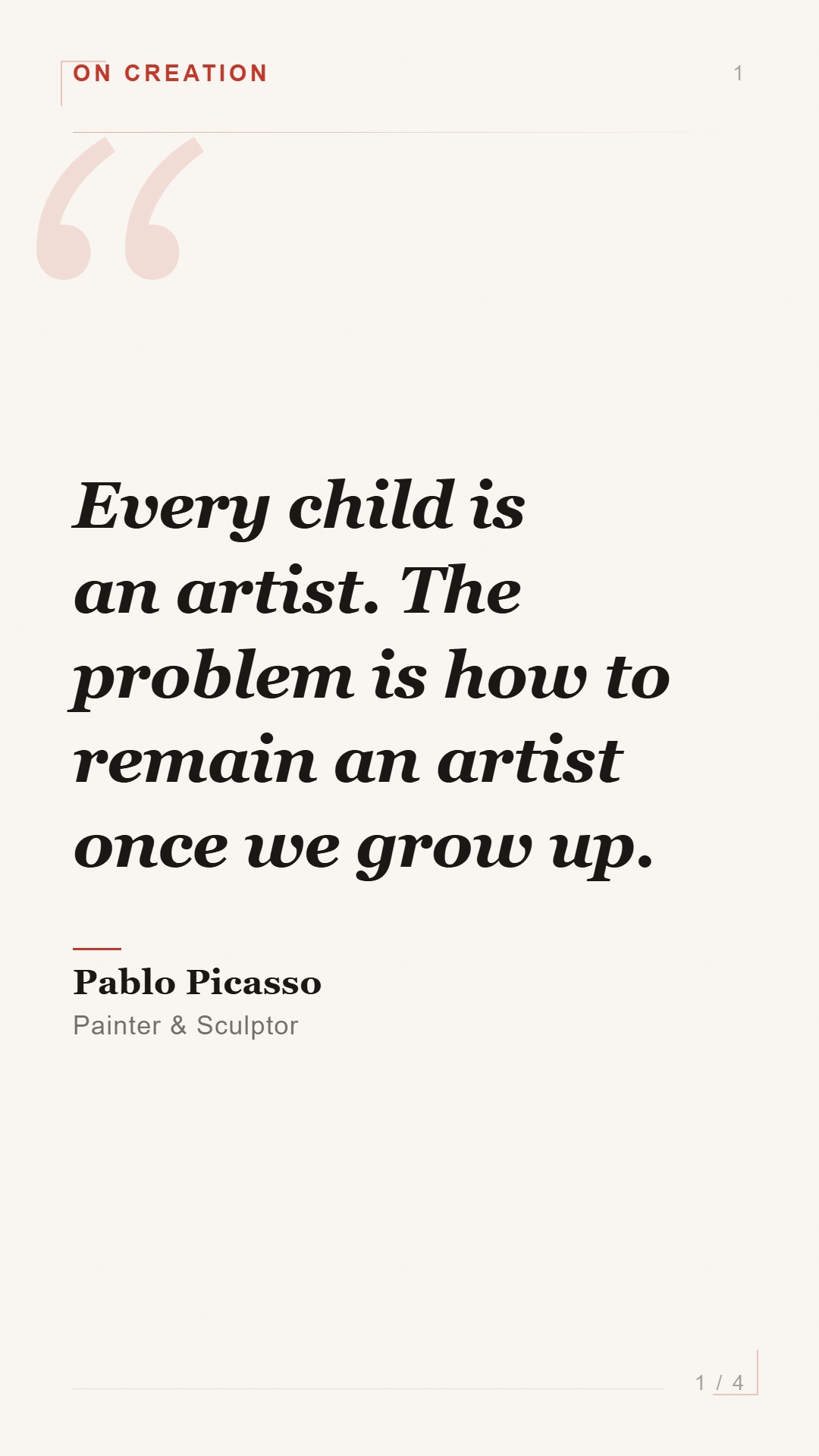 |
quote-card-wide | 16:9 | quote | Pull-quote card, widescreen | 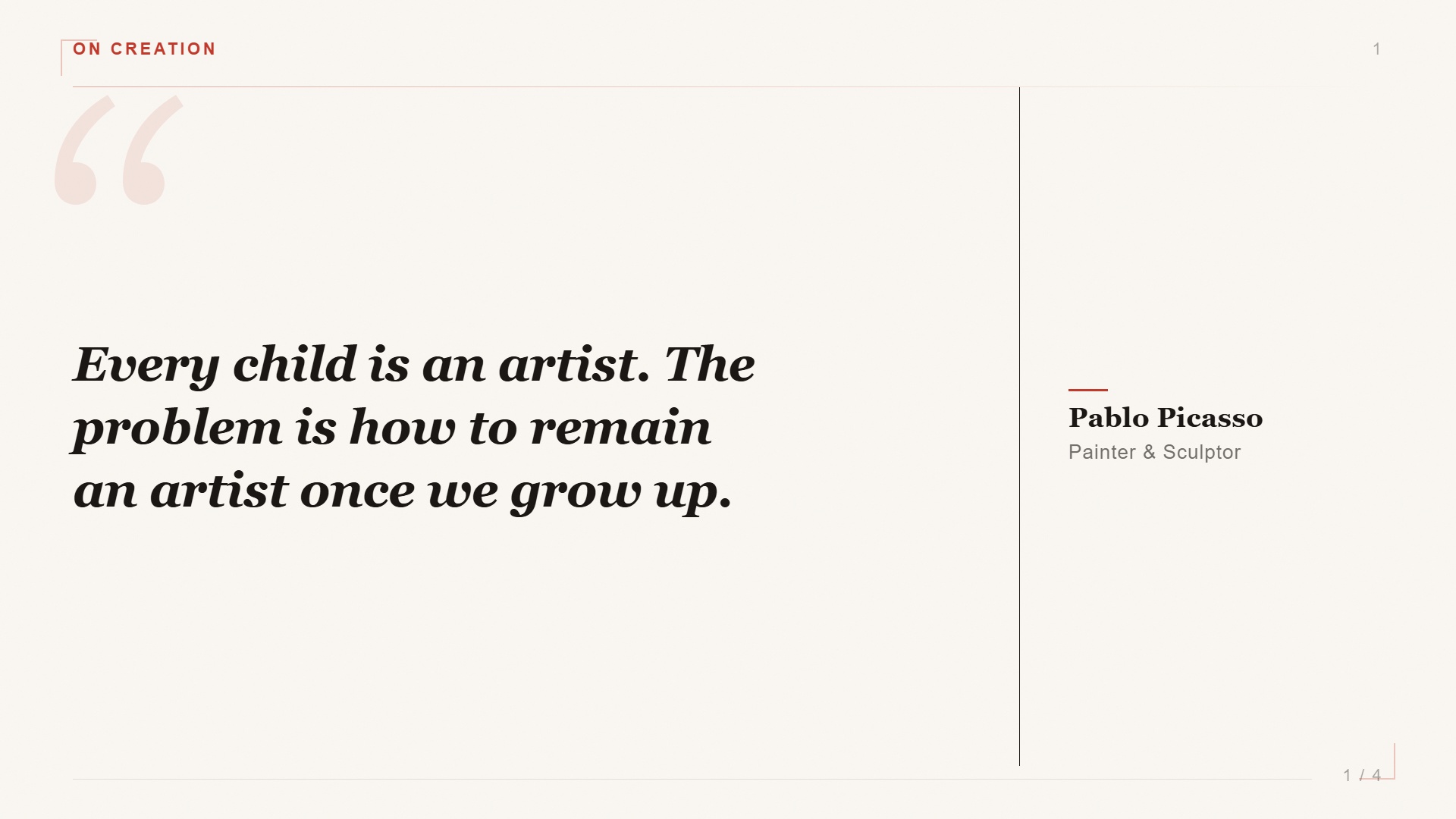 |
insight | 9:16 | heading | Insight card with optional background image | 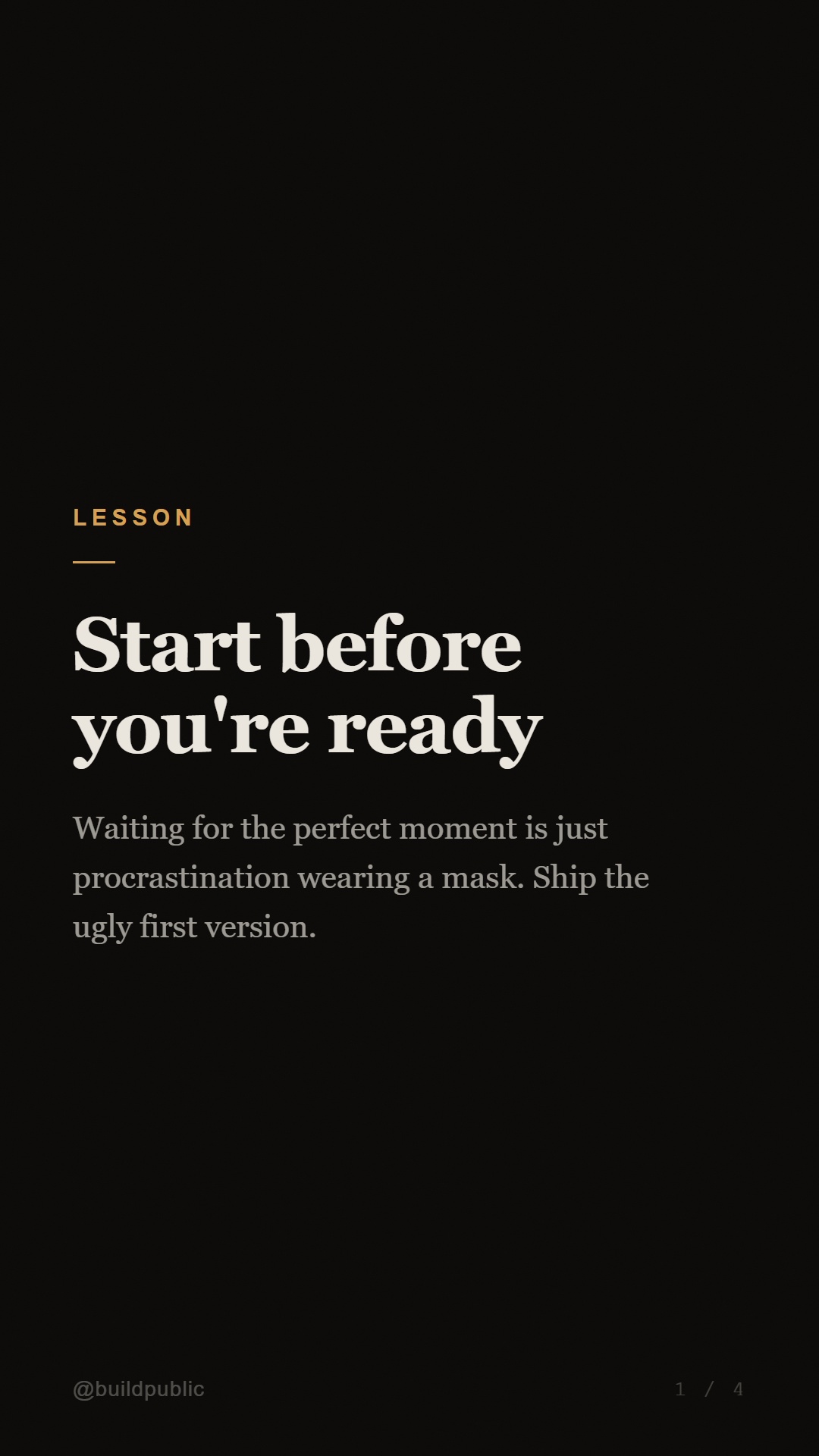 |
insight-wide | 16:9 | heading | Widescreen insight card with background image | 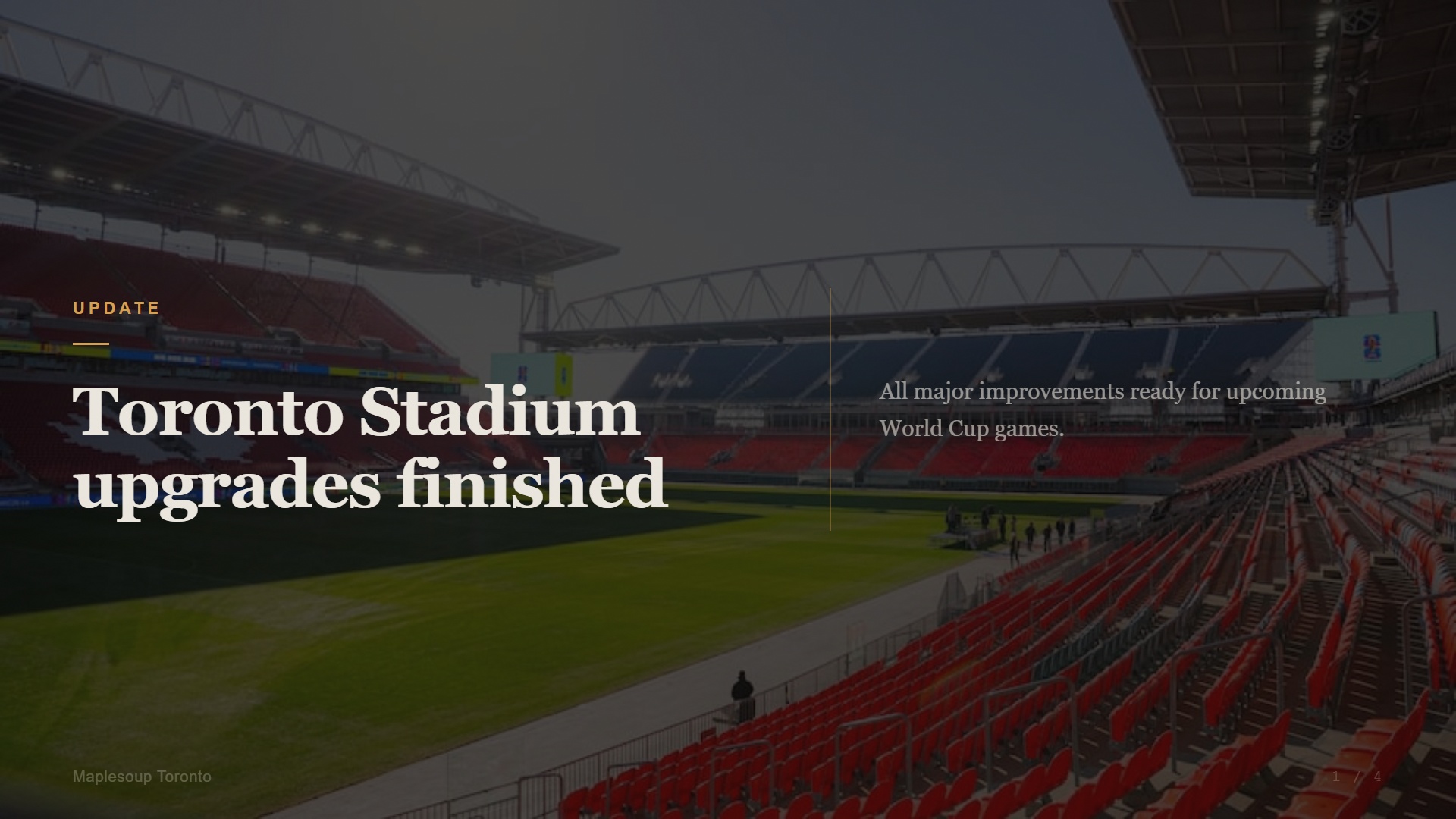 |
insight2 | 9:16 | heading | Insight card v2 — bold heading, body, image | 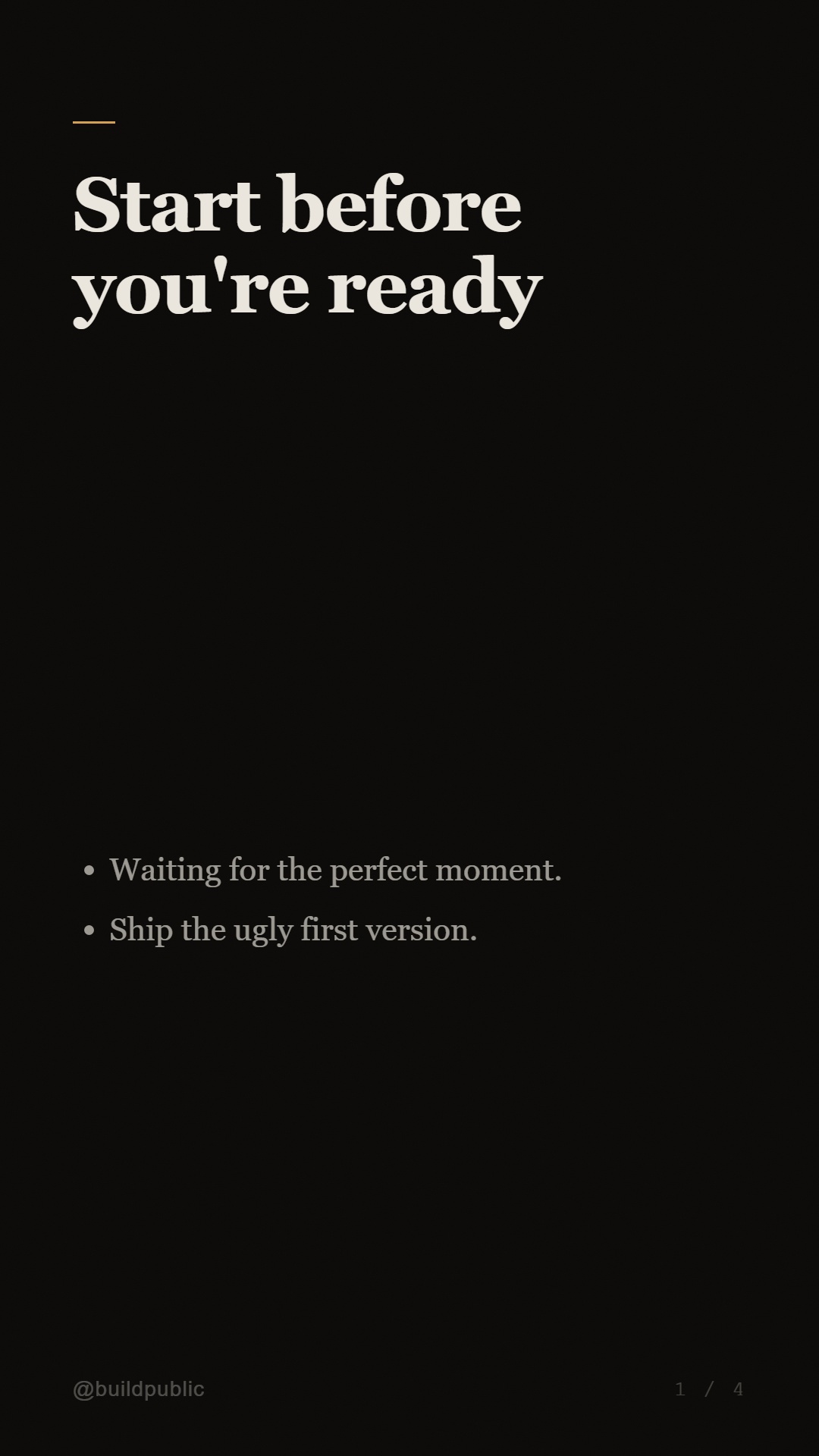 |
insight2-wide | 16:9 | heading | Widescreen insight card v2 | 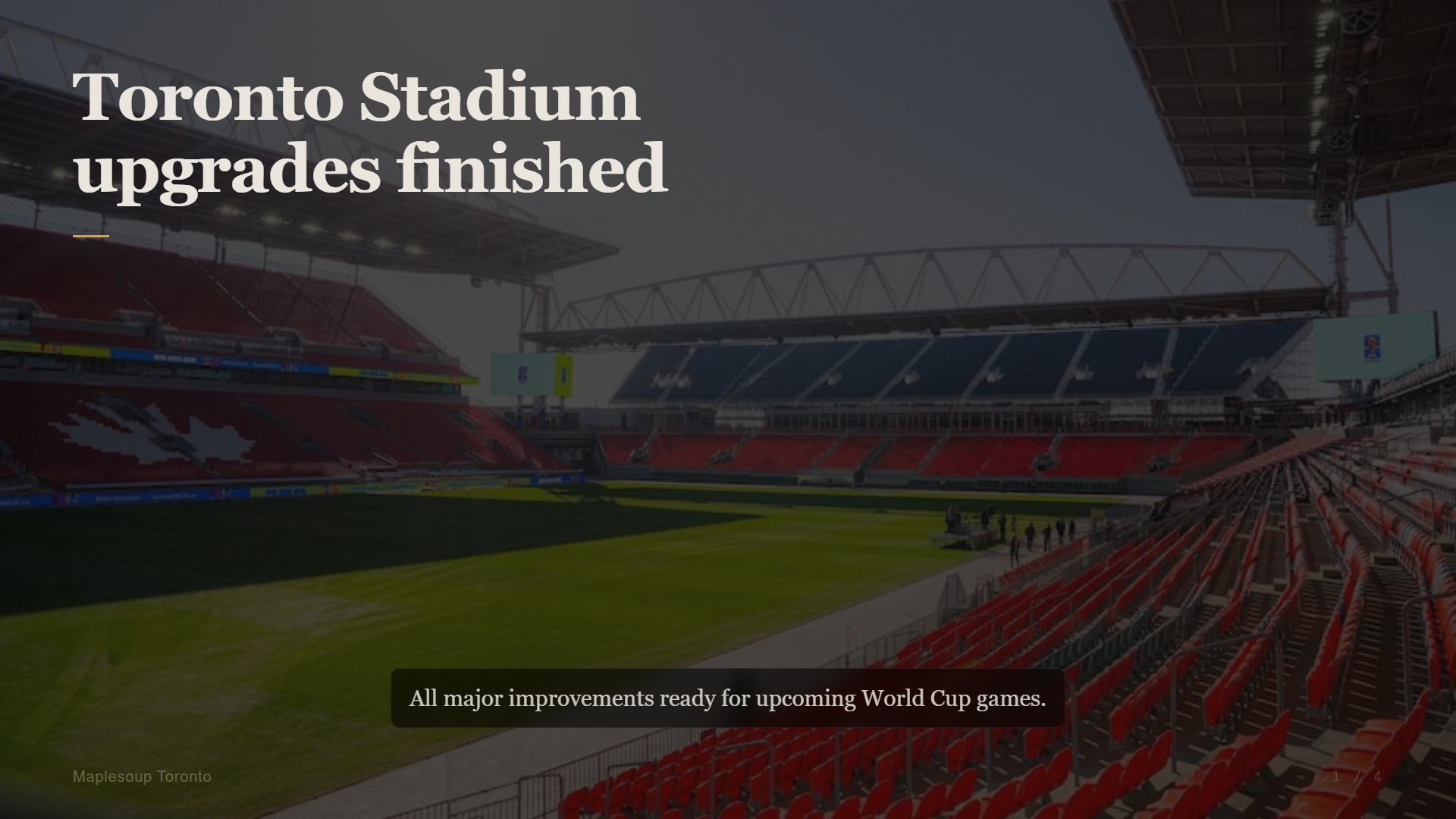 |
spotlight | 9:16 | image, heading | Image-forward spotlight, photo top |  |
spotlight-wide | 16:9 | image, heading | Widescreen spotlight, image right |  |
overlay | 9:16 | headline | Transparent overlay for video compositing | 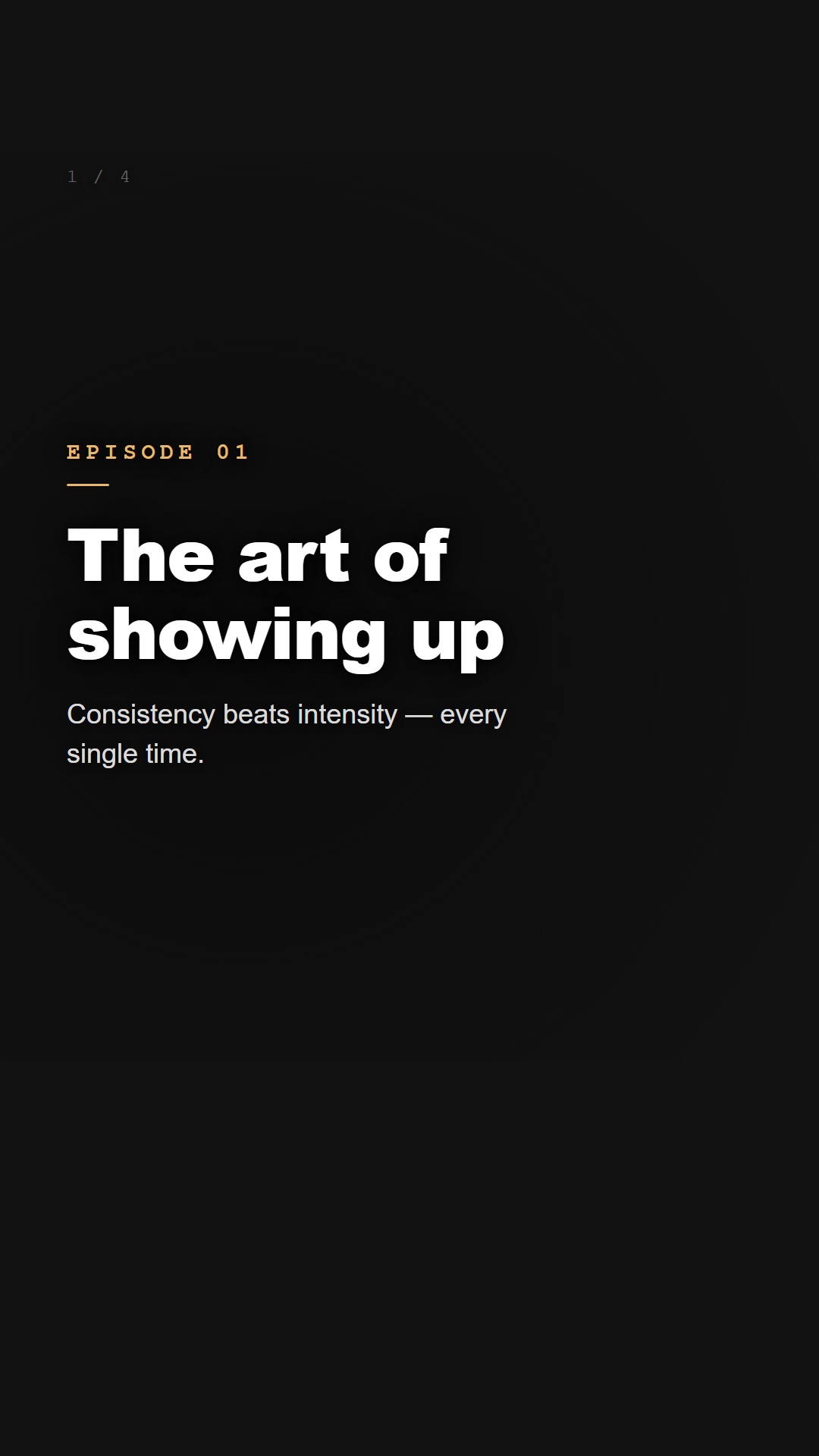 |
video-overlay | 9:16 | — | Transparent 9:16 overlay layers for shorts |  |
video-overlay-wide | 16:9 | — | Transparent 16:9 overlay layers for video | 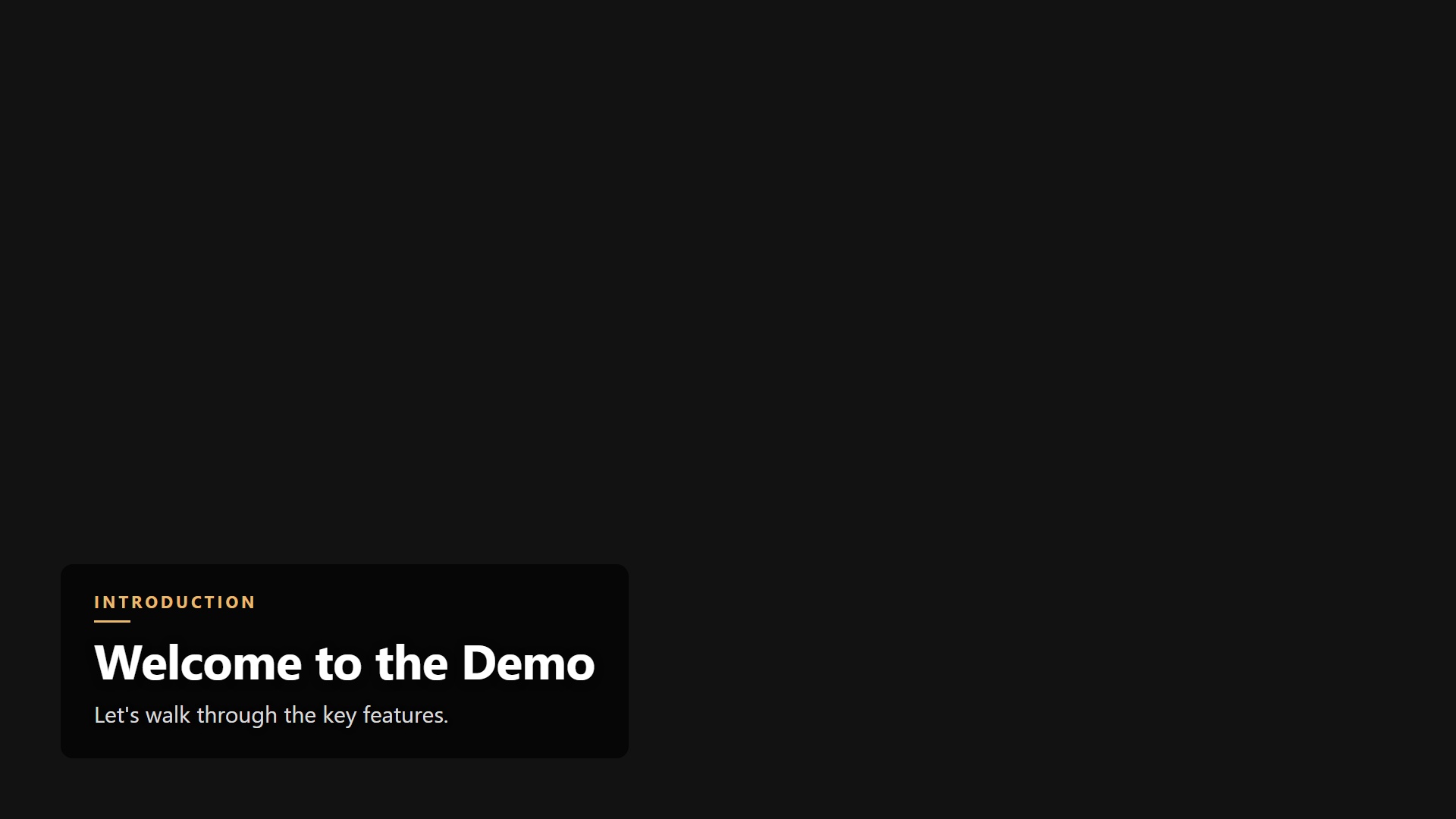 |
Tip: Run slide preview --all to regenerate preview images locally, or slide preview <template-id> for a single template.
Creating a custom template
my-template/
├── template.json    ← manifest + slot definitions
└── template.html    ← Handlebars HTML at your chosen dimensions
template.json
Set aspectRatio, width, and height to match your target format:
"9:16" | 1080 | 1920 | Instagram Stories, TikTok, Reels |
"16:9" | 1920 | 1080 | YouTube thumbnails, presentations |
"1:1" | 1080 | 1080 | Instagram feed, Twitter/X |
{
  "name": "My Template",
  "id": "my-template",
  "version": "1.0.0",
  "description": "Short description",
  "aspectRatio": "16:9",
  "width": 1920,
  "height": 1080,
  "slots": [
    { "id": "headline", "type": "text",  "label": "Headline",   "required": true },
    { "id": "bg",       "type": "color", "label": "Background", "required": false, "default": "#fff" }
  ]
}
Slot types: text · color · image · number · url
template.html
Match width and height in CSS to the values in your manifest:
<!DOCTYPE html><html>
<head><style>
  html, body { width: 1920px; height: 1080px; background: {{bg}}; }
</style></head>
<body>
  <h1>{{headline}}</h1>
  {{#if subtitle}}<p>{{subtitle}}</p>{{/if}}
  <footer>{{slideIndex}} / {{totalSlides}}</footer>
</body></html>
Always available: {{slideIndex}} · {{totalSlides}} · {{title}}
Helpers: {{#if}} · {{upper val}} · {{lower val}} · {{default val "fallback"}}
Presentation viewer
The generated index.html has:
- ← → keys or buttons · Space = autoplay · F = fullscreen
- Home/End · touch/swipe support
- Speed selector · progress bar · dot nav
Template storage
~/.slide-cli/templates/ | User templates (via add-template) |
<install>/dist/templates/ | Built-in templates (shipped with the package) |
User templates take priority over built-ins on id collision.
Docker
Production (installs from npm):
docker build -t slide-cli .
docker run --rm -v $(pwd)/output:/work/output slide-cli \
  slide list
docker run --rm -v $(pwd)/output:/work/output slide-cli \
  slide create --data ./templates/minimal/sample.json --template minimal
Local dev (installs from local build):
bun run build
docker build -f Dockerfile.dev -t slide-cli-dev .
DATA

License
MIT




