MagicPie
A Titanium wrapper for MagicPie.
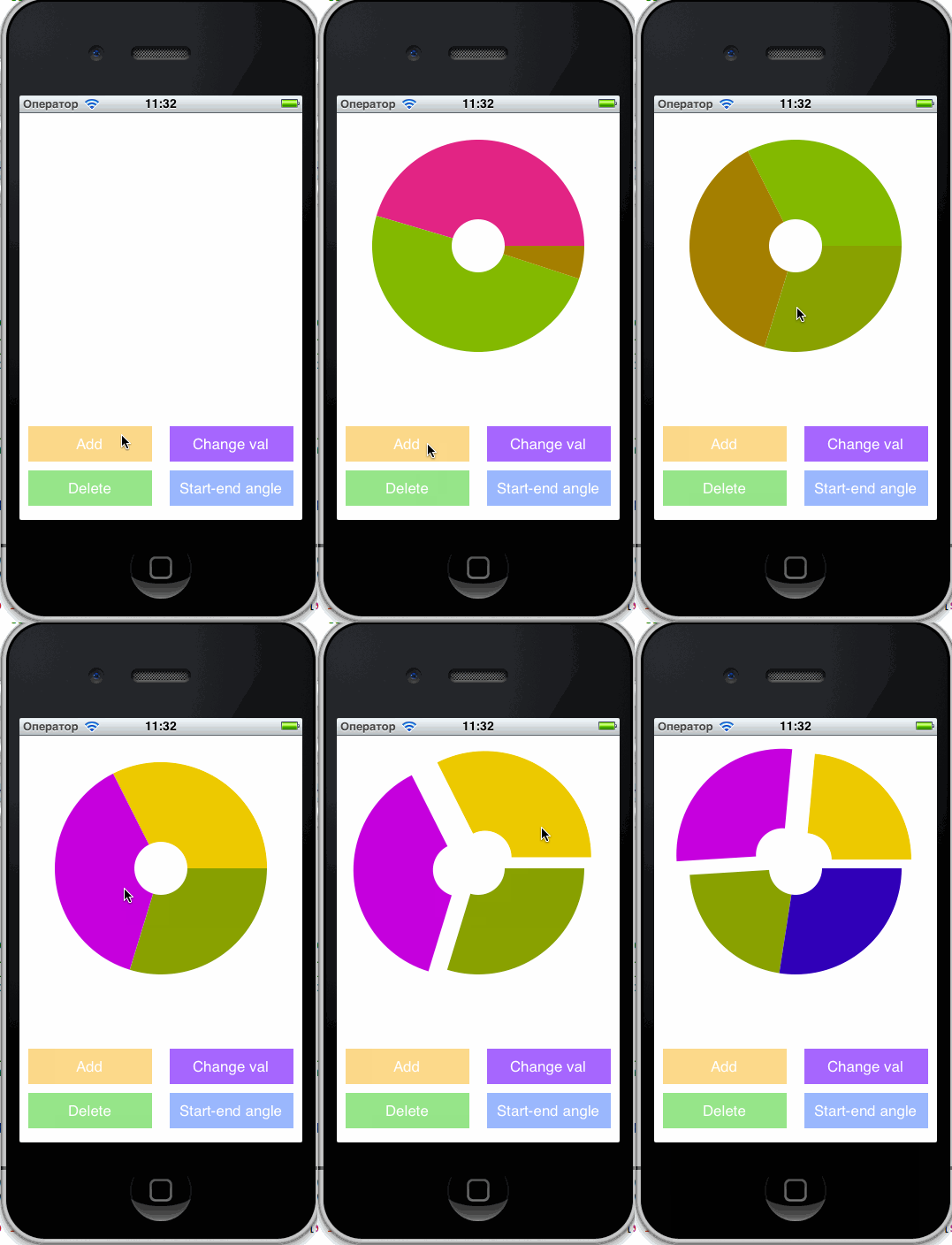
Learn by example
See the example.
How to use
Create a pie-view
var MagicPie = require('nl.fokkezb.magicpie');
var view = MagicPie.createView({
width: 200,
height: 200,
values: [{
itemid: 'b',
title: "hello",
color: 'yellow',
value: 8
}, {
itemid: 'c',
color: 'blue',
value: 5
}]
});
Adding a value after creation
view.addValues([{
    itemid: 'bgg',
    color: '#336699',
    value: 2
}]);
Or replace:
view.setValues([{
    itemid: 'bgg',
    color: '#336699',
    value: 2
}]);
Listen to taps on the pie
view.addEventListener('selected', function(e) {
    console.info(e);
});
This will give you:
e.itemid: As given for value the user tapped on.e.title: As given for value the user tapped on.e.value: As given for value the user tapped on.e.positionx: Position of tap relative to view.e.positiony: Position of tap relative to view.e.source: The pie chart view.
More options
minRadius: 25: Makes it a donut pie.maxRadius: 80: Maximum radius (default is to fit in pie view width/height).angles: { startAngle: 0, endAngle: 180 }: Makes it a partial pie (default is full).showTitles: MagicPie.SHOW_TITLES_IF_ENABLE: Can be either of SHOW_TITLES_IF_ENABLE, SHOW_TITLES_ALWAYS or SHOW_TITLES_NEVER.
Credits




