New:Socket for Asana Is Now Available.Learn more →

trustlint - npm Package Compare versions
+21
-3
| { | ||
| "name": "trustlint", | ||
| "version": "1.0.7", | ||
| "version": "1.0.8", | ||
| "description": "TrustLint is a local compliance validation tool for your development workflow. Instantly check your code for compliance issues, integrate with CI/CD, and stay ahead of regulatory risks.", | ||
| "main": "index.ts", | ||
| "files": [ | ||
| "index.ts" | ||
| "index.ts", | ||
| "README.md" | ||
| ], | ||
| "keywords": [ | ||
| "compliance", | ||
| "lint", | ||
| "validation", | ||
| "development", | ||
| "workflow", | ||
| "CI/CD", | ||
| "regulatory", | ||
| "security" | ||
| ], | ||
| "author": "ComplyEdge <support@complyedge.io>", | ||
| "license": "MIT", | ||
| "repository": { | ||
| "type": "git", | ||
| "url": "https://github.com/complyedge/trustlint.git" | ||
| }, | ||
| "scripts": { | ||
| "deploy": "AWS_PROFILE=complyedge bash deploy.sh" | ||
| "placeholder": "echo 'See README for deployment instructions'" | ||
| } | ||
| } |
+73
-7
| # TrustLint | ||
| A simple compliance linting tool by ComplyEdge. | ||
| 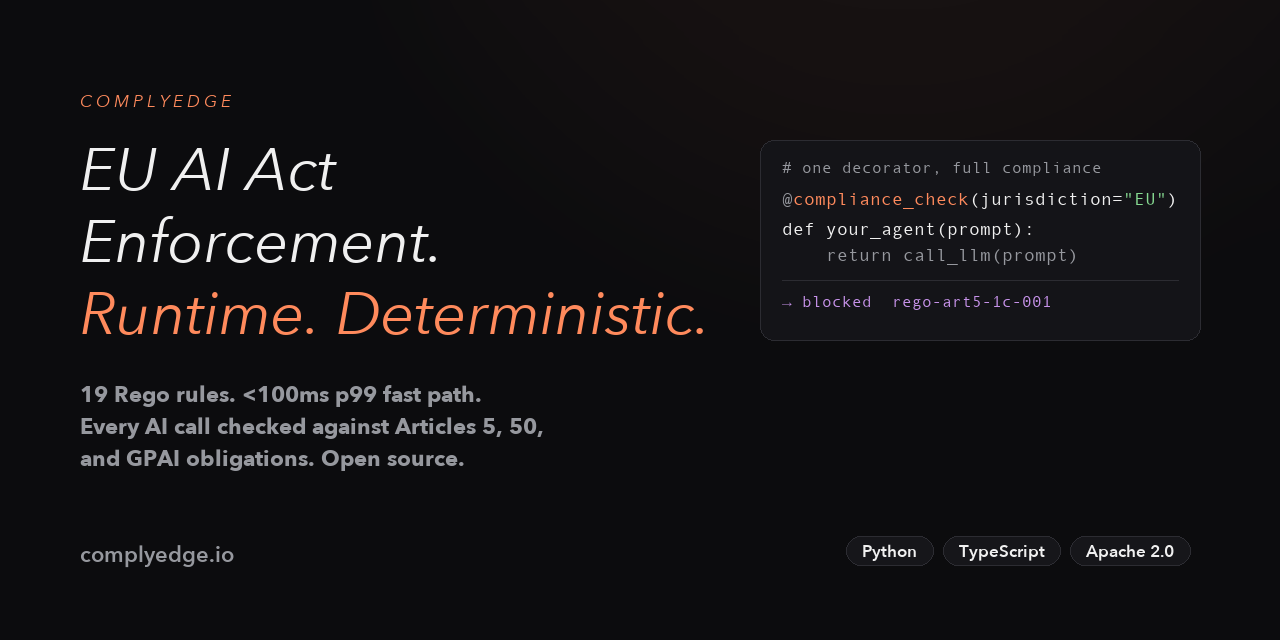 | ||
| ## Package Contents | ||
| **Local Compliance Validation for Developers** | ||
| - `index.ts`: Main entry point; this source file is published in the package. | ||
| - `README.md`: Used as the long description when publishing to npm and PyPI. | ||
| TrustLint is a powerful compliance linting tool by ComplyEdge. Instantly check your code for compliance issues, integrate with your CI/CD pipeline, and stay ahead of regulatory risks—all from your local development environment. | ||
| ## Deployment | ||
| --- | ||
| ## Installation | ||
| ### npm (JavaScript/TypeScript) | ||
| ```bash | ||
| npm run deploy:trustlint | ||
| ``` | ||
| npm install trustlint | ||
| ``` | ||
| ### pip (Python) | ||
| ```bash | ||
| pip install trustlint | ||
| ``` | ||
| --- | ||
| ## What is TrustLint? | ||
| TrustLint integrates seamlessly into your development workflow, providing real-time compliance validation as you code. It helps you: | ||
| - **Catch compliance issues early** before they reach production | ||
| - **Integrate compliance checks** into your CI/CD pipeline | ||
| - **Define custom rules** tailored to your organization | ||
| - **Stay up-to-date** with the latest regulatory requirements | ||
| - **Keep your code secure**—all validation happens locally | ||
| --- | ||
| ## Key Features | ||
|  | ||
| - **Real-Time Validation:** Get instant feedback on compliance issues as you code. | ||
| - **CI/CD Integration:** Seamlessly integrate with your existing CI/CD pipeline. | ||
| - **Custom Rule Configuration:** Define and enforce your own compliance rules. | ||
| - **Automatic Updates:** Stay current with the latest compliance rules. | ||
| - **Secure by Default:** Your code never leaves your development environment. | ||
| --- | ||
| ## Usage | ||
| After installing, you can run TrustLint as part of your build or test process. Example (JavaScript/TypeScript): | ||
| ```bash | ||
| npx trustlint <path-to-your-code> | ||
| ``` | ||
| Or, for Python: | ||
| ```bash | ||
| trustlint <path-to-your-code> | ||
| ``` | ||
| You can also integrate TrustLint into your CI/CD pipeline for automated compliance checks. | ||
| --- | ||
| ## Learn More | ||
| - [ComplyEdge Website](https://complyedge.io) | ||
| - [Download TrustLint](https://download.complyedge.io) | ||
| - [Contact Support](mailto:support@complyedge.io) | ||
| --- | ||
| ## Deployment (Maintainers Only) | ||
| See the repository or contact the maintainers for deployment instructions. | ||
| --- | ||
| _ComplyEdge — Stay ahead of regulations. Protect your code. Avoid costly pitfalls._ |
Fixed alerts
New author
Supply chain riskA new npm collaborator published a version of the package for the first time. New collaborators are usually benign additions to a project, but do indicate a change to the security surface area of a package.
No contributors or author data
MaintenancePackage does not specify a list of contributors or an author in package.json.
No License Found
LicenseLicense information could not be found.
No repository
Supply chain riskPackage does not have a linked source code repository. Without this field, a package will have no reference to the location of the source code use to generate the package.
Improved metrics
- Total package byte prevSize
2990
432.98%- Number of low license alerts
0
-100%- Number of low maintenance alerts
1
-50%- Number of lines in readme file
80
471.43%- Number of low supply chain risk alerts
0
-100%- Number of medium supply chain risk alerts
1
-50%No dependency changes