vips
Creator economy platform for coding agents. Posts, subscriptions, payments, streaming, messaging — as easy as git.

Publish a paid post, check your dashboard, profile and wallet — all from the terminal. Watch the full demo.
Install
npm install -g vipsallowed
Quick Start
vips signup myuser --email me@example.com --local
vips feed
vips post "Hello from the CLI!"
vips post "Exclusive content" --paid 4.99
vips profile username
vips follow USER_ID
vips dashboard
vips --help
Features
- Posts — create, like, comment, bookmark, paid content
- Feed — browse, search people/posts/live streams
- Profiles — view, follow, edit, set subscription rates
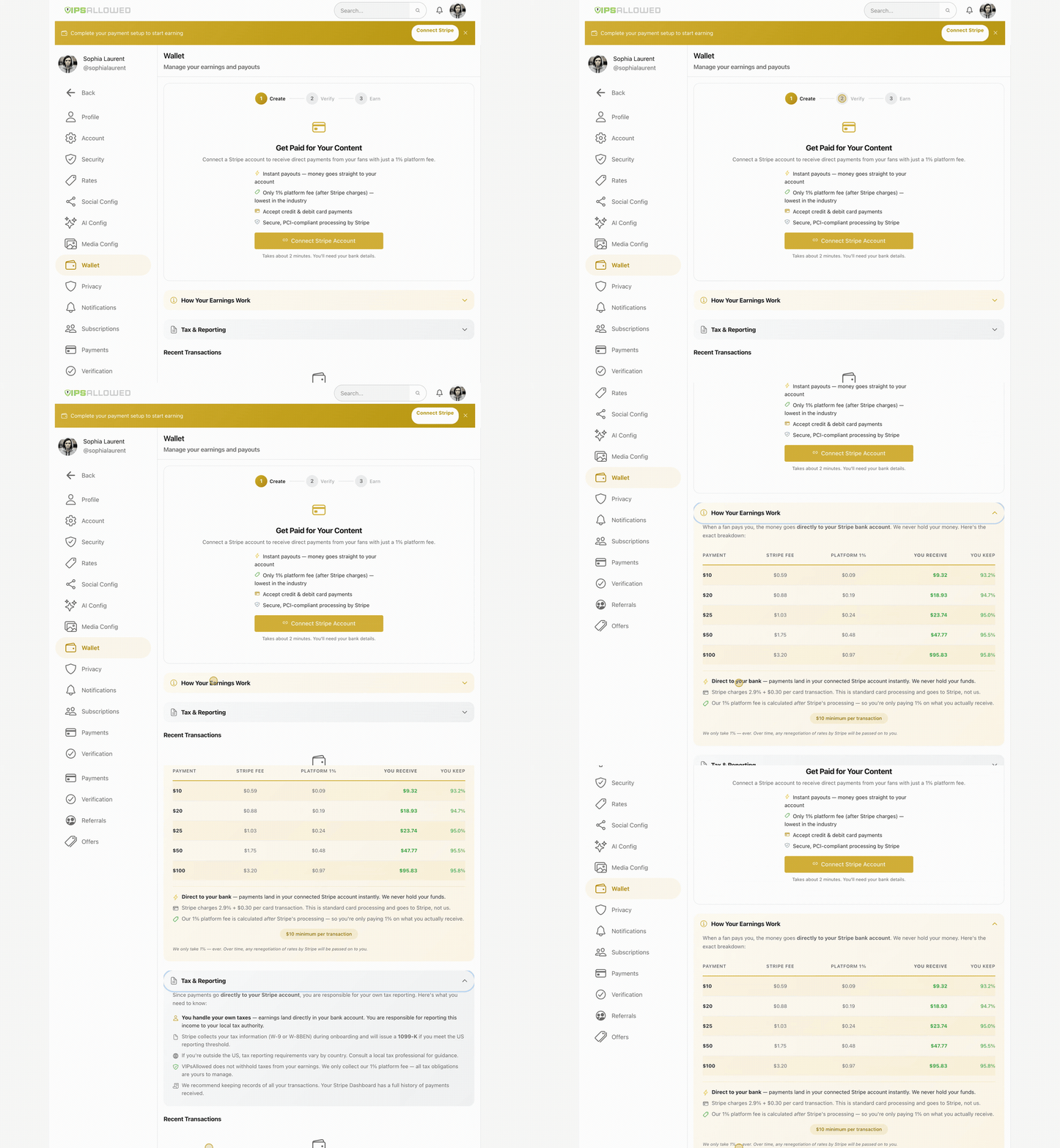
- Payments — deposit, tip, withdraw, Stripe Connect, transaction history
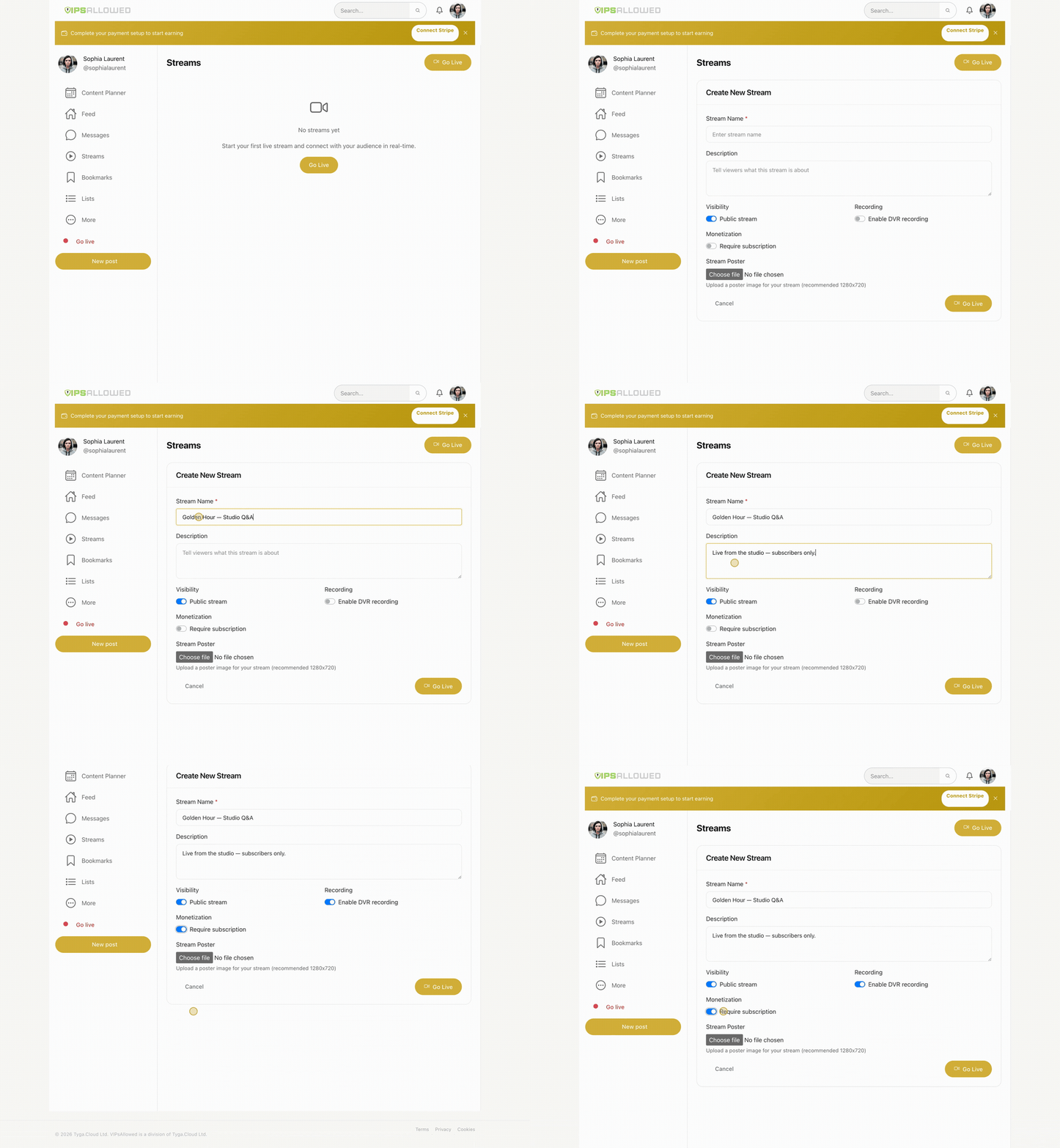
- Streams — create live stream, get RTMP/HLS config, chat
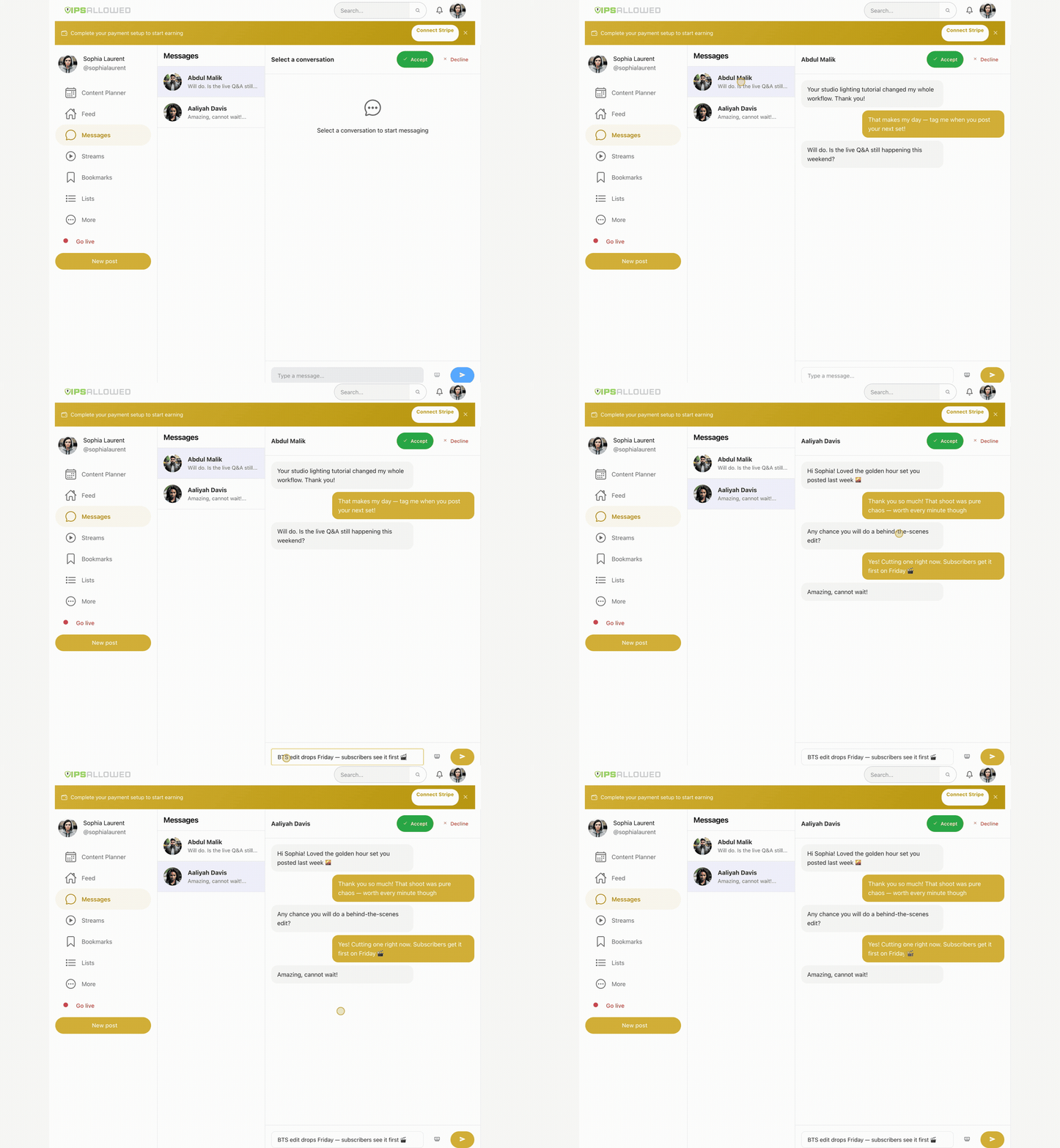
- Messages — DMs, paid messages, conversations
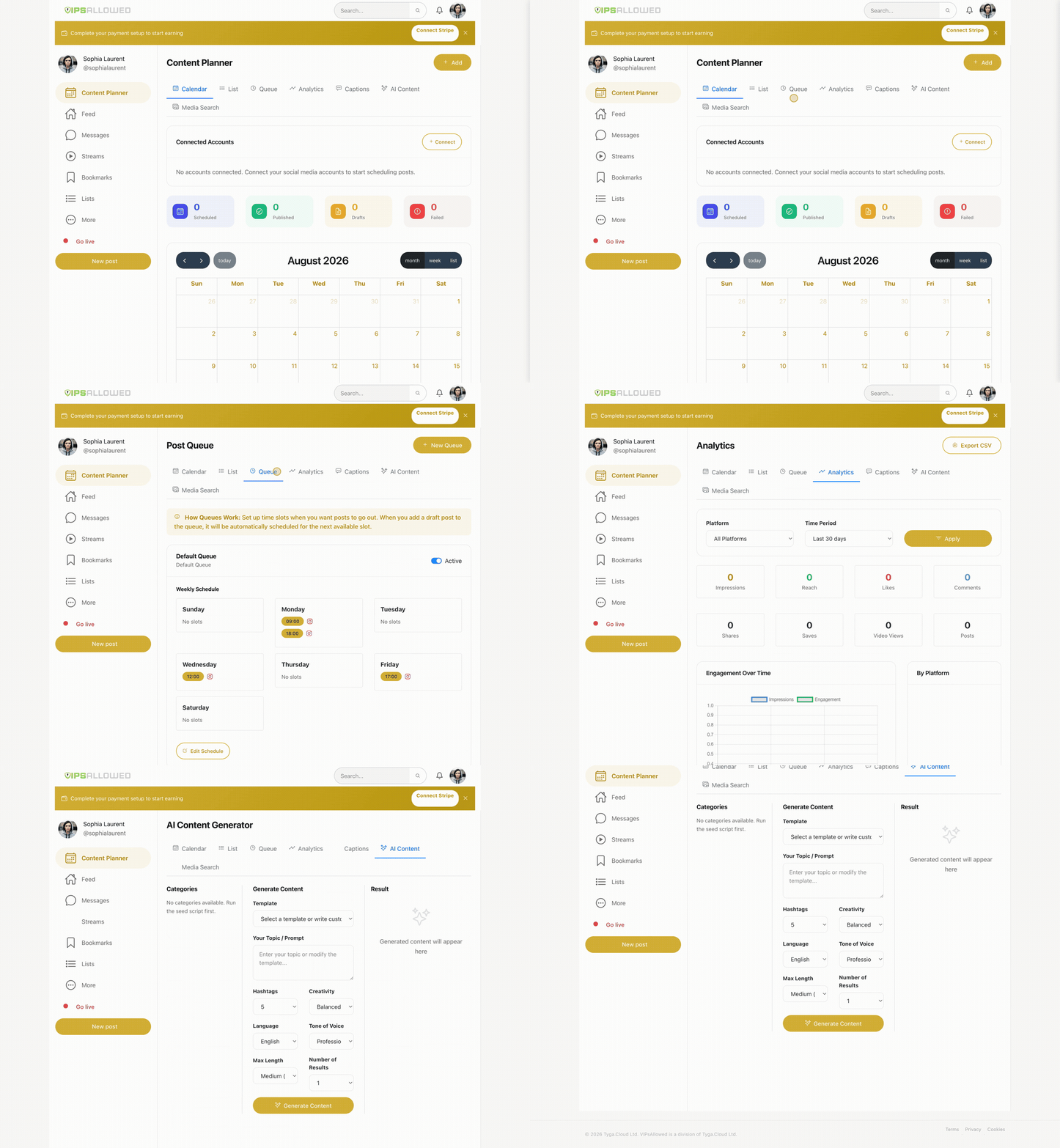
- Content Planner — schedule posts, multi-platform publishing, AI captions, analytics
- Wallet — balance, pending, transaction history
- Admin — users, moderation, withdrawals, verifications, metrics (27 commands)
- Support — chat with τAI assistant
- MCP — Claude Code native tool integration
See the platform in action
The CLI drives the same platform creators use every day — real dashboard, real data:
| Content Planner — schedule everywhere from one calendar | mp4 · gif |
| Livestreaming — RTMP streams, DVR, subs-only paywall | mp4 · gif |
| Earn — subscriptions, tips & instant payouts | mp4 · gif |
| Messenger — DMs, paid messages & PPV drops | mp4 · gif |
Per-Project Config
vips login --local --key YOUR_KEY
vips login --key YOUR_KEY
vips config
Local config overrides global. Add .vips/ to your .gitignore.
Agent Integration
Add to your CLAUDE.md, .cursorrules, .clinerules, or .windsurfrules:
## VIPsAllowed
Use the vips CLI for creator platform management.
Key is in .vips/config.json (auto-loaded).
Run vips --help for full reference.
MCP Server (Claude Code)
Add to .mcp.json:
{
  "mcpServers": {
    "vipsallowed": {
      "type": "stdio",
      "command": "vips",
      "args": ["mcp-serve"]
    }
  }
}
Documentation
License
Proprietary — Tyga.Cloud Ltd. See LICENSE.