

Security News
Ruby's Bundler 4.0.18 Extends Cooldown to bundle lock and bundle cache
The supply chain control that delays freshly published gems now covers lockfile generation and gem vendoring in Ruby projects.
By Sarah Gooding - Aug 06, 2026
mapnetwork-mcp
Advanced tools
MCP server for MapNetwork — generate styled map images (PNG / SVG) for any location on Earth, directly from Claude or any MCP-compatible AI assistant.
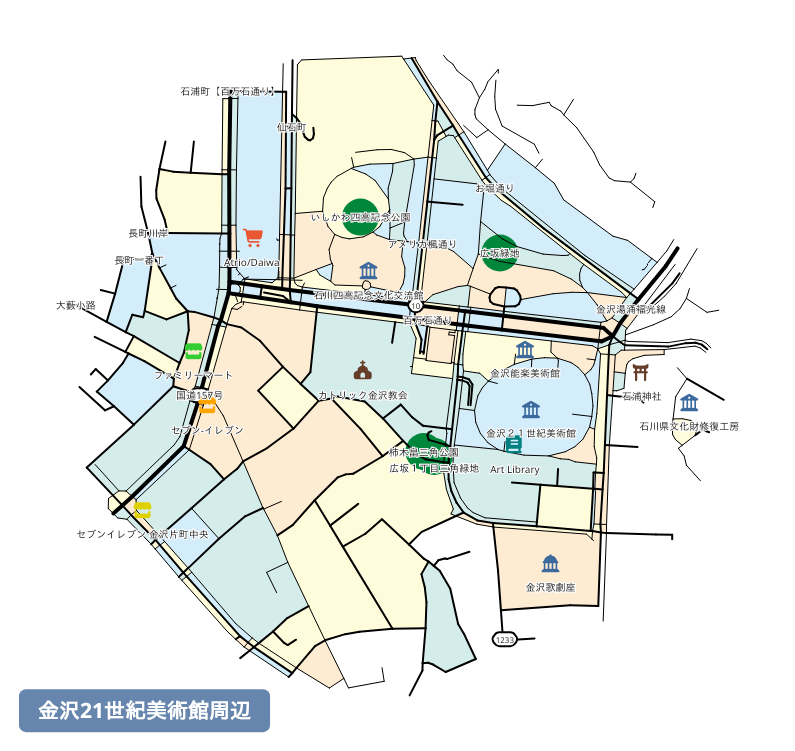
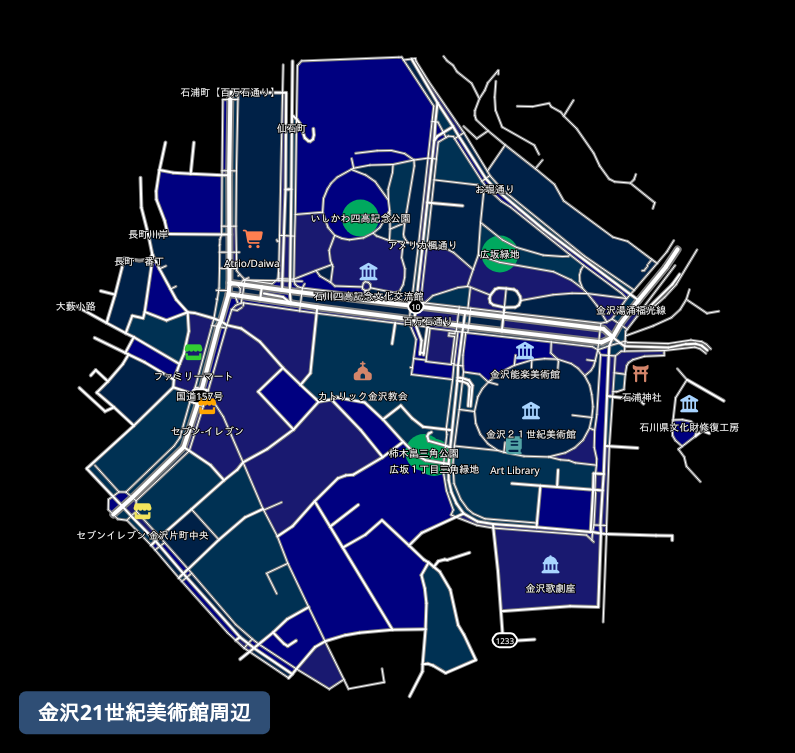
Prompt: "Generate a map around the 21st Century Museum of Contemporary Art, Kanazawa."
Here is the map it generated:
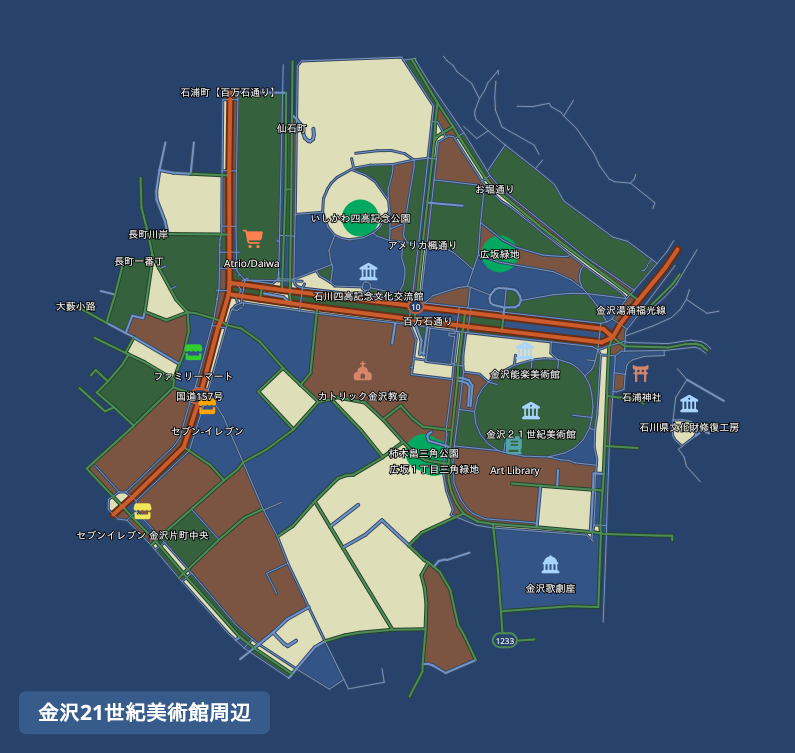
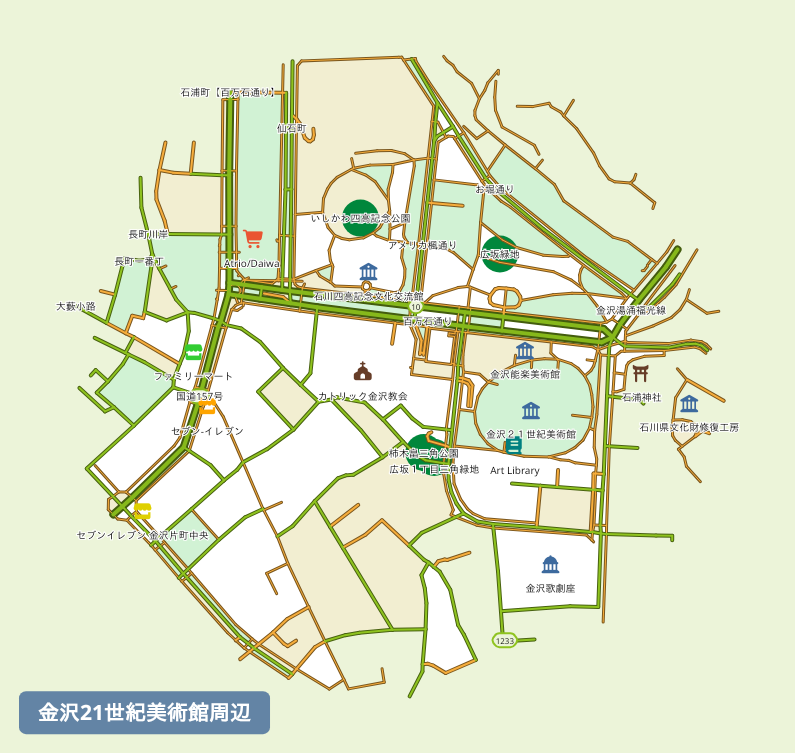
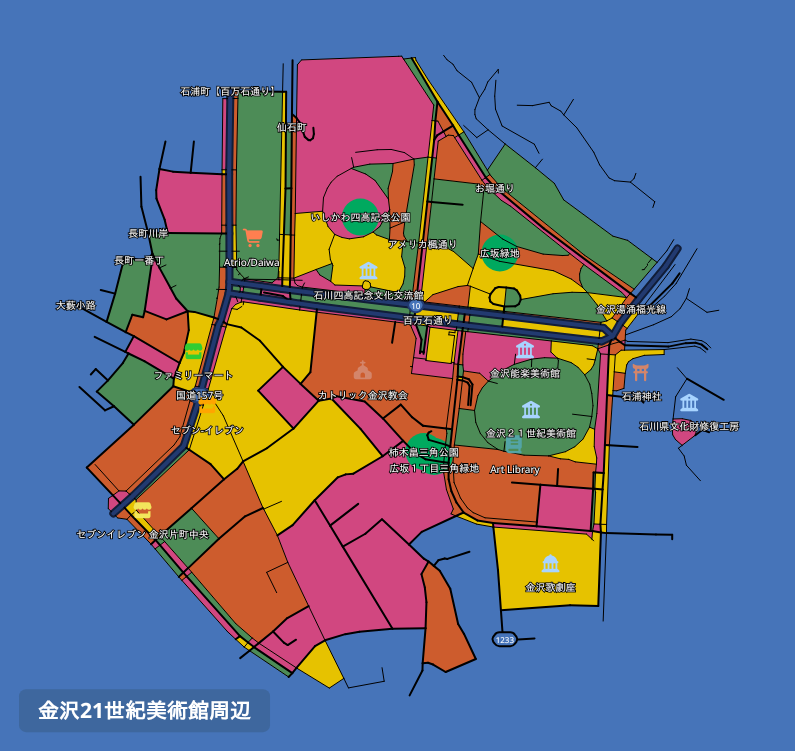
Prompt: "Redownload that map in a few different color themes."
The same map, redownloaded in different color themes:
| Dark Blue Style | Light Green Style | Pop Art Style | Black Style |
|---|---|---|---|
 |  |  |  |
The easiest way to install is via the .mcpb extension file available on the Releases page.
.mcpb file from the Releases page..mcpb file onto the Extensions panel to install.Add the following to your claude_desktop_config.json:
{
  "mcpServers": {
    "mapnetwork": {
      "command": "uvx",
      "args": ["mapnetwork-mcp"],
      "alwaysAllow": ["generate_map", "compute_route", "redownload_map"]
    }
  }
}
If you use pip instead of uvx:
pip install mapnetwork-mcp
{
  "mcpServers": {
    "mapnetwork": {
      "command": "mapnetwork-mcp"
    }
  }
}
| Tool | Description |
|---|---|
generate_map | Generate a styled map image for a location and save it to Downloads |
compute_route | Compute a walking or driving route between two locations |
redownload_map | Re-download a previously generated map in a different color theme or format |
Japanese
English
mcp-name: io.github.toruproject/mapnetwork-mcp
FAQs
MCP server — generate styled map images via mapnetwork.app
We found that mapnetwork-mcp demonstrated a healthy version release cadence and project activity because the last version was released less than a year ago. It has 1 open source maintainer collaborating on the project.
Did you know?

Socket for GitHub automatically highlights issues in each pull request and monitors the health of all your open source dependencies. Discover the contents of your packages and block harmful activity before you install or update your dependencies.
Security News
The supply chain control that delays freshly published gems now covers lockfile generation and gem vendoring in Ruby projects.

Security News
During a UK cyber test, a Mythos 5 agent used sockpuppets, social engineering, and prompt injection to try to get a maintainer to merge malware.

Company News
Socket is now in the AWS Security Hub Extended plan. Adopt it through AWS, apply committed spend, and block malicious open source packages.