figma-use
CLI for Figma. LLMs already know React and work great with CLIs — this combines both.
echo '<Frame style={{padding: 24, backgroundColor: "#3B82F6", borderRadius: 12}}>
<Text style={{fontSize: 18, color: "#FFF"}}>Hello Figma</Text>
</Frame>' | figma-use render --stdin
No JSON schemas, no MCP protocol overhead — just JSX that any LLM can write.
📄 Includes SKILL.md — drop-in reference for Claude Code and other AI agents.
Demo
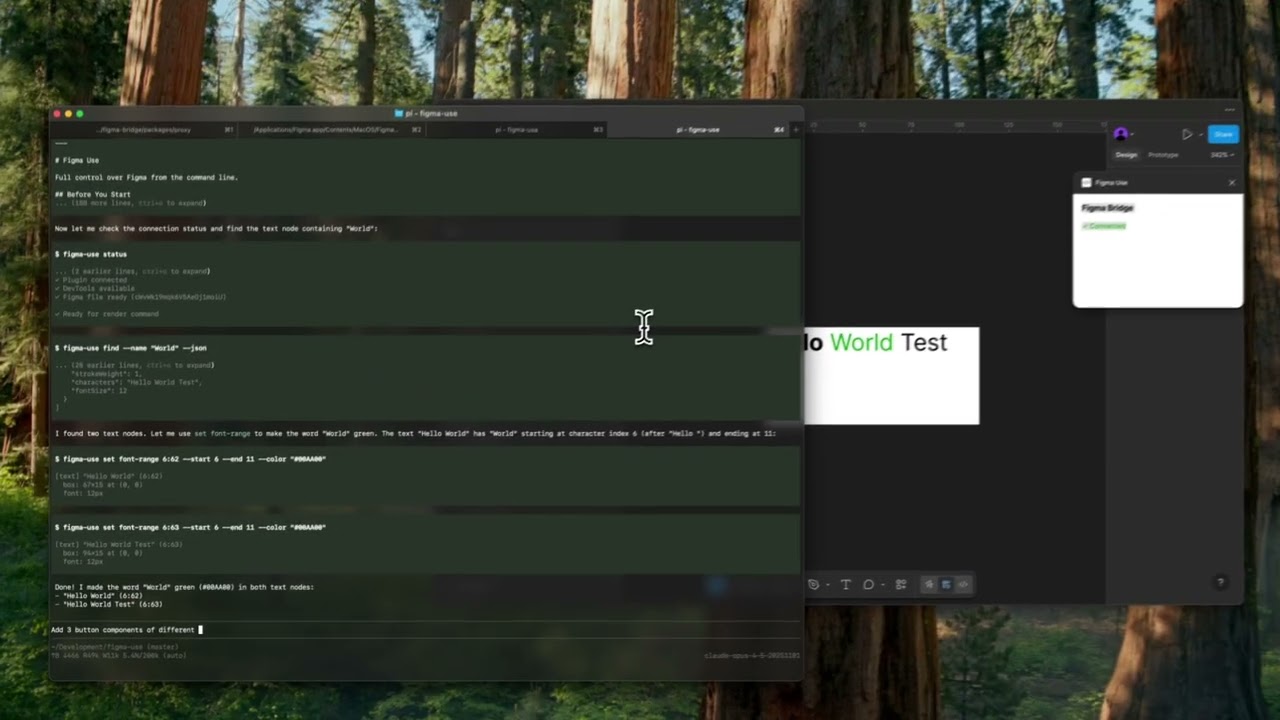
▶️ Button components
|
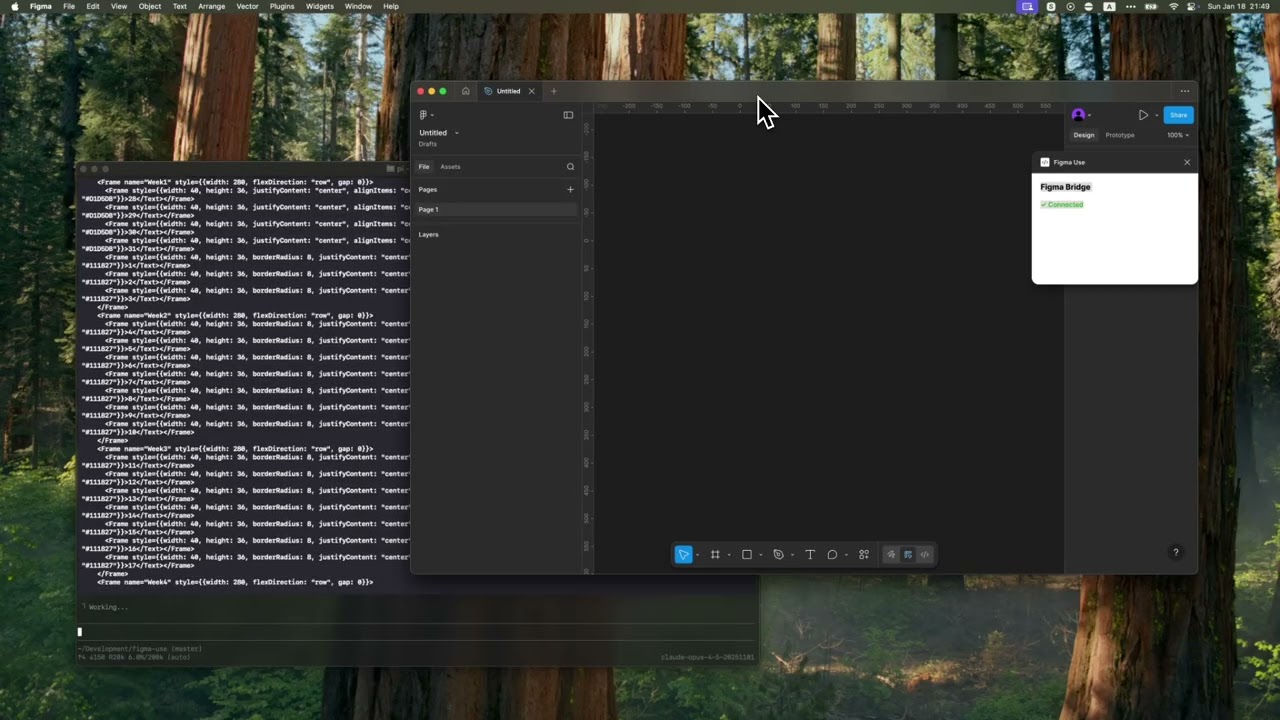
▶️ Tailwind UI calendar
|
Why CLI over MCP?
MCP servers exchange verbose JSON. CLIs are token-efficient:
figma-use create frame --width 400 --height 300 --fill "#FFF" --radius 12 --layout VERTICAL --gap 16
vs MCP JSON request + response: ~200 tokens for the same operation.
For AI agents doing dozens of Figma operations, this adds up fast. If you still prefer MCP, see MCP Server section.
Why JSX?
Every LLM has been trained on millions of React components. They can write this without examples:
<Frame style={{ flexDirection: 'column', gap: 16, padding: 24 }}>
  <Text style={{ fontSize: 24, fontWeight: 'bold' }}>Title</Text>
  <Text style={{ fontSize: 14, color: '#666' }}>Description</Text>
</Frame>
The render command takes this JSX and creates real Figma nodes — frames, text, components, auto-layout, the works.
Installation
bun install -g @dannote/figma-use
figma-use plugin install
figma-use proxy
Open Figma → Plugins → Development → Figma Use
Render: JSX → Figma (Experimental)
⚠️ Uses Figma's internal multiplayer protocol — ~100x faster than plugin API, but may break if Figma changes it.
Setup
figma --remote-debugging-port=9222
figma-use proxy
Basic Usage
echo '<Frame style={{width: 200, height: 100, backgroundColor: "#FF0000"}} />' | figma-use render --stdin
figma-use render ./Card.figma.tsx
figma-use render ./Card.figma.tsx --props '{"title": "Hello"}'
Supported Elements
Frame, Rectangle, Ellipse, Text, Line, Star, Polygon, Vector, Group
Style Properties
flexDirection: 'row' | 'column'
justifyContent: 'flex-start' | 'center' | 'flex-end' | 'space-evenly'
alignItems: 'flex-start' | 'center' | 'flex-end' | 'stretch'
gap: number
padding: number
paddingTop / paddingRight / paddingBottom / paddingLeft: number
width: number
height: number
x: number
y: number
backgroundColor: string
borderColor: string
borderWidth: number
borderRadius: number
opacity: number
fontSize: number
fontFamily: string
fontWeight: 'normal' | 'bold' | '100'-'900'
color: string
textAlign: 'left' | 'center' | 'right'
Reusable Components
defineComponent creates a Figma Component. First usage renders the master, subsequent usages create Instances:
import { defineComponent, Frame, Text } from '@dannote/figma-use/render'

const Card = defineComponent('Card',
  <Frame style={{ padding: 24, backgroundColor: '#FFF', borderRadius: 12 }}>
    <Text style={{ fontSize: 18, color: '#000' }}>Card</Text>
  </Frame>
)

export default () => (
  <Frame style={{ gap: 16, flexDirection: 'row' }}>
    <Card />  {/* Creates Component */}
    <Card />  {/* Creates Instance */}
    <Card />  {/* Creates Instance */}
  </Frame>
)
Component Variants
defineComponentSet creates a Figma ComponentSet with all variant combinations:
import { defineComponentSet, Frame, Text } from '@dannote/figma-use/render'

const Button = defineComponentSet('Button', {
  variant: ['Primary', 'Secondary'] as const,
  size: ['Small', 'Large'] as const,
}, ({ variant, size }) => (
  <Frame style={{
    padding: size === 'Large' ? 16 : 8,
    backgroundColor: variant === 'Primary' ? '#3B82F6' : '#E5E7EB',
    borderRadius: 8,
  }}>
    <Text style={{ color: variant === 'Primary' ? '#FFF' : '#111' }}>
      {variant} {size}
    </Text>
  </Frame>
))

export default () => (
  <Frame style={{ gap: 16, flexDirection: 'column' }}>
    <Button variant="Primary" size="Large" />
    <Button variant="Secondary" size="Small" />
  </Frame>
)
This creates 4 variant components (Primary/Small, Primary/Large, Secondary/Small, Secondary/Large) inside a ComponentSet, plus instances with the requested variants.
Variable Bindings
Bind colors to Figma variables by name:
import { defineVars, Frame, Text } from '@dannote/figma-use/render'

const colors = defineVars({
  bg: { name: 'Colors/Gray/50', value: '#F8FAFC' },
  text: { name: 'Colors/Gray/900', value: '#0F172A' },
})

export default () => (
  <Frame style={{ backgroundColor: colors.bg }}>
    <Text style={{ color: colors.text }}>Bound to variables</Text>
  </Frame>
)
The value is a fallback. At render time, colors get bound to actual Figma variables by name.
CLI Commands
The render command is the fastest way to create complex layouts. For simpler operations or modifications, use direct commands:
Create
figma-use create frame --width 400 --height 300 --fill "#FFF" --radius 12 --layout VERTICAL --gap 16
figma-use create rect --width 100 --height 50 --fill "#FF0000" --radius 8
figma-use create ellipse --width 80 --height 80 --fill "#00FF00"
figma-use create text --text "Hello" --fontSize 24 --fill "#000"
figma-use create line --length 100 --stroke "#000"
figma-use create component --width 200 --height 100
figma-use create instance --component <id>
Modify
figma-use set fill <id> "#FF0000"
figma-use set stroke <id> "#000" --weight 2
figma-use set radius <id> 12
figma-use set opacity <id> 0.5
figma-use set text <id> "New text"
figma-use set font <id> --family "Inter" --style "Bold" --size 20
figma-use set layout <id> --mode VERTICAL --gap 12 --padding 16
figma-use set effect <id> --type DROP_SHADOW --radius 10 --color "#00000040"
Query
figma-use node get <id>
figma-use node tree
figma-use node children <id>
figma-use node bounds <id>
figma-use find --name "Button"
figma-use find --type FRAME
figma-use selection get
Vector Paths
figma-use create vector --x 0 --y 0 --path "M 0 0 L 100 50 L 0 100 Z" --fill "#F00"
figma-use path get <id>
figma-use path set <id> "M 0 0 ..."
figma-use path move <id> --dx 10 --dy -5
figma-use path scale <id> --factor 1.5
figma-use path flip <id> --axis x
Export
figma-use export node <id> --output design.png
figma-use export screenshot --output viewport.png
figma-use export selection --output selection.png
Navigate
figma-use page list
figma-use page set "Page Name"
figma-use viewport zoom-to-fit <ids...>
Variables & Styles
figma-use variable list
figma-use variable create "Primary" --collection <id> --type COLOR --value "#3B82F6"
figma-use style list
figma-use style create-paint "Brand/Primary" --color "#E11D48"
Fonts
figma-use font list
figma-use font list --family Roboto
figma-use comment list
figma-use comment add "Review this"
figma-use comment add "Here" --x 200 --y 100
figma-use comment delete <id>
figma-use version list
figma-use me
figma-use file info
Diff (Experimental)
Compare two frames and generate a unified diff patch:
figma-use diff create --from 123:456 --to 789:012
Apply patch with validation (fails if current state doesn't match expected):
figma-use diff apply patch.diff
figma-use diff apply --stdin < patch.diff
figma-use diff apply patch.diff --dry-run
figma-use diff apply patch.diff --force
Escape Hatch
figma-use eval "return figma.currentPage.name"
figma-use eval "figma.createRectangle().resize(100, 100)"
Output
Human-readable by default:
$ figma-use node tree
[0] frame "Card" (1:23)
    400×300 at (0, 0) | fill: #FFFFFF | layout: col gap=16
  [0] text "Title" (1:24)
      "Hello World" | 24px Inter Bold
Add --json for machine parsing:
figma-use node get <id> --json
For AI Agents
Includes ready-to-use SKILL.md — a comprehensive reference that teaches AI agents all commands and patterns. Works with Claude Code, Cursor, and any agent that supports skill files.
mkdir -p ~/.claude/skills/figma-use
cp node_modules/@dannote/figma-use/SKILL.md ~/.claude/skills/figma-use/
curl -o ~/.claude/skills/figma-use/SKILL.md \
https://raw.githubusercontent.com/anthropics/figma-use/main/SKILL.md
For simpler setups, add to your project's AGENTS.md:
## Figma

Use `figma-use` CLI. For complex layouts, use `figma-use render --stdin` with JSX.
Run `figma-use --help` for all commands.
MCP Server
If your client only supports MCP, the proxy exposes an endpoint at http://localhost:38451/mcp with 80+ auto-generated tools. Run figma-use mcp for config snippet.
How It Works
┌─────────────┐     ┌─────────────┐     ┌─────────────┐
│  AI Agent   │────▶│  figma-use  │────▶│   Plugin    │
│             │ CLI │    proxy    │ WS  │             │
└─────────────┘     └──────┬──────┘     └─────────────┘
                           │
                    MCP ───┤ WebSocket (multiplayer)
                           ▼
                    ┌─────────────┐
                    │   Figma     │
                    │   Server    │
                    └─────────────┘
- CLI commands → Plugin API (full Figma access)
- MCP endpoint → Same as CLI, JSON-RPC protocol
- render command → Multiplayer protocol (~100x faster, experimental)
License
MIT


