FindIP Shield JavaScript SDK


FindIP Shield adds visitor risk intelligence to a website. The SDK reports VPN, proxy, Tor, relay, hosting, datacenter, malicious-IP, and network signals without collecting form values.
Published on npm as @findip/shield. It has no npm dependencies, and the browser build is 50.1 kB minified, 16.7 kB gzipped (1.12.0).
Shield returns risk signals, a score and a recommendation for each visit and form submit. The decision stays yours, and the place to make it is your server: see server verification.
See Shield in action
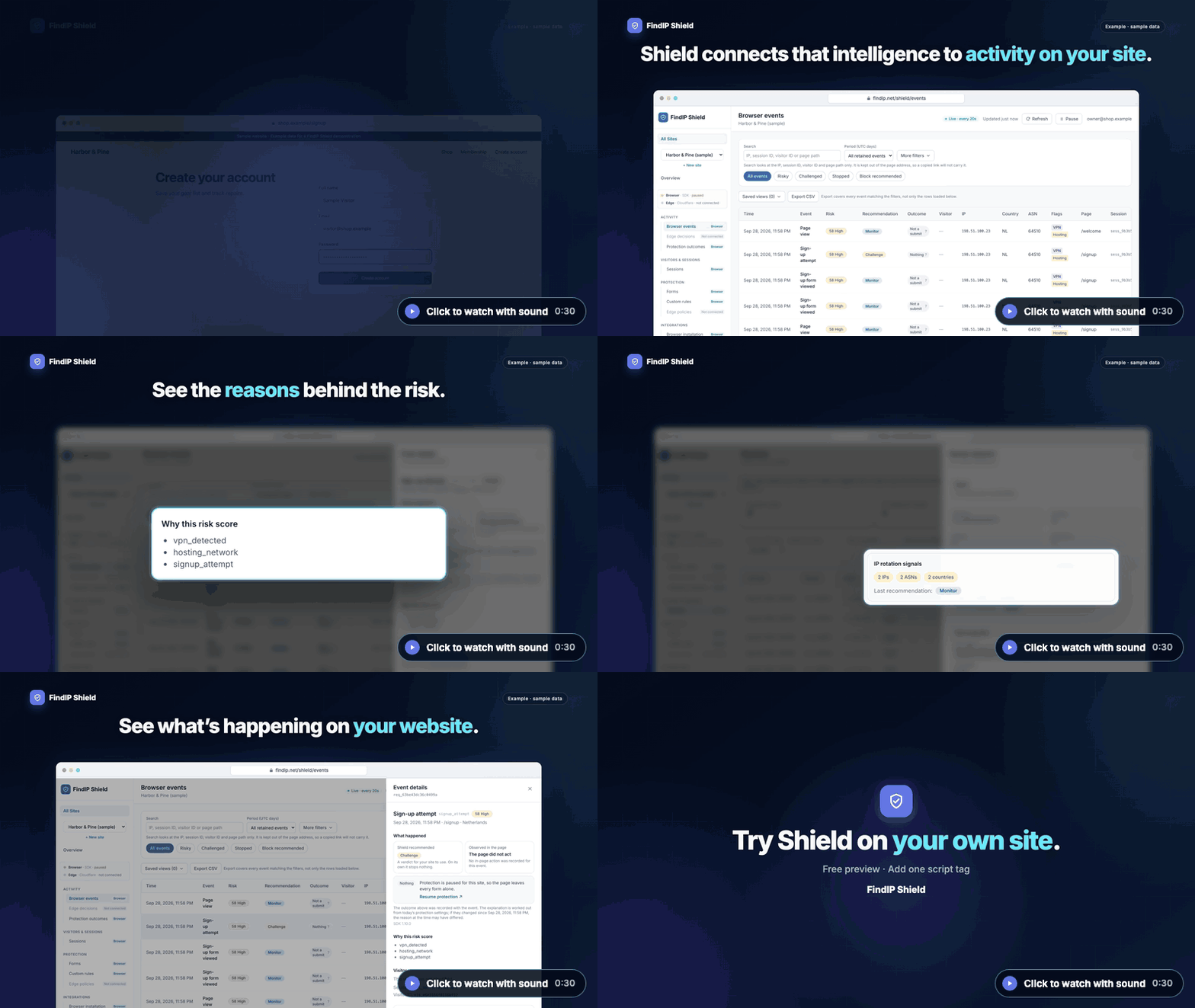
▶ Watch with sound (0:30) · Try the interactive demo · Explore FindIP Shield
The clip uses sample data, and its captions are on screen. Three more short clips:
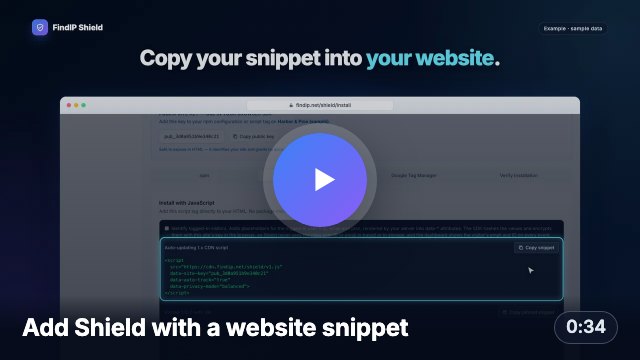 | 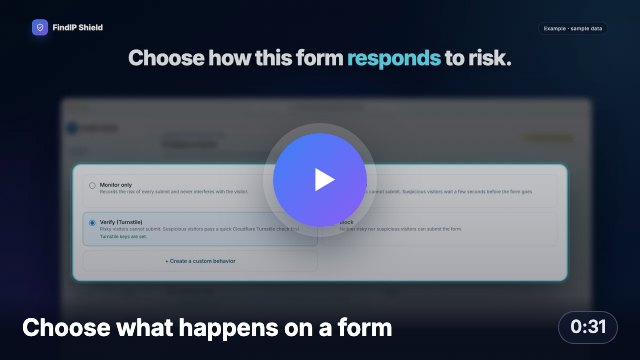 | 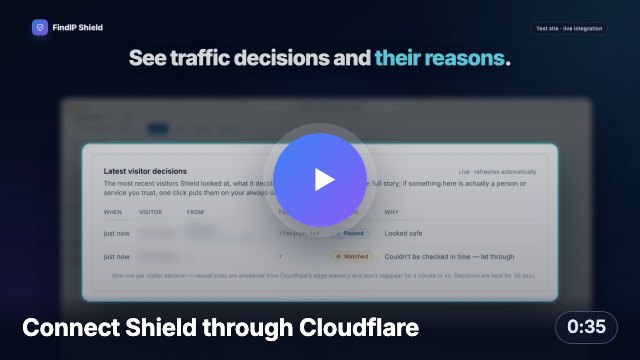 |
| Create a site, paste the snippet, see your first visit. | Protect a sign-up form and see what was recommended and what happened. | No code: authorize, choose a hostname, start in Monitor mode. |
Use cases
Each one starts from the same call, once per page:
import { init, track } from '@findip/shield';

init({ siteKey: 'pub_xxxxxxxxx' });
Detect risky signups
The SDK finds the signup form and reports its submit as signup_attempt, with the visitor's VPN, proxy, Tor, hosting and malicious-IP signals, a risk score and the reasons behind it. No code beyond init(). Report the outcome once your server has answered:
await track('signup_success');
Free-trial abuse
In balanced and advanced mode the SDK keeps one visitor ID across sessions and network changes, so repeat trial signups from one browser share an ID even when the IP address changes. Send the plan with the signup outcome:
await track('signup_success', { plan: 'trial' });
Checkout and payment risk
Checkout and payment forms are reported as checkout_started and payment_attempt, described by their markup only: card fields are never read. Add the order's amount to the outcome you report:
await track('payment_failed', { transaction_amount: 49, currency: 'USD' });
Login abuse
A login form's submit is reported as login_attempt. Report how it ended, and failed logins appear next to the network signals of the session that made them:
await track(ok ? 'login_success' : 'login_failed');
Traffic quality
Every page view is scored. The result is pushed to window.dataLayer as findip_risk_result, ready for Google Tag Manager and GA4, so you can segment campaigns and conversions by risk level and network type:
{ event: 'findip_risk_result', findip_risk_level: 'high', findip_recommendation: 'challenge', findip_is_vpn: true, findip_is_hosting: true }
For signups, logins and payments, verify the session on your server before you act. The browser SDK reports risk signals; your server, holding the secret key, makes the decision.
Install from npm
npm install @findip/shield
import { init, track, getSession, setConsent } from '@findip/shield';
init({
siteKey: 'pub_xxxxxxxxx',
privacyMode: 'balanced',
autoTrack: true,
autoDetectForms: true,
});
await track('signup_success', {
email_domain: 'example.com',
plan: 'free',
});
const { sessionId } = getSession();
The package provides ESM, CommonJS, and TypeScript declarations.
Set up a project with one command
npx @findip/shield init --site-key pub_xxxxxxxxx
Run it in the root of a Next.js (App or Pages Router), React + Vite, Vue + Vite, SvelteKit or Astro project, or of a plain HTML site. It prints what it found and every change before asking to make it:
- the install command for your package manager (npm, pnpm, yarn or bun), for you to run;
- the site key variable in
.env.example, named for the framework, such as NEXT_PUBLIC_FINDIP_SHIELD_SITE_KEY, and your key in .env.local when you pass --site-key;
- one new file that starts the SDK once in the browser, such as
app/shield.tsx, and the line that uses it;
- for plain HTML, the script tag to paste.
Existing files are never overwritten: if the init file is already there, or the project already uses Shield, it prints the snippet and changes nothing. --dry-run prints the changes only, and --yes skips the question, which is what a coding agent or a script needs. The command works offline and handles the public site key only; the secret key for server verification stays on your server.
Report each submit once
autoDetectForms is on by default. When a <form> is submitted, the SDK reports it as signup_attempt, login_attempt, payment_attempt, checkout_started, lead_submitted or password_reset_attempt, according to the form's fields, its button and the page. Calling track() with the same event name for the same submit records it twice, so use one or the other:
- Detected forms: add nothing for the attempt. Use
track() for outcomes the page cannot see, such as signup_success, login_success, login_failed or payment_failed.
- Submits without a submit event: a button with a click handler and no
<form>, a multi-step flow, or a form sent with form.submit(). Call track('signup_attempt') yourself at that point.
- Reporting everything yourself: set
autoDetectForms: false and call track() for every attempt.
Identify the visitor
Tell Shield which of your users a session belongs to. The plain user ID and
email never leave the page: the SDK hashes them in the browser with SHA-256,
and encrypts them with your site's identity public key (RSA-OAEP, fetched
from Shield once per page) so that only the Shield dashboard can show them
next to each event. Shield's ingest and storage only ever see the hashes,
the email domain, the plan, and the ciphertext.
init({
siteKey: 'pub_xxxxxxxxx',
identify: {
userId: currentUser.id,
email: currentUser.email,
plan: currentUser.plan,
salt: 'optional-secret',
custom: {
account_tier: currentUser.tier,
signup_channel: 'google',
},
},
});
identify({ userId: user.id, email: user.email });
The dashboard shows the email and user ID on every identified event and
session. Switch "Show visitor emails and user IDs" off in the site's settings
to keep identities hash-only; the SDK then sends no ciphertext at all. Pass
identityKey (or data-identity-key) with the key shown in the dashboard to
skip the per-page fetch.
Install from the CDN
<script
  src="https://cdn.findip.net/shield/v1.js"
  data-site-key="pub_xxxxxxxxx"
  data-auto-track="true"
  data-privacy-mode="balanced">
</script>
To identify the visitor from a script tag, add data-user-id,
data-user-email, data-plan and optionally data-hash-salt. Render them
server-side for the logged-in user; the SDK hashes them before sending. Inside
a Google Tag Manager Custom HTML tag, call FindIP.init({ siteKey, identify })
with your GTM variables instead, because GTM strips data-* attributes.
The CDN build exposes window.FindIP:
await FindIP.track('login_success');
const { sessionId } = FindIP.getSession();
Session ID in your forms
Your server needs the Shield session ID to verify a session. With sessionField the SDK adds it to your forms as a hidden input, so the server does not depend on the _fip_sid cookie (a browser that blocks cookies never has one):
FindIP.init({ siteKey: 'pub_xxxxxxxxx', sessionField: true });
<script src="https://cdn.findip.net/shield/v1.js" data-site-key="pub_xxxxxxxxx" data-session-field="findip_session"></script>
Only forms that POST to the page's own origin get the field. It is off by default.
Keeping a session across links without cookies
For visitors whose browser does not keep the session cookie, linkSession carries the session ID across a link click, including links that open in a new tab:
FindIP.init({ siteKey: 'pub_xxxxxxxxx', linkSession: true });
At click time the SDK adds _fip=<session id>.<time> to same-origin links; the page that opens removes it from the address bar when the SDK starts. It is off by default because it changes link addresses: your server sees the parameter on that one request, and scripts that read the address before the SDK starts can see it. Nothing is added for visitors whose session cookie works.
For reproducible deployments, use a pinned release with SRI instead of the auto-updating v1.js alias.
Version policy
npm and CDN releases use the same SDK semantic version. The mutable v1.js
alias serves the latest compatible 1.x SDK, while versioned CDN URLs are
immutable and can be verified with SRI.
In-page enforcement
Switch Enforcement on in the site's Settings in the Shield dashboard and
the SDK acts on Shield's recommendation for signup, login, checkout, lead and
password-reset forms: stop the submit with a message, slow it down with a
countdown, ask for a Cloudflare Turnstile challenge that Shield verifies, or
redirect blocked visitors. No snippet change is needed; the setting travels
inside the /track responses. This is friction against bots and casual abuse
that run the page, not a security boundary: confirm sensitive actions on
your server with the
verify endpoint, which
also reports whether the session passed a challenge.
Consent
Shield supports a direct consent API and Google Consent Mode-style storage signals:
setConsent(true);

setConsent({
  security_storage: 'granted',
  analytics_storage: 'denied',
});
Set consentRequired: true when tracking must wait for an explicit decision. See Privacy Modes and Data Collection before deploying.
Framework examples
findip-shield-examples has one small signup app per stack, each with the SDK started once, the site key read from configuration and, where the framework has a server, the session verified before the account is created:
The same repo has a Claude Code skill and a Cursor rule that add Shield to an existing project.
AI assistants
The FindIP MCP server (npx -y @findip/mcp) lets an AI assistant look up an IP address, list a Shield site's recent risky events and explain the reasons behind one event.
Documentation
Development
npm install
npm test
npm run typecheck
npm run lint
npm run build
Build output:
dist/findip-shield.cjs — CommonJS/UMD bundledist/findip-shield.esm.js — ES moduledist/findip-shield.min.js — minified browser IIFEdist/index.d.ts — TypeScript declarations
The init command is plain Node ESM in cli/ (no build step, no dependencies, Node 18 or later).
Security
Report suspected vulnerabilities privately to info@findip.net. Do not open a public vulnerability report.
License
MIT



