FindIP Shield JavaScript SDK


FindIP Shield adds visitor risk intelligence to a website. The SDK reports VPN, proxy, Tor, relay, hosting, datacenter, malicious-IP, and network signals without collecting form values.
Published on npm as @findip/shield.
See Shield in action
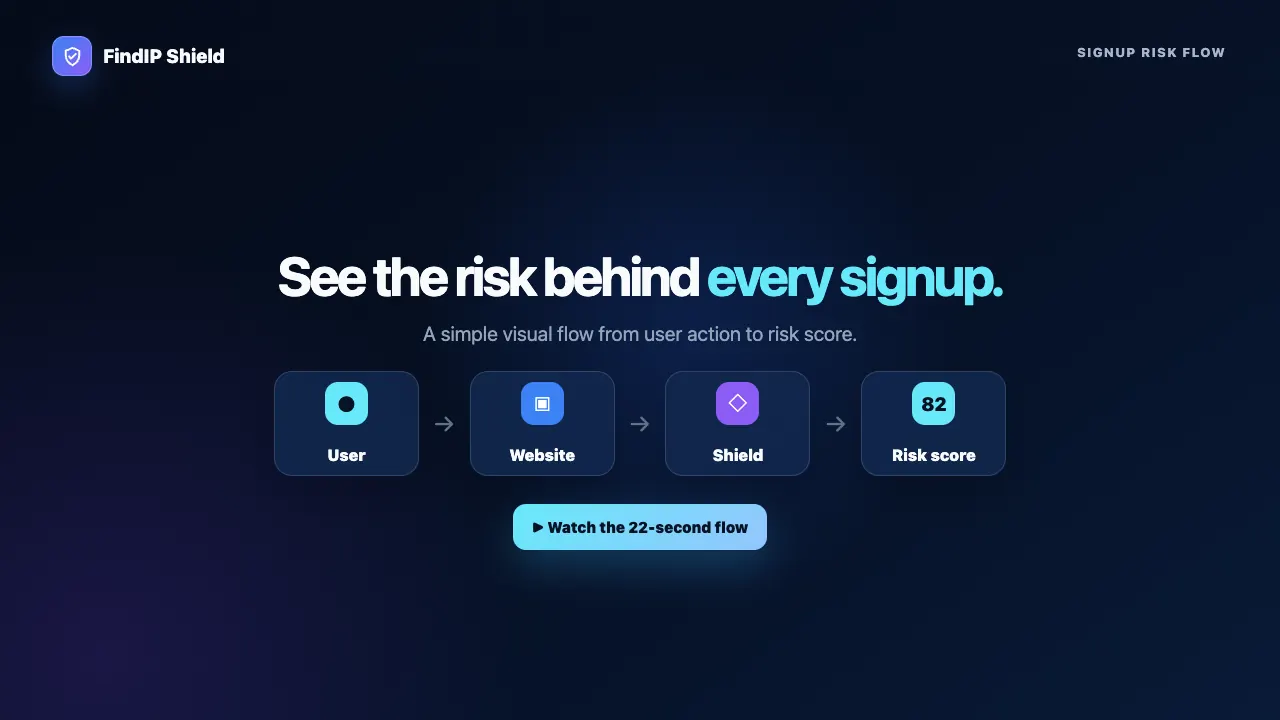
Watch the 22-second overview video or explore FindIP Shield.
Install from npm
npm install @findip/shield
import { init, track, getSession, setConsent } from '@findip/shield';

init({
  siteKey: 'pub_xxxxxxxxx',
  privacyMode: 'balanced',
  autoTrack: true,
  autoDetectForms: true,
});

await track('signup_attempt', {
  email_domain: 'example.com',
  plan: 'free',
});

const { sessionId } = getSession();
The package provides ESM, CommonJS, and TypeScript declarations.
Identify the visitor
Tell Shield which of your users a session belongs to. The plain user ID and
email never leave the page: the SDK hashes them in the browser with SHA-256,
and encrypts them with your site's identity public key (RSA-OAEP, fetched
from Shield once per page) so that only the Shield dashboard can show them
next to each event. Shield's ingest and storage only ever see the hashes,
the email domain, the plan, and the ciphertext.
init({
siteKey: 'pub_xxxxxxxxx',
identify: {
userId: currentUser.id,
email: currentUser.email,
plan: currentUser.plan,
salt: 'optional-secret',
custom: {
account_tier: currentUser.tier,
signup_channel: 'google',
},
},
});
identify({ userId: user.id, email: user.email });
The dashboard shows the email and user ID on every identified event and
session. Switch "Show visitor emails and user IDs" off in the site's settings
to keep identities hash-only; the SDK then sends no ciphertext at all. Pass
identityKey (or data-identity-key) with the key shown in the dashboard to
skip the per-page fetch.
Install from the CDN
<script
  src="https://cdn.findip.net/shield/v1.js"
  data-site-key="pub_xxxxxxxxx"
  data-auto-track="true"
  data-privacy-mode="balanced">
</script>
To identify the visitor from a script tag, add data-user-id,
data-user-email, data-plan and optionally data-hash-salt. Render them
server-side for the logged-in user; the SDK hashes them before sending. Inside
a Google Tag Manager Custom HTML tag, call FindIP.init({ siteKey, identify })
with your GTM variables instead, because GTM strips data-* attributes.
The CDN build exposes window.FindIP:
await FindIP.track('login_attempt');
const { sessionId } = FindIP.getSession();
For reproducible deployments, use a pinned release with SRI instead of the auto-updating v1.js alias.
Version policy
npm and CDN releases use the same SDK semantic version. The mutable v1.js
alias serves the latest compatible 1.x SDK, while versioned CDN URLs are
immutable and can be verified with SRI.
In-page enforcement
Switch Enforcement on in the site's Settings in the Shield dashboard and
the SDK acts on Shield's recommendation for signup, login, checkout, lead and
password-reset forms: stop the submit with a message, slow it down with a
countdown, ask for a Cloudflare Turnstile challenge that Shield verifies, or
redirect blocked visitors. No snippet change is needed; the setting travels
inside the /track responses. This is friction against bots and casual abuse
that run the page, not a security boundary: confirm sensitive actions on
your server with the
verify endpoint, which
also reports whether the session passed a challenge.
Consent
Shield supports a direct consent API and Google Consent Mode-style storage signals:
setConsent(true);

setConsent({
  security_storage: 'granted',
  analytics_storage: 'denied',
});
Set consentRequired: true when tracking must wait for an explicit decision. See Privacy Modes and Data Collection before deploying.
Documentation
Development
npm install
npm test
npm run typecheck
npm run lint
npm run build
Build output:
dist/findip-shield.cjs — CommonJS/UMD bundledist/findip-shield.esm.js — ES moduledist/findip-shield.min.js — minified browser IIFEdist/index.d.ts — TypeScript declarations
Security
Report suspected vulnerabilities privately to info@findip.net. Do not open a public vulnerability report.
License
MIT



