Run it
/
What this is
/
Inside the page
/
Ship it
/
TDK CLI
Forge TDK
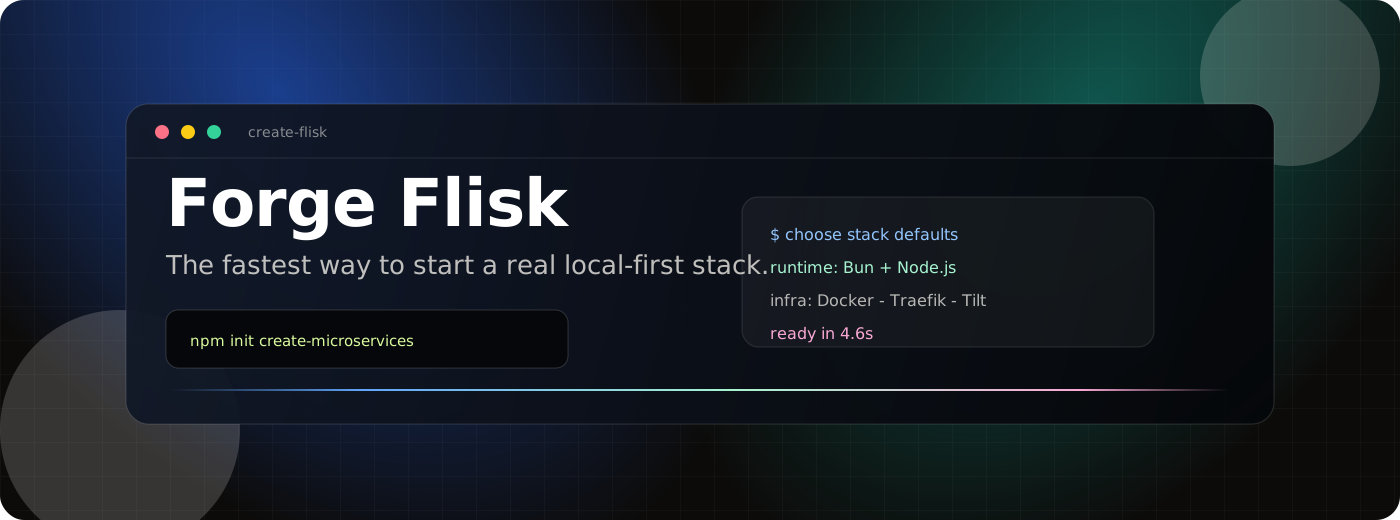
create-flisk is a polished landing page and starter surface for the TDK CLI: the create-t3-app idea, reimagined for local-first microservice systems.
It presents the generated stack story in one focused React/Vite experience: Bun, Node.js, TypeScript, Docker, Traefik, Tilt, Prisma, PostgreSQL, NATS JetStream, Infisical, Playwright, C4 diagrams, and AGENTS.md.

⭐ This page showcases TDK CLI. If you like it, star flisk on GitHub so other developers can find it.
Run It
Prerequisites
- Node.js 22+ for the local Vite app and GitHub Pages workflow parity.
- npm, included with Node.js.
git clone https://github.com/flisk-sh/create-flisk.git
cd create-flisk

npm install
npm run dev
The dev server binds to 127.0.0.1 from package.json.
npm run build
npm run preview
What This Is
Forge TDK is not the generated microservice stack itself. It is the front door: a fast, visual explanation of creating a local-first microservice project with npm init create-microservices.
The page frames the starter around three ideas:
| Describe the landscape | Pick service types, runtimes, databases, events, tests, secrets, and docs from one CLI flow. |
| Generate the topology | Produce manifests, Dockerfiles, routes, environment contracts, diagrams, and runnable service code. |
| Boot only what matters | Use Tilt and Traefik to start selected services with hot reload and healthy local URLs. |

Inside The Page
The app is intentionally small, but the interaction layer is rich enough to sell the product idea:
- Sticky glass navigation with direct jumps to stack, flow, and community sections.
- Cinematic hero with copyable
npm init create-microservices command.
- Animated terminal simulation showing the scaffold journey.
- Infinite technology marquee for the generated stack.
- Dense stack grid using Lucide icons for the core tools.
- Scroll-scrubbed manifesto text and pinned build-flow cards powered by GSAP ScrollTrigger.
- High-contrast call to action linking back to the TDK Landscape ecosystem.
create-flisk/
├── .github/workflows/pages.yml
├── docs/
│   ├── readme-bento.svg
│   ├── readme-flow.svg
│   ├── readme-hero.svg
│   └── readme-marquee.svg
├── public/
│   └── favicon.svg
├── src/
│   ├── main.jsx
│   └── styles.css
├── index.html
├── package.json
└── vite.config.js
Tech Stack
| App shell | React + Vite |
| Motion | GSAP + ScrollTrigger |
| Icons | Lucide React |
| Styling | Plain CSS with responsive layout and custom effects |
| Build output | Static assets in dist/ |
| Deployment | GitHub Pages |
The Vite config uses:
base: '/create-flisk/'
That keeps asset paths correct when the site is published under the repository path on GitHub Pages.
Ship It
GitHub Pages deployment is already wired in .github/workflows/pages.yml.
git push origin main
On every push to main, the workflow:
- Installs dependencies with
npm ci.
- Builds the site with
npm run build.
- Uploads
dist/ as a Pages artifact.
- Deploys the static site to GitHub Pages.
You can also trigger the workflow manually from GitHub Actions with workflow_dispatch.
The Generated Stack Story

Forge TDK positions the CLI around a simple path:
answer prompts
  -> generate files
  -> boot locally
  -> inspect, test, and own the stack
The product promise is intentionally direct: start small, keep the whole landscape, and avoid mystery infrastructure.
Start the stack story. Generate the topology. Keep every file understandable.
TDK Landscape
/
TDK CLI
/
Repository
/
MIT License
Package Registries
This repository is distributed as create-flisk on npm and as @flisk-sh/create-flisk on GitHub Packages. The package contains the built landing page and its app sources; it does not install a create-flisk executable or scaffold generated microservice projects.
Install from npm
npm install create-flisk
Install from GitHub Packages
GitHub Packages serves scoped npm packages only, so the GitHub Packages copy is published under the organization scope as @flisk-sh/create-flisk. Configure the @flisk-sh scope to use GitHub Packages and authenticate with a GitHub personal access token (classic) that has read:packages access:
@flisk-sh:registry=https://npm.pkg.github.com
//npm.pkg.github.com/:_authToken=YOUR_GITHUB_TOKEN
Then install the package:
npm install @flisk-sh/create-flisk
Keep the token private; do not commit it to a repository.
Maintainer release
The registry release workflow runs only for a published GitHub Release. Before the first release, maintainers must claim the unscoped create-flisk name on npm and add a trusted publisher for it (repository flisk-sh/create-flisk, workflow publish-package.yml); trusted publishing replaces the previous NPM_TOKEN secret because an organization token cannot publish unscoped names. The workflow requires the release tag to match the package version (v0.1.0 for version 0.1.0), builds and validates one package archive, publishes that archive to npm, and publishes a scoped @flisk-sh/create-flisk archive to GitHub Packages.
Create a release from a matching version tag after updating package.json and package-lock.json. The Pages workflow remains separate and continues to deploy on pushes to main.
If one registry publish succeeds and the other fails, use the retained create-flisk-package workflow artifact to identify the exact package archive and version. Retry only the registry that failed if it accepts that version; otherwise increment the version and publish a new release to both registries.



