Google Maps ThreeJS Overlay View and Utilities







Description
Add three.js objects to Google Maps Platform JS. The library provides a ThreeJSOverlayView class extending google.maps.WebglOverlayView and utility functions such as latLngToMeters, latLngToVector3, and latLngToVector3Relative, for converting latitude and longitude to vectors in the mercator coordinate space.
Install
Available via npm as the package @googlemaps/three.
npm i @googlemaps/three
Alternativly you may add the umd package directly to the html document using the unpkg link.
<script src="https://unpkg.com/@googlemaps/three/dist/index.min.js"></script>
When adding via unpkg, the package can be accessed at google.maps.plugins.three. A version can be specified by using https://unpkg.com/@googlemaps/three@VERSION/dist/....
Documentation
Checkout the the reference documentation.
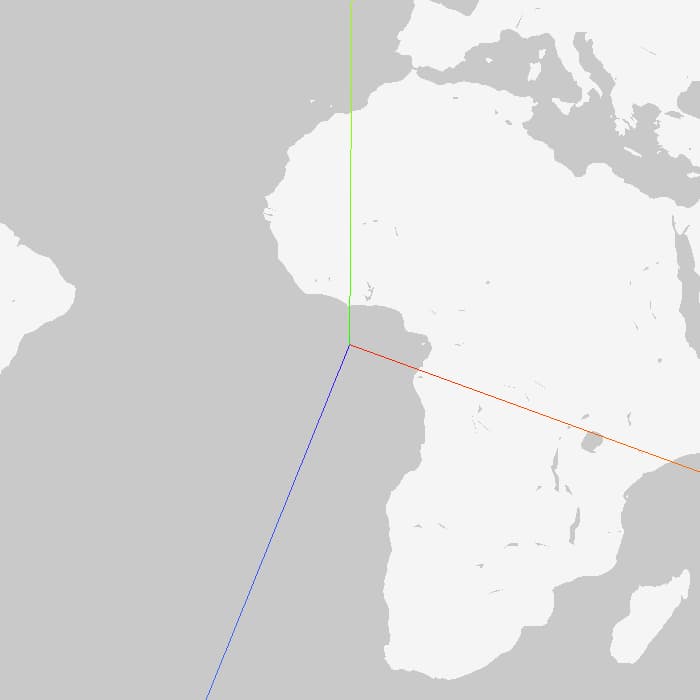
Note: All methods and objects in this library follow a default up axis of (0, 1, 0), y up, matching that of three.js.
Example
The following example provides a skeleton for adding objects to the map with this library.
const map = new google.maps.Map(document.getElementById("map"), mapOptions);
const scene = new Scene();
const box = new Mesh(
new BoxBufferGeometry(10, 50, 10),
new MeshNormalMaterial(),
);
box.position.copy(latLngToVector3(mapOptions.center));
box.position.setY(25);
scene.add(box);
new ThreeJSOverlayView({
scene,
map,
});
const animate = () => {
box.rotateY(MathUtils.degToRad(0.1));
requestAnimationFrame(animate);
};
requestAnimationFrame(animate);
This adds a box to the map.

Demos
View the package in action:




