i18n
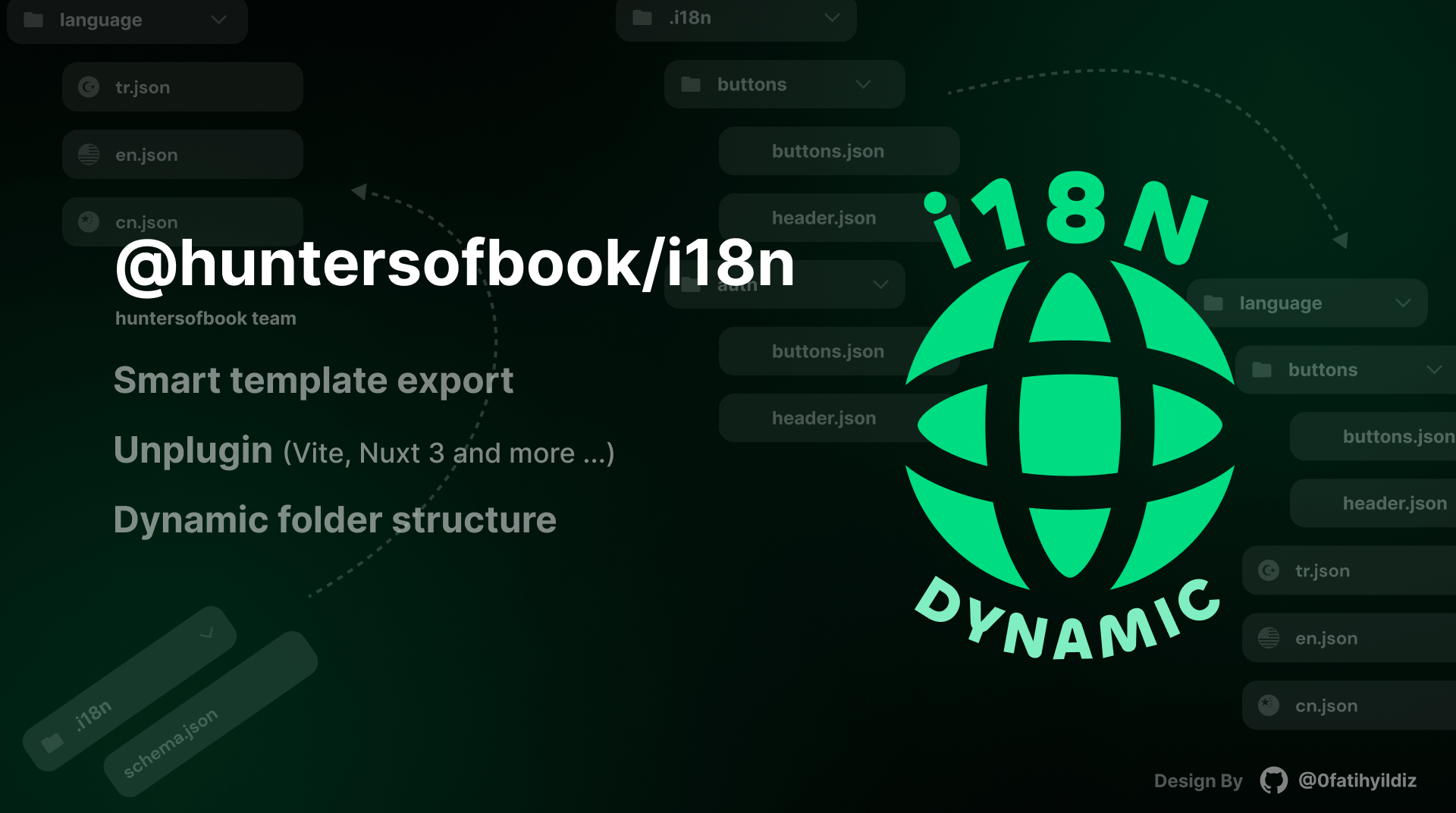
Create i18n templates and automatically export them to your desired languages. Unplugin support.
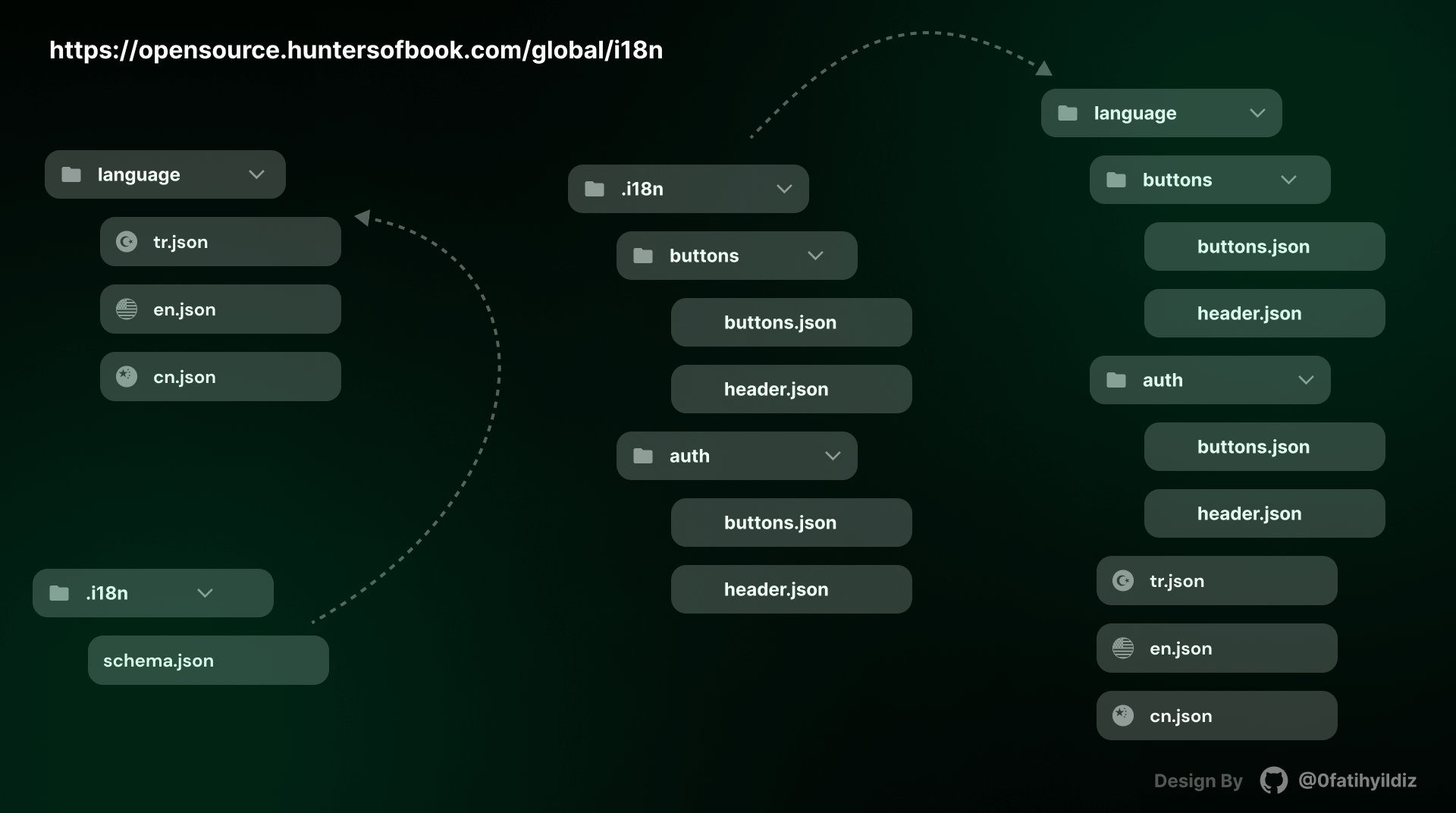
It's basically a tool that takes a template with translation keys and syncs them to the given language. You can directly connect the outputs to the i18n libraries you use.





Installation
pnpm add -D @huntersofbook/i18n
It will be the .i18n folder. Save there by adding en.json, tr.json. It will automatically create a language folder for you and import your data there.
Youtube Setup Video
Usage
Vite
import i18n from '@huntersofbook/i18n/vite'

export default defineConfig({
  plugins: [
    i18n({
      languages: ['tr', 'en', 'cn'],
    }),
  ],
})
Nuxt 3
export default defineNuxtConfig({
  modules: [
    '@huntersofbook/i18n/nuxt',
  ],
  huntersofbookI18n: {
    languages: ['tr', 'en', 'cn'],
  },
})
Documentation of the project is available at https://opensource.huntersofbook.com/global/i18n.
Support
Join our Discord channel or open an issue.
Configuration
| languages | string[] | ['tr', 'en', 'cn'] | Languages extensions to export |
| templateDir | string | '.i18n' | Template folder |
| exportDir | string | 'language' | Template export folder |
| ... soon more detail | | | |
💻 Development
Node version >= 18
Pnpm version >= 7
- Clone this repository
- Open the project folder
packages/i18n
- Enable Corepack using
corepack enable (use npm i -g corepack for Node.js < 16.10)
- Install dependencies using
pnpm install
- Go to
i18n/packages pnpm dev or pnpm build
- Go to
i18n/playground pnpm dev
- or
packages/i18n in dev:package | dev:playground-vite used.
Thank you
Thanks to @antfu, this project is heavily inspired by unplugin-vue-components.

License
MIT License © 2023-PRESENT productdevbook




