
GitGuardex
Safe parallel work for Codex, Claude, and humans.
One task → one worktree → one PR → one clean merge.





Install ·
Why ·
Workflow ·
Code assist ·
Commands
Install
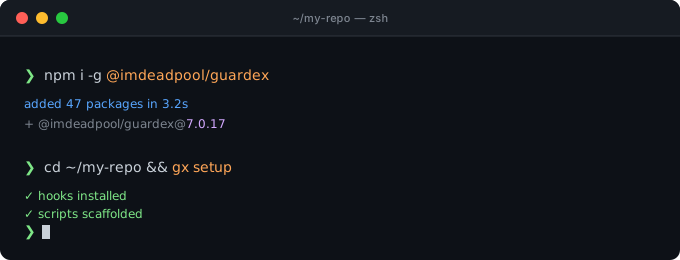
npm i -g @imdeadpool/guardex
cd /path/to/your-repo
gx setup
gx onboard
Requires Node.js 18+, Git, and GitHub CLI (gh). Recommended on macOS or
Linux; use WSL on Windows.
[!WARNING]
GitGuardex is an independent project. It is not affiliated with OpenAI,
Anthropic, or Codex.
The problem
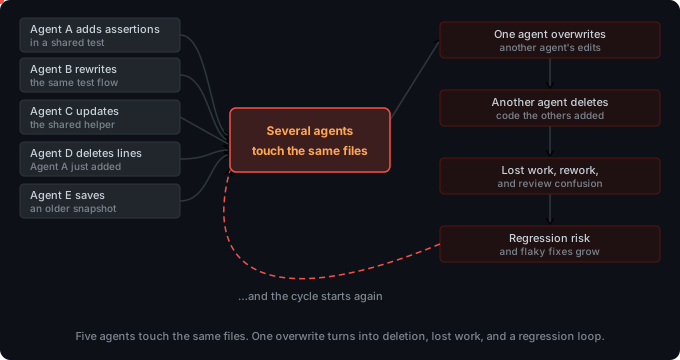
Parallel agents can edit the same files, overwrite tests, or commit directly to
main. More agents can create more conflicts instead of more progress.
Solution
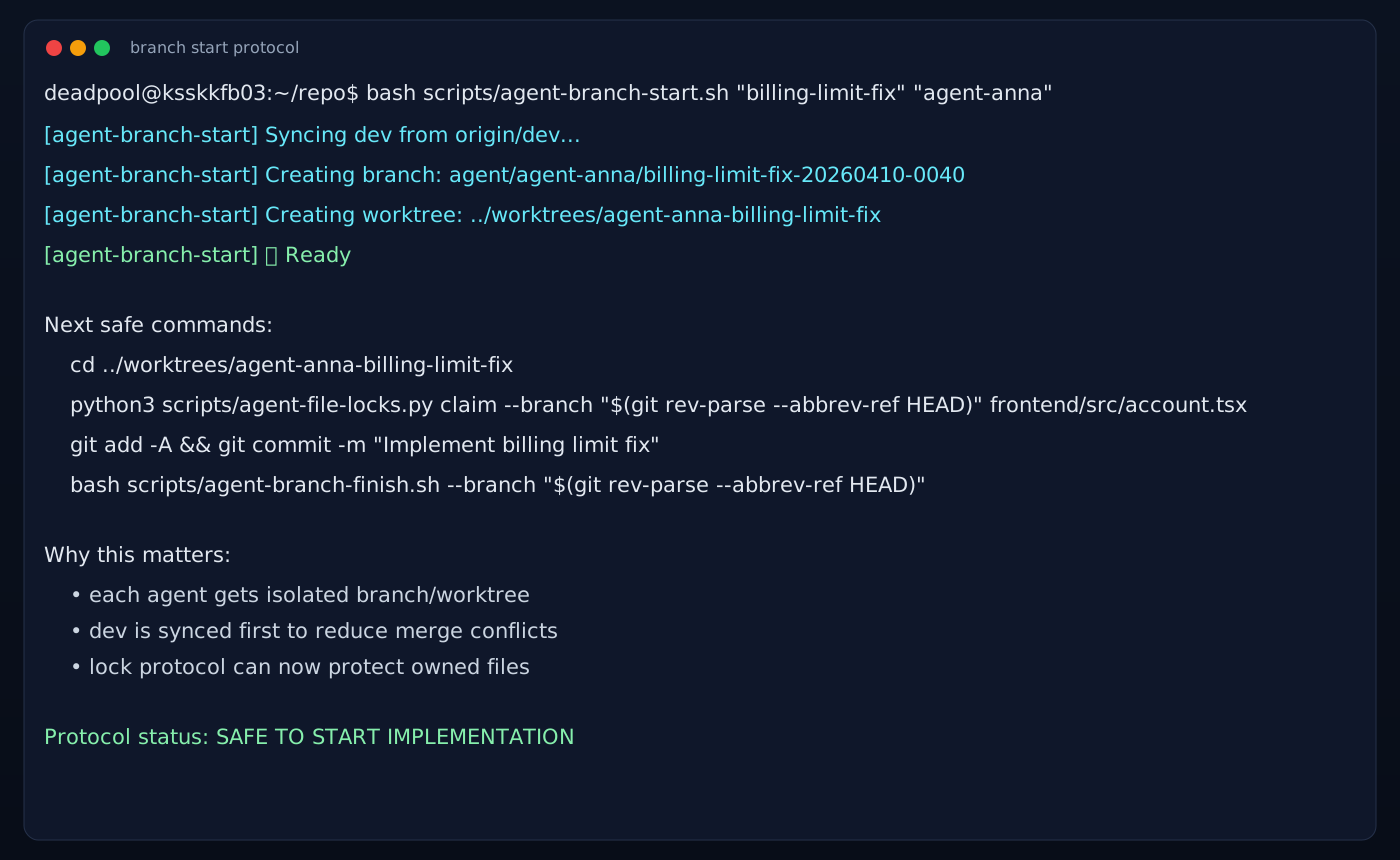
GitGuardex gives every task an isolated lane:
Separate agent/* branch + worktree | Agents do not share a working directory. |
| Explicit file locks | Other lanes cannot overwrite claimed files. |
Protected main / dev / master | Agent changes must go through a PR. |
| Preflight + CI + optional AI review | Broken or risky changes stop before merge. |
| Finish + cleanup | The PR merges and the temporary lane is removed. |
Daily workflow
gx branch start "fix-auth" "codex"
gx locks claim --branch "$(git branch --show-current)" src/auth.ts test/auth.test.ts
npm test
gx branch finish --via-pr --wait-for-merge --cleanup
For a small change that you already verified locally, use the explicit fast
profile:
gx branch finish --fast
--fast still opens a PR and uses squash merge, but skips the local preflight,
AI review, and review autofix. Repository branch protection and required CI
checks still control whether GitHub accepts the merge. Do not use fast mode for
security-sensitive, migration, dependency, or broad refactor changes.
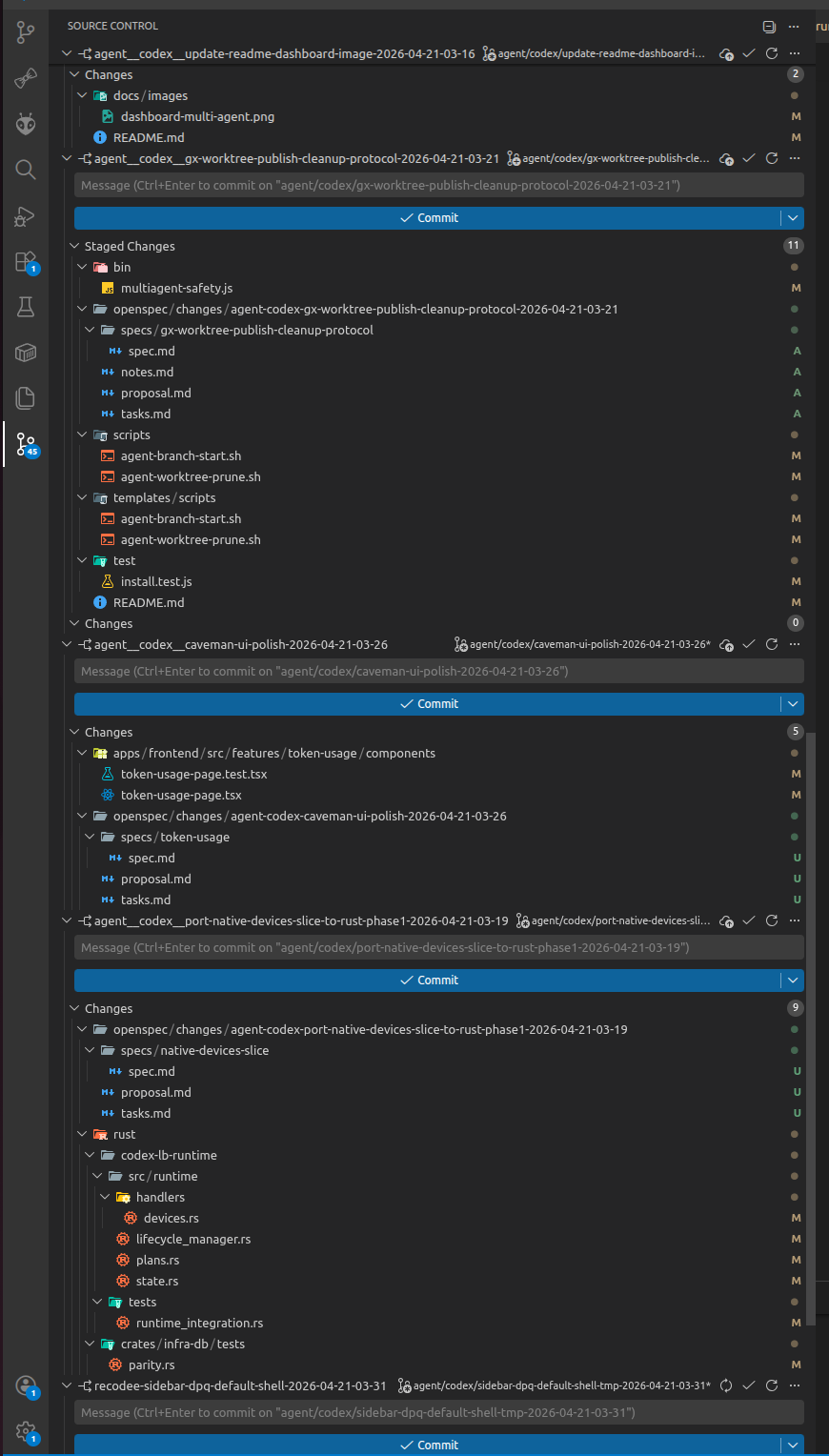
Code-assist review gate
Add --gate-review to review the PR before merge. Add --gate-autofix to let
the agent repair blocking findings and run the review again.
gx branch finish --via-pr --wait-for-merge --cleanup \
  --gate-review --gate-autofix
High and critical findings block the merge. The review is posted directly on
the PR as a readable severity, location, and finding table.
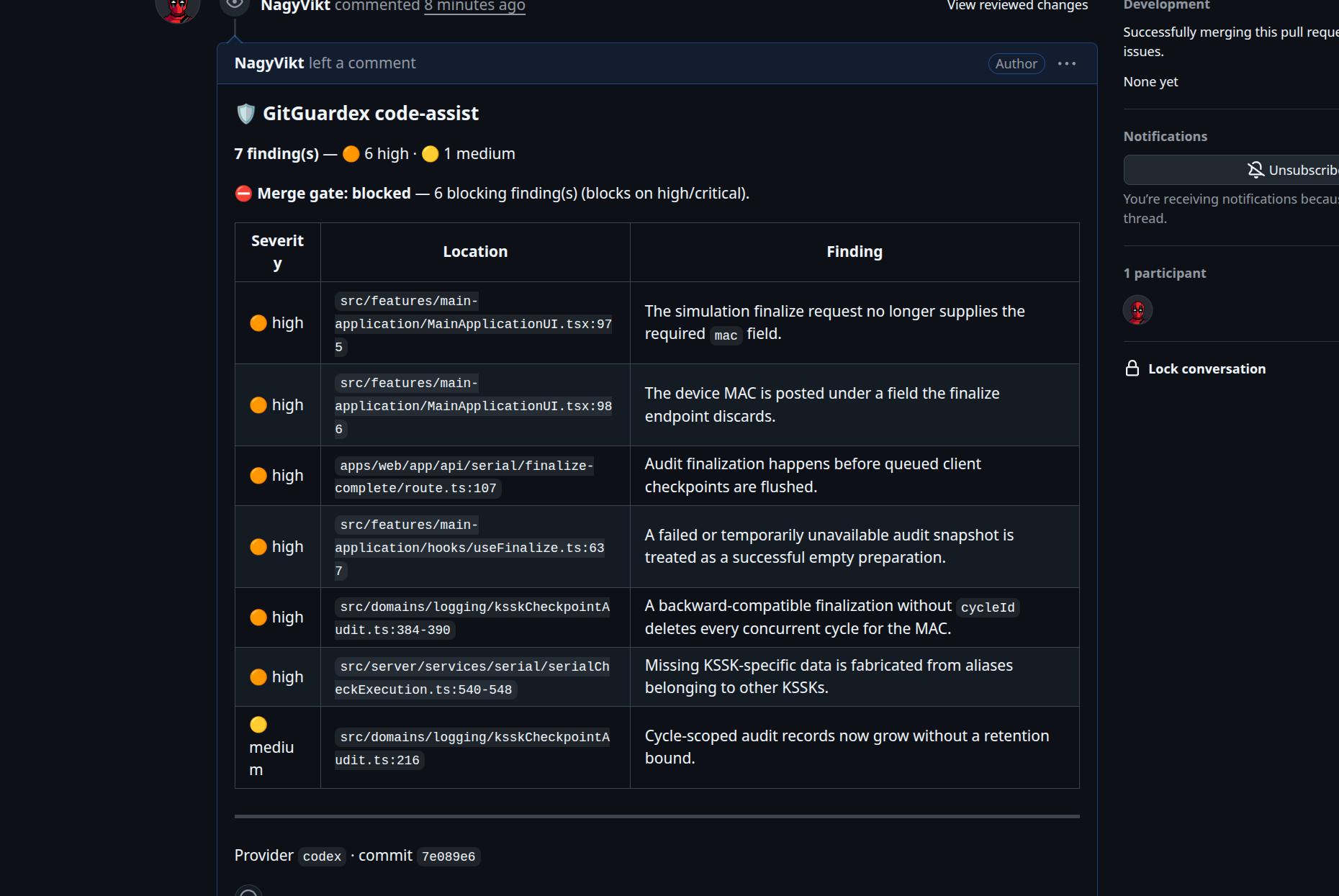
Real example: Wireless_KFB_Project PR #165
· open the full-size screenshot
Essential commands
gx / gx status | Show repo safety and the next action. |
gx setup | Install or refresh Guardex in a repo. |
gx doctor | Repair Guardex drift. |
gx branch start "task" "agent" | Create an isolated task lane. |
gx locks claim --branch <branch> <files...> | Claim files before editing. |
gx branch finish --via-pr --wait-for-merge --cleanup | Ship safely through a PR. |
gx branch finish --fast | Squash-merge a locally verified small change without local preflight or AI review. |
gx agents status | Show active agent lanes. |
gx cleanup | Prune merged or stale worktrees. |
Need the terminal cockpit? Run gx cockpit; see the
cockpit guide. Run gx --help for every command.
Advanced setup and maintainer notes
AGENTS.md safety block
GitGuardex preserves your instructions. It only manages content between:
<!-- multiagent-safety:START -->
<!-- multiagent-safety:END -->
Agent skills
npx skills add recodee/gitguardex
npx skills add recodee/
gx setup does not auto-run npx skills add .... If the picker does not show a separate guardex skill, that is expected; use the gitguardex skill.
Package releases
gx release
gx release is the maintainer path for package releases. It reads README.md,
finds the last published GitHub release, and writes one grouped GitHub release body.
Release notes
v8.x
v8.2.0
- Reduced agent preflight and finish token overhead.
- Preserved dirty worktrees during stale-worktree cleanup and exposed
command-specific cleanup help.
- Added the owning tmux pane and worktree to file-lock conflict output.
v8.1.1
- Prevented
gx doctor from pruning dirty detached or managed worktrees during
stale-worktree repair.
v8.1.0
- Added shared Git lock state so independent clones coordinate file ownership.
- Aligned npm repository metadata with
opencue/gitguardex for trusted OIDC
publishing.
v8.0.0
- Added
gx branch finish --fast for small tasks that should use the PR +
squash-merge path without repeating local preflight or opt-in AI review.
- Removed the legacy
cr.yml AI-review workflow; repository policy and explicit
Guardex review gates now control merge readiness.
v7.x
v7.1.1
- Bumped
@imdeadpool/guardex from 7.1.0 to 7.1.1 so the current
main payload can publish under a fresh npm version after 7.1.0 reached
the registry.
- Direct maintainer
npm publish now checks npm during prepublishOnly and
bumps package release metadata to the next unpublished patch version when the
committed version is already published. GitHub Actions release publishes keep
the committed metadata so packed and signed assets stay aligned.
Issues ·
Contributing ·
Security



