


Security News
/Company News
Securing the Financial Frontier: How Capital One Uses Socket for Open Source Security
Capital One is partnering with Socket to proactively secure its open source supply chain.
By Sarah Gooding - Oct 01, 2026
@jikida/init
Advanced tools
One command to install a production Web Application Firewall. Detects Node (Next.js / Express / Fastify), PHP (Laravel / Symfony), and Python (Django / FastAPI / Flask), installs the right Jikida SDK, wires the middleware, writes JIKIDA_TOKEN to .env. $0
The one-command way to add pentest scans, code scanning, uptime monitoring and a managed firewall to any app. No config files. No DevOps ticket. npx @jikida/init detects your framework, adds the right SDK, wires the middleware, and prints your next step — all in about 30 seconds.
npx @jikida/init
Free to start. Powered by Jikida — the security layer built for indie developers, vibe coders, AI-first shipping teams, and small startups shipping fast.




@jikida/init actually doesSmall teams ship without a Web Application Firewall in front of their app because the friction is real:
.env files, or the twenty other things that actually take down small sitesJikida removes the friction. @jikida/init is the front door: one command, every framework, zero config.
Every OWASP Top 10 category, plus the modern attacks that actually hit sites shipped fast:
| Category | Attacks blocked |
|---|---|
| Injection | SQL injection (classic + blind + time-based), NoSQL injection, LDAP filter injection, command injection, XPath, template injection |
| Cross-site scripting | Reflected, stored, DOM-based, mXSS, SVG payloads, event-handler injection |
| Authentication attacks | Brute force, credential stuffing (HIBP-backed), account takeover, session fixation |
| Broken access control | Path traversal (../, %2e%2e%2f, Unicode variants), IDOR probes, admin-panel enumeration |
| Security misconfiguration | Exposed .env, .git/config, wp-config.php, .aws/credentials, wide-open Firebase / Supabase rules, public S3 buckets |
| Server-side attacks | SSRF, XXE (XML external entity), deserialization, log4shell-style JNDI |
| Cross-site + CSRF | Origin mismatch, missing-token detection, cookie flag misuse |
| File uploads | Polyglots, PHP-in-PNG, EXIF tampering, MIME sniffing tricks, optional ClamAV integration |
| Bots + scrapers | TLS fingerprinting (JA4), headless browser detection, sqlmap / Nikto / Nuclei UA signatures, behavioral baselines |
| DDoS L3/L7 | Cloudflare wrap with one-click per-site Under-Attack toggle |
| API abuse | Per-endpoint rate limits, per-account velocity limits, ASN + country allowlists |
| Malicious ASNs | TOR exit nodes, known-bad ASNs, spam infrastructure |
Full threat-to-rule map with links to the CVEs / research behind each rule: jikida.io/threats.
@jikida/init actually doesWhen you run npx @jikida/init in a project directory:
| Step | Action |
|---|---|
| 1 | Reads next.config.*, package.json, artisan, composer.json / symfony.lock, or manage.py / main.py / app.py to detect your framework |
| 2 | Picks the right SDK — @jikida/sdk-node (Node) and jikida/sdk-php (PHP) are published today; Python, Go, Ruby, Rust, Java, and .NET SDKs are in development |
| 3 | Installs the SDK with npm (Node) or composer (PHP); for Python it prints the pip install jikida command to run yourself |
| 4 | For Next.js, writes middleware.ts; for every other framework it prints the middleware/listener snippet to paste into your wire-up file |
| 5 | Uses process.env.JIKIDA_TOKEN in the wire-up — never a hardcoded secret |
| 6 | Appends a JIKIDA_TOKEN= stub to your .env |
| 7 | Prints a clear next-step checklist so you know exactly what remains |
Idempotent. Re-running skips steps already done — an existing middleware.ts is left untouched and a .env that already has JIKIDA_TOKEN is left as-is.
# 1. Bootstrap
npx @jikida/init

# 2. Sign up (or log in) at https://app.jikida.io
#    Copy your JIKIDA_TOKEN from the Developer tab

# 3. Paste into .env
JIKIDA_TOKEN=df_live_...

# 4. Deploy. That's it.
Token format: df_live_ prefix + 40 random characters. Get it at app.jikida.io/developer.
@jikida/init auto-detects and wires the frameworks below. For everything else it prints the manual install snippet and exits.
Node.js / TypeScript — installs @jikida/sdk-node
| Framework | Detected by | Wire-up |
|---|---|---|
| Next.js (App + Pages router) | next.config.* or next dep | Writes middleware.ts |
| Express | express dep in package.json | Prints the app.use(jikida(...)) snippet |
| Fastify | fastify dep in package.json | Prints the app.register(jikidaFastify, ...) snippet |
PHP — installs jikida/sdk-php
| Framework | Detected by | Wire-up |
|---|---|---|
| Laravel | artisan + composer.json | Prints the bootstrap/app.php middleware snippet |
| Symfony | symfony/framework-bundle in composer.json or symfony.lock | Prints the services.yaml listener snippet |
Python — prints install + wiring instructions (SDK not auto-installed)
| Framework | Detected by | Wire-up |
|---|---|---|
| Django | manage.py | Prints pip install jikida + docs link |
| FastAPI | FastAPI in main.py / app.py | Prints pip install jikida + docs link |
| Flask | Flask in main.py / app.py | Prints pip install jikida + docs link |
If your framework isn't detected, @jikida/init prints the manual install commands (npm i @jikida/sdk-node, composer require jikida/sdk-php, or pip install jikida) and a link to the docs so you can wire it yourself.
Every Jikida SDK — regardless of language — follows the same three-part contract:
https://app.jikida.io/api/policy every 5 minutes and caches them in-process. Zero per-request network calls.{ action: 'allow' | 'block' | 'challenge', rule, reason, category }.https://app.jikida.io/api/attacks/ingest every 10 seconds (or when the batch hits 50 events). Your request never blocks on log I/O.Fails open. If Jikida's API is unreachable — degraded network, our incident, whatever — the SDK returns allow for every request. Your app keeps serving traffic. You lose protection during the outage, not availability. This is a deliberate design choice: a WAF that takes your site down when it has a bad day is worse than no WAF.
Different tools solve different parts of the problem. Here's how Jikida fits with what you probably already have:
| Feature | Jikida | Cloudflare WAF | AWS WAF | ModSecurity | Vercel Firewall |
|---|---|---|---|---|---|
| Install command | npx @jikida/init | Change nameservers | Terraform + rule wiring | Recompile nginx/apache | Vercel-only |
| Setup time | ~30 seconds | Hours | Days | Days | Minutes |
| Language coverage | 10 SDKs, same API | Any (edge) | Any (edge) | Any (server) | Node only |
| Custom rules from your IDE | ✅ via MCP | Dashboard only | Terraform | Config files | Dashboard only |
| Attack log per site | ✅ 7-90 day retention | Enterprise plan | ✅ (CloudWatch) | Log files | Basic |
| Public status page | ✅ built-in | Extra plan | Extra service | ❌ | ❌ |
| Uptime monitoring included | ✅ 30s-15min | ❌ | ❌ | ❌ | ❌ |
| Pentest scanner included | ✅ | ❌ | ❌ | ❌ | ❌ |
| Vibe-coder / secret scanner | ✅ | ❌ | ❌ | ❌ | ❌ |
| Real free tier for real projects | ✅ | Free plan basic | Pay per request | Free (self-host) | Included |
| Fails open on our incident | ✅ by design | N/A (edge) | N/A (edge) | Config-dependent | Yes |
| MCP for AI IDEs | ✅ | ❌ | ❌ | ❌ | ❌ |
Jikida complements Cloudflare — most Jikida customers run both. Cloudflare handles L3/L4 DDoS + TLS termination at the edge. Jikida runs in your app process (or optionally at our edge via CNAME) doing L7 rule matching, deception, custom rules, and detailed logging.
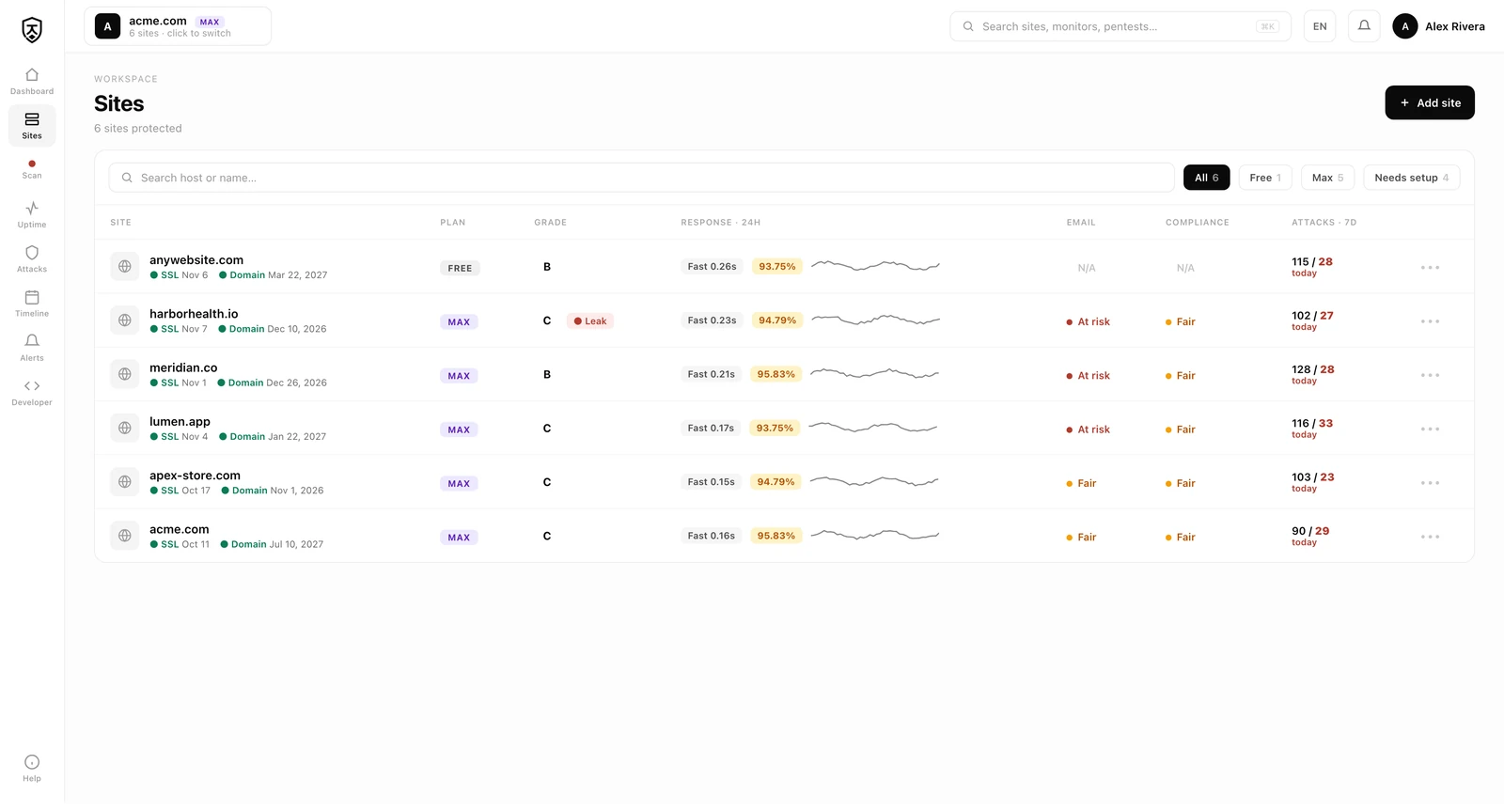
@jikida/init gets you the WAF SDK. Your Jikida account also gets you, automatically, per site added:
Uptime monitoring
Quick pentest scanner
.env / .git, WordPress probes, common misconfigurationsVibe-coder scan
.envLive CVE feed
Jikida ships an official Model Context Protocol server that plugs into Claude Code, Cursor, Windsurf, and VS Code Copilot. Once installed, your AI coding tool gets six new tools:
| Tool | What it does |
|---|---|
scan_domain(url) | Quick pentest surface scan of any public URL |
check_headers(url) | TLS grade, HSTS, CSP, cookie flags, common exposures |
list_sites() | Every site under your Jikida account with plan + status |
list_monitors() | Uptime monitors + latest status |
list_recent_attacks(hours=24) | Attacks blocked / deceived / allowed in a window |
explain_verdict(rule_id) | Plain-English explanation of what a WAF rule catches |
Install via ~/.claude/mcp.json:
{
  "mcpServers": {
    "jikida": {
      "command": "npx",
      "args": ["-y", "@jikida/mcp"],
      "env": { "JIKIDA_TOKEN": "df_live_..." }
    }
  }
}
Now Claude can say "hey, this endpoint you just wrote has an SQL injection surface — want me to add a WAF rule for it?" and actually do it against your real Jikida account, in your IDE, no context switch.
playground.jikida.io is a hosted attack sandbox running the PHP SDK in front of a real Jikida paid-tier account. Fire SQL injection, XSS, path traversal, XXE, NoSQL, brute force, or bot-UA attacks at it — the response tells you exactly what the WAF blocked, deceived, or missed. Every attack is logged in the dashboard as a real event. Rate-limited so you can't abuse it.
Perfect for evaluating whether Jikida would catch the specific attack pattern you're worried about before you install it.
No — it complements it. Cloudflare handles L3/L4 DDoS + TLS termination at the edge. Jikida runs in your app process (or optionally at our edge via CNAME) doing L7 rule matching, custom rules, deception, and detailed logging. Most Jikida customers run both.
Yes. The Node SDK ships an Edge-compatible build. @jikida/init detects the platform and installs the right variant.
~0.1 ms per request in-process. Rule evaluation is local — no network call on the hot path. Policy is refreshed every 5 minutes in the background. Attack logs are batched and flushed asynchronously.
Every request is allowed. You lose protection until we recover. Your site keeps serving traffic. This is deliberate — a WAF that takes your site down when it has a bad day is worse than no WAF.
Same way you handle any secret. Add JIKIDA_TOKEN in Vercel/Netlify/Fly/Railway/Heroku dashboard, or your infra's env-var mechanism. Never commit it. The @jikida/init CLI writes a JIKIDA_TOKEN= stub to .env with a placeholder value for you to replace — never a real secret.
The SDK accepts a custom api URL. Point it at your own policy + ingest endpoints. Self-host guide is in the docs.
The app is Laravel 12 + PHP 8.4 + MariaDB, deployed on our own infrastructure. The SDKs are hand-written per language — no framework bloat, no runtime dependencies beyond the language's standard HTTP client.
Every SDK is MIT-licensed and public: github.com/unesLam/jikida. The core Jikida app (WAF engine, dashboard, billing) is closed-source but the SDKs, MCP server, docs, and this CLI are all open.
No. Attack logs stay in your account, tied to your plan's retention window. We do not sell, share, or aggregate for third parties. The privacy policy lists every third party we touch (Stripe for billing, Cloudflare for DDoS wrap on Pro+, N0C for email delivery).
Delete the middleware line the CLI added, then uninstall the SDK (npm rm @jikida/sdk-node or composer remove jikida/sdk-php). Your app keeps working.
@jikida/init doesn't require you to sign up first — you can install the SDK and grab a token later. But if you already have an account:
npx @jikida/initdf_live_... tokenIf you have multiple sites, the token you use determines which account the traffic gets attributed to. One token per account; sites are distinguished by the Host header of each request.
If you're on Pro or Max, unlock:
| Package | Registry | Language | Status |
|---|---|---|---|
@jikida/sdk-node | npm | Node / Bun / Deno | ✅ published |
jikida/sdk-php | Packagist | PHP 8.2+ | ✅ published |
@jikida/mcp | npm | MCP server (any client) | ✅ published |
jikida | PyPI | Python 3.10+ | 🚧 in development |
github.com/jikida/sdk-go | Go modules | Go 1.21+ | 🚧 in development |
jikida | RubyGems | Ruby 3.0+ | 🚧 in development |
jikida | crates.io | Rust 1.75+ | 🚧 in development |
io.jikida:sdk | Maven Central | Java 17+ | 🚧 in development |
Jikida | NuGet | .NET 8+ | 🚧 in development |
Beyond the SDKs, Jikida also ships the Jikida.io Connector WordPress plugin (local hardening + one-click managed WAF) and the Jikida Alerts Android app (push the moment a site goes down or is attacked).
Most teams run four or five tools. Jikida.io puts them in one account and one install line.
| Jikida.io | Nuclei | Snyk | GitGuardian | UptimeRobot | |
|---|---|---|---|---|---|
| Web pentest (surface + deep) | ✅ | ✅ | ⚠️ | ❌ | ❌ |
| Live-CVE dependency scan (OSV) | ✅ | ❌ | ✅ | ❌ | ❌ |
| Committed-secret / repo scan | ✅ | ❌ | ✅ | ✅ | ❌ |
| Malicious-package feed (auto-update) | ✅ | ❌ | ⚠️ | ❌ | ❌ |
| Uptime + SSL + domain monitoring | ✅ | ❌ | ❌ | ❌ | ✅ |
| MCP tools for AI editors | ✅ (18) | ❌ | ⚠️ | ❌ | ❌ |
One-line install (npx @jikida/init) | ✅ | ❌ | ❌ | ❌ | ❌ |
| Managed WAF + rate limits | ✅ | ❌ | ❌ | ❌ | ❌ |
MIT. Free for commercial use. See LICENSE.
security WAF web application firewall DDoS protection bot detection uptime monitoring pentest security SaaS OWASP OWASP Top 10 SQL injection XSS brute force credential stuffing account takeover CSRF SSRF XXE NoSQL injection path traversal deception honeypot upload scanning file upload security Cloudflare wrap edge security vibe coder security AI-first security Claude Code security Cursor security Windsurf security MCP Model Context Protocol indie developer security small team security Next.js security Laravel security Symfony security Django security FastAPI security Rails security Express security Fastify security Nuxt security SvelteKit security Astro security Vercel security Netlify security Bun security Deno security Node security PHP security Python security Go security Ruby security Rust security Java security .NET security
FAQs
One command to install a production Web Application Firewall. Detects Node (Next.js / Express / Fastify), PHP (Laravel / Symfony), and Python (Django / FastAPI / Flask), installs the right Jikida SDK, wires the middleware, writes JIKIDA_TOKEN to .env. $0
The npm package @jikida/init receives a total of 65 weekly downloads. As such, @jikida/init popularity was classified as not popular.
We found that @jikida/init demonstrated a healthy version release cadence and project activity because the last version was released less than a year ago. It has 1 open source maintainer collaborating on the project.
Security News
/Company News
Capital One is partnering with Socket to proactively secure its open source supply chain.

Security News
Socket CTO Ahmad Nassri discusses how to keep AI agents from bypassing package blocks, limit credential access, and monitor their actions.

Security News
GPT-6 Astra tried to plant malicious code in simulated open source projects using fake GitHub accounts and deceptive PRs during an assigned CTF challenge.