

Product
Introducing Repository Access Permissions and Custom Roles
Socket now supports Custom Roles and Repository Access Permissions so organizations can control who can access specific repositories and actions.
By Joe Werle - Jun 19, 2026
@logsnag/remix
Advanced tools
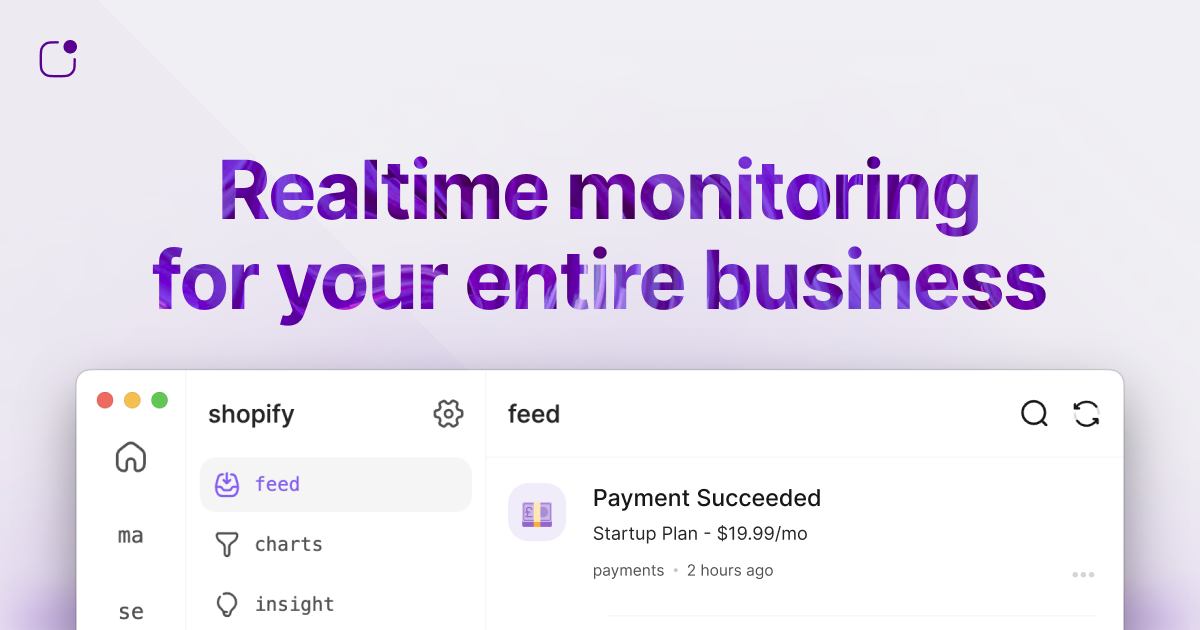
Clear, Simple, Effective Product Analytics for SaaS.



npm install @logsnag/remix
yarn add @logsnag/remix
pnpm add @logsnag/remix
First, wrap your application with the LogSnagProvider at the top level, passing in your project and token:
Set your token's scope to
publicin the LogSnag dashboard.
import { LogSnagProvider } from '@logsnag/remix';

function App() {
  return (
    <html lang="en">
    <head>{/* ... */}</head>
    <body>
      <LogSnagProvider
        token="<TOKEN>"
        project="<PROJECT_NAME>"
      >
        <Outlet />
      </LogSnagProvider>
    </body>
    </html>
  );
}
The useLogSnag hook can be used across your React components and provides the following methods:
track(options: TrackOptions): Track custom events.identify(options: IdentifyOptions): Identify user traits.setUserId(userId: string | null): Set the user id for the current user. If the user is not logged in, pass null.clearUserId(): Clear the user id for the current user.setDebug(flag: boolean = true): Set debug mode for logging.import { useLogSnag } from '@logsnag/remix';
export function Component() {
// Get the hooks
const { setUserId, track, identify } = useLogSnag();
// Set the user id when a user logs in
setUserId('user-123');
// Track an event
track({
channel: "payments",
event: "New Subscription",
user_id: "user-123", // optional when set using setUserId
icon: "💰",
notify: true,
tags: {
plan: "premium",
cycle: "monthly",
trial: false
}
});
// Identify user traits (e.g., name, email, plan, etc.)
identify({
user_id: "user-123", // optional when set using setUserId
properties: {
name: "John Doe",
email: "john@doe.com",
plan: "premium",
}
});
// Rest of your component
}
You can also track events directly from HTML elements using data attributes:
<button
    data-event="Upgraded Plan"
    data-user-id="user-123"     // optional (optional when set using setUserId)
    data-channel="billing"      // optional (defaults to "events")
    data-icon=":moneybag:"      // optional
    data-tag-plan="Pro"         // optional
    data-tag-period="Monthly"   // optional
    data-tag-price="9.99"       // optional
>
    Upgrade to Pro
</button>
In this example, when the button is clicked, an event named "Upgraded Plan" will be tracked with the specified tags.
For server-side usage, you can use LogSnag from @logsnag/remix/server It behaves similarly to @logsnag/node
Use a different token for server-side usage and set its scope to
privatein the LogSnag dashboard.
import { LogSnag } from '@logsnag/remix/server';

// Initialize LogSnag
const logsnag = new LogSnag({
  token: '<TOKEN>',
  project: '<PROJECT_NAME>',
});

// Use it in your server-side code
// Track an event
await logsnag.track({
  channel: "payments",
  event: "New Subscription",
  user_id: "user-123",
  icon: "💰",
  notify: true,
  tags: {
    plan: "premium",
    cycle: "monthly",
    trial: false
  }
});

// Identify a user
await logsnag.identify({
  user_id: "user-123",
  properties: {
    name: "John Doe",
    email: "john@doe.com",
    plan: "premium",
  }
});

// Track an insight
await logsnag.insight.track({
  title: "User Count",
  value: "100",
  icon: "👨",
});

// Increment an insight value
await logsnag.insight.increment({
  title: "User Count",
  value: 1,
  icon: "👨",
});
For more information about the LogSnag API, see: docs.logsnag.com
If you encounter any problems or issues, please contact us at shayan@logsnag.com
FAQs
LogSnag client for Remix applications
The npm package @logsnag/remix receives a total of 5 weekly downloads. As such, @logsnag/remix popularity was classified as not popular.
We found that @logsnag/remix demonstrated a not healthy version release cadence and project activity because the last version was released a year ago. It has 1 open source maintainer collaborating on the project.
Did you know?

Socket for GitHub automatically highlights issues in each pull request and monitors the health of all your open source dependencies. Discover the contents of your packages and block harmful activity before you install or update your dependencies.
Product
Socket now supports Custom Roles and Repository Access Permissions so organizations can control who can access specific repositories and actions.

Product
Socket MCP now lets AI assistants review org alerts, investigate threats using the Socket threat feed, and inspect package files in addition to dependency scoring.

Product
Socket Firewall blocks malicious VS Code and Open VSX extensions before install, protecting developers from compromised editor marketplaces.