AwesomeClockView 



MindInventory react-native-awesome-clock package can be used to show this awesome Clock UI in your react-native projects.
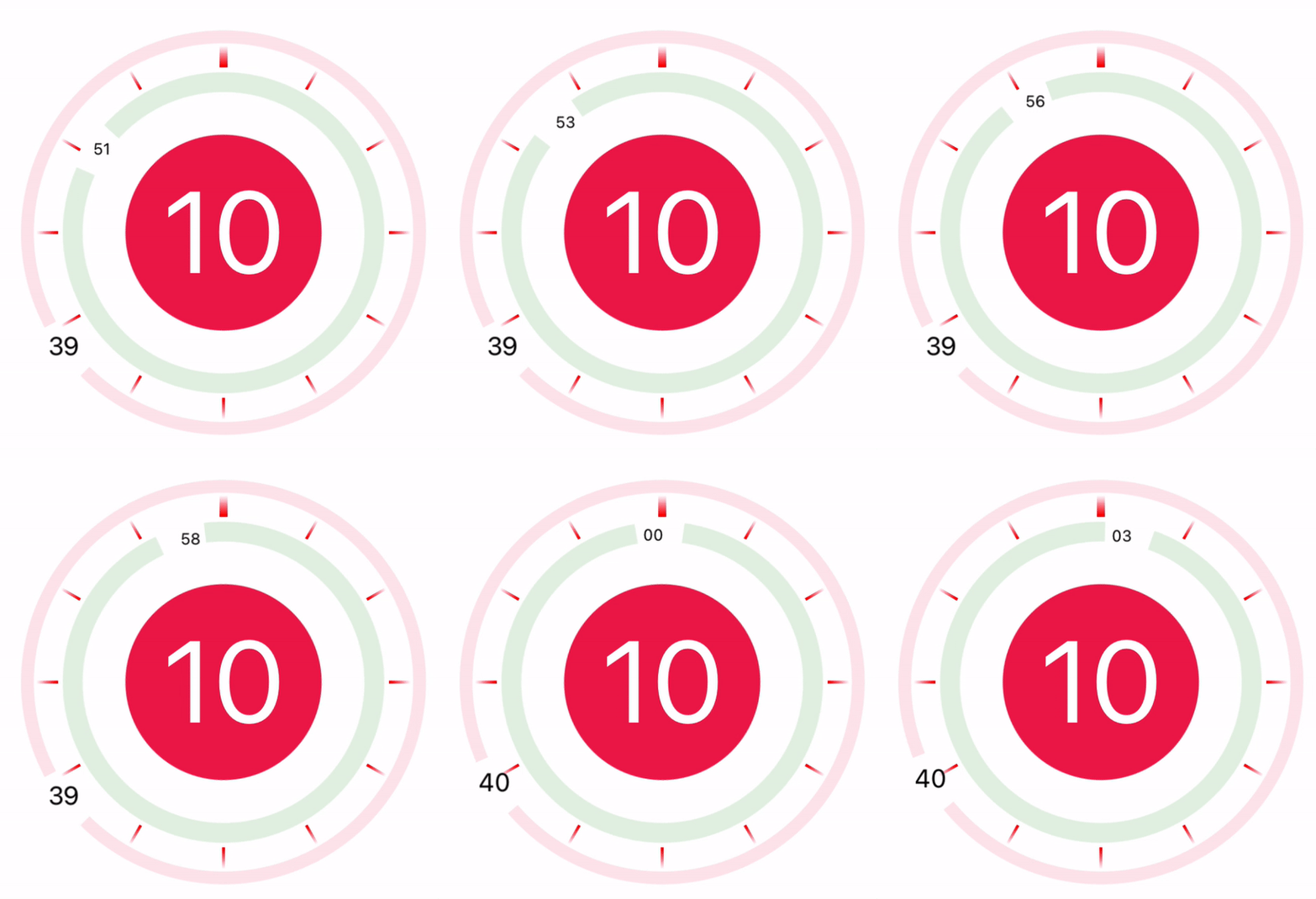
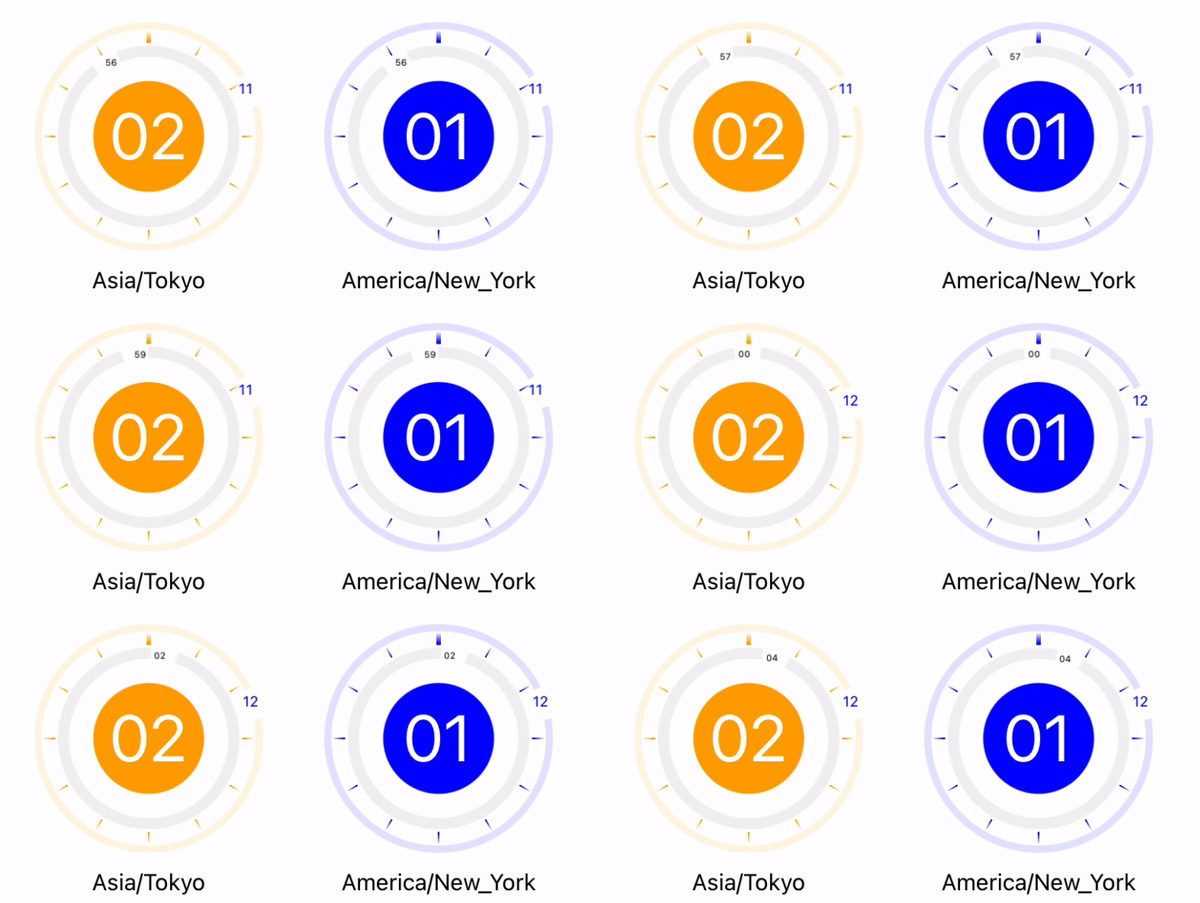
Installation
you can install the library using either yarn:
yarn add @mindinventory/react-native-awesome-clock
or npm:
npm install @mindinventory/react-native-awesome-clock
Implementation of AwesomeClockView in React Native
<AwesomeClockView
    circleSize={300}
    clockLinesHeightWidth={175}
    containerStyle={styles.containerStyle}
    minuteCircleStyles={styles.minuteCircleStyles}
    hourCircleStyle={styles.hourCircleStyle}
    countryZoneVisible={true}
    countryZoneName={'America/New_York'}
    hourCircleBackgroundColor="blue"
    secondCircleColor="grey"
    minuteCircleColor="blue"
    gradientLinesColor0="blue"
    gradientLinesColor1="blue"
    hourTextColor="white"
    minuteTextColor="blue"
/>
AwesomeClockView Props
| minuteCircleColor | string | to applying minute circle color |
| minuteTextColor | string | to applying minute text color |
| gradientLinesColor1 | string | to applying cut clock color for gradient mixture |
| gradientLinesColor0 | string | to applying cut clock color for gradient mixture |
| secondCircleColor | string | to applying second circle color |
| secondTextColor | string | to applying second text color |
| circleSize | number | to main circle size |
| minuteCircleStyles | ViewStyle | applying for minute circle style |
| hourCircleStyle | ViewStyle | applying for hour circle style |
| countryZoneName | string | to specified country wise clock |
| countryZoneVisible | boolean | to show/hide country clock name |
| hourCircleBackgroundColor | string | to applying background color for hour circle |
| hourTextColor | number | to applying hour text color |
| clockLinesHeightWidth | number | to applying clock line height and width in number |
| minuteCircleStyles | ViewStyle | to applying minute circle additional style |
| containerStyle | ViewStyle | to applying main container style |
Guideline for contributors
To begin development, clone the project and check out the develop branch.
Create a new branch from develop for your assigned ticket with the format feature/my-ticket-#5 where my-ticket is a few words describing the feature and #5 is the Github issue number. Please make sure you have moved the ticket to the "In Progress" column in Github.
As you develop your feature, run the example app to test and debug your code.
Once your work is complete, verify that you have met all acceptance criteria on the ticket and have sufficient tests to cover the behavior. Then you may create a pull request back to the develop branch which will be reviewed and subsequently approved and merged.
Guideline to report an issue/feature request
It would be very helpful for us, if the reporter can share the below things to understand the root cause of the issue.
- Library version.
- Code snippet.
- Logs if applicable.
- Screenshot/video with steps to reproduce the issue.
LICENSE
AwesomeClockView is MIT-licensed.
Let us know
If you use our open-source libraries in your project, please make sure to credit us and Give a star to https://www.mindinventory.com
Please feel free to use this component and Let us know if you are interested to building Apps or Designing Products.




