@nativescript/firebase-performance
npm install @nativescript/firebase-performance
What does it do
Performance Monitoring allows you to gain insight into key performance characteristics within your application. It provides a simple API to track custom trace and HTTP request metrics
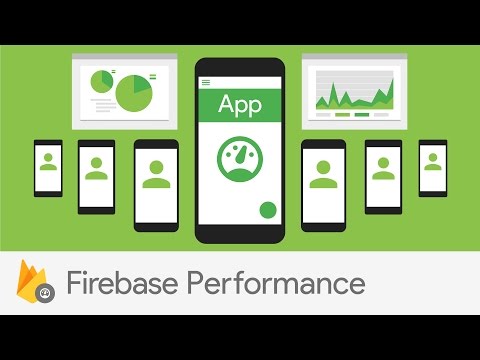
Review and analyze that data in the Firebase console. Performance Monitoring helps you to understand where and when the performance of your app can be improved so that you can use that information to fix performance issues.
Performance Monitoring package automatically traces events and metrics which are sent to Firebase. For more information on the automatic traces, please see the Firebase Performance Monitoring documentation. The package also allows you to performance monitor custom aspects to your application like network requests & task specific app code. All performance metrics are available on your Firebase console performance tab.
Usage
Custom tracing
Below is how you would measure the amount of time it would take to complete a specific task in your app code.
import { firebase } from '@nativescript/firebase-core';
import '@nativescript/firebase-performance';
async function customTrace() {
const trace = await firebase().perf().startTrace('custom_trace');
trace.putAttribute('user', 'abcd');
trace.putMetric('credits', 30);
await trace.stop();
}
HTTP Request Tracing
import { firebase } from '@nativescript/firebase-core';
import '@nativescript/firebase-performance';
async function getRequest(url) {
const metric = await firebase().perf().newHttpMetric(url, 'GET');
metric.putAttribute('user', 'abcd');
await metric.start();
const response = await fetch(url);
metric.setHttpResponseCode(response.statusCode);
metric.setResponseContentType(response.headers['Content-Type']);
metric.setResponsePayloadSize(response.headers['Content-Length']);
await metric.stop();
return response.toJSON();
}
getRequest('https://api.com').then((json) => {
console.log(json);
});
License
Apache License Version 2.0




