AuthKit

AuthKit is a pre-built, embeddable authentication UI that makes it easy for your users to securely connect their third-party accounts (Gmail, Slack, Salesforce, QuickBooks, etc.) directly within your application. Think of it as "Plaid for integrations."
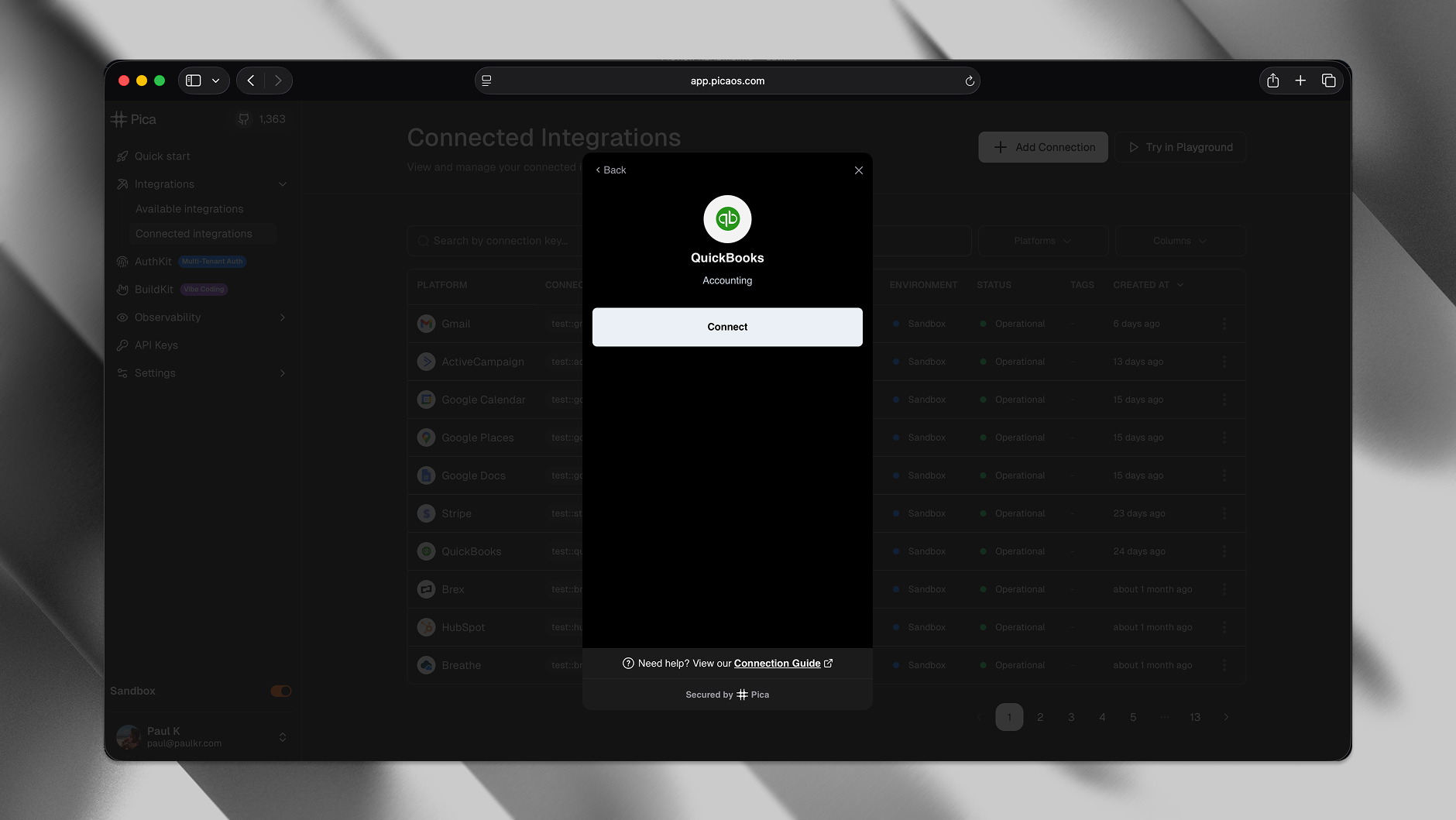
Fully compatible with popular frameworks such as React, Next.js, Vue, Svelte, and more.
Full documentation: https://docs.picaos.com/authkit
Setup guide: https://docs.picaos.com/authkit/setup
Manage AuthKit: https://docs.picaos.com/authkit/management
Demo app: https://github.com/picahq/authkit-demo
Install
With npm:
npm i @picahq/authkit
With yarn:
yarn add @picahq/authkit
Using the AuthKit component
You'll want to replace the token URL with your token endpoint URL, which can be securely generated from your backend using Pica's AuthKit token generator package for the language you're using.
import { useAuthKit } from "@picahq/authkit";

const { open } = useAuthKit({
  token: {
    url: "https://api.your-company-name.com/authkit-token",
    headers: {},
  },
  onSuccess: (connection) => {},
  onError: (error) => {},
  onClose: () => {},
});
Backend Token Generation
To enable AuthKit connections, set up a backend endpoint that securely generates an AuthKit token for each authenticated user. For setup details and example code in multiple languages, see the Backend Setup Guide.
Diagram
sequenceDiagram
    participant User
    participant YourApp as Your Application
    participant YourBackend as Your Backend
    participant Pica as Pica AuthKit
    participant Integration as Third-party Integration

    User->>YourApp: Clicks "Connect Integration"
    YourApp->>Pica: Open AuthKit modal
    Pica->>YourBackend: Request AuthKit token
    YourBackend->>Pica: Generate token with user identity
    Pica->>Pica: Display integrations list
    User->>Pica: Select integration & authenticate
    Pica->>Integration: OAuth handshake
    Integration->>Pica: Access token
    Pica->>Pica: Store encrypted credentials
    Pica->>YourApp: Return connection details
    YourApp->>User: Connection successful!
Demo
You can see a demo of the AuthKit component in the demo project.
License
This project is licensed under the GPL-3.0 license. See the LICENSE file for details.




