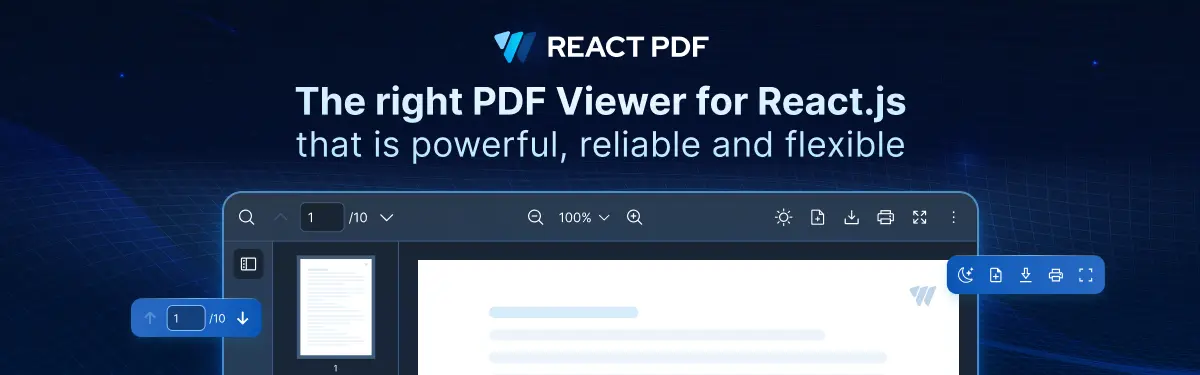
Works seamlessly on your React.js websites. Fast, Customizable and Web Responsive PDF viewer. Save you weeks of development time.
:star: Why React PDF
- Save Weeks of Development Time: React PDF simplifies PDF integration with ready-to-use tools, minimizing the need for custom development and saving you valuable time.
- Tailored for React.js: React PDF is native to React.js, ensuring smooth integration into your projects.
- Customizability at Its Core: Built with flexibility in mind, allowing you to match your application’s unique style and functionality.
- High-Performance & Rapid Rendering: Optimized for rendering large PDFs efficiently, React PDF delivers lightning-fast load times with features like virtual scrolling.
- Accessibility: Designed with inclusivity in mind, React PDF supports ARIA attributes, catering to diverse user bases.
- Modern Browser Compatibility: Works seamlessly across modern browsers, eliminating compatibility headaches.
- Active Development & Support: With regular updates and a responsive support team, React PDF evolves to meet developer needs.
📜 Background
As developers ourselves, we faced many issues such as browser incompatibility and customizability while trying to render a PDF document or working with PDF libraries. Having faced issues using PDF libraries, we want the solution to be flexible for React.js developers and teams. More importantly, the technical document must be easy to use!
:sparkles: Features
- 🎯 Interactive & Immersive Viewing Experience with features like rotation, zoom, and keyboard navigation.
- 📱 Responsive Across All Devices for a consistent experience on desktops, tablets and mobile devices.
- 🎨 Customizable UI and Styling to tailor the viewer’s appearance to match your website’s theme.
- 🧭 Advanced Navigation Options to browse documents easily with table of contents, hyperlinks, and a powerful search tool.
- ⚡ High-Performance Rendering to load large PDF documents quickly and handle complex elements like vector graphics with ease.
- 🔧 Programmatic Control with Hooks and Props, allowing you to interact with the viewer programmatically.
- 📂 Document Management Tools, including features like downloading and printing.
- 👁️ Accessibility Support to built-in support for ARIA attributes and tooltips, catering to diverse user bases.
For the full feature set, visit React PDF Features.
:zap: Quick Start Guide
Here’s how to get started with React PDF in your React.js project:
1. Check Prerequisites
Here are the basic system requirements to run the React PDF component:
If you are working with a React framework such as Next and Gatsby, React PDF can run smoothly as long as you are using React 18 and above.
React PDF viewer also works well with other React.js UI libraries such as MUI, Ant Design and Chakra UI.
Although React PDF can run on most JavaScript module bundlers, it is more vigorously tested on Vite and Webpack.
Remark:
- If using TypeScript, it requires >= TypeScript 4.6.
Browser support
| 115+ | 115+ | 115+ | 16.5+ | 16.5+ | 126+ |
2. Install the Package
There are a few ways you can install React PDF, namely bun, npm, pnpm or yarn.
Using bun:
bun add @react-pdf-kit/viewer
Caching of previous Worker version with bun
To clear cache, try running bun pm cache rm to remove cache in the global cache directory. If the error remains, try executing the following steps:
rm bun.lockb
rm -R node_modules
Using npm:
npm install @react-pdf-kit/viewer
Using yarn:
yarn add @react-pdf-kit/viewer
Using pnpm:
pnpm add @react-pdf-kit/viewer
For more information on how to use different package managers, please visit our installation guide.
3. Import and Use the Component
The following structure demonstrates how to build a React PDF viewer by importing and assembling components. This modular approach gives you the flexibility to customize the viewer as needed.
<RPConfig>
{' '}
{}
<RPProvider>
{' '}
{}
<RPTheme>
{' '}
{}
<RPDefaultLayout>
{' '}
{}
<RPPages /> {}
</RPDefaultLayout>
</RPTheme>
</RPProvider>
</RPConfig>
Remark: For more information on each component, please refer to Component.
Basic Usage
The most basic usage of React PDF viewer needs four components, namely: RPConfig, RPProvider, RPDefaultLayout, and RPPages.
Here's how to implement a basic PDF viewer in a React application:
import { RPProvider, RPDefaultLayout, RPPages, RPConfig } from '@react-pdf-kit/viewer'

const App = () => {
  return (
    <RPConfig>
      <RPProvider src="https://cdn.codewithmosh.com/image/upload/v1721763853/guides/web-roadmap.pdf">
        <RPDefaultLayout style={{ height: '660px' }}>
          <RPPages />
        </RPDefaultLayout>
      </RPProvider>
    </RPConfig>
  )
}
export default App
The PDF viewer will automatically adjust to fit its container's dimensions. You can control the size by setting the style prop on RPDefaultLayout. For more information on using React PDF, visit our basic usage guide
You may also check out our Starter Toolkit for examples to get you started.
4. Customize with Hooks and Props
To enhance React PDF further, we offer built-in hooks and props that let you fine-tune functionality, adjust appearance, and integrate custom behaviors into your application.
For detailed usage, refer to our Documentation.
:pushpin: Starter Toolkit
Here are some sample projects to get started on React PDF quickly:
:raising_hand: Need Help?
We are more than happy to help you. If you have any questions, run into any errors or face any problems, please feel free to create an issue in Issues or PM us directly in Twitter. Anything related to React PDF is on the table!
:page_facing_up: License
React PDF is distributed under our proprietary license. Please refer to our License page file for more details.
If you would like to use React PDF commercially, please purchase a license from our website or reach out to us directly at david@react-pdf.dev.
Acknowledgement