

Product
Introducing Repository Access Permissions and Custom Roles
Socket now supports Custom Roles and Repository Access Permissions so organizations can control who can access specific repositories and actions.
By Joe Werle - Jun 19, 2026
cbl-deploy-tools
Advanced tools
一个前端自动化部署工具。
全手动
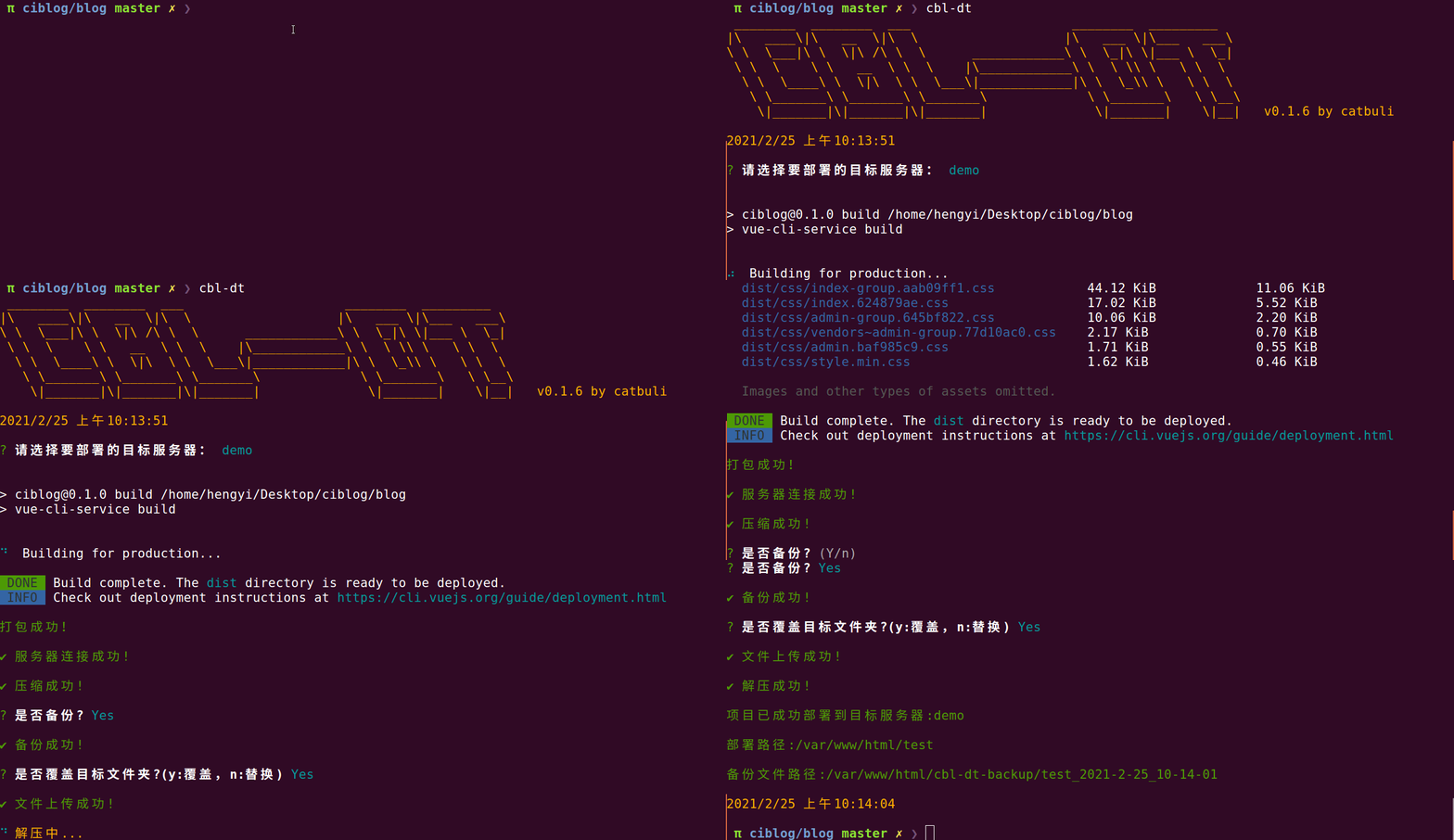
全自动
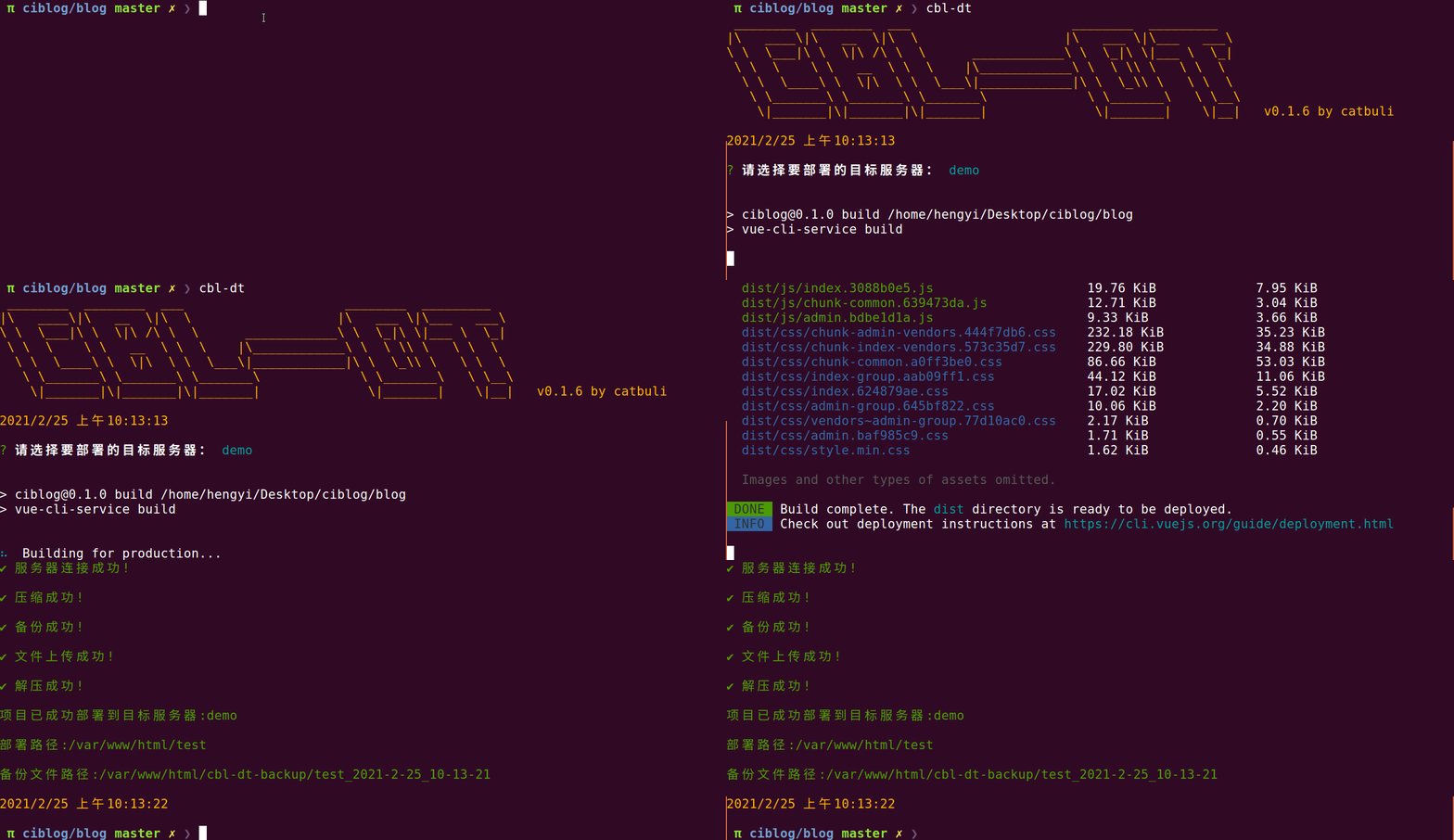
npm i -g cbl-deploy-tools
进入需要部署的前端项目目录
cbl-dt
name: 项目名称host: 服务器hostport: 端口username: 服务器用户名password: 服务器密码build: 打包命令localDist: 打包文件路径targetDist: 目标服务器部署路径auto: [1|0]{2} 第一位:是否自动备份 第二位:是否自动覆盖 该字段只在格式正确时生效,如配置0则会进行询问[
{
"name": "test",
"host": "127.0.0.1",
"port": "22",
"username": "root",
"password": "root",
"build": "npm run build",
"localDist": "./dist",
"targetDist": "/var/www/html/xxxx",
"auto":"11"
}
]
.
├── bin
│   └── cbl-deploy-tools.js
├── index.js
├── lib
│   ├── consoleMsg.js
│   ├── deploy.js
│   ├── handleConfig.js
│   ├── projectBuild.js
│   ├── selectServer.js
│   └── utils.js
├── package.json
├── package-lock.json
├── README.md
└── tests
    ├── cbl-dt-config.json
    ├── index.test.js
    └── testFunction.js
FAQs
The npm package cbl-deploy-tools receives a total of 4 weekly downloads. As such, cbl-deploy-tools popularity was classified as not popular.
We found that cbl-deploy-tools demonstrated a not healthy version release cadence and project activity because the last version was released a year ago. It has 1 open source maintainer collaborating on the project.
Did you know?

Socket for GitHub automatically highlights issues in each pull request and monitors the health of all your open source dependencies. Discover the contents of your packages and block harmful activity before you install or update your dependencies.
Product
Socket now supports Custom Roles and Repository Access Permissions so organizations can control who can access specific repositories and actions.

Product
Socket MCP now lets AI assistants review org alerts, investigate threats using the Socket threat feed, and inspect package files in addition to dependency scoring.

Product
Socket Firewall blocks malicious VS Code and Open VSX extensions before install, protecting developers from compromised editor marketplaces.