


Security News
The AI Industry Is Betting on Open Weights
An open letter signed by 50 companies, from NVIDIA and Microsoft to Mistral and Hugging Face, urges Washington not to restrict open weight AI.
By Sarah Gooding - Jul 27, 2026
crispy-code
Advanced tools
An agent workbench for Claude Code and Codex — with local agent memory, multi-agent collaboration, and controls you can't get in a terminal
A zero-compromise UI for Claude Code and Codex — with agent memory, multi-agent collaboration, and a Discord bot that puts your entire workspace in your pocket.
Runs standalone in your browser, as a VS Code / Cursor extension, or through Discord on your phone.




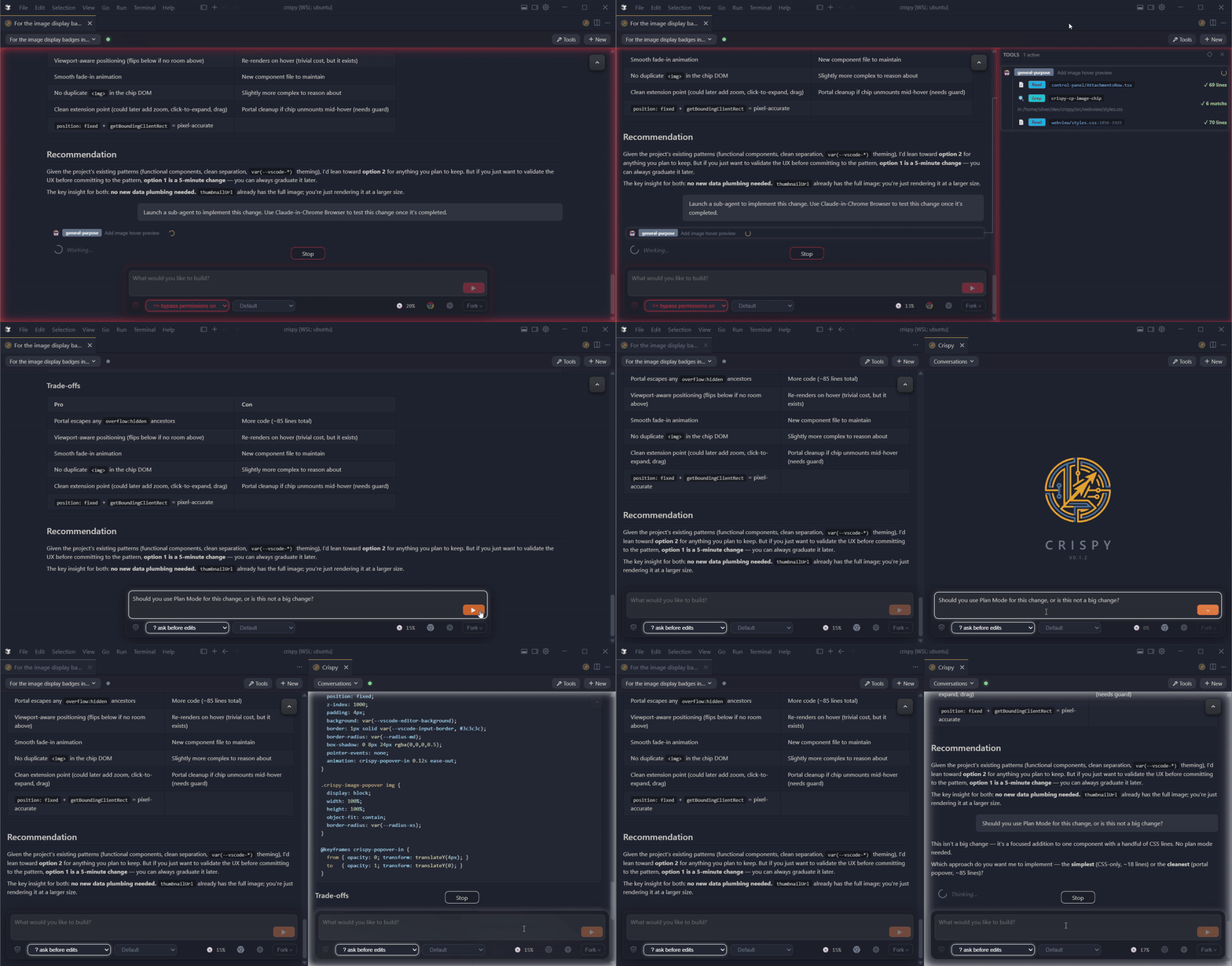
Discord bot — approve tool use, browse sessions, and manage your workspace from your phone. Not a chatbot — a live session monitor with full tool-call visibility. Agent memory — every transcript indexed locally with full-text + semantic search. No cloud, no API calls. Multi-agent /superthink — pit Claude and Codex against each other on the same question. Catches bugs and blind spots a single model misses. Fork, rewind, and control — agency modes, tool audit panel, side-by-side panels, inline quoting, voice input, and more.
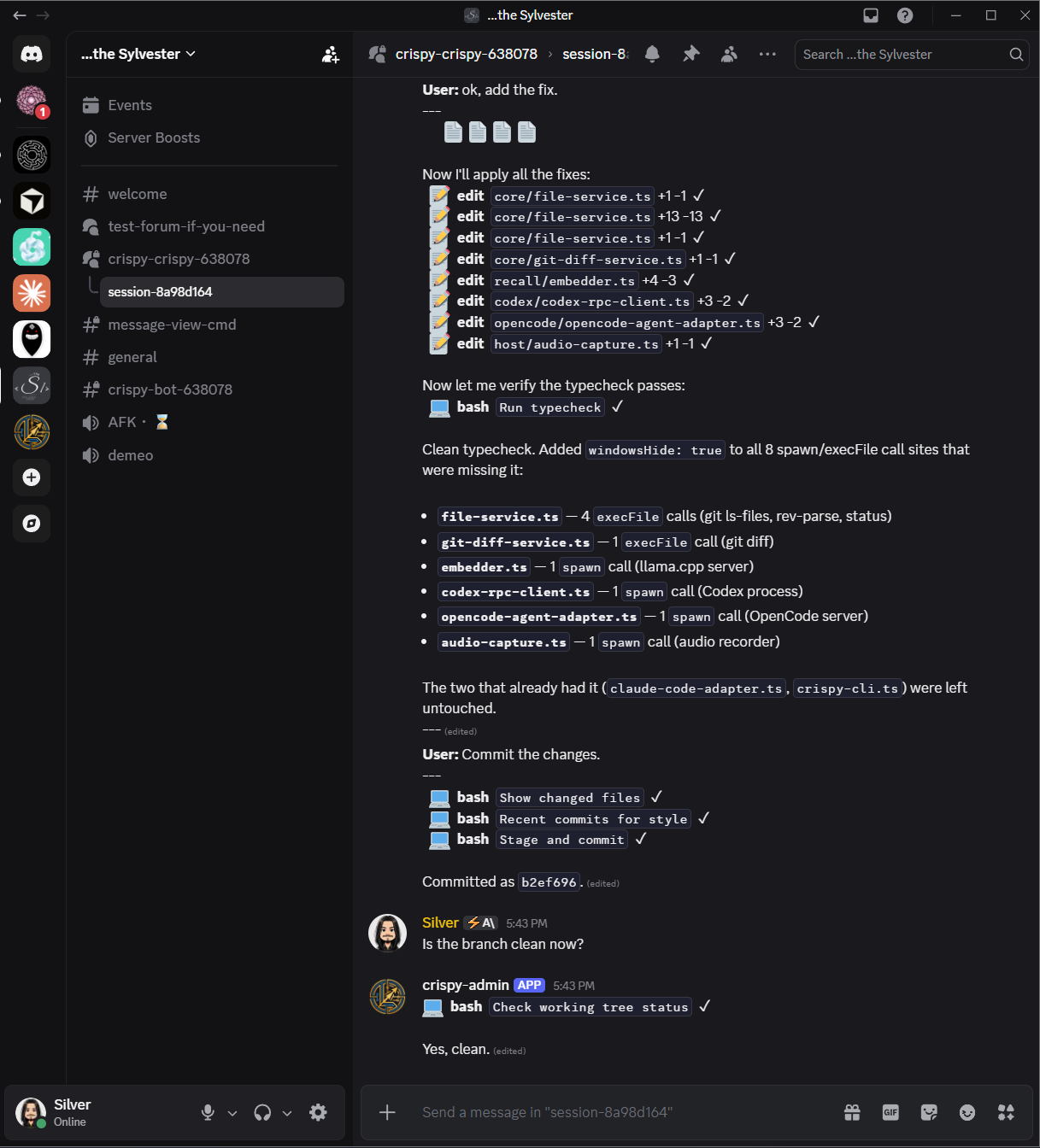
Crispy now runs a Discord bot that mirrors your coding sessions into your own server — live transcript rendering, inline approval buttons, session management, all from your phone or any device with Discord.
This isn't a chatbot. Every competitor (Claude Code Channels, OpenClaw, Hermes Agent) builds a text pipe where Discord is the session and tool calls are hidden. Crispy is different: Discord is a live session monitor with full tool-call visibility, structured approvals, and a session browser — the same information you see in the Crispy UI, rendered into Discord.
!sessions to browse, !open to resume, !stop
to close. A concierge bot, not a dumb bridgewindowsHide on all spawn/exec calls prevents
console flash on Windows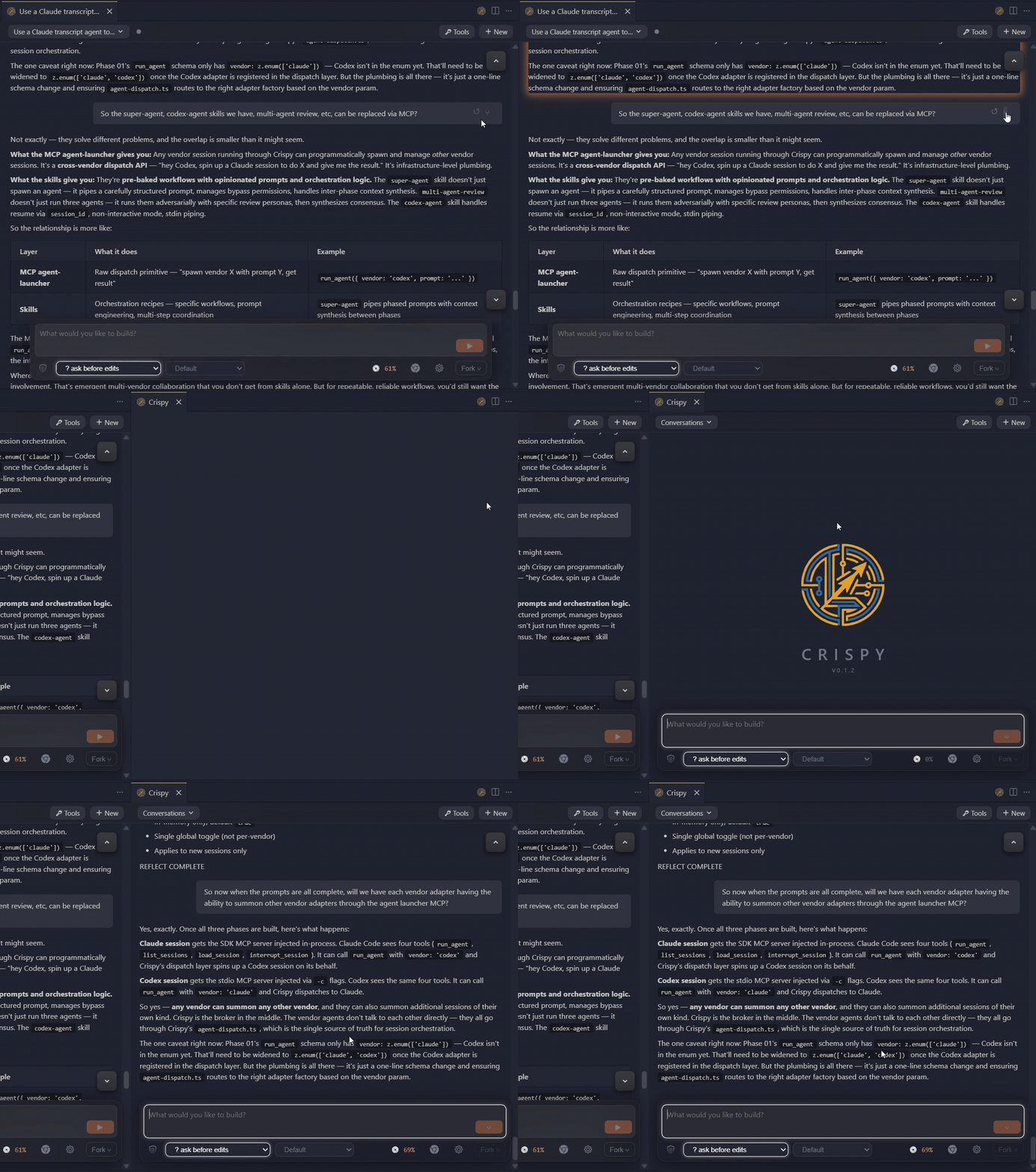
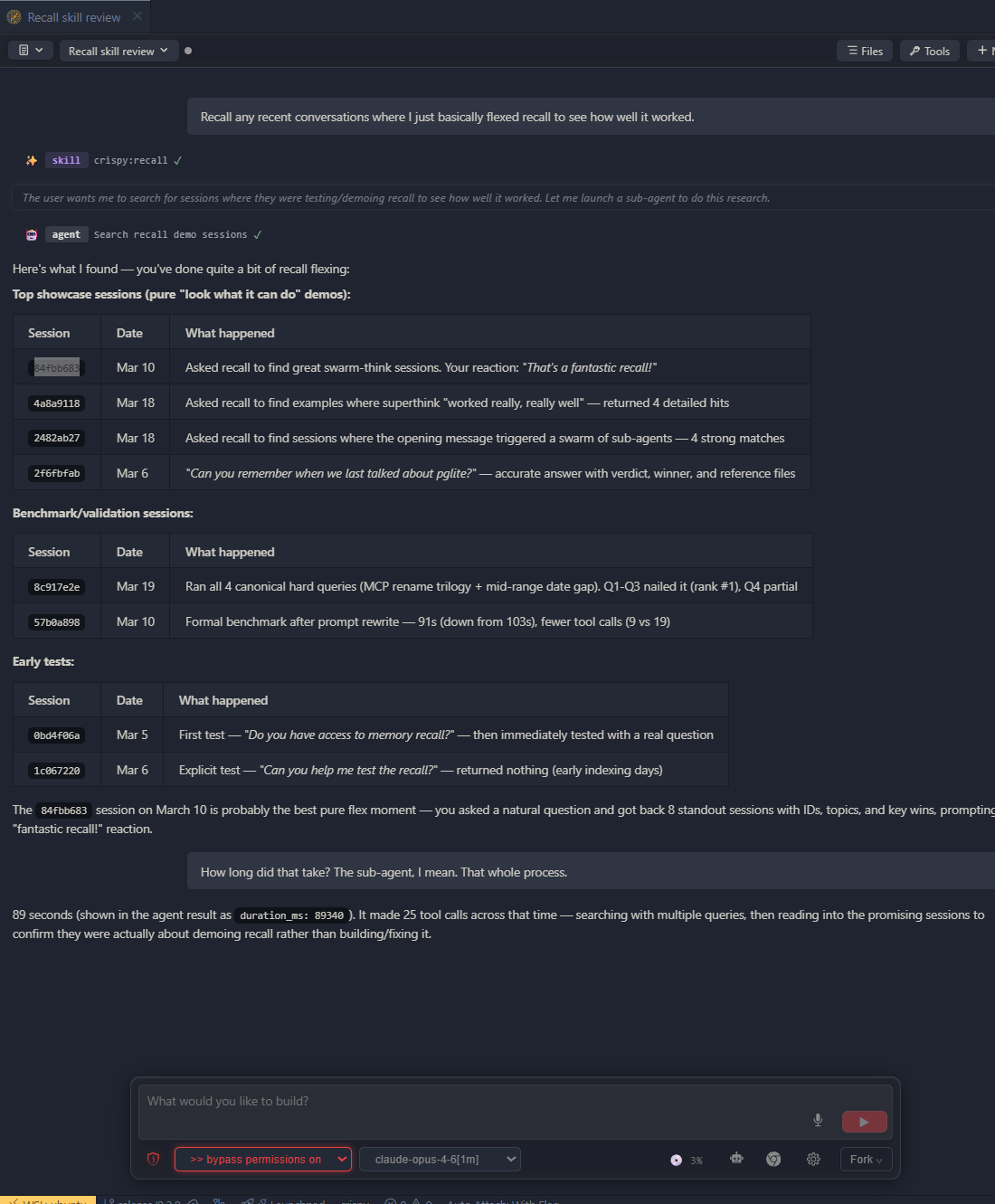
/superthink — pit Claude and Codex against each other on the same question. Catches bugs and blind spots a single model misses/handoff when context gets long, /clear-and-execute a plan from markdown, or /superthink for a second opinion. One slash command, no setup
--dangerously-skip-permissions, browser mode — one click, persisted per session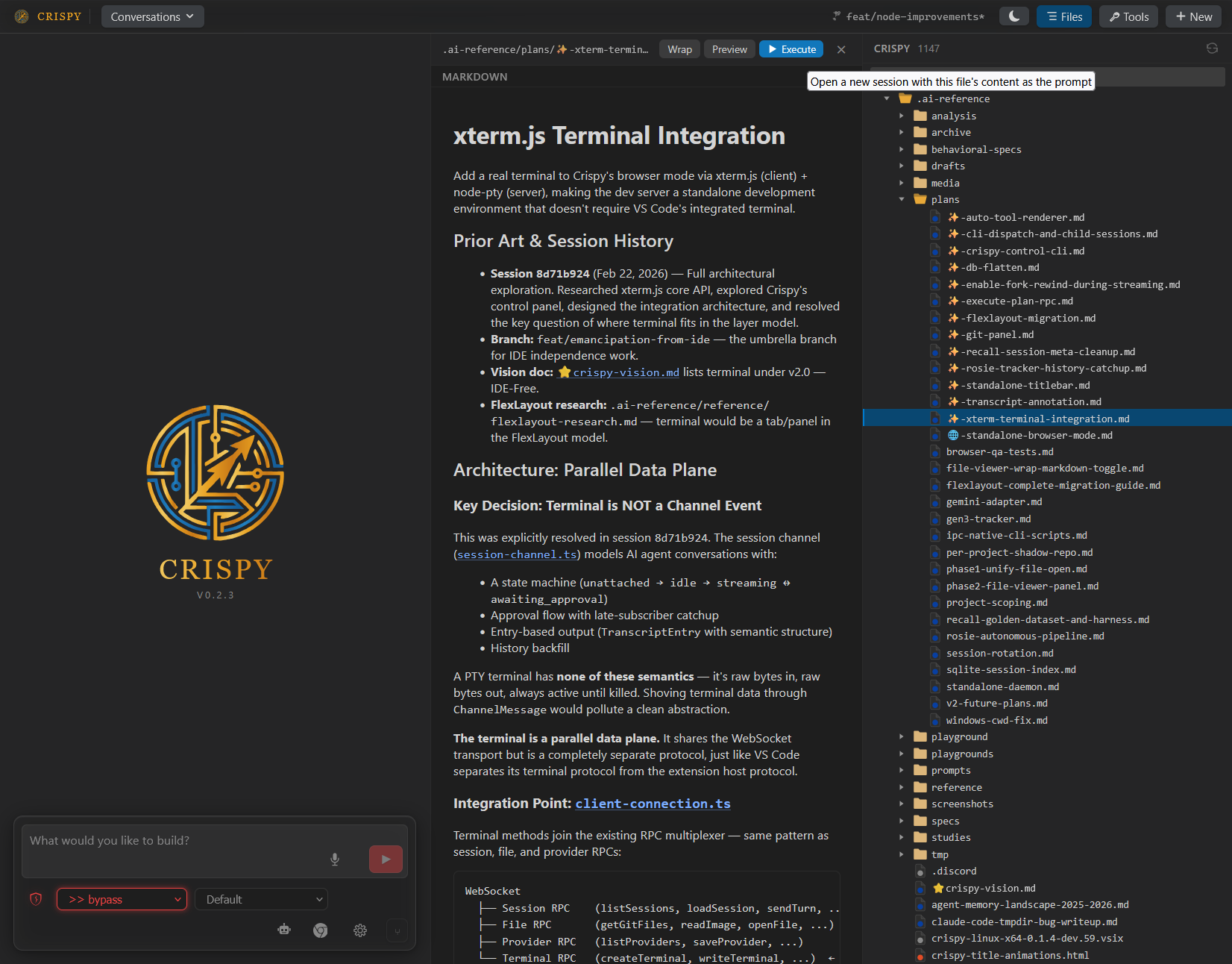
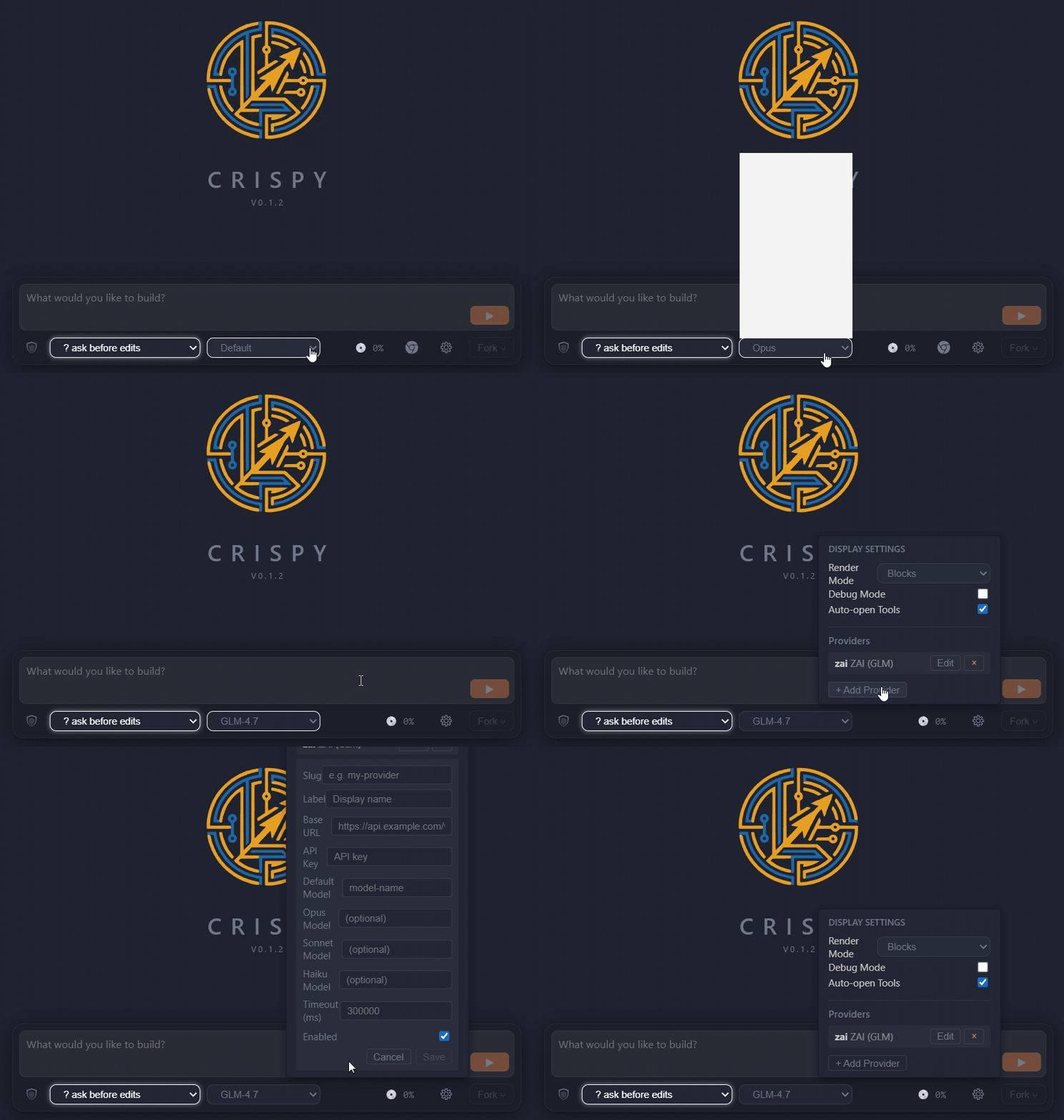
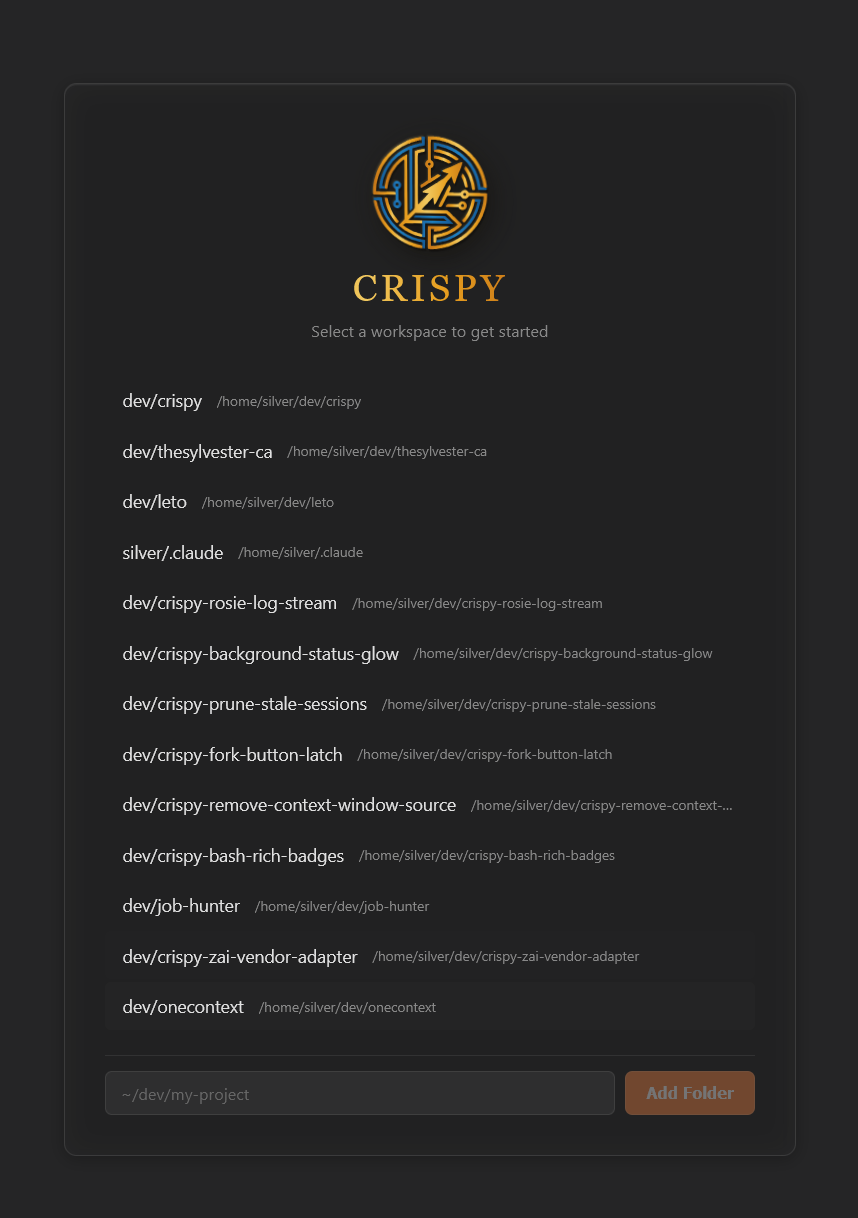
npx crispy-code — full UI in your browser, no VS Code requiredcrispy start / crispy stop / crispy statusnpx crispy-code
Opens Crispy in your browser. No VS Code, no extension install, no config.
Run npx crispy-code start for a background daemon, npx crispy-code stop to shut it down.
Search for "Crispy" in the extensions panel, or:
code --install-extension the-sylvester.crispy
Also available on the OpenVSX Marketplace.
git clone https://github.com/TheSylvester/crispy.git
cd crispy
npm install
npm run build
node dist/crispy-cli.js
npx crispy-code — browser opens automaticallyCrispy: Open from the command palette (Ctrl+Shift+Alt+I)@anthropic-ai/claude-agent-sdk — The Claude adapter depends on
Anthropic's Agent SDK, which is proprietary ("All rights reserved") and
governed by Anthropic's Terms of Service.
This dependency is required for Claude Code integration. By using Crispy with
Claude Code, you accept Anthropic's terms for that SDK.
Codex protocol types — Files in src/core/adapters/codex/protocol/ are
generated from the OpenAI Codex CLI
project, licensed under Apache-2.0. See THIRD-PARTY-LICENSES for details.
MIT — see LICENSE for the full text.
FAQs
A GUI for Claude Code and Codex, built for multi-agent orchestration — with 'superthink' adversarial verification, agent memory, and Discord remote access.
The npm package crispy-code receives a total of 16 weekly downloads. As such, crispy-code popularity was classified as not popular.
We found that crispy-code demonstrated a healthy version release cadence and project activity because the last version was released less than a year ago. It has 1 open source maintainer collaborating on the project.
Did you know?

Socket for GitHub automatically highlights issues in each pull request and monitors the health of all your open source dependencies. Discover the contents of your packages and block harmful activity before you install or update your dependencies.
Security News
An open letter signed by 50 companies, from NVIDIA and Microsoft to Mistral and Hugging Face, urges Washington not to restrict open weight AI.

Security News
/Research
A fake corepack.org site is impersonating the Node.js tool and delivers an infostealer and proxyware to developers who download it.

Research
/Security News
A large-scale campaign abused GitHub Actions in compromised repositories to exploit CVE-2026-41940 in cPanel and WHM and steal server credentials.