

Big News: Socket raises $60M Series C at a $1B valuation to secure software supply chains for AI-driven development.Announcement
Sign In

misans

Package Overview
Dependencies
Maintainers
1
Versions
7
Alerts
File Explorer

Advanced tools

Socket logo

Install Socket

Detect and block malicious and high-risk dependencies

Install

misans

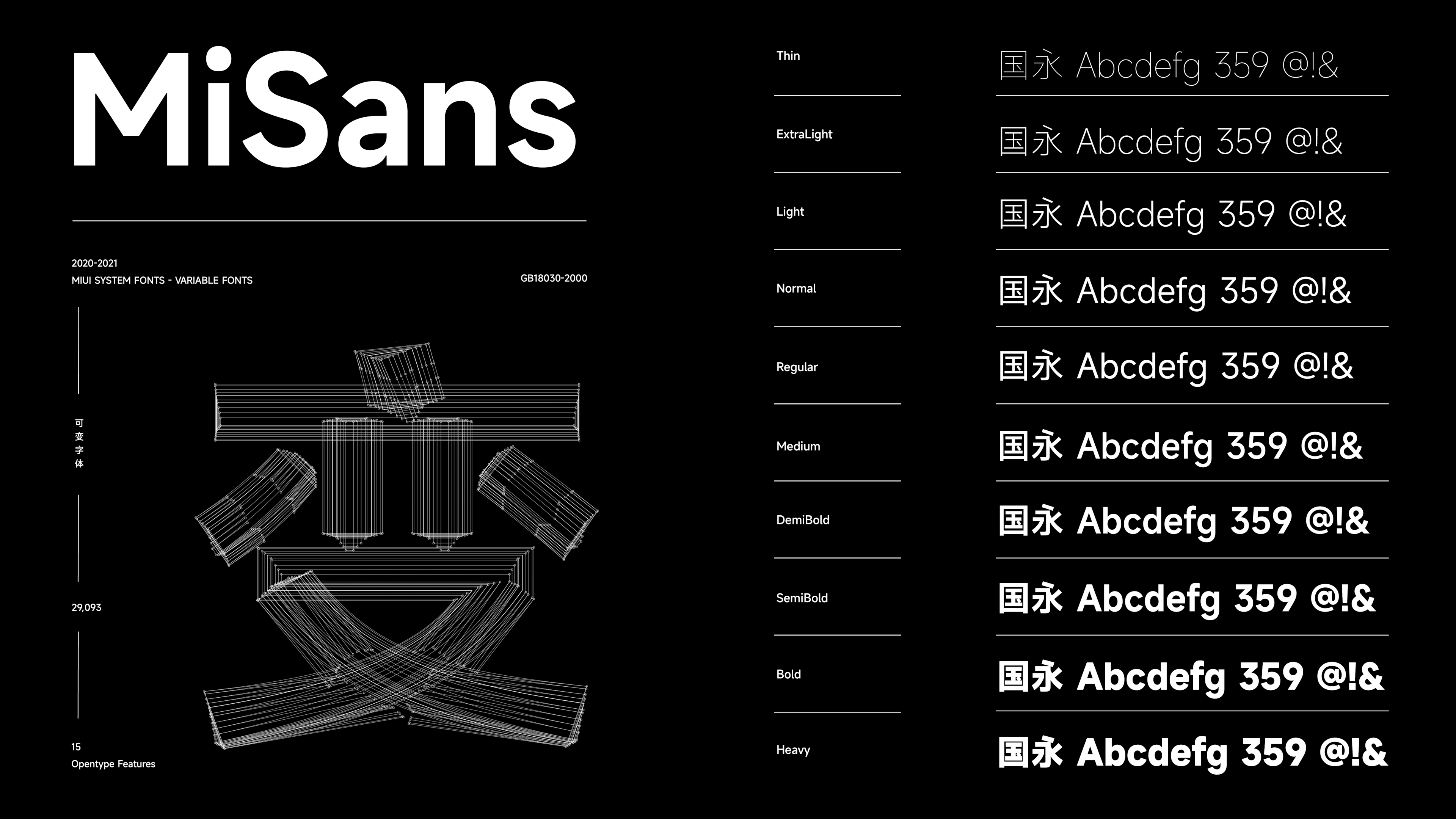
MiSans (subsetted) fonts from Xiaomi for free commercial use.

Source
npmnpm
Version
3.0.2
Version published
Weekly downloads
4.1K
-30.1%
Maintainers
1
Weekly downloads
 
Created
Source

MiSans

MiSans (subsetted) fonts from Xiaomi for free (web) use.

小米发布的 MiSans 字体,可以免费使用,同步 Google Fonts 进行子集化以供 web 使用。

Fonts Preview

Version: 2.000

CDN

  • https://unpkg.com/misans/
  • https://www.jsdelivr.com/package/npm/misans

Subset Details

Environment requirements:

环境需求:

  • Node.js >= 18
  • Python >= 3.7
git clone https://github.com/dsrkafuu/misans.git
cd misans
pip install -r requirements.txt
npm install
npm run fetch
npm run subset

Subsetting process:

  • Get Noto Sans SC fonts CSS from Google Fonts
  • Parse unicode ranges from the CSS file
  • Get all supported unicodes from MiSans font files
  • Filter out the unsupported unicodes
  • Use the final unicodes to generate subsetted font files
  • Use the final unicodes to generate subsetted font CSS

子集化流程:

  • 从 Google Fonts 拉取 Noto Sans SC 字体 CSS
  • 解析 CSS 文件中的 unicode 范围
  • 从 MiSans 字体文件中获取所有支持的 unicode
  • 排除不支持的 unicode
  • 使用最终的 unicode 生成子集化的字体
  • 使用最终的 unicode 生成子集化的 CSS

Fonts Source

Reference

Copyright (c) 2021, Beijing Xiaomi Mobile Software Co., Ltd.

License (Scripts)

Released under Apache License 2.0, for more information read the LICENSE.

Copyright (c) 2021-present DSRKafuU (https://dsrkafuu.net)

Keywords

misans

FAQs

Package last updated on 06 Jun 2022

Did you know?

Socket

Socket for GitHub automatically highlights issues in each pull request and monitors the health of all your open source dependencies. Discover the contents of your packages and block harmful activity before you install or update your dependencies.

Install

Related posts

