react-component-navigationbar
React NavigationBar




Install
npm install react-component-navigationbar --save
Quick Start
import NavigationBar from 'react-component-navigationbar'

export default class XX extends React.Component{
	render(){
		return (
			<div>
			    <NavigationBar title="title"/>
			</div>
		);
	}
}
Props
title:String
设置NavigationBar的标题
renderLeftButton:Function
设置如何render左边的按钮,默认情况下会render一个back按钮.如果不显示左边按钮,可以通过如下代码进行设置:
<NavigationBar renderLeftButton={()=>null}/>
renderRightButton:Function
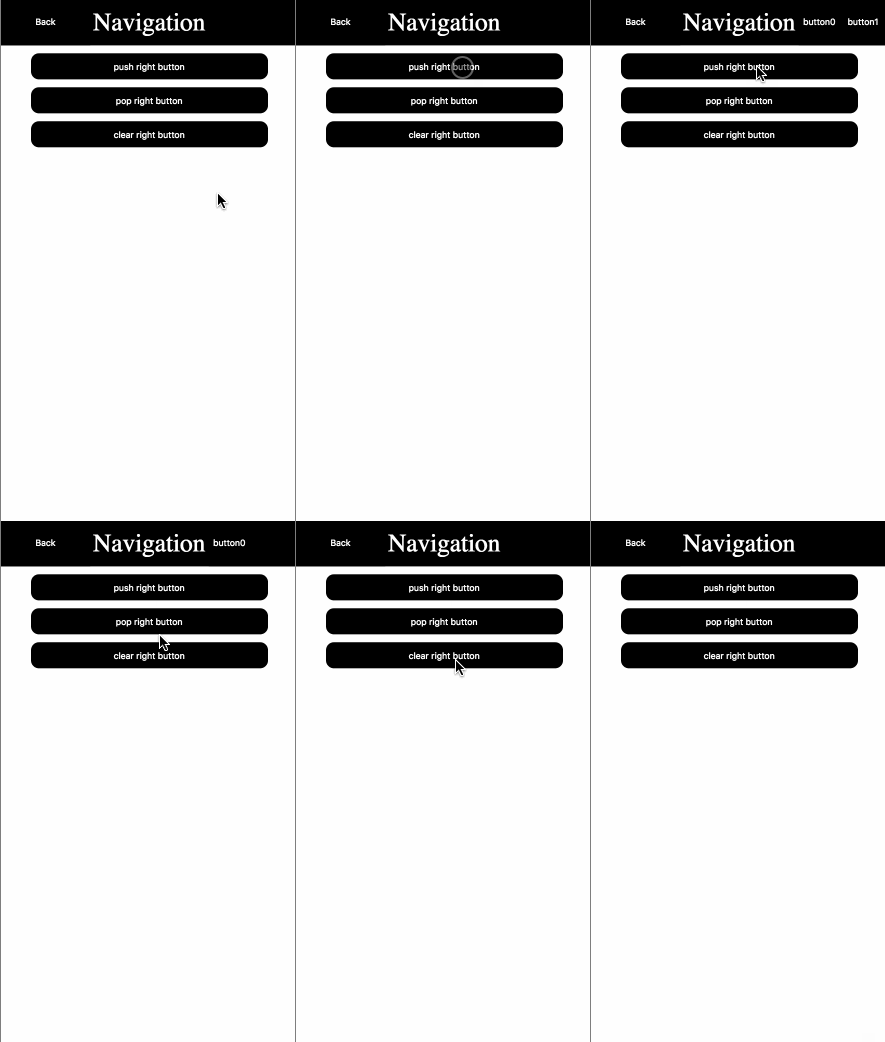
设置如何render右边的按钮.默认情况下这里没有任何按钮.
How to overwrite NavigationBar's style
组件内部已经把className都进行了设置,默认的样式都是inline-style的方式进行添加的.因此如果要重写样式只需要按照css的重写规则进行设置即可.
html结构及对应className如下
<div className="navigation" >
    <div className="navigation-left-button" ></div>
    <div className="navigation-title"></div>
    <div className="navigation-right-button"></div>
</div>
注意:由于默认样式是inline-style,所以重写的样式必须要加'!import'




