

Product
Introducing Repository Access Permissions and Custom Roles
Socket now supports Custom Roles and Repository Access Permissions so organizations can control who can access specific repositories and actions.
By Joe Werle - Jun 19, 2026
slide-ruler
Advanced tools




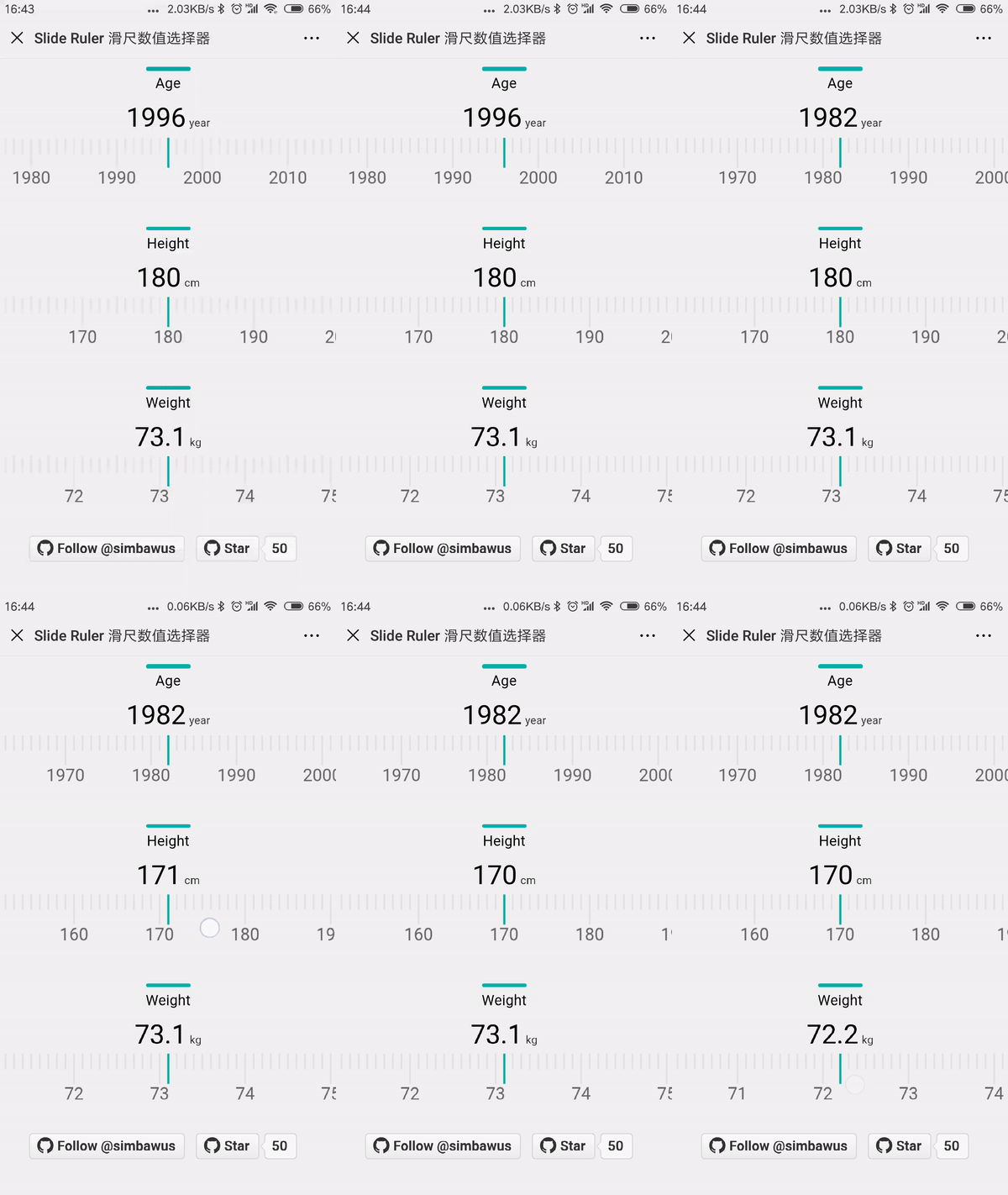
| Property | Type | Default | Description |
|---|---|---|---|
| handleValue | Function | get the return value | |
| canvasWidth | Number | screen width | ruler width |
| canvasHeight | Number | 83 | ruler height |
| heightDecimal | Number | 35 | scale marks length |
| heightDigit | Number | 18 | division marks length |
| lineWidth | Number | 2 | marks width |
| colorDecimal | String | #E4E4E4 | scale marks color |
| colorDigit | String | #E4E4E4 | division marks color |
| divide | Number | 10 | division length of px |
| precision | Number | 1 | division value |
| fontSize | Number | 20 | scale fontSize |
| fontColor | String | #666666 | scale fontColor |
| fontMarginTop | Number | 35 | font margin to the top |
| maxValue | Number | 230 | max value |
| minValue | Number | 100 | min value |
| currentValue | Number | 100 | current value |
yarn add slide-ruler --dev
<!DOCTYPE html>
<html>
  <head>
    <meta charset="UTF-8" />
    <meta name="author" content="simbawu" />
    <title>Digital Keyboard</title>
  </head>
  <body>
    <div id="values"></div>
    <div id="app"></div>
    <script src="./slide-ruler.js"></script>
  </body>
</html>
//slide-ruler.js
import SlideRuler from 'slide-ruler';

function handleValue(value){
  console.log(value); //SlideRuler return value
  document.querySelector('#values').innerHTML = value;
}

new SlideRuler(
    {
        el: document.querySelector('#app'),
        maxValue: 230,
        minValue: 100,
        currentValue: 180
        handleValue: handleValue,
        precision: 1
    }
);
import React from 'react';
import SlideRuler from 'slide-ruler';

class SlideRulerPage extends React.Component {

  constructor(){
    super();

    this.handleValue = this.handleValue.bind(this);
    this._renderSlideRuler = this._renderSlideRuler.bind(this);
  }

  componentDidMount(){
    this._renderSlideRuler();
  }

  handleValue(value){
    console.log(value); //SlideRuler return value
  }

  _renderSlideRuler(){
    return new SlideRuler (
      {
        el: this.refs.slideRuler,
        maxValue: 230,
        minValue: 100,
        currentValue: 180
        handleValue: handleValue,
        precision: 1
      }
    );
  }

  render(){
    return (
      <div ref='slideRuler'></div>
    )
  }
}

export default SlideRulerPage;
<template>
  <div></div>
</template>
<script>
import SlideRuler from 'slide-ruler';
export default {
  mounted () {
    this._renderSlideRuler();
  },
  methods: () {
    _renderSlideRuler() {
    	return new SlideRuler (
          {
            el: this.$el,
            maxValue: 230,
            minValue: 100,
            currentValue: 180
            handleValue: handleValue,
            precision: 1
          }
        );
    },

    handleValue(value) {
      console.log(value); //SlideRuler return value
    }
  }
}
</script>
import { Component, ViewChild, OnInit, ViewEncapsulation} from '@angular/core';
import SlideRuler from 'slide-ruler';

@Component({
  selector: 'my-app',
  template: `
   <div #slideRuler></div>
  `,
  encapsulation: ViewEncapsulation.None
})
export class AppComponent  implements OnInit{

  @ViewChild('slideRuler') slideRuler;

  ngOnInit(){
    this._renderSlideRuler();
  }

  _renderSlideRuler(){
    return new SlideRuler (
          {
            el: this.slideRuler.nativeElement,
            maxValue: 230,
            minValue: 100,
            currentValue: 180
            handleValue: handleValue,
            precision: 1
          }
        );
  }

  handleValue(value) {
    console.log(value); //SlideRuler return value
  }
}
Anyone and everyone is welcome to contribute to this project. The best way to start is by checking our open issues,submit a new issues or feature request, participate in discussions, upvote or downvote the issues you like or dislike.
FAQs
SlideRuler Component 滑尺数值选择器
The npm package slide-ruler receives a total of 120 weekly downloads. As such, slide-ruler popularity was classified as not popular.
We found that slide-ruler demonstrated a not healthy version release cadence and project activity because the last version was released a year ago. It has 1 open source maintainer collaborating on the project.
Did you know?

Socket for GitHub automatically highlights issues in each pull request and monitors the health of all your open source dependencies. Discover the contents of your packages and block harmful activity before you install or update your dependencies.
Product
Socket now supports Custom Roles and Repository Access Permissions so organizations can control who can access specific repositories and actions.

Product
Socket MCP now lets AI assistants review org alerts, investigate threats using the Socket threat feed, and inspect package files in addition to dependency scoring.

Product
Socket Firewall blocks malicious VS Code and Open VSX extensions before install, protecting developers from compromised editor marketplaces.