slopless





Catch AI and human slop in English Markdown without calling an LLM. Slopless ships 50+ deterministic textlint rules and a CLI that emits structured JSON findings.
What it catches
Given this paragraph (typical LLM prose):
In today's rapidly evolving landscape, it's important to note that AI tools
are revolutionizing how we work - truly transforming workflows in
unprecedented ways. By harnessing the power of large language models, teams
can delve into complex challenges, streamline operations, and unlock new
possibilities. But what does this really mean for you? In essence, the
future belongs to those who embrace these tools today. Not just to keep up,
not just to stay competitive, but to thrive.
npx slopless returns nine findings across seven rules:
[slopless/generic-signposting]  it's important to note
[slopless/prohibited-phrases]   it's important to note
[slopless/llm-vocabulary]       landscape
[slopless/llm-vocabulary]       delve
[slopless/prohibited-words]     delve
[slopless/prohibited-words]     unlock
[slopless/prohibited-phrases]   the future belongs to
[slopless/negation-reframe]     Not just X, not just Y, but Z
[slopless/flesch-kincaid]       Flesch Reading Ease 56.05 (keep >= 61)
Full JSON output is the default. See the Rules page for the complete inventory.
Intended Usage Loop
npm install -D slopless
npx slopless install-skill codex
npx slopless install-skill claude
Then start a fresh writing-agent session and tell it to use the Slopless skill:
Use the Slopless skill. Check this Markdown, rewrite the prose, and keep iterating until Slopless passes.
Loop:
- Install Slopless.
- Install the agent skill for Codex or Claude Code.
- Tell the writing agent to use the skill.
- Let the agent run Slopless, rewrite, and rerun until the JSON output has no findings.
- Profit.
Direct CLI Use
npx slopless "docs/**/*.md"
Slopless is English-only. It requires a file path, glob, or stdin input. A bare npx slopless exits with code 2.
Exit 0 means clean. Exit 1 means findings. Exit 2 means failure.
Output is always JSON:
mkdir -p .slopless/findings
npx slopless "docs/**/*.md" > ".slopless/findings/$(date +%Y-%m-%d-%H%M%S)--review.json"
Agent Use
Agents should run help first:
npx slopless --help
Agents should save raw JSON findings under .slopless/findings/ in the current working directory. Slopless does not choose redirected output filenames, slugs, or timestamps.
Install the Codex skill into the current repo:
npx slopless install-skill codex
Install the Claude Code skill into the current repo:
npx slopless install-skill claude
Both commands install the same slopless skill body. Start a new agent session after installing if the skill is not visible.
Ignore rules
Use textlint comments around intentional exceptions:
<!-- textlint-disable slopless/semantic-thinness -->

Something shifted in the room.

<!-- textlint-enable slopless/semantic-thinness -->
More
- Philosophy - what slopless is for, design principles, why deterministic.
- Comparison - slopless vs proselint, write-good, alex, vale, default textlint presets.
- Rules - full 50+ rule inventory across seven families.
- Behavior - CLI flags, exit codes, JSON output shape, direct textlint integration.
- Ignore rules - inline
textlint-disable block syntax.
- Thanks - direct rule sources, dependencies, and acknowledgments.
- Roadmap - near-term direction and links to active plans.
- Contributing - open a detailed issue first; PRs must pass the G3TS pre-commit gate.
Verify the package
Every release since 0.2.13 is published from GitHub Actions via OIDC and carries a SLSA v1 provenance attestation recorded in the Sigstore transparency log.
npm audit signatures slopless
This confirms the tarball you installed was built in the published source repository's Actions environment, from the commit the GitHub Release points at.
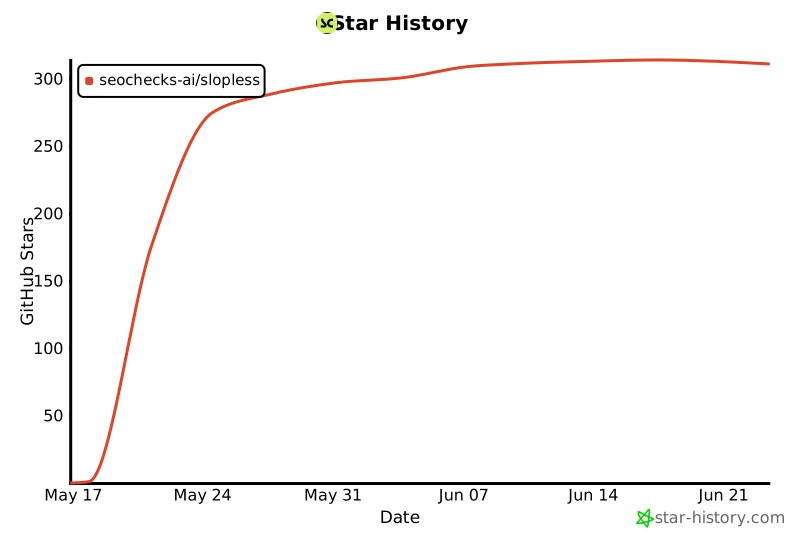
Star history
Developed by seochecks.ai to keep content specific, useful, and recognizably human.




