Two Ways to Use
Download TokenTrackerBar.dmg from the latest release, drag to Applications, done.
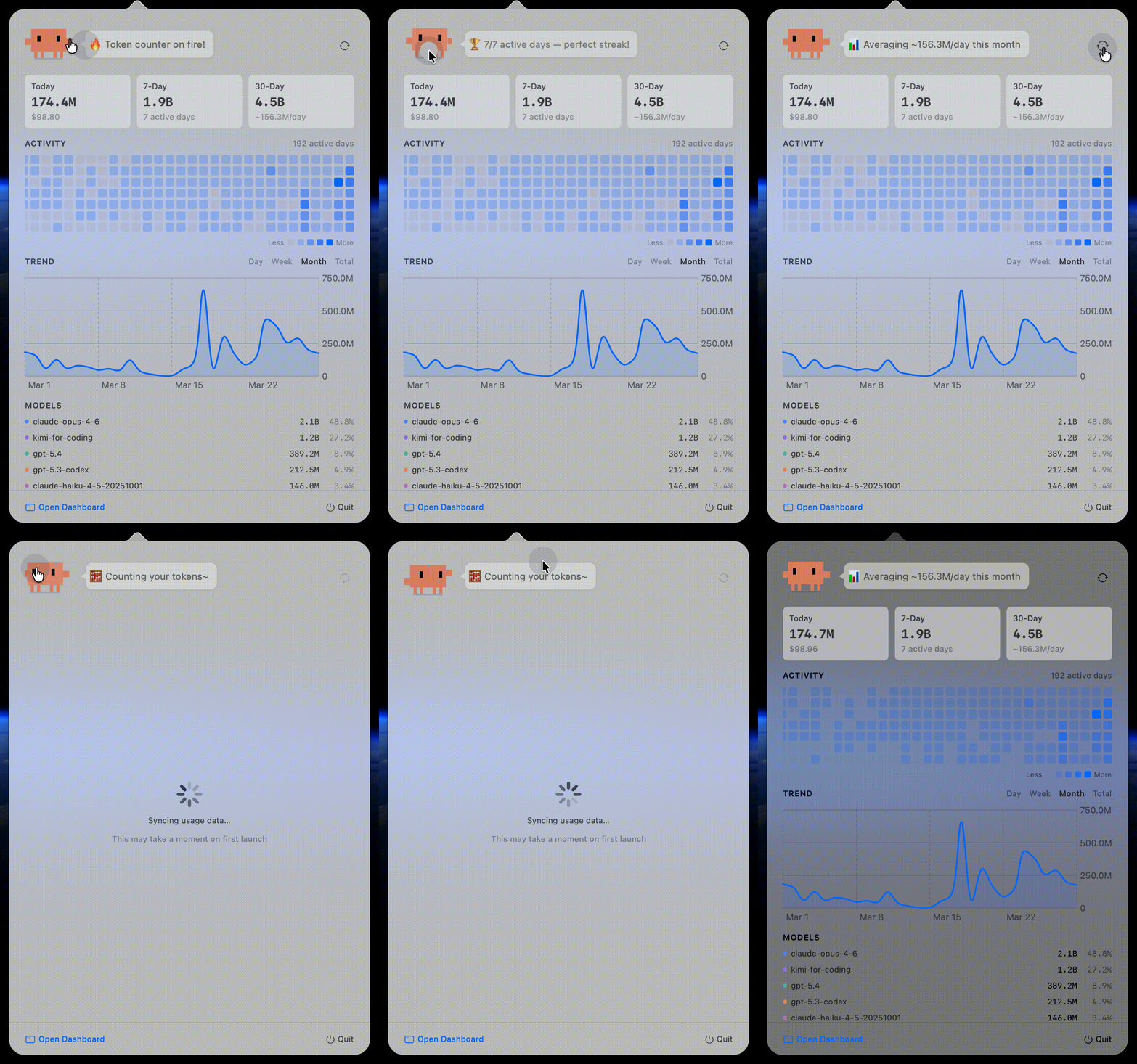
- Lives in your menu bar — click to see usage stats
- Auto-syncs data from all supported CLI tools
- No terminal, no Node.js, no setup required
- Clawd pixel companion — animated menu bar icon with breathing, blinking, and eye tracking
- Interactive dashboard buddy — Clawd reacts to your usage data with 30+ contextual quips, 5 tap animations, and data-driven moods
Option B: CLI + Web Dashboard
npx tokentracker-cli
One command does everything: first-time setup → hook installation → data sync → open dashboard at http://localhost:7680.
Install globally for shorter commands:
npm i -g tokentracker-cli
tokentracker
tokentracker sync
tokentracker status
tokentracker doctor
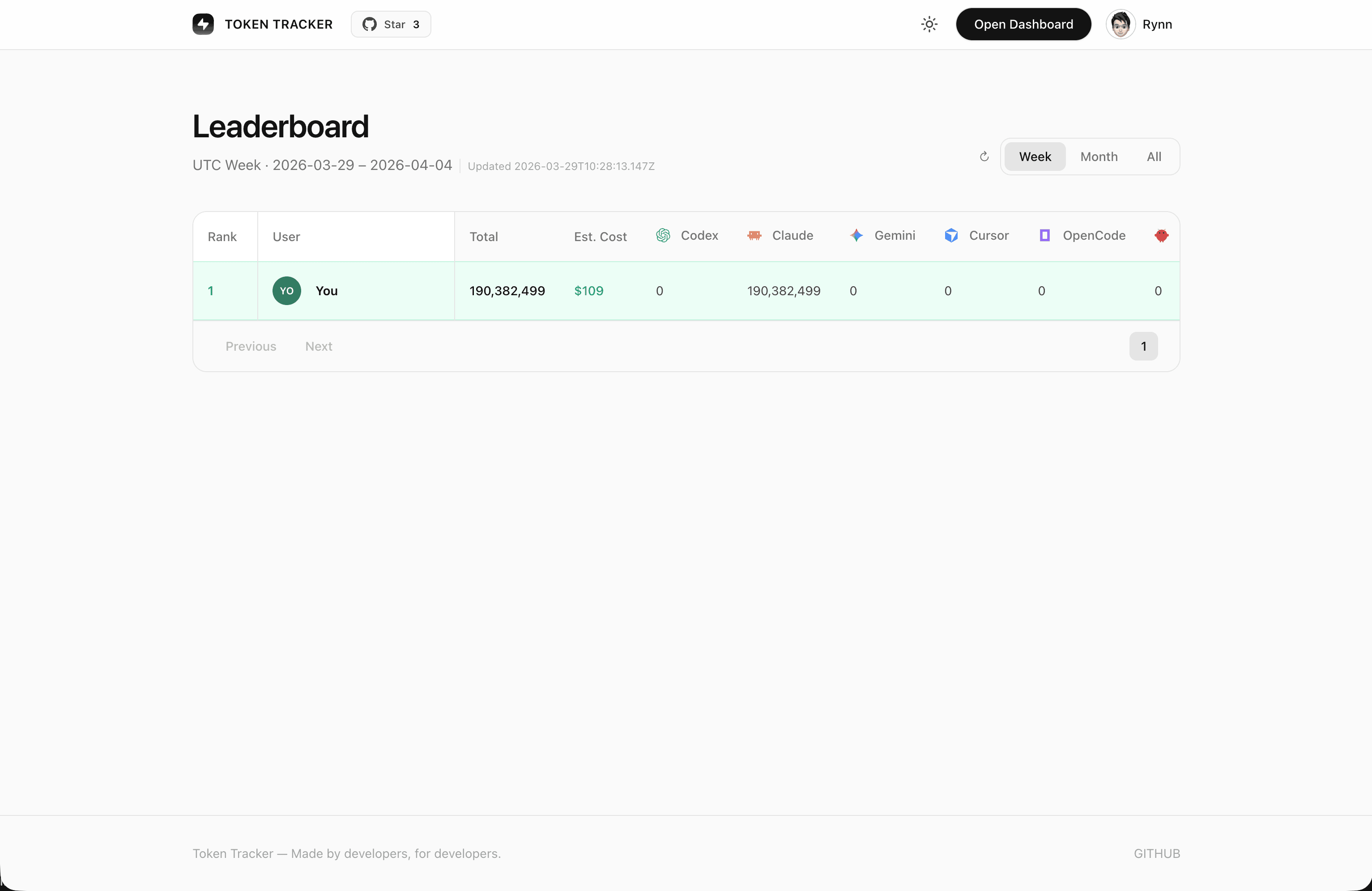
Leaderboard
Compare your token usage with developers worldwide. Sign in to join the ranking.
Features
- Multi-Source Tracking — Claude Code, Codex CLI, Cursor, Kiro, Gemini CLI, OpenCode, OpenClaw, Every Code
- Local-First — All data stays on your machine. No cloud account required.
- Zero-Config — Hooks auto-detect and configure on first run
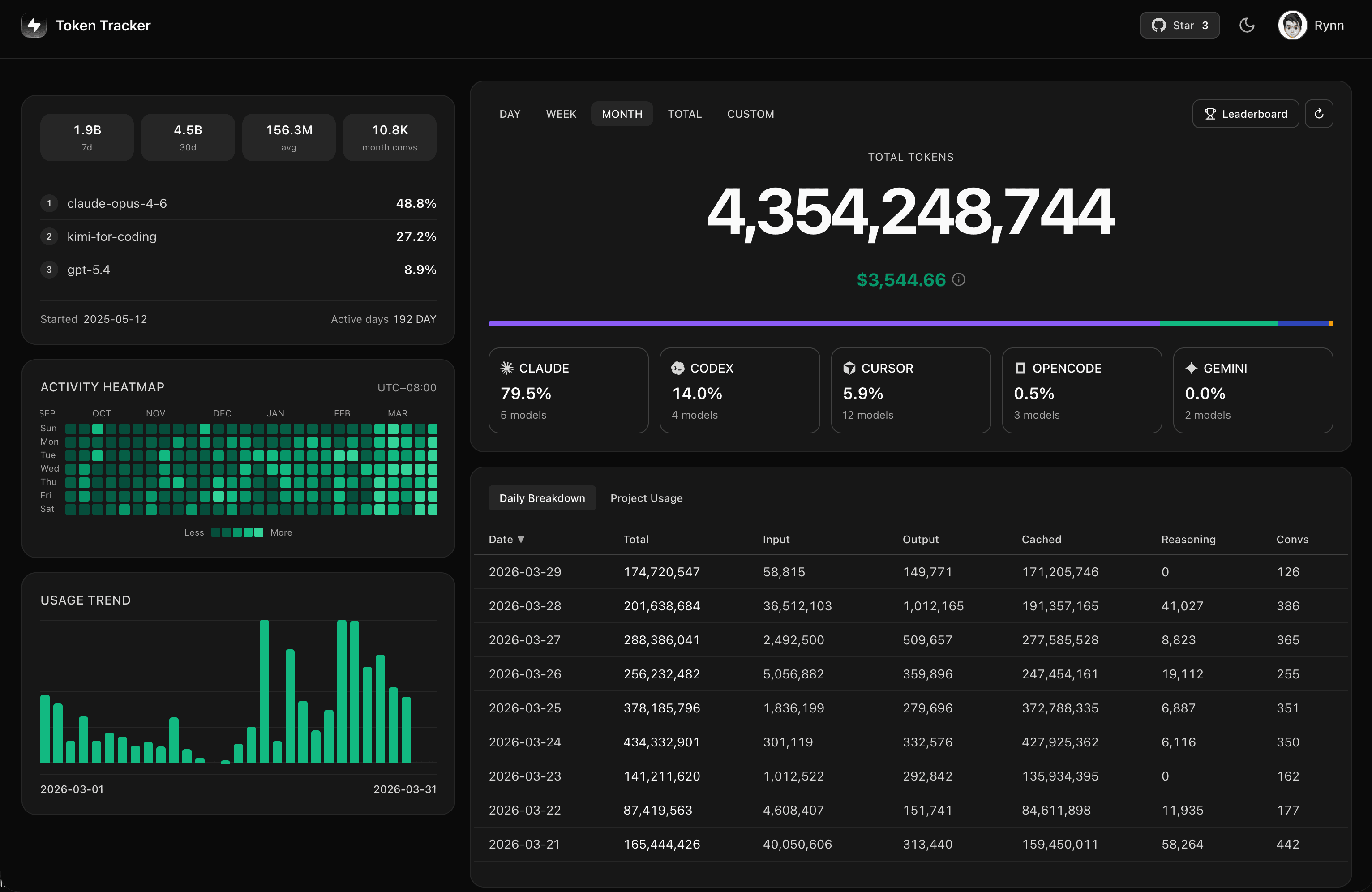
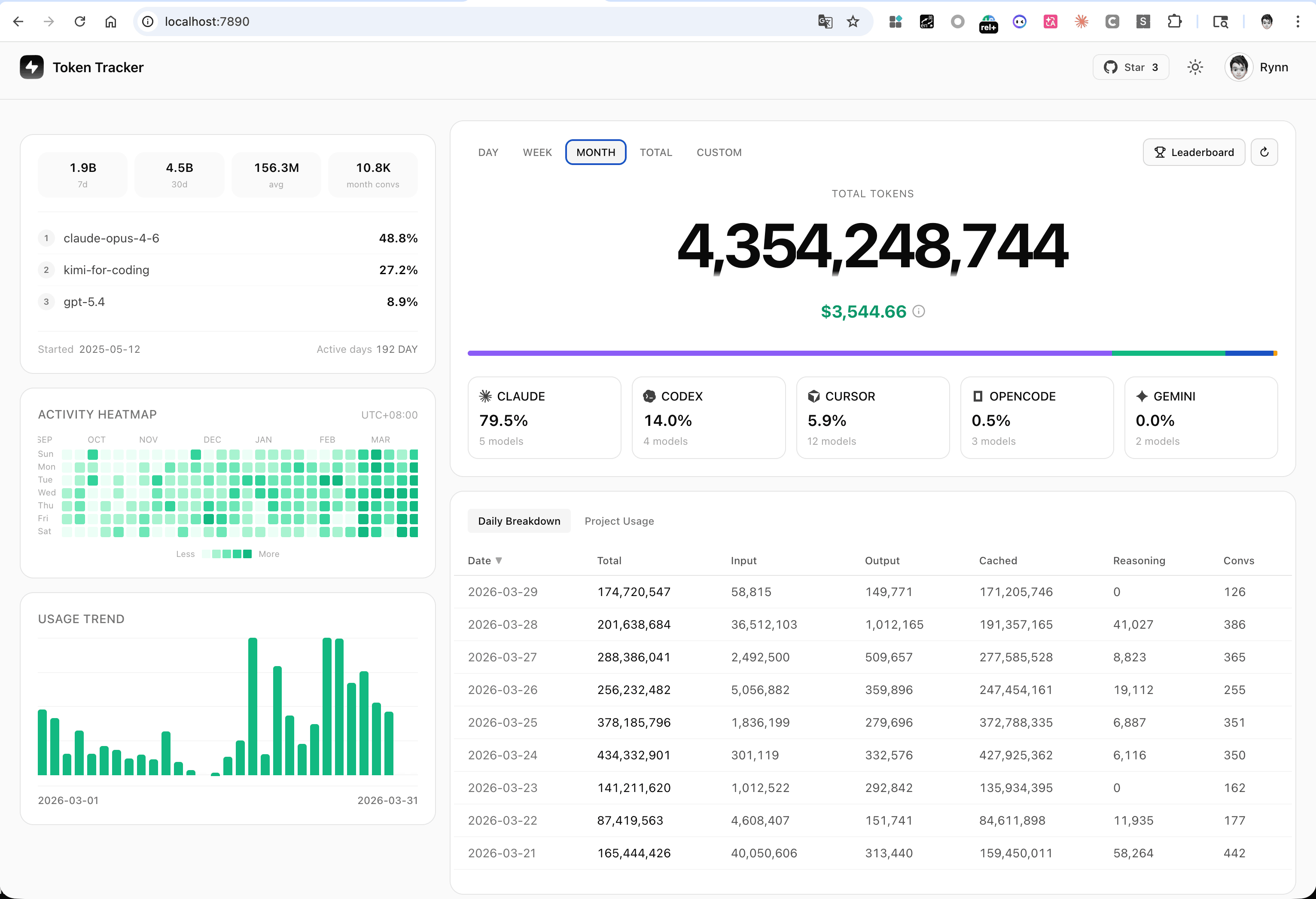
- Built-in Dashboard — Web UI with usage trends, model breakdowns, heatmaps
- Leaderboard — Global ranking with weekly, monthly, and all-time stats
- Privacy-First — Only token counts tracked, never prompts or responses
Supported CLI Tools
| Claude Code | ✅ |
| Codex CLI | ✅ |
| Cursor | ✅ (via API) |
| Kiro | ✅ |
| Gemini CLI | ✅ |
| OpenCode | ✅ |
| OpenClaw | ✅ |
| Every Code | ✅ |
How It Works
AI CLI Tools (Claude, Codex, Cursor, Kiro, Gemini, OpenCode, ...)
    │
    │  hooks auto-trigger on usage
    ▼
Token Tracker (local parsing + aggregation)
    │
    │  30-minute UTC buckets
    ▼
Dashboard (Menu Bar App or localhost:7680)
- AI CLI tools generate logs during usage
- Lightweight hooks detect changes and trigger sync (Cursor: usage pulled via API)
- CLI parses logs locally, extracts only token counts
- Data aggregated into 30-minute buckets
- Dashboard reads local data directly — no cloud needed
Privacy
| No Content Upload | Never uploads prompts or responses — only token counts |
| Local Only | All data stays on your machine, all analysis local |
| Transparent | Audit the sync logic in src/lib/rollout.js — only numbers and timestamps |
Configuration
Environment Variables
TOKENTRACKER_DEBUG | Enable debug output (1 to enable) | - |
TOKENTRACKER_HTTP_TIMEOUT_MS | HTTP timeout (ms) | 20000 |
CODEX_HOME | Codex CLI directory override | ~/.codex |
GEMINI_HOME | Gemini CLI directory override | ~/.gemini |
Development
git clone https://github.com/mm7894215/tokentracker.git
cd tokentracker
npm install
cd dashboard && npm install && npm run build && cd ..
node bin/tracker.js
npm test
Building the macOS App
cd TokenTrackerBar
npm run dashboard:build
./scripts/bundle-node.sh
xcodegen generate
ruby scripts/patch-pbxproj-icon.rb
xcodebuild -scheme TokenTrackerBar -configuration Release clean build
./scripts/create-dmg.sh
Requires: Xcode 16+, XcodeGen
Credits
Clawd pixel art inspired by Clawd-on-Desk by @marciogranzotto.
Clawd character design belongs to Anthropic. This is a community project with no official affiliation with Anthropic.
License
MIT
Token Tracker — Quantify your AI output.
token.rynn.me · Made by developers, for developers.