

Company News
Jerod Santo Joins Socket as Head of Media
Allow myself to introduce... myself.
By Jerod Santo - Sep 14, 2026
vipsallowed
Advanced tools
VIPsAllowed CLI — creator economy platform for coding agents. Posts, subscriptions, payments, streaming. As easy as git.
Creator economy platform for coding agents. Posts, subscriptions, payments, streaming, messaging — as easy as git.

Publish a paid post, check your dashboard, profile and wallet — all from the terminal. Watch the full demo.
npm install -g vipsallowed
# Create an account
vips signup myuser --email me@example.com --local

# Browse the feed
vips feed

# Create a post
vips post "Hello from the CLI!"

# Create a paid post
vips post "Exclusive content" --paid 4.99

# View a creator profile
vips profile username

# Follow a creator
vips follow USER_ID

# See your stats
vips dashboard

# Full reference
vips --help
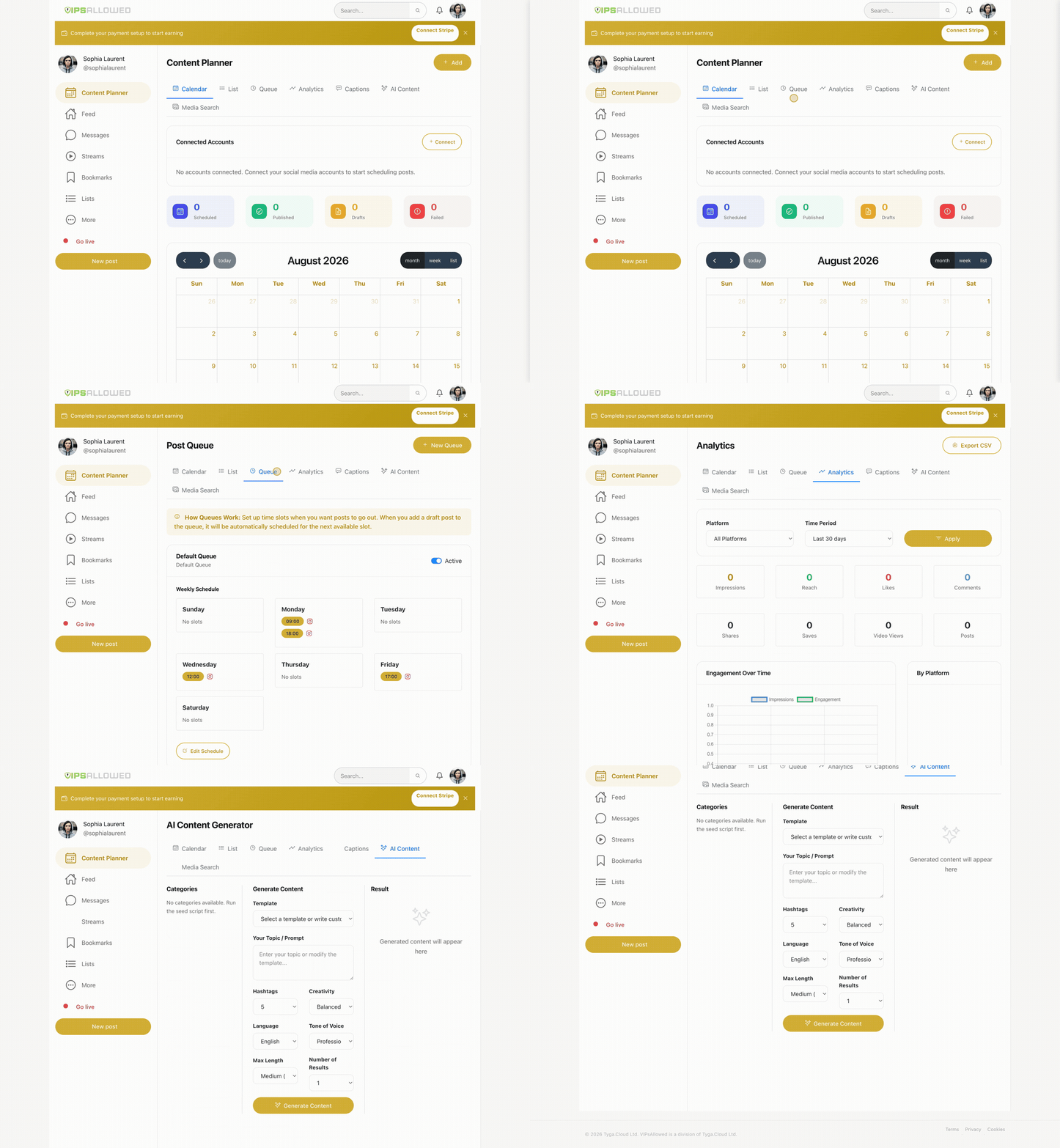
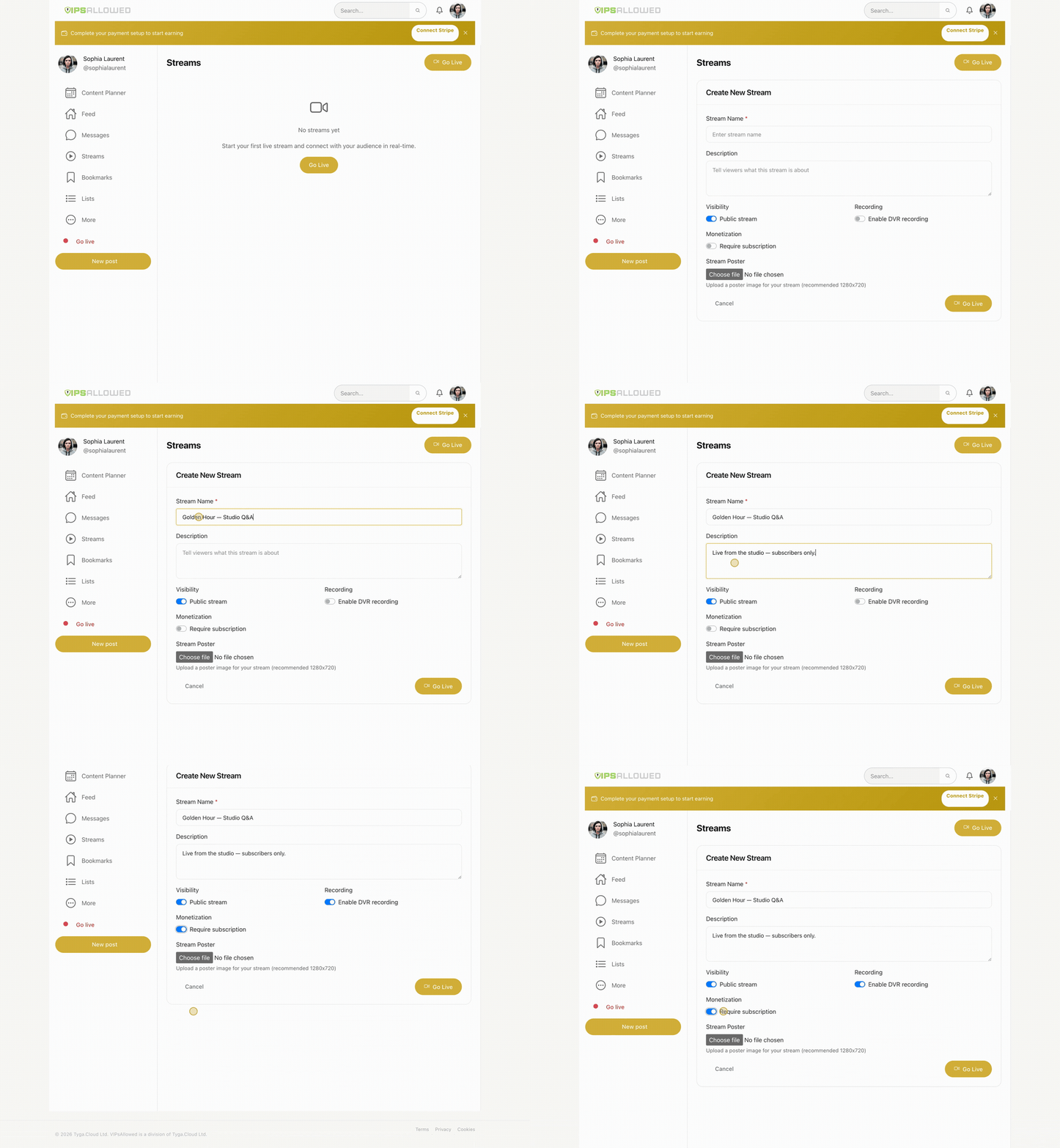
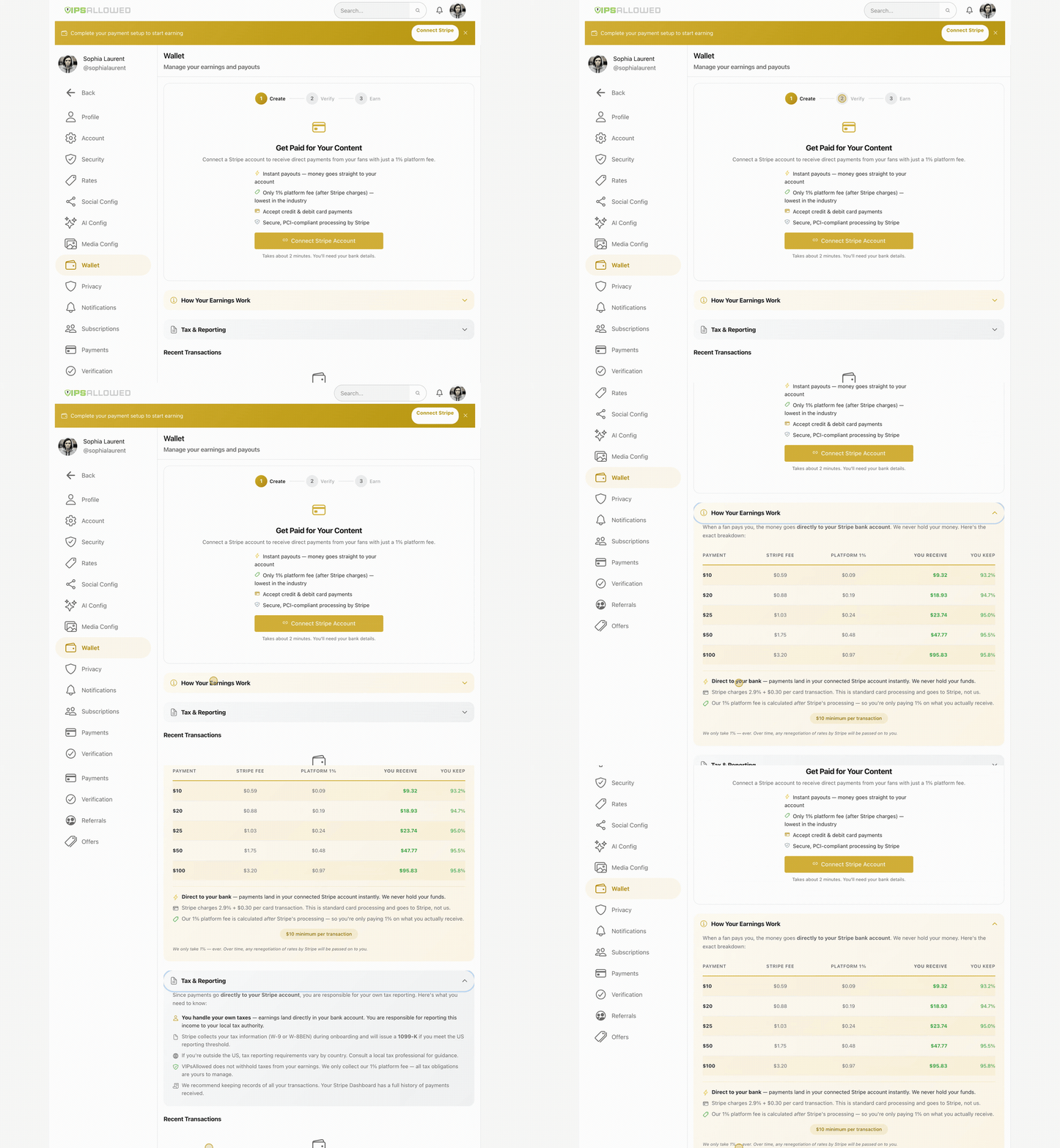
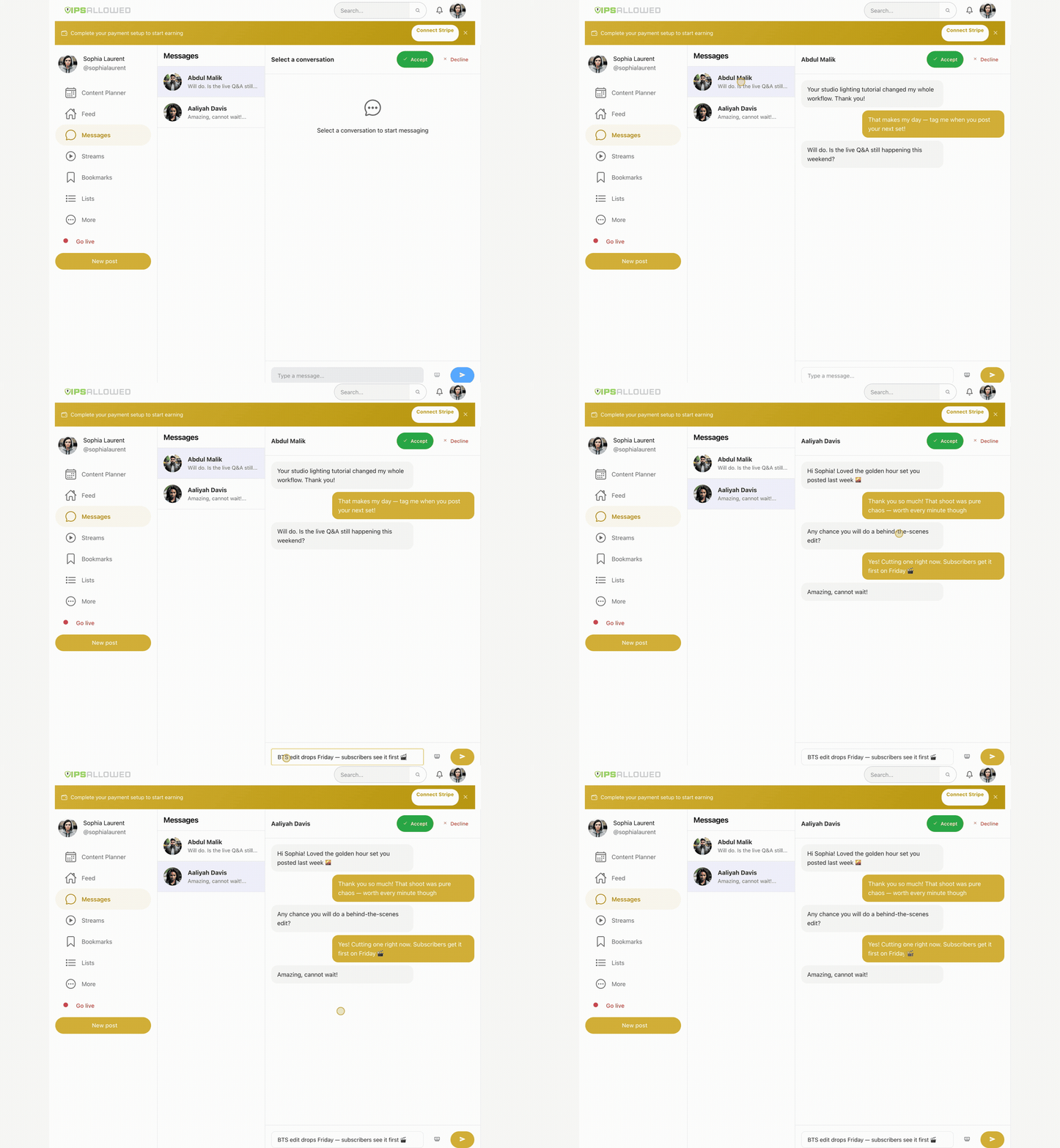
The CLI drives the same platform creators use every day — real dashboard, real data:
| Demo | Watch |
|---|---|
| Content Planner — schedule everywhere from one calendar | mp4 · gif |
| Livestreaming — RTMP streams, DVR, subs-only paywall | mp4 · gif |
| Earn — subscriptions, tips & instant payouts | mp4 · gif |
| Messenger — DMs, paid messages & PPV drops | mp4 · gif |
vips login --local --key YOUR_KEY    # saves to .vips/config.json (project-local)
vips login --key YOUR_KEY            # saves to ~/.vips/config.json (global)
vips config                          # show which config is active
Local config overrides global. Add .vips/ to your .gitignore.
Add to your CLAUDE.md, .cursorrules, .clinerules, or .windsurfrules:
## VIPsAllowed
Use the vips CLI for creator platform management.
Key is in .vips/config.json (auto-loaded).
Run vips --help for full reference.
Add to .mcp.json:
{
  "mcpServers": {
    "vipsallowed": {
      "type": "stdio",
      "command": "vips",
      "args": ["mcp-serve"]
    }
  }
}
vips initProprietary — Tyga.Cloud Ltd. See LICENSE.
FAQs
VIPsAllowed CLI — creator economy platform for coding agents. Posts, subscriptions, payments, streaming. As easy as git.
We found that vipsallowed demonstrated a healthy version release cadence and project activity because the last version was released less than a year ago. It has 1 open source maintainer collaborating on the project.
Company News
Allow myself to introduce... myself.

Research
/Security News
A Twitch browser extension on Chrome and Firefox forwards users’ live OAuth session tokens through proxies controlled by a Russian bot service.

Security News
Anthropic found biased reasoning and recklessness drove Claude Mythos 5 to publish malware on PyPI and compromise a security vendor.