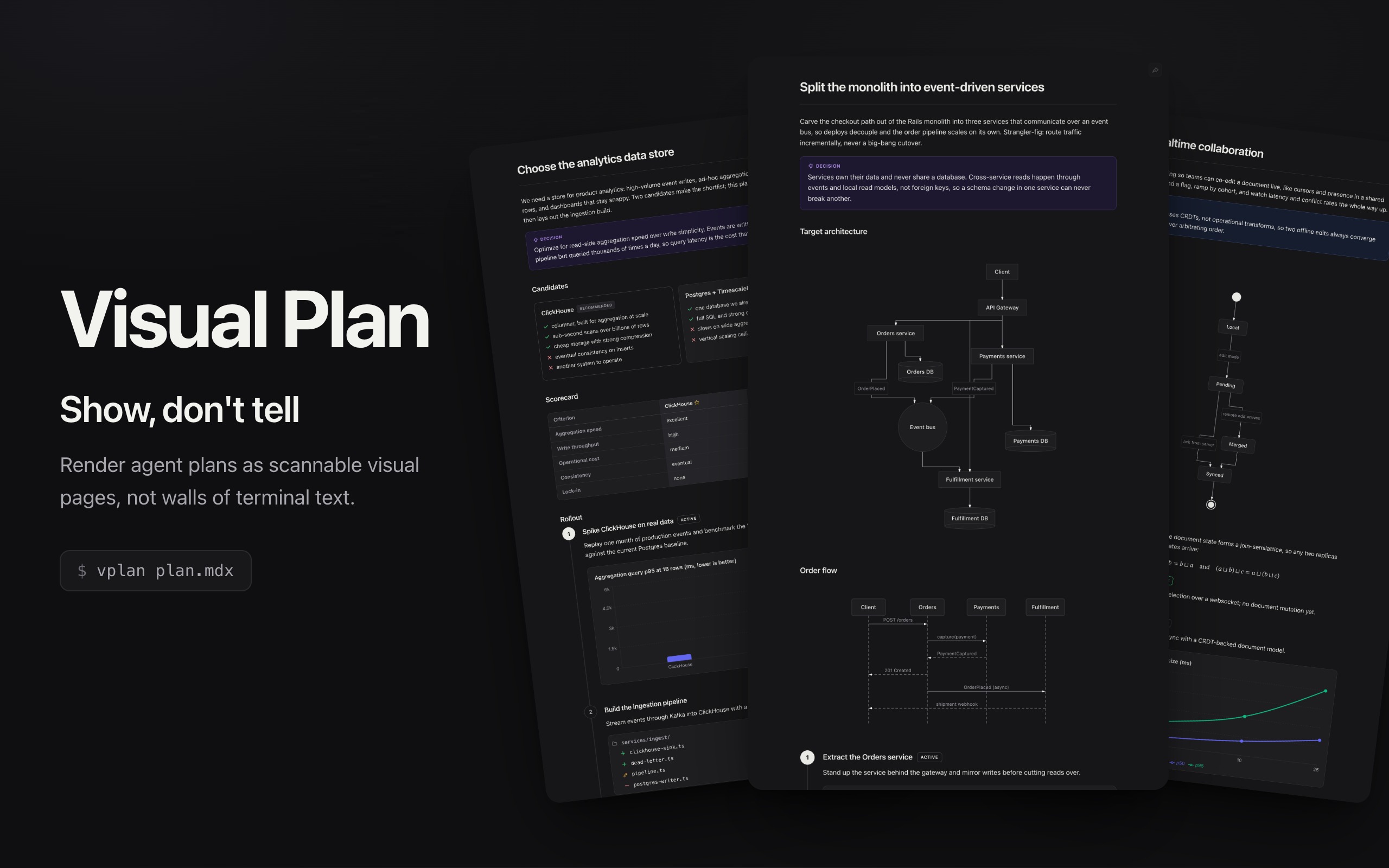
Turn an AI agent's implementation and design plans into polished, visual web pages instead of
walls of text. A plan is written as MDX and compiled to a single self-contained HTML page:
architecture diagrams, charts, metric cards, file-change trees, option comparisons, callouts,
math, and a numbered phase timeline.
Documentation and live examples: visualplan.dev
It comes in two parts that work together:
vplan is a CLI that renders a plan .mdx file to a single self-contained HTML page.visual-plan is an agent skill that teaches any AI agent (Claude Code, Cursor, Codex, and
others) the plan vocabulary, so it writes visual plans instead of prose.
Install
The Skill
Installs the visual-plan skill into your coding agent so it authors plans visually:
npx skills add brandonburrus/visualplan
The CLI
The skill renders plans with vplan, so install it too (the skill prompts for this if it is
missing):
npm i -g vplan
npx vplan plan.mdx
Example Plan
# Add rate limiting to the API

We add a sliding-window limiter at the gateway, behind a flag.

```mermaid
flowchart LR
  Client --> Gateway --> Limiter --> API
```

<Phase title="Build the limiter" status="active">
  Implement the Redis-backed window and return 429 over the limit.
</Phase>

<Callout type="risk">
  A Redis outage must fail open, not closed.
</Callout>
All components
```mermaid (flowchart, sequence, state, class, ER, and XY diagrams)```math (LaTeX, typeset as MathML)Phase (timeline/execution/planning steps)FileTree (file-change maps)Chart (bar, line, area, scatter, radar, gauge, funnel, treemap, and pie graphs, with optional stacking)Stat (headline metric cards)Compare (option tradeoffs)Matrix (scorecards)Callout (note/tip/risk/decision/warning)QuestionsChecklist- syntax-highlighted code blocks with file titles
Review mode
Rendering a plan opens an interactive review by default, so you get a decision, not just a view:
vplan plan.mdx
This opens the plan as an interactive session: the reviewer comments on any section, answers the
plan's open Questions inline, and clicks Approve, Deny, or Iterate. The CLI blocks until they
decide, prints the feedback to stdout, and exits with a decision-specific code (Approve 0, Deny
1, Iterate 2), so an agent knows when the plan is settled and what to revise if it is not. On an
Iterate, the next render diffs the revision against the last view so the reviewer re-reviews only the
delta.
Review Queue
When you have several plans in flight, queue them instead of reviewing one at a time. The first
--review (or vplan review a.mdx b.mdx ...) starts a small background daemon that owns one browser
tab with a left sidebar of every queued plan; reviews launched from any other session join the same
tab. You clear the queue like an inbox: decide a plan and it is checked off and the next one opens.
Each plan's verdict returns to whichever session queued it. Closing the tab denies everything still
pending; the daemon lingers briefly (the daemonTimeout setting, default 15m) after the queue empties
so a quick re-plan reuses the warm tab. Pass --no-daemon to opt out and use a one-shot tab per
review.
See the Review mode guide for a live, interactive demo.
Share a plan
Every rendered plan has a share button that copies a link encoding the entire plan. The plan
is base64url encoded into a query param where it is securely decompressed into a sandboxed iframe
in the browser at visualplan.dev. This means you can share a plan with
anyone simply by sharing the URL, without having to send files or make any kind of account. Run
vplan share plan.mdx to print the same link from the CLI without rendering first.
Documentation
Full docs, guides, and rendered examples live at visualplan.dev.




