
wiretap
Extremely tiny debug logging utility for all JavaScript runtimes.
Inspired by debug, but very small and portable.
Installation
npm install w
yarn add w
pnpm add w
bun add w
deno add jsr:@mkr/wiretap
Quick Start
import { w } from "w";
const log = w("app:main");
log("Creating new user", { email: req.body.email });
const log = w("app:auth");
log("User authentication failed", { email: req.body.email });
If you're a library author, we recommend using your library's name as part of your namespace.
Usage
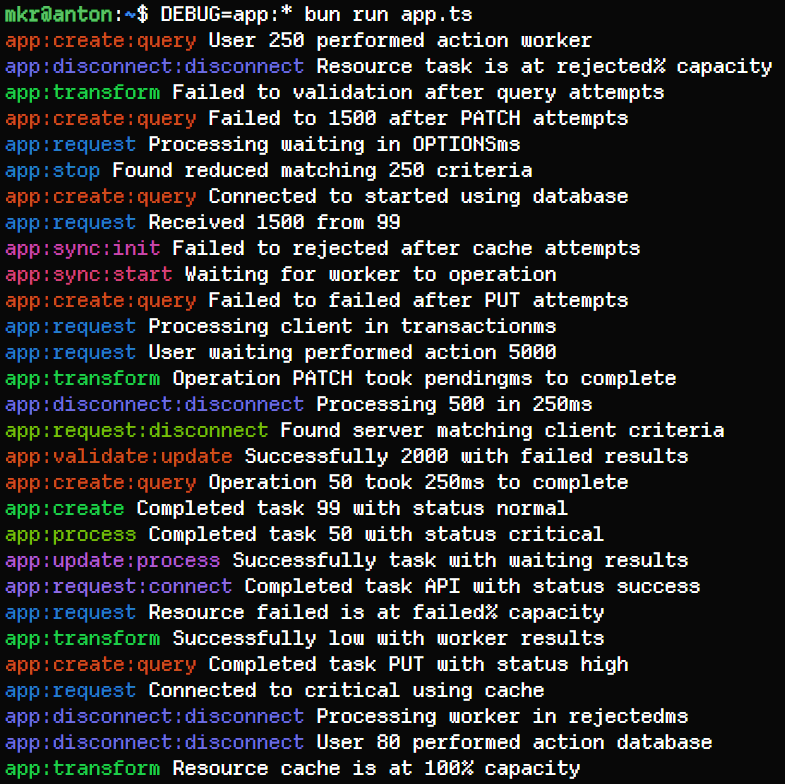
All debug logs are disabled by default, and can be enabled by setting the DEBUG environment variable.
> DEBUG=app:main node index.js
app:main Creating new user { email: 'a@test.com' }
To enable all logs at any level, use *. Naturally DEBUG=* will enable all logs at all levels.
> DEBUG=app:* node index.js
app:main Creating new user { email: 'a@test.com' }
app:auth User authentication failed { email: 'b@test.com' }
Multiple namespaces can be specified by separating them with commas:
> DEBUG=app:main,app:auth node index.js
app:main Creating new user { email: 'a@test.com' }
app:auth User authentication failed { email: 'b@test.com' }
To disable a specific level, prefix the spec with a -:
> DEBUG=app:*,-app:auth node index.js
app:main Creating new user { email: 'a@test.com' }
🔔 The most specific rule always wins.
Example: app:*,-app:auth,app:auth:warning
Explanation:
- all namespaces under app are enabled
- but app:auth is disabled
- but app:auth:warning is enabled
> DEBUG=app:*,-app:auth,app:auth:warning node index.js
app:main Creating new user { email: 'a@test.com' }
app:auth:warning User authentication failed { email: 'b@test.com' }
Programmatic Control
An individual logger instance can also be enabled or disabled programmatically:
const log = w("app:feature");
log.enabled = true;
log.enabled = false;
By default, wiretap will log to stderr. You can customise the logger function used:
const log = w("app:custom");
log.logger = console.log.bind(console);
log.logger = (...args) => console.log("[CUSTOM]", ...args);
Supported Environments:
- Node.js
- Bun
- Deno
- Cloudflare Workers
- Browsers (by default, you may need to turn on the "debug", "verbose", or similar setting in the console to see the logs in your browser to see debug logs)




