

Product
Introducing Repository Access Permissions and Custom Roles
Socket now supports Custom Roles and Repository Access Permissions so organizations can control who can access specific repositories and actions.
By Joe Werle - Jun 19, 2026
@jitsi/robotjs
Advanced tools
This repository is a fork of the original robotjs so we can generate prebuilt packages. All changes have been upstreamed, and should they be applied and prebuilt packages provided this fork shall be abandoned.



Node.js Desktop Automation. Control the mouse, keyboard, and read the screen.
RobotJS supports Mac, Windows, and Linux.
This is a work in progress so the exported functions could change at any time before the first stable release (1.0.0). Ideas?
Check out some of the cool things people are making with RobotJS! Have your own rad RobotJS project? Feel free to add it!


Install RobotJS using npm:
npm install @jitsi/robotjs
It's that easy! npm will download one of the prebuilt binaries for your OS.
You can get npm here if you don't have it installed.
If you need to build RobotJS, see the building section. Instructions for Electron.
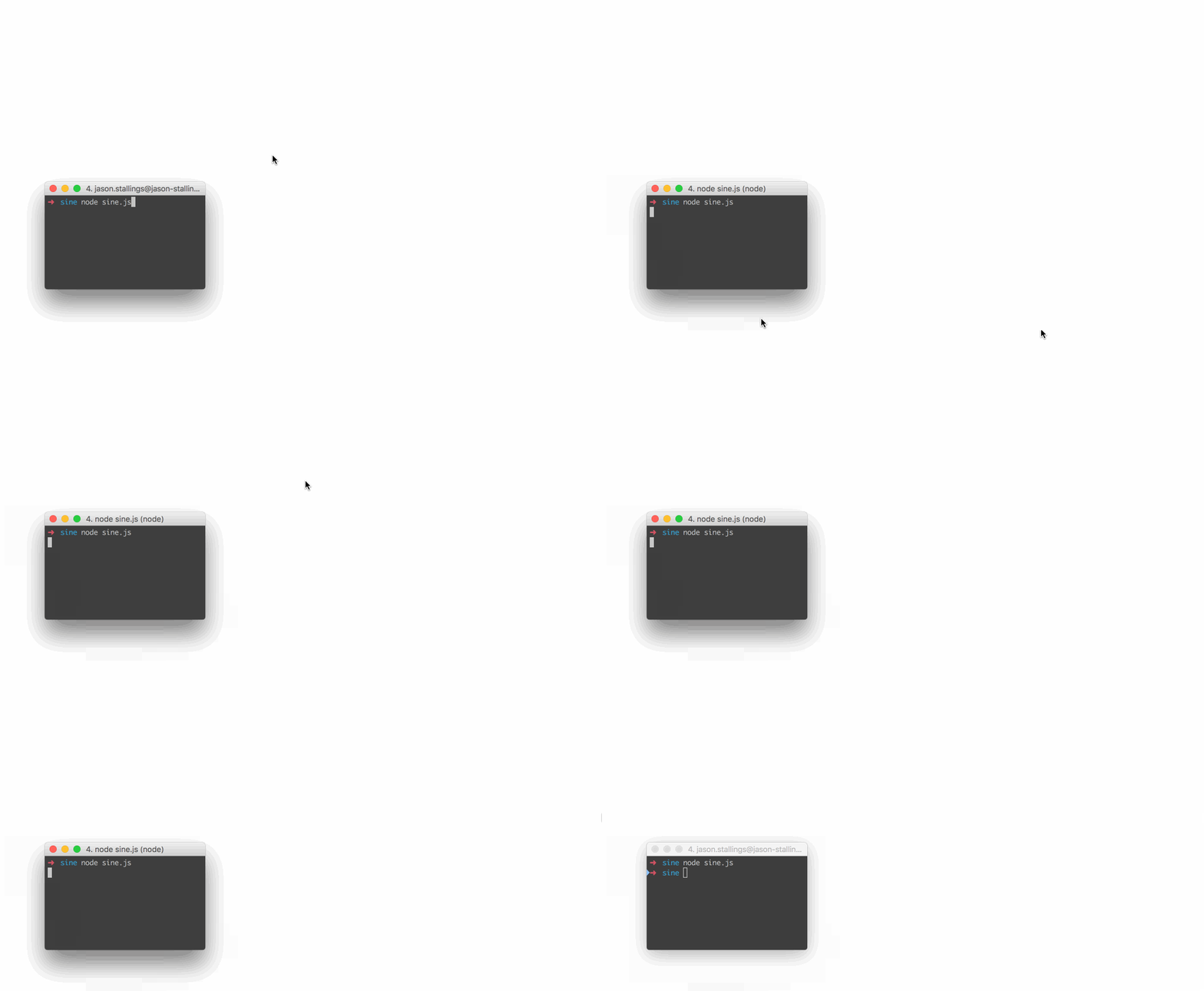
// Move the mouse across the screen as a sine wave.
var robot = require("@jitsi/robotjs");

// Speed up the mouse.
robot.setMouseDelay(2);

var twoPI = Math.PI * 2.0;
var screenSize = robot.getScreenSize();
var height = (screenSize.height / 2) - 10;
var width = screenSize.width;

for (var x = 0; x < width; x++)
{
	y = height * Math.sin((twoPI * x) / width) + height;
	robot.moveMouse(x, y);
}
// Type "Hello World" then press enter.
var robot = require("@jitsi/robotjs");

// Type "Hello World".
robot.typeString("Hello World");

// Press enter.
robot.keyTap("enter");
// Get pixel color under the mouse.
var robot = require("@jitsi/robotjs");

// Get mouse position.
var mouse = robot.getMousePos();

// Get pixel color in hex format.
var hex = robot.getPixelColor(mouse.x, mouse.y);
console.log("#" + hex + " at x:" + mouse.x + " y:" + mouse.y);
Read the Wiki for more information!
The RobotJS API is hosted at https://robotjs.io/docs/syntax.
Please ensure you have the required dependencies before installing:
npm install --global --production windows-build-tools from an elevated PowerShell or CMD.exe)sudo apt-get install libxtst-dev libpng++-dev).Install node-gyp using npm:
npm install -g node-gyp
Then build:
node-gyp rebuild
See the node-gyp readme for more details.
| Module | Status | Notes |
|---|---|---|
| Mouse | 100% | All planned features implemented. |
| Keyboard | 100% | All planned features implemented. |
| Screen | 85% | Image search, pixel search. |
| Bitmap | 0% | Saving/opening, png support. |
Not currently, and I don't know if it ever will. I personally use Electron/NW.js for global hotkeys, and this works well. Later on I might add hotkey support or create a separate module. See #55 for details.
Soon! This is a bit more complicated than the rest of the features, so I saved it for last. Luckily the code is already there, I just need to write the bindings, and I've already started. Subscribe to #13 for updates.
We've been implementing keys as we need them. Feel free to create an issue or submit a pull request!
The library doesn't have explicit multi-monitor support, so anything that works is kind of on accident. Subscribe to #88 for updates.
For any other questions please submit an issue.
I'm a huge fan of AutoHotkey, and I've used it for a very long time. AutoHotkey is great for automation and it can do a bunch of things that are very difficult in other languages. For example, it's imagesearch and pixel related functions are hard to reproduce on Mac, especially in scripting languages. These functions are great for automating apps that can't be automated like Netflix. This has never been a big deal since I've always used Windows at work, but for the past few years I've been using Mac exclusively.
I like AutoHotkey, but I like Node.js more. By developing RobotJS I get an AutoHotkey replacement on Mac (finally!), and I get to use my favorite language.
TLDR: There's nothing like AutoHotkey on Mac, so I'm making it.
On every push to main branch, the .github/workflows/ci.yml will create a new version and publish to npm.
If a major or minor release is required, use respective key words in the commit message, see https://github.com/phips28/gh-action-bump-version#workflow
MIT
Based on autopy. Maintained by Jason Stallings.
FAQs
Node.js Desktop Automation.
The npm package @jitsi/robotjs receives a total of 10,444 weekly downloads. As such, @jitsi/robotjs popularity was classified as popular.
We found that @jitsi/robotjs demonstrated a healthy version release cadence and project activity because the last version was released less than a year ago. It has 9 open source maintainers collaborating on the project.
Did you know?

Socket for GitHub automatically highlights issues in each pull request and monitors the health of all your open source dependencies. Discover the contents of your packages and block harmful activity before you install or update your dependencies.
Product
Socket now supports Custom Roles and Repository Access Permissions so organizations can control who can access specific repositories and actions.

Product
Socket MCP now lets AI assistants review org alerts, investigate threats using the Socket threat feed, and inspect package files in addition to dependency scoring.

Product
Socket Firewall blocks malicious VS Code and Open VSX extensions before install, protecting developers from compromised editor marketplaces.