


Product
Socket for Jira Is Now Available
Socket for Jira lets teams turn alerts into Jira tickets with manual creation, automated ticketing rules, and two-way sync.
By Jeppe Hasseriis - Apr 20, 2026
rc-ckfulleditor
Advanced tools

The customize CKEditor 5 component to easily integrate for React.
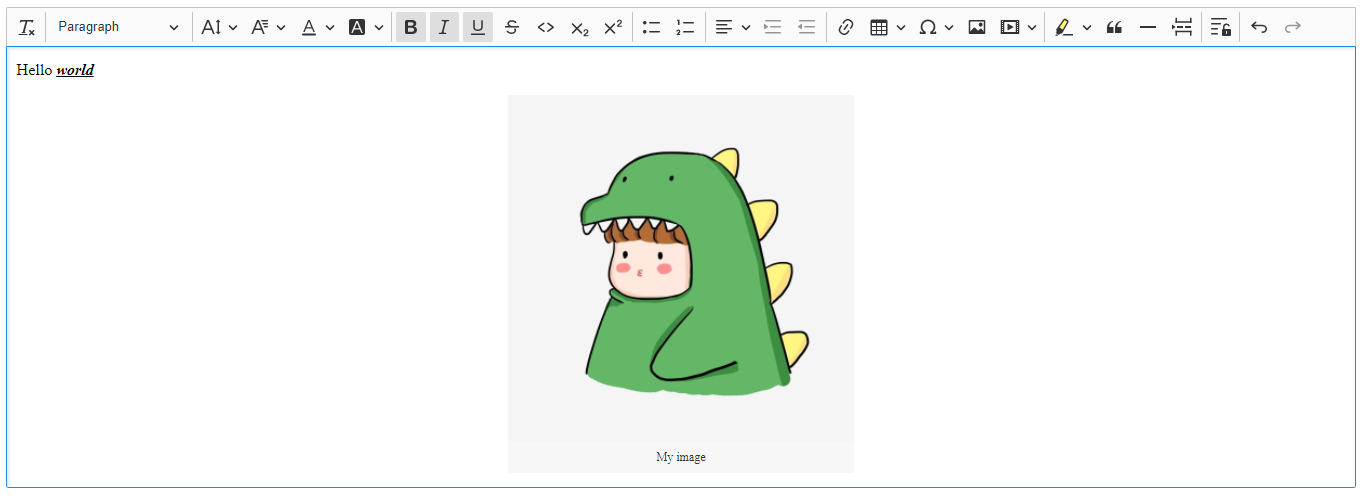
npm install --save rc-ckfulleditor
import React from 'react'
import CKFullEditor from 'rc-ckfulleditor'

const index = () => {
  return (
    <CKFullEditor
      onChange={(event, editor) => {
        const data = editor.getData()
        console.log({ event, editor, data })
      }}
    />
  )
}

export default index
import React from 'react'
import CKFullEditor from 'rc-ckfulleditor'

const index = () => {
  return (
    <CKFullEditor
      config={{
        // ...Ckeditor config
        cloudinary: {
          cloudName: YOUR_CLOUDINARY_NAME,
          uploadPreset: YOUR_UNSIGNED_UPLOAD_PRESET_NAME
        }
      }}
    />
  )
}

export default index
import React from 'react'
import CKFullEditor from 'rc-ckfulleditor'

const index = () => {
  return (
    <CKFullEditor
      config={{
        // ...Ckeditor config
        customUpload: {
          url: YOUR_UPLOAD_URL
        }
      }}
    />
  )
}

export default index
See:
Note: If you are planning to integrate CKEditor 5 deep into your application, it is actually more convenient and recommended to install and import the source modules directly (like it happens in ckeditor.js). Read more in the Advanced setup guide.
Licensed under the terms of GNU General Public License Version 2 or later. For full details about the license, please check the LICENSE.md file or https://ckeditor.com/legal/ckeditor-oss-license.
FAQs
React Ckeditor 5 - easy to integrate
The npm package rc-ckfulleditor receives a total of 12 weekly downloads. As such, rc-ckfulleditor popularity was classified as not popular.
We found that rc-ckfulleditor demonstrated a not healthy version release cadence and project activity because the last version was released a year ago. It has 1 open source maintainer collaborating on the project.
Did you know?

Socket for GitHub automatically highlights issues in each pull request and monitors the health of all your open source dependencies. Discover the contents of your packages and block harmful activity before you install or update your dependencies.
Product
Socket for Jira lets teams turn alerts into Jira tickets with manual creation, automated ticketing rules, and two-way sync.

Company News
Socket won two 2026 Reppy Awards from RepVue, ranking in the top 5% of all sales orgs. AE Alexandra Lister shares what it's like to grow a sales career here.

Security News
NIST will stop enriching most CVEs under a new risk-based model, narrowing the NVD's scope as vulnerability submissions continue to surge.